
资源简介
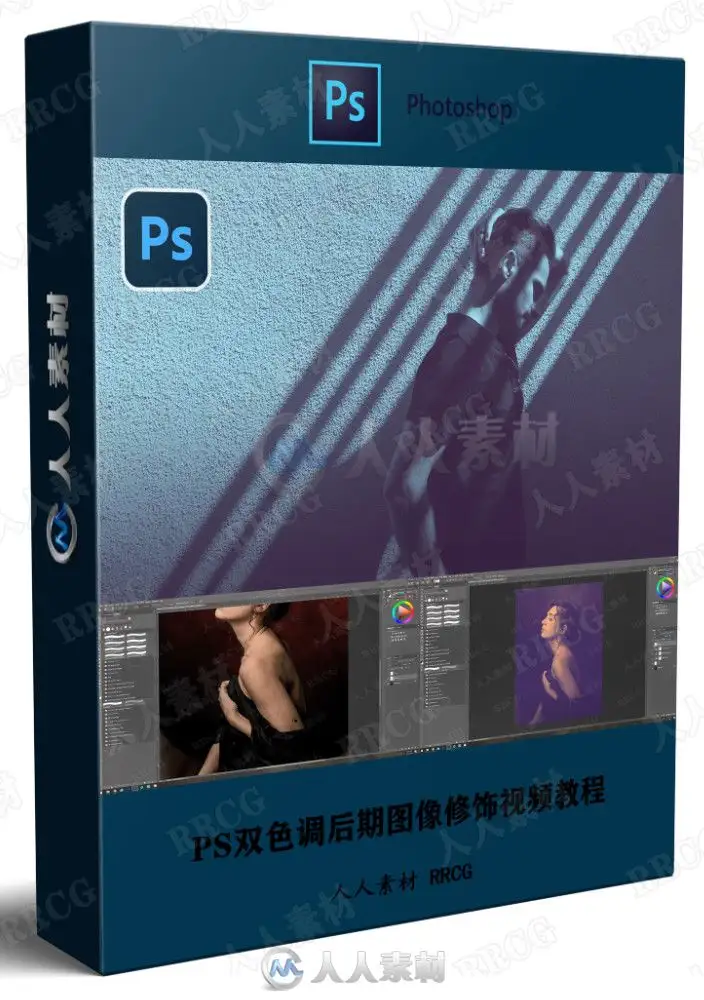
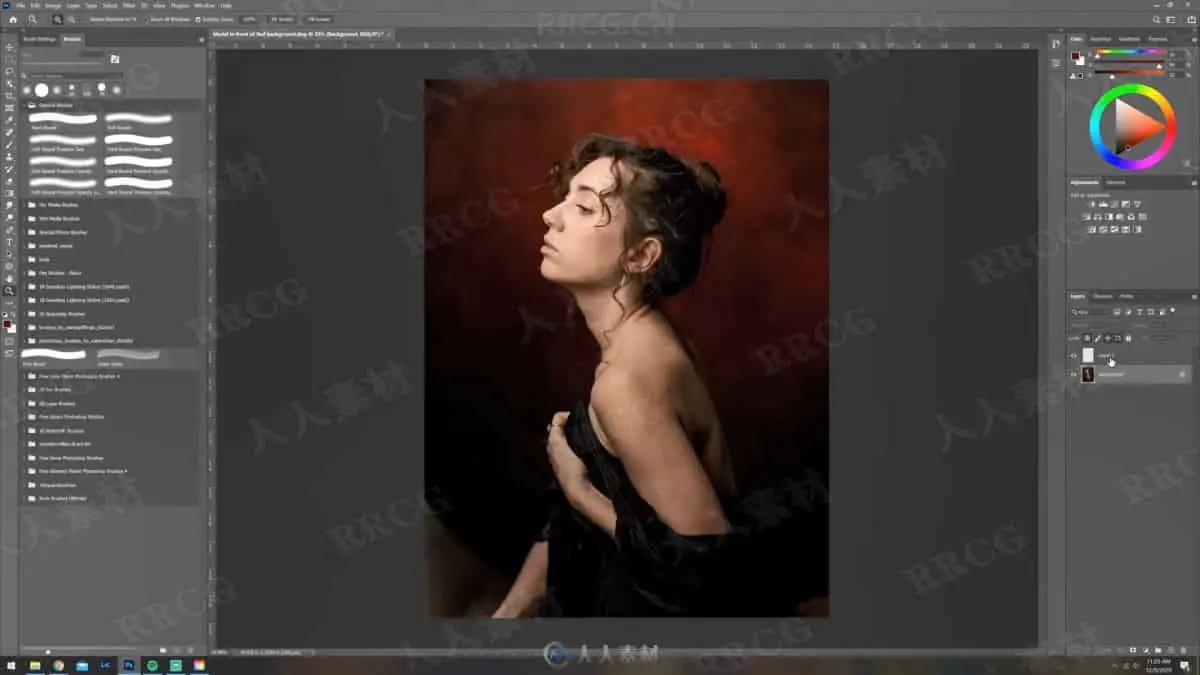
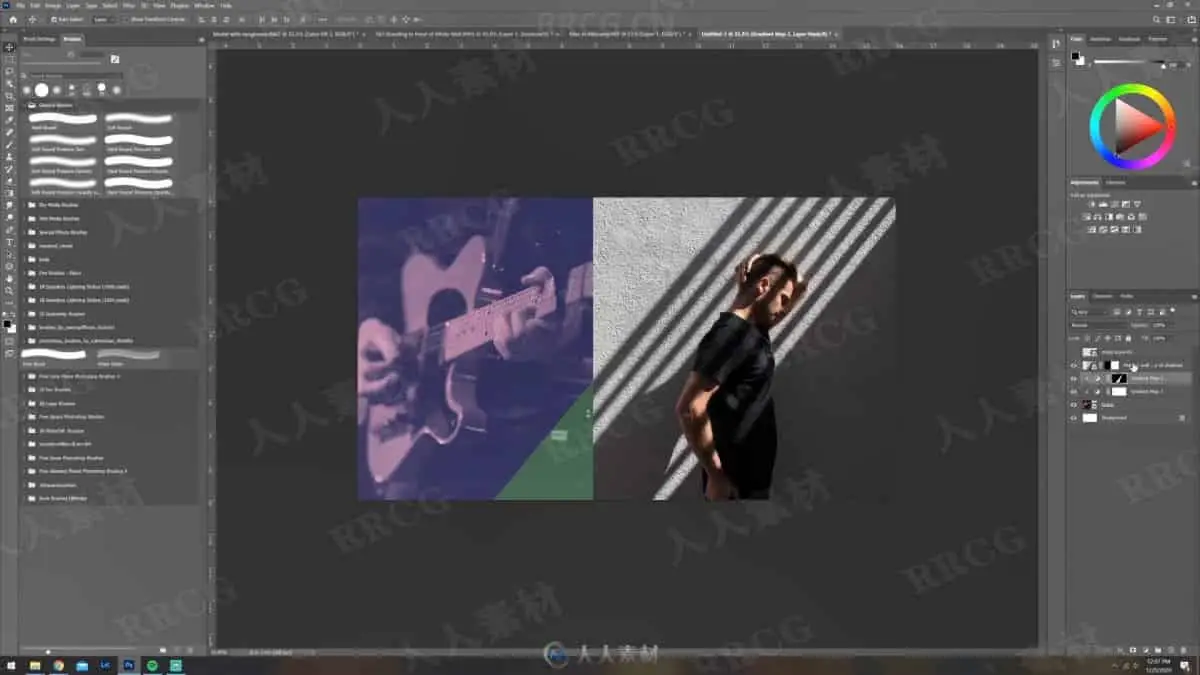
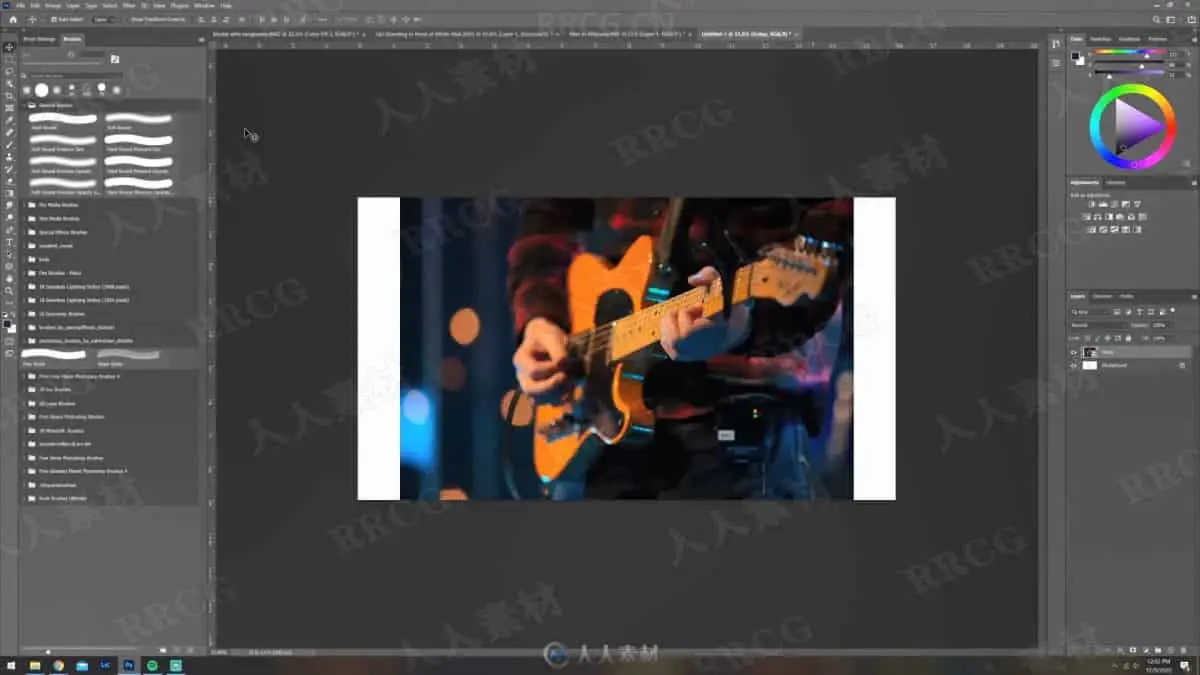
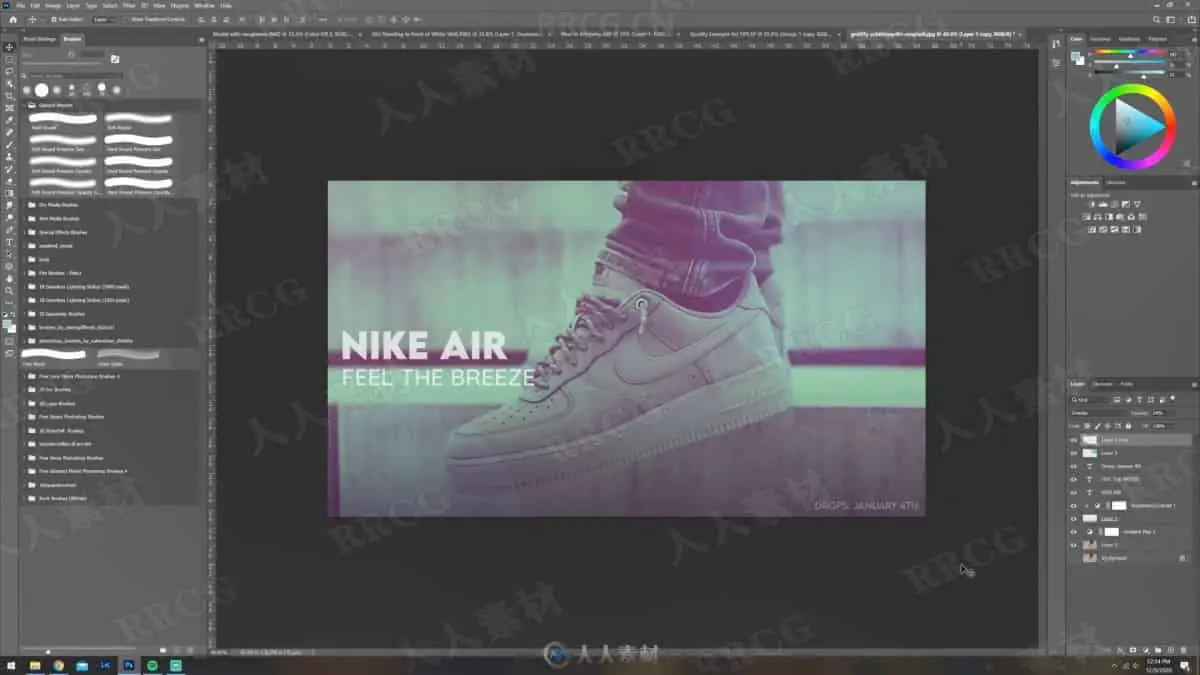
本教程是关于PS双色调后期图像修饰视频教程,时长:57分,大小:690 MB,MP4高清视频格式,使用软件:Photoshop,作者:Tom Kai,附源文件,共12个章节,语言:英语。
Photoshop是Adobe公司旗下最为出名的图像处理软件之一,集图像编辑、广告创意,数字绘画,图像输入与输出于一体的图形图像处理软件,深受广大平面设计人员和电脑美术爱好者的喜爱。多数人对于Photoshop的了解仅限于“一个很好的图像编辑软件”,并不知道它的诸多材应用方面,实际上,Photoshop的应用领域很广泛的,在图像、图形、文字、视频、出版各方面都有涉及。
Learn how to create amazing looking duotone effects in Photoshop from a 10 year professional in the field! By the end of this course you will have created FIVE of your own duotone edits using methods ranging from simple, to more complex!
I am Tom Kai, A professional photographer and graphic designer with an incredible passion for creating. I’ve been working in the creative field for the past 10 years and in that time I’ve learned a lot of useful information that I want to share with YOU! I am excited to have you in my course “Photoshop Masterclass: Duotones” If you want to see more of my work, I encourage you to check out my website HERE or feel free to follow me over on instagram @therealtomkai or you can just click HERE
Duotoning has had a long history dating back to when cameras first became widely available, since then it has evolved over the years, rising to popularity in the 60s and 70s and recently in the digital design space it has seen a resurgence as seen in many large companies adopting the style, companies that include, Spotify, Apple, Adidas, and more! This comeback of the style is exactly why you as a photographer or designer need to know how to properly use the duotone effect in your edits because it will give you just that edge to put you above other designers!
I value my time, but more importantly I value yours. I know how frustrating it can be going from tutorial to tutorial trying to learn tools and techniques individually, and that is why I’ve made it so that this is the only course you will need to learn duotoning in Photoshop, because I believe that if you have just one course that teaches it right, then that’s all you need, and that’s what I am hoping to achieve with this course!
This course is made using the most up-to-date version of Adobe Photoshop CC as of December 2020, the brand new Adobe Photoshop CC 2021 update, however the principles and skills taught in this course can and will apply to other future versions as well. You can also download a free trial of Adobe Photoshop from adobe.com
In this course you will learn:
What duotone is
Why use duotone
The history of duotone style
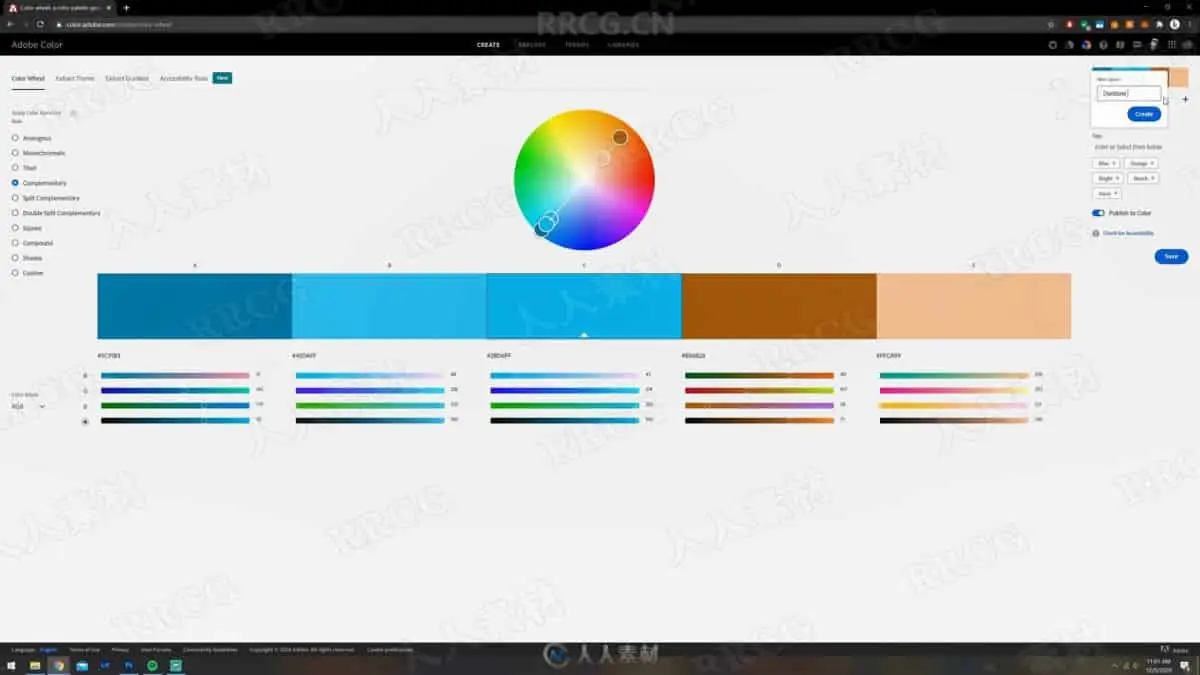
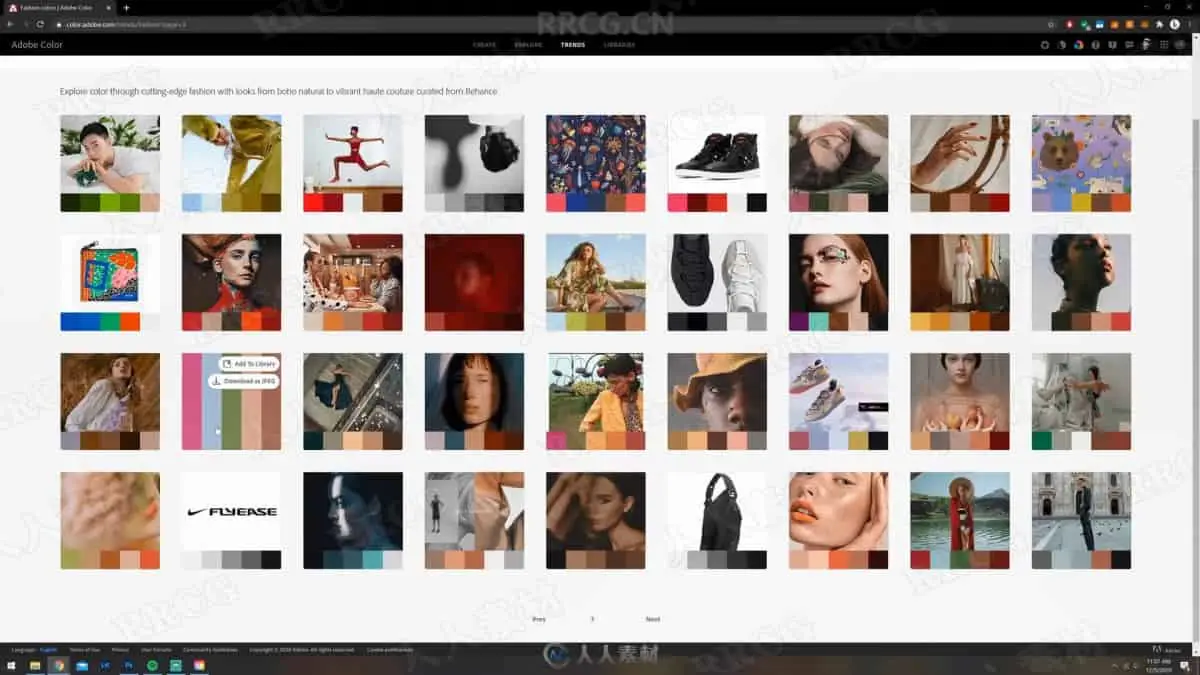
How to find the best color combinations
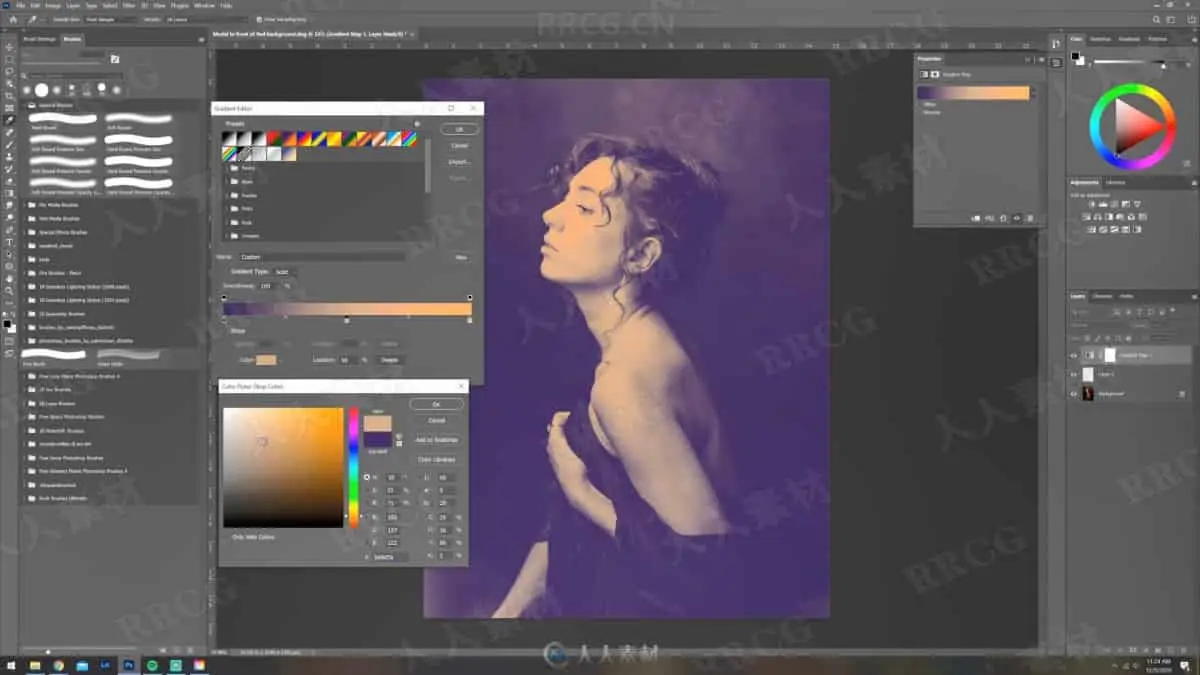
Gradient Map Method
Solid Color Method
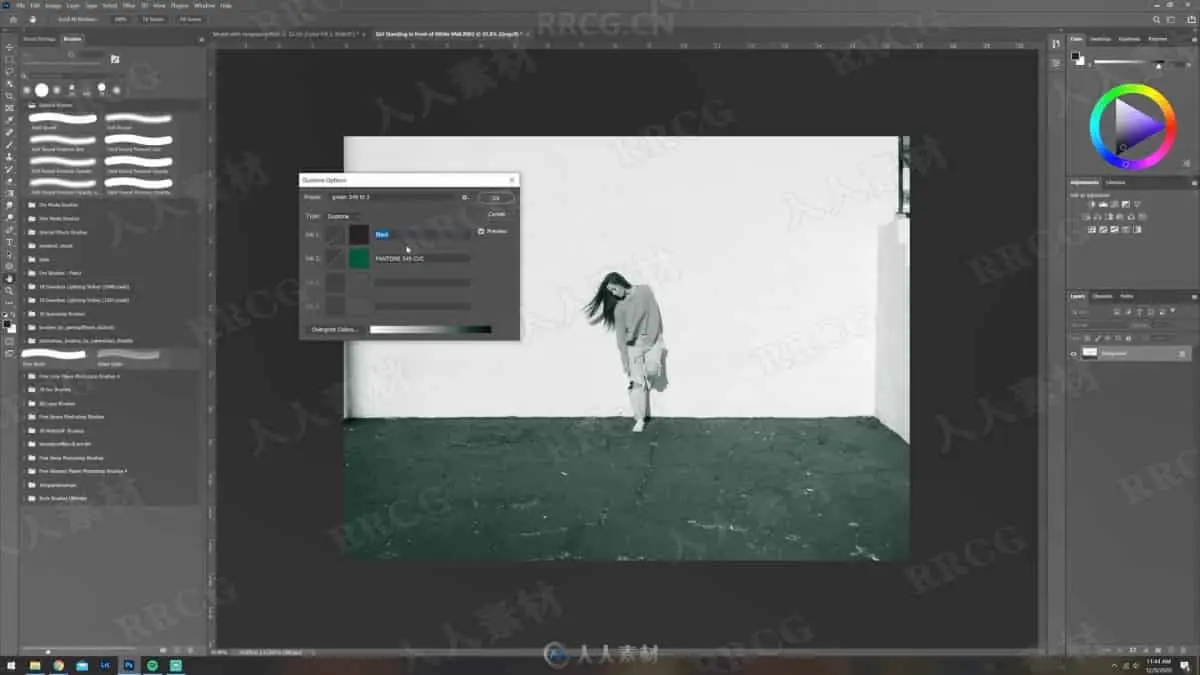
Grayscale + Duotone Method
Channel Masking Method
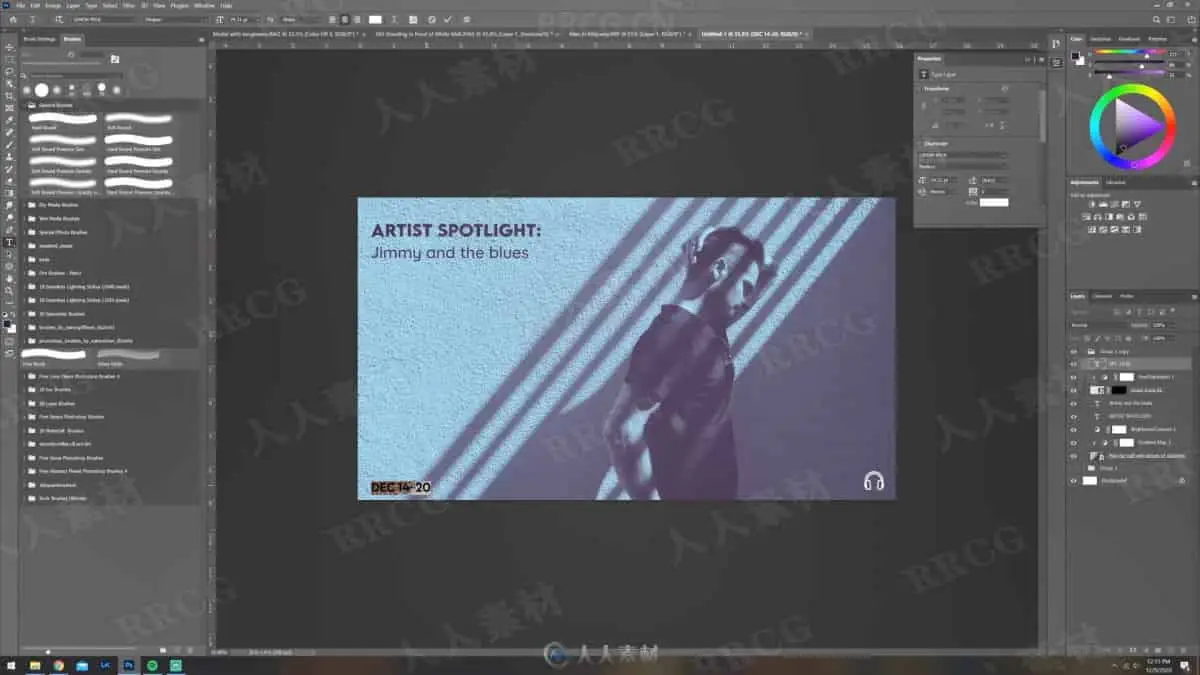
Real world application of duotoning
How to save your image for print or for web
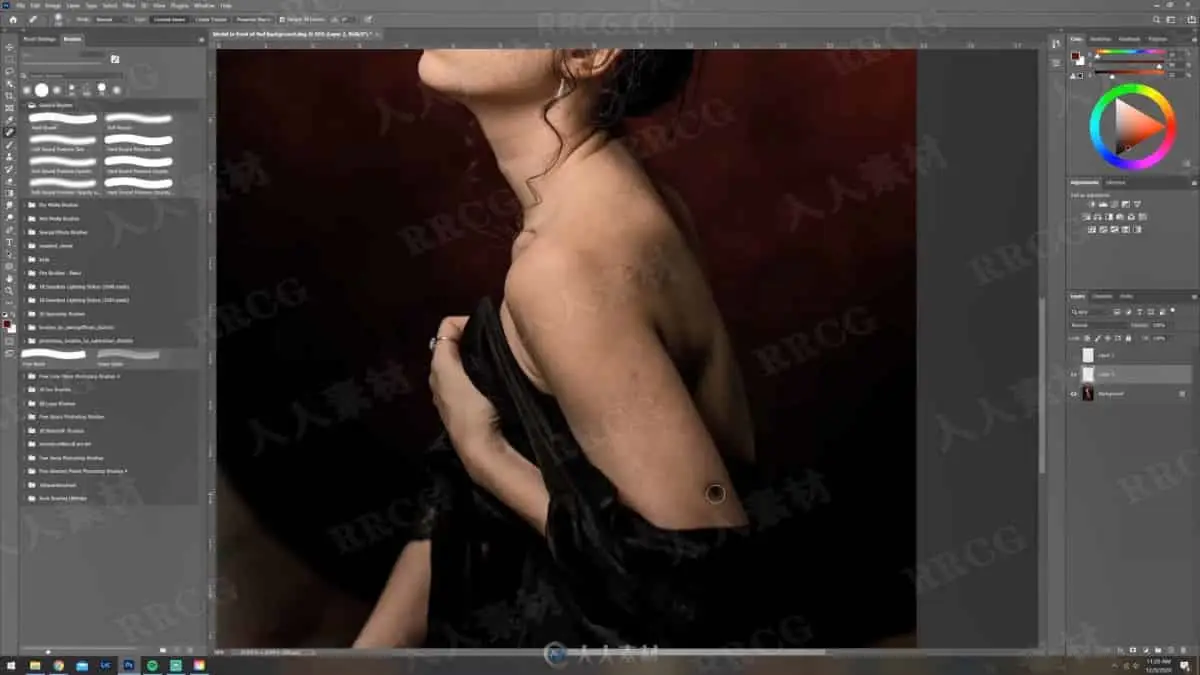
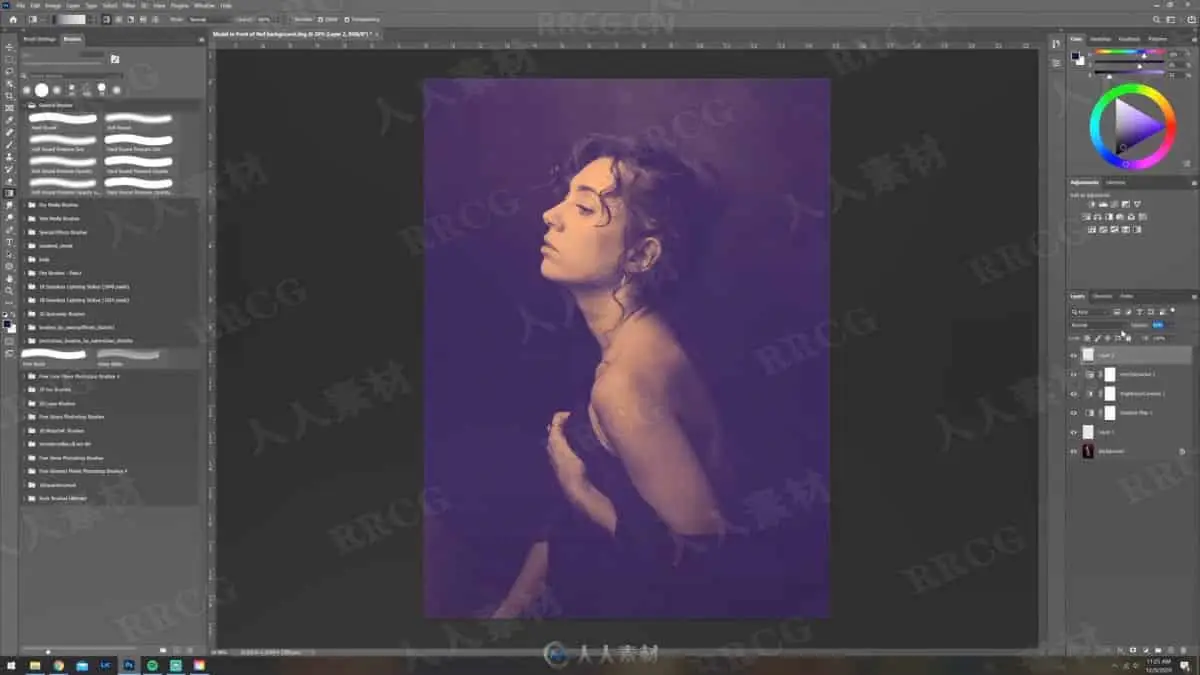
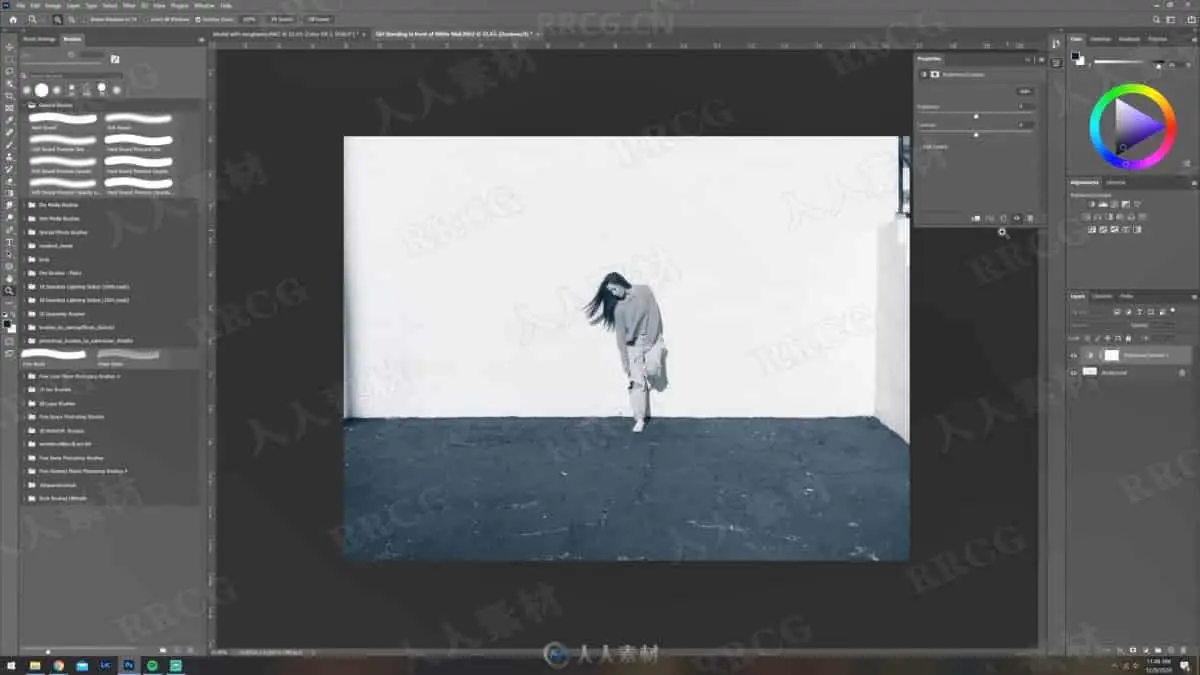
资源截图

评论0