
资源简介
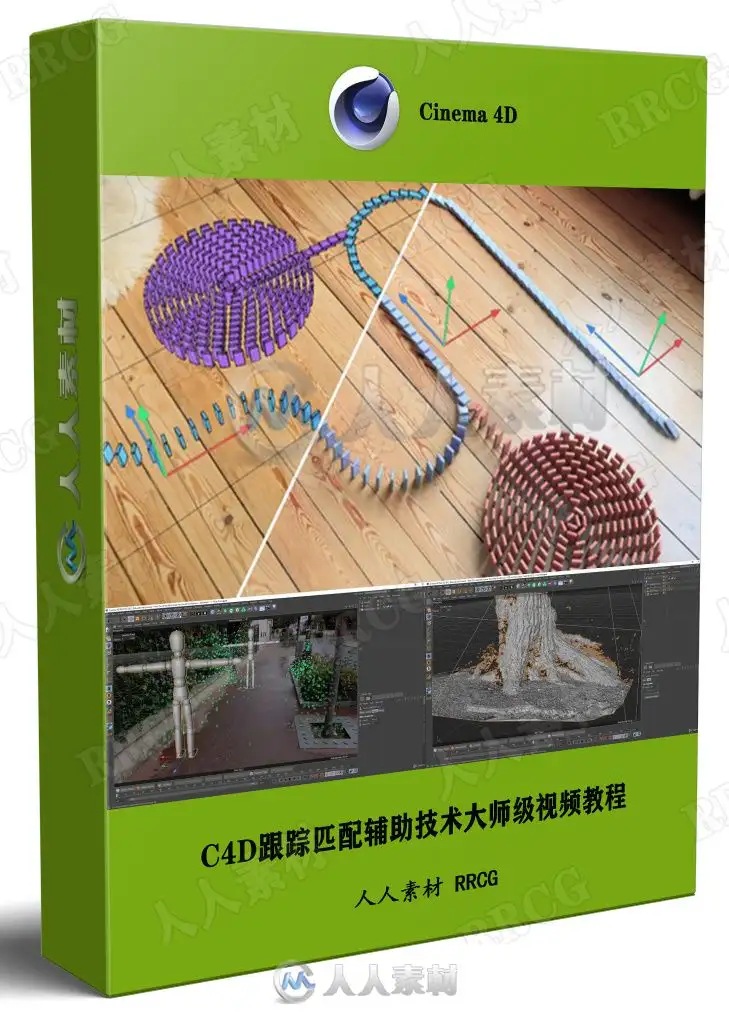
本教程是关于C4D跟踪匹配辅助技术大师级视频教程,时长:5小时,大小:4.8 GB,MP4高清视频格式,教程使用软件:Cinema 4D,附源文件,作者:Lionel VICIDOMINI,共45个章节,语言:英语。
Cinema 4D是一套由德国公司Maxon Computer开发的3D绘图软件,以及高的运算速度和强大的渲染插件著称。Cinema 4D 应用广泛,在广告、电影、工业设计、等方面都有出色的表现,例如影片《阿凡达》有花鸦三维影动研究室中国工作人员使用Cinema 4D制作了部分场景,在这样的大片中看到C4D的表现是很优秀的。在其他动画电影中也人人素材网使用到C4D的有很多如《毁灭战士》(Doom)、《范海辛》〈Van Helsing〉、《蜘蛛侠》、以及动画片《极地特快》、《丛林总动员》(Open Season)等等。它正成为许多一流艺术家和电影公司的首选,Cinema 4D已经走向成熟,很多模块的功能在同类软件中是代表科技进步的成果。
Learn how to track, matchmove inside Cinema 4D
What you’ll learn
Tracking, matchmoving in Cinema 4D
Also learn Object Tracking, Planar Tracking, Object assisted tracking
Requirements
Basic knowledge of Cinema 4D
Description
3D Tracking , Matchmoving, Camera Tracking…
What does it all mean exactly ?
I’m Lionel VICIDOMINI, a Maxon Certified Instructor, Maxon Master Trainer and Motion Designer based in Paris, France.
Matchmoving is the entry door to the world of special effects (VFX), where you can integrate 3D objects into your live action shot.
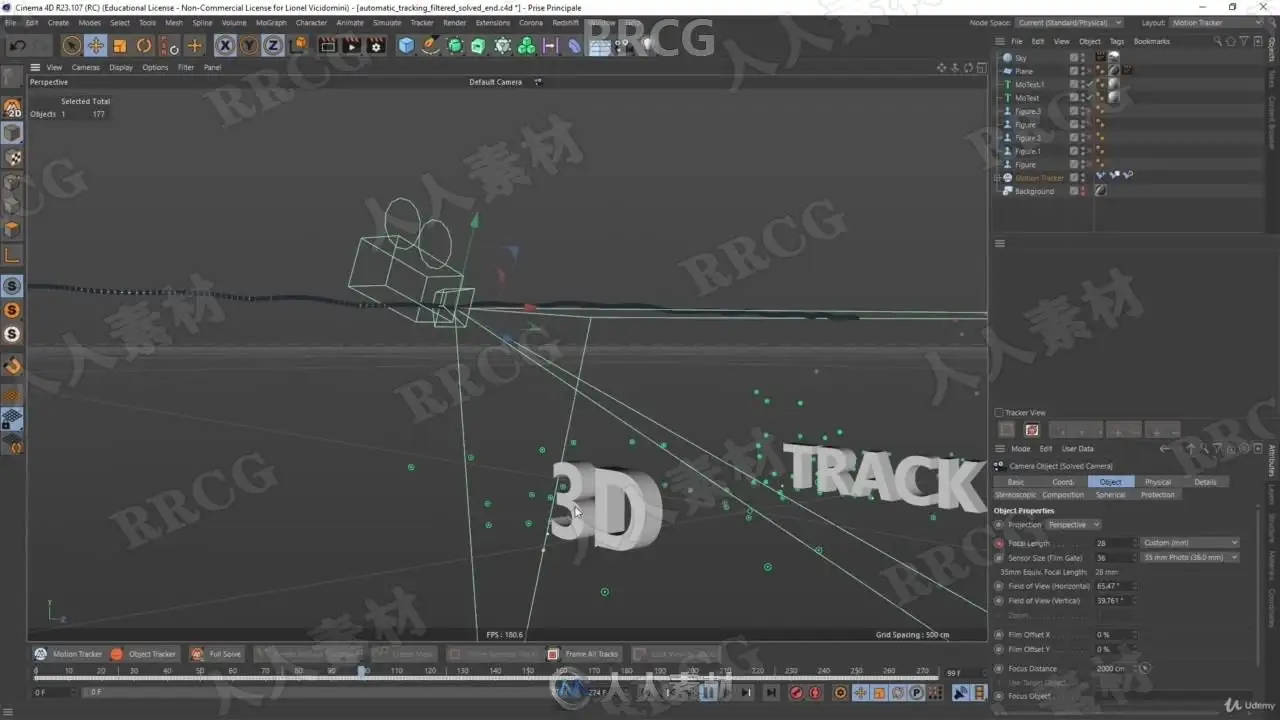
In this Cinema 4D tutorial you will learn how to master the 3D tracker integrated within this wonderful software.
In this training you will learn :
What are 3D Tracking, Matchmoving exactly ? In a first chapter you will learn the tricks that make a good track, how to shoot your own videos and how to avoid the most common mistakes.
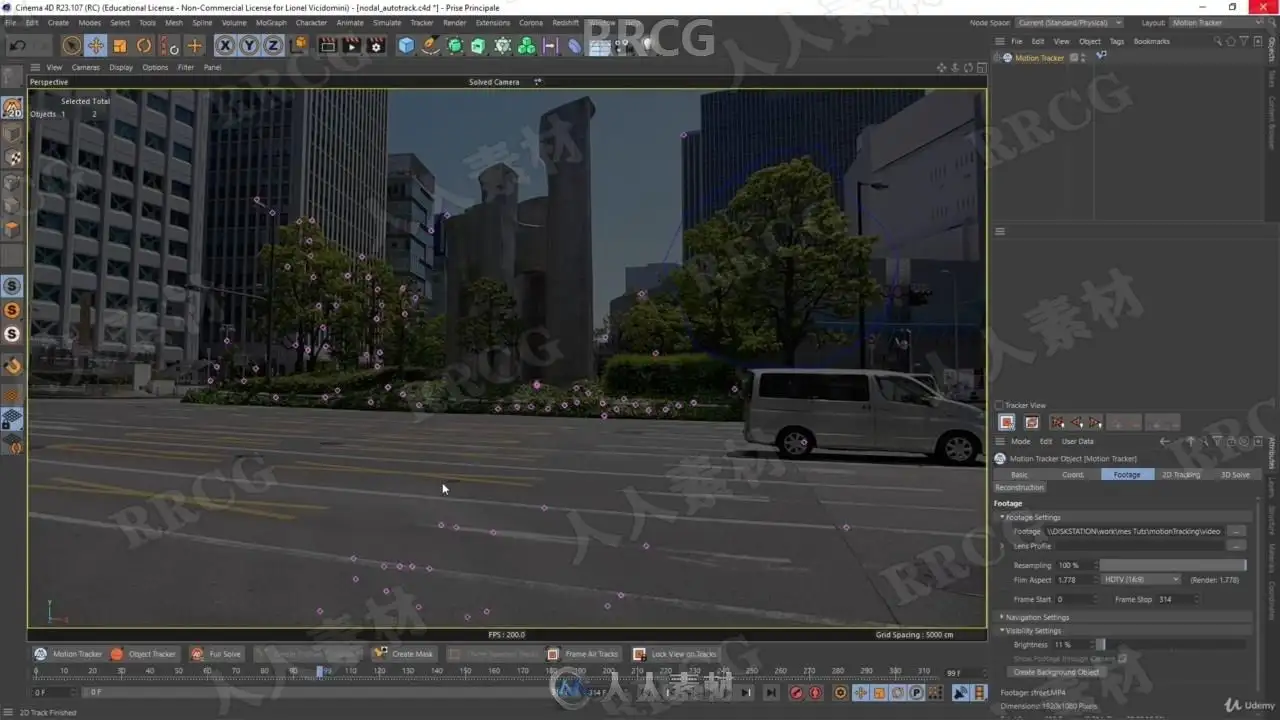
How to use the fully automatic tracker
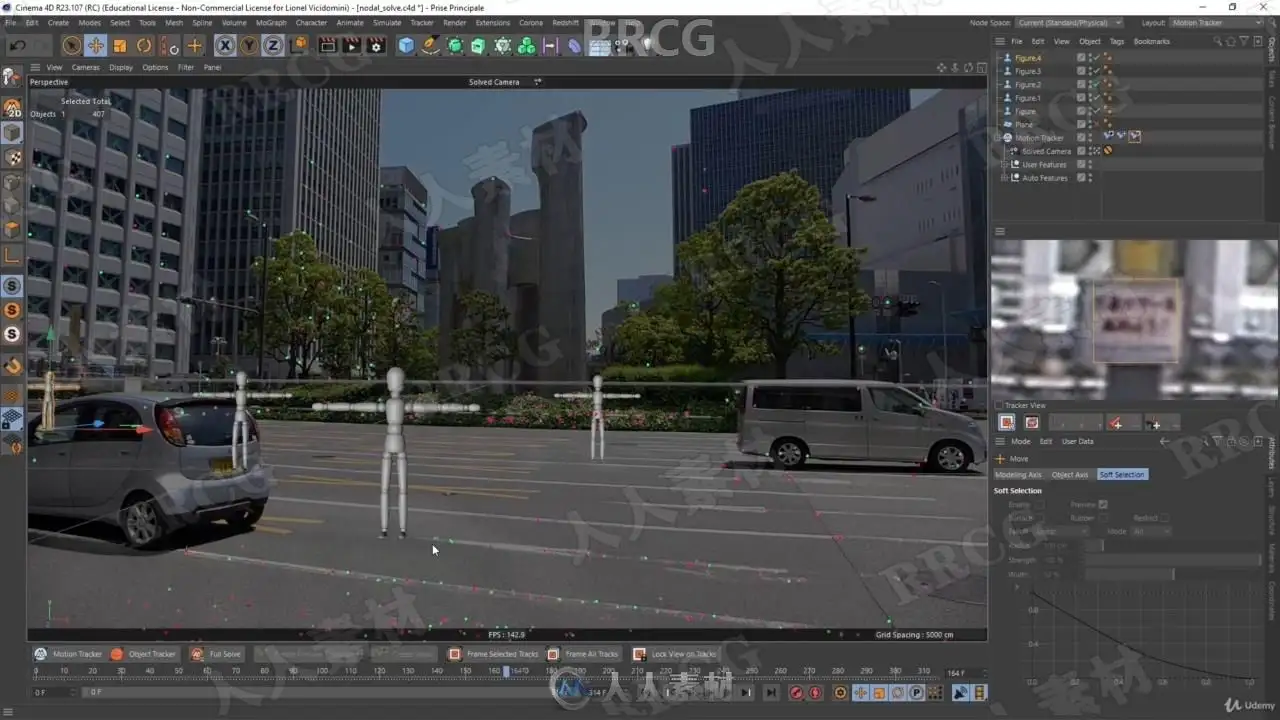
Calibrate you scene in order to give it a sense of scale and orientation, making it easy to place objects
In-depth review of the interface of the tracker
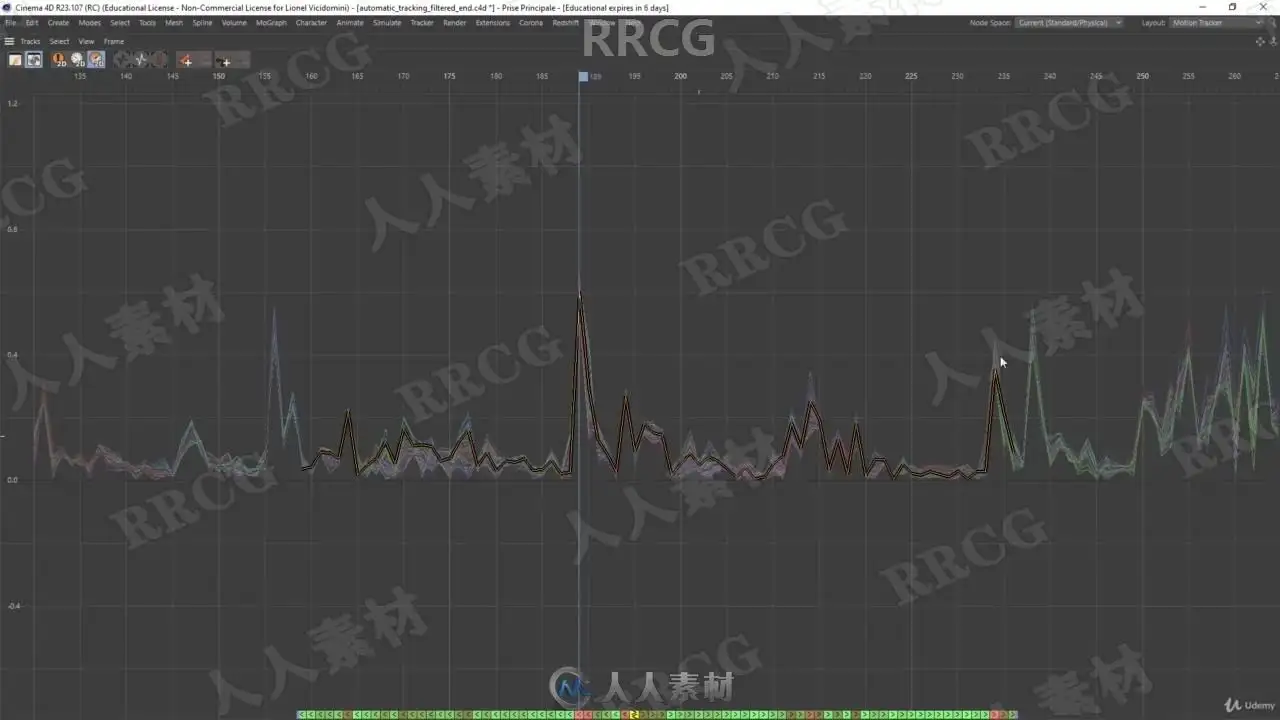
How to deal with the track view, how to sort, filter and refine your features to obtain a better solve
How to make a manual tracking, where you decide which features to follow
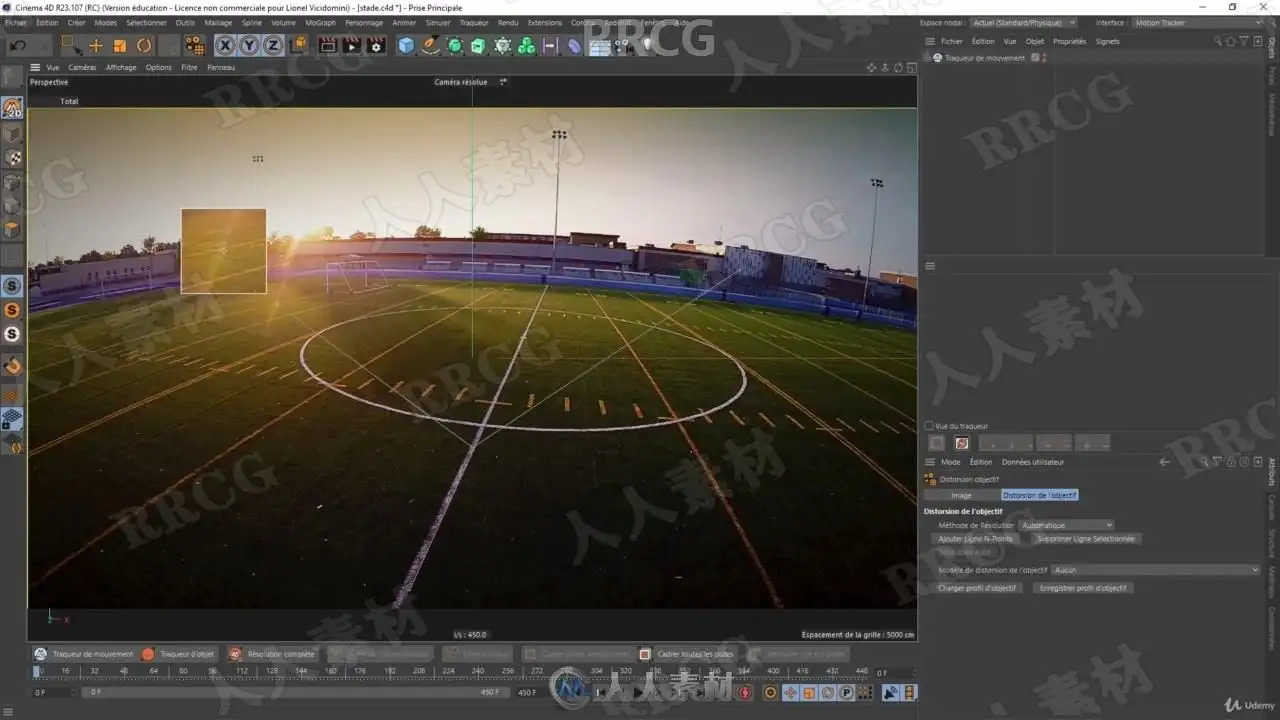
Learn the Lens Distortion workflow which can prevent the tracker from solving a shot
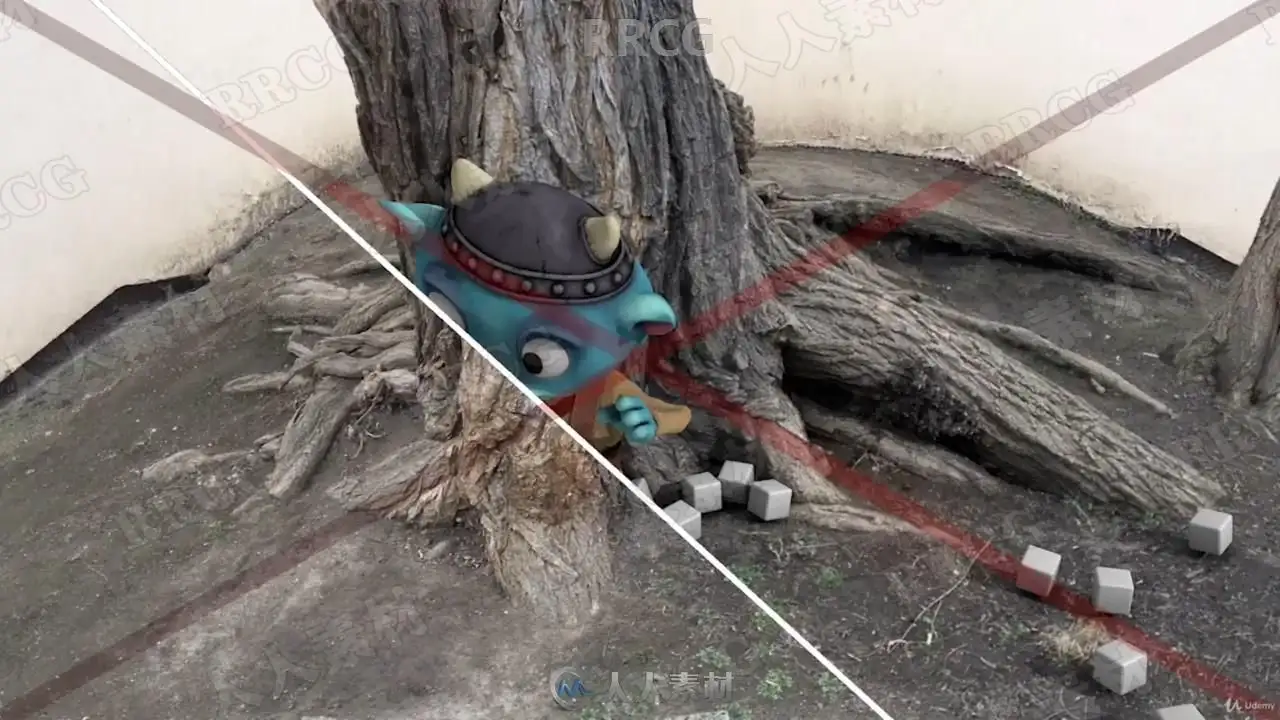
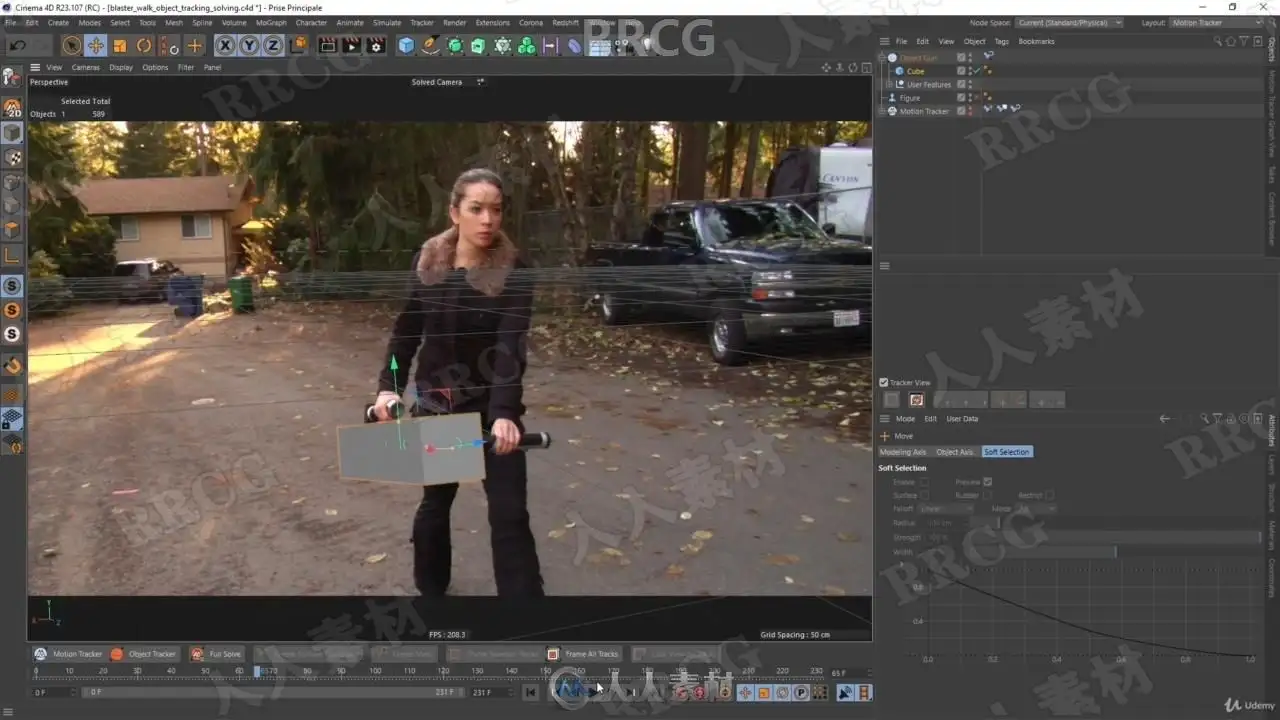
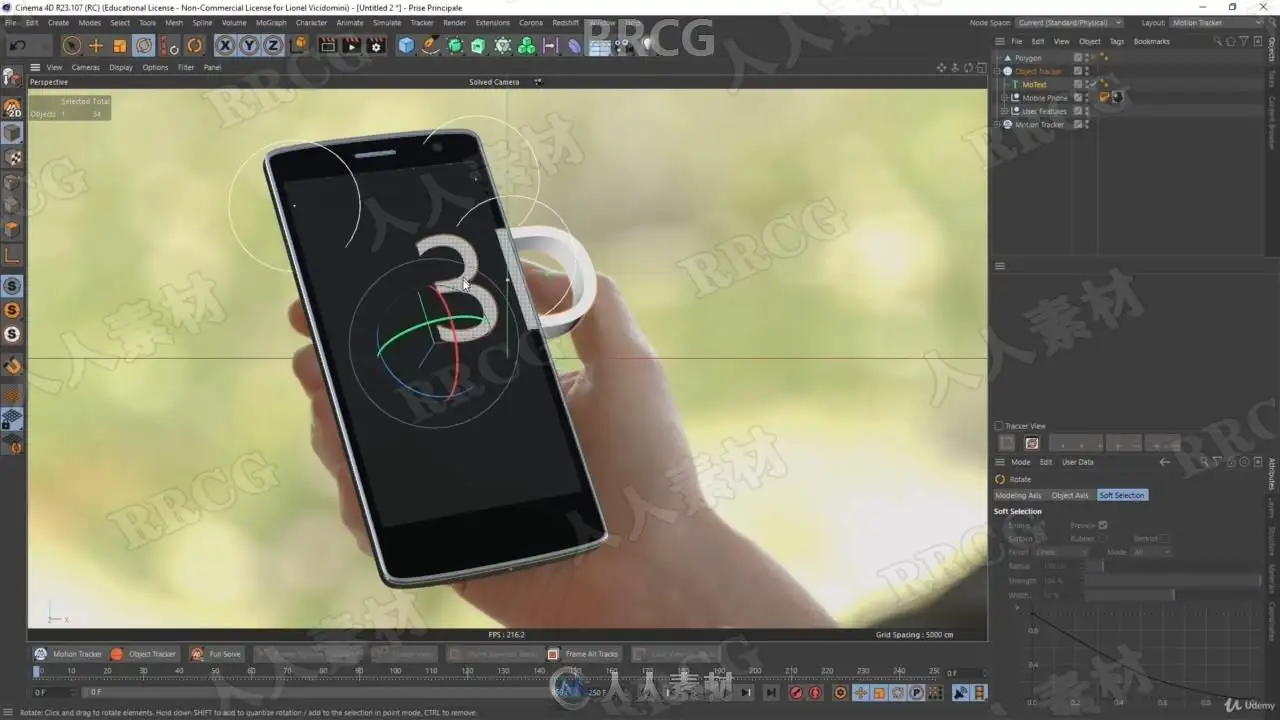
Object tracking : how to replace props in the scene with your own 3D objects
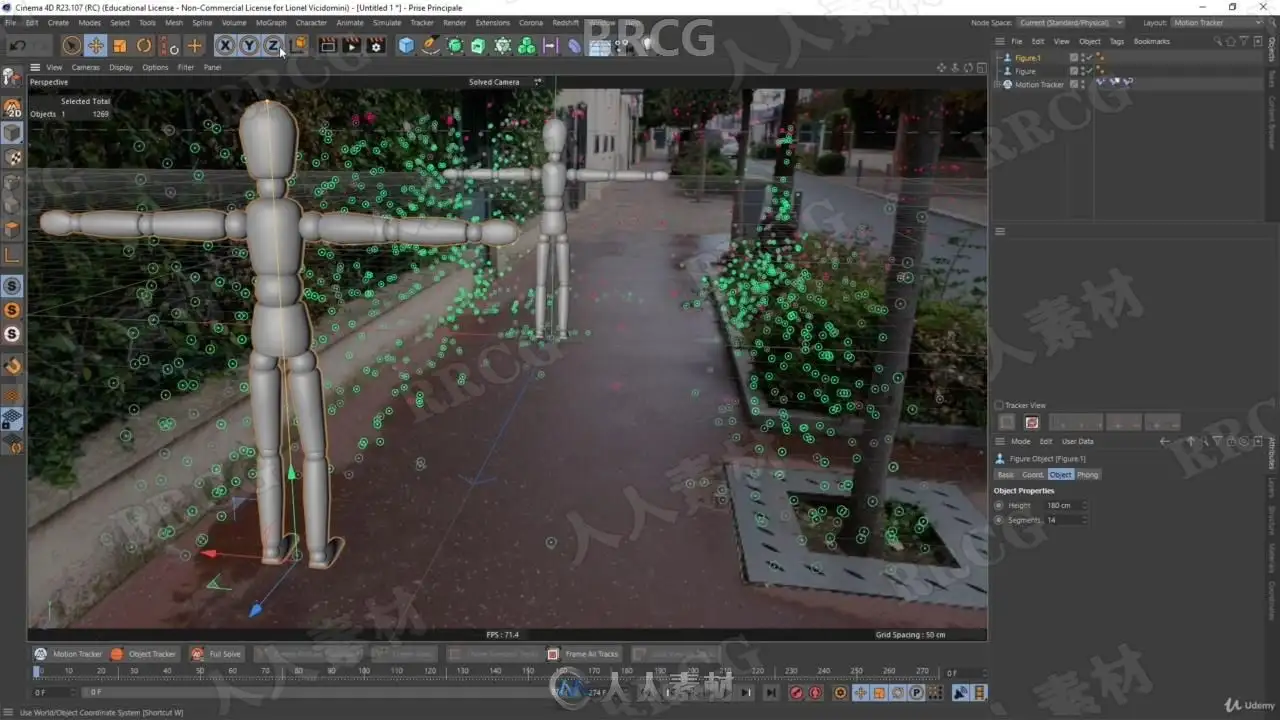
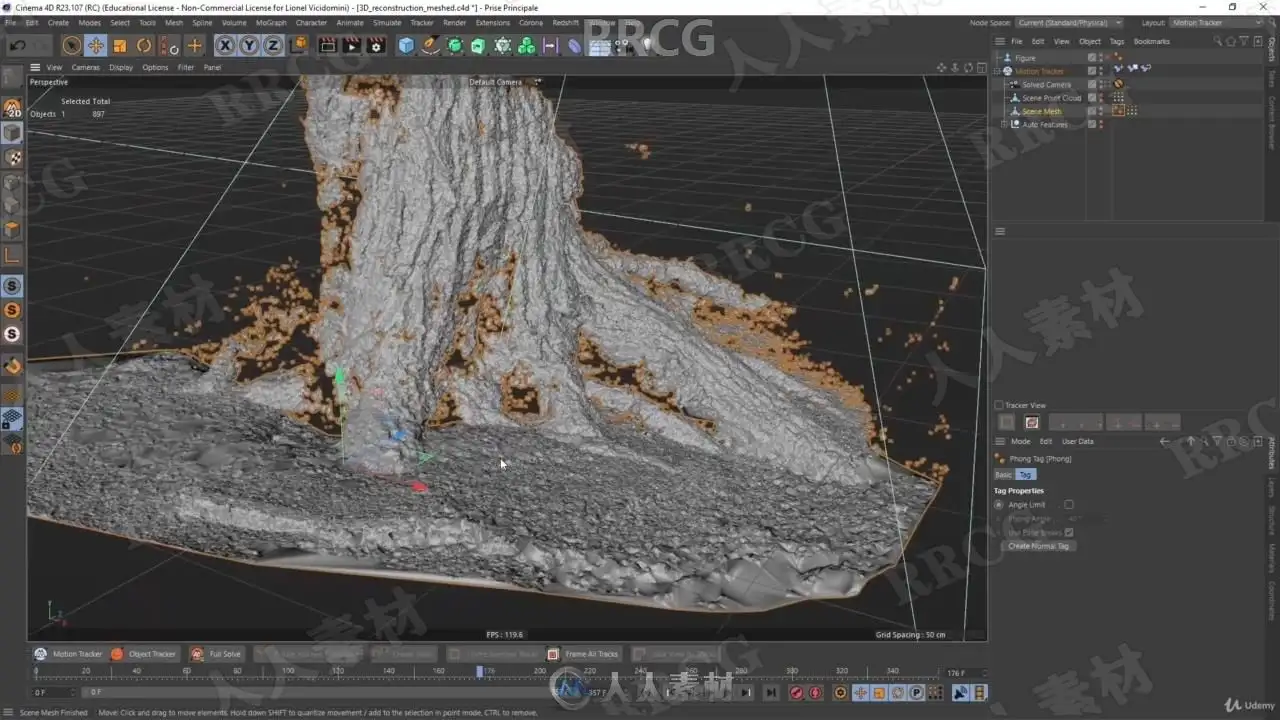
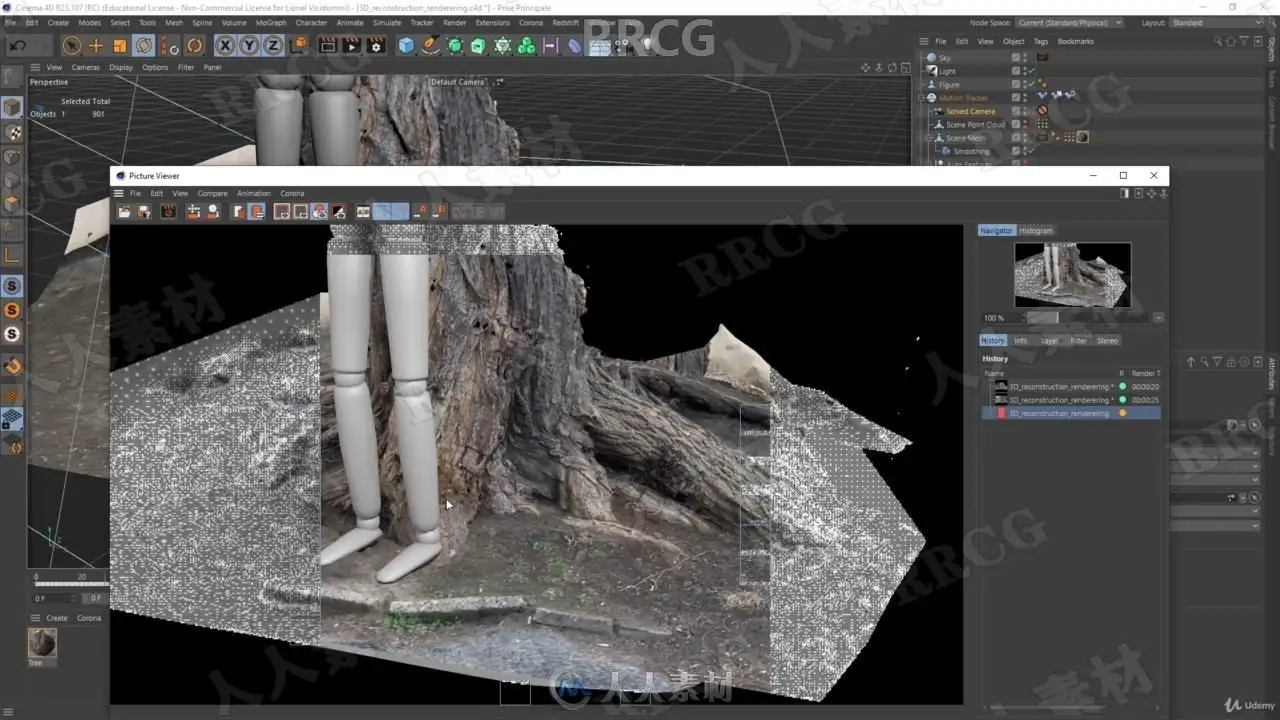
3D reconstruction, which allow you to extract a point cloud from your footage, enabling you to completely recreate the scene in 3D
How to track a shot filmed on a standing tripod
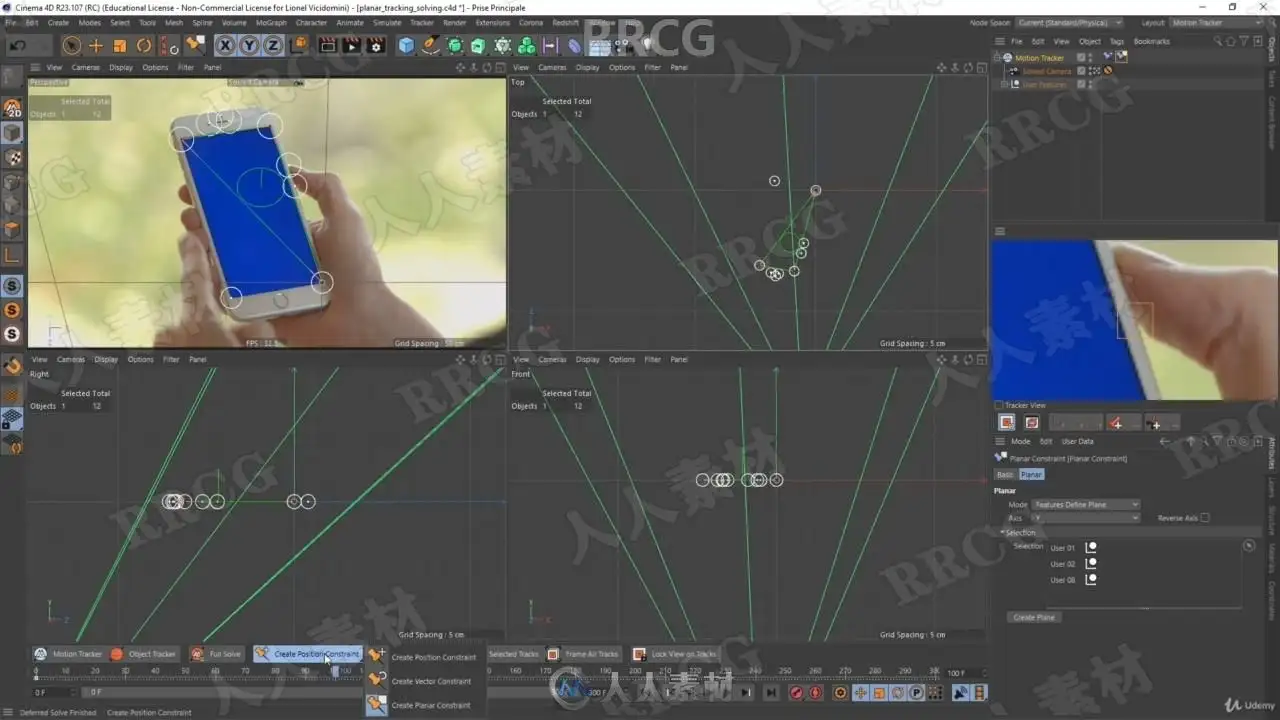
Planar tracking, where you extract from the scene a flat surface to apply corner pin deformation
Object-assisted tracking : this feature allow you to use fewer features by using a 3D object you orient to your scene
All my trainings are not only videos showing you what button to push, I’ll explain to you how the software actually works so that you can truly master the tool.
This training is granular, meaning you don’t necessarily need to follow the whole course in order to learn how to do a simple track.
Each chapter deal with a different topic or technique, for those you really want to know everything in depth.
The 3D tracker is bundled with Cinema 4D Studio since R16, meaning you need to have at least this release, but it’s better to have at least the R18 if you want to use all the features.
All footage used in the course are free to download along with the exercice files, and I’m always happy to help if you have any question !
Who this course is for:
3D generalists
VFX artists
Video editors
资源截图
评论0