
资源简介
本视频教程是人像摄影LR和PS后期调色修饰视频教程,时长:50分,大小:165 MB,MP4视频格式,教程使用软件:lightroom CC,共2个章节,作者:Barbara RUSCIANO,语言:英语。
Adobe Lightroom是一款以后期制作为重点的图形工具,Adobe的目标是将其打造成未来数字图形处理的标准,Lightroom的界面和功能与苹果推出的 Aperture颇为相似,主要面向数码摄影、图形设计等专业人士和高端用户,支持各种RAW图像,主要用于数码相片的浏览、编辑、整理、打印等.
You must have an understanding of lightroom and Photoshop in order to follow the steps of the video. The video will not teach you how to use either program. They will simply show you the steps and tools that were used to achieve the look in the image showcased. The video does not include the overlays used to achieve this result.
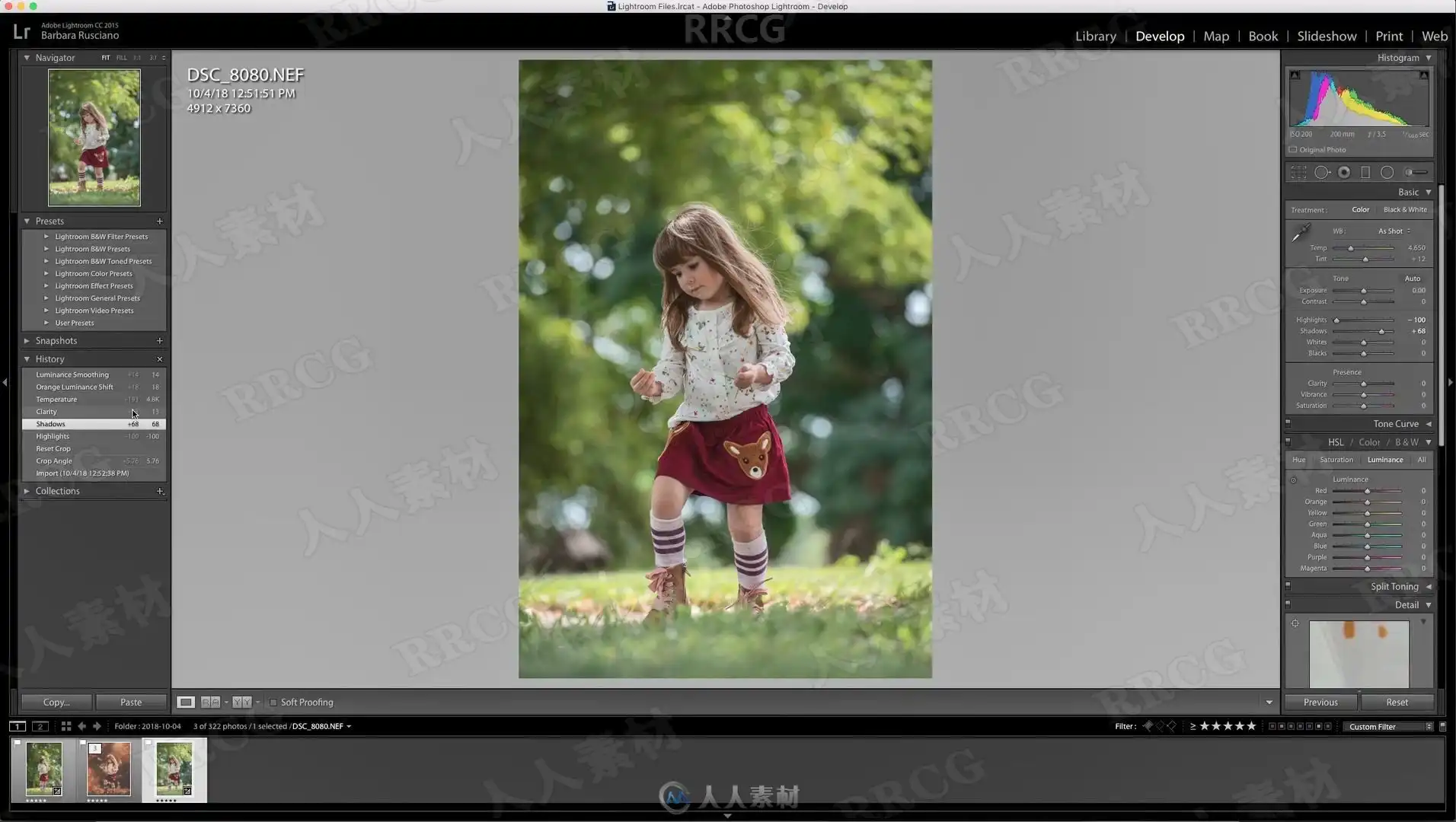
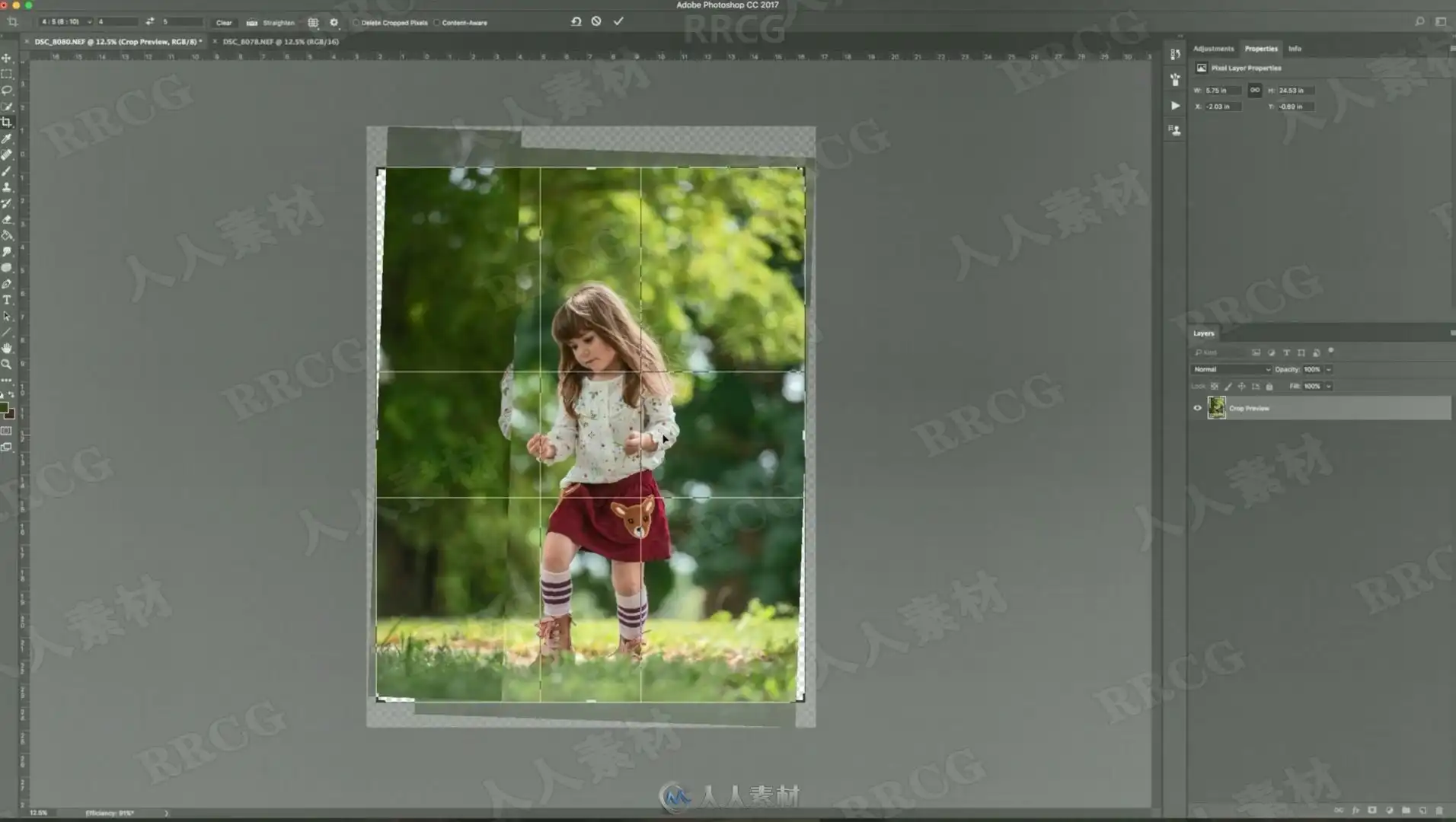
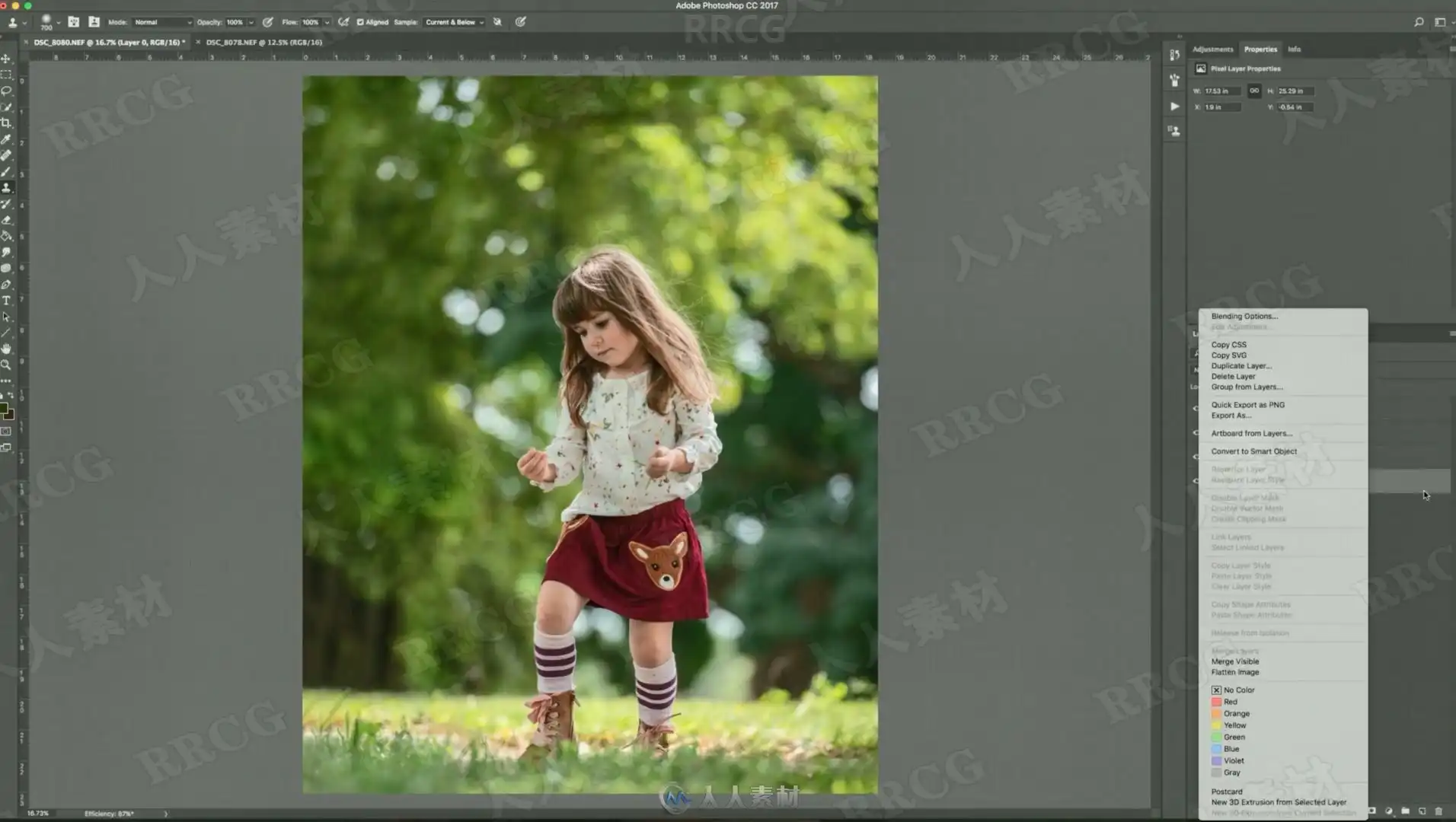
This video is Part 1 of my “Bringing Fall to Florida” edit. In this video I will show you the basic adjustments that were done to this image in lightroom. I will then bring the image over to Photoshop CC and show you how I extended the canvas and blurred the background a bit, while making it look realistic and believable.
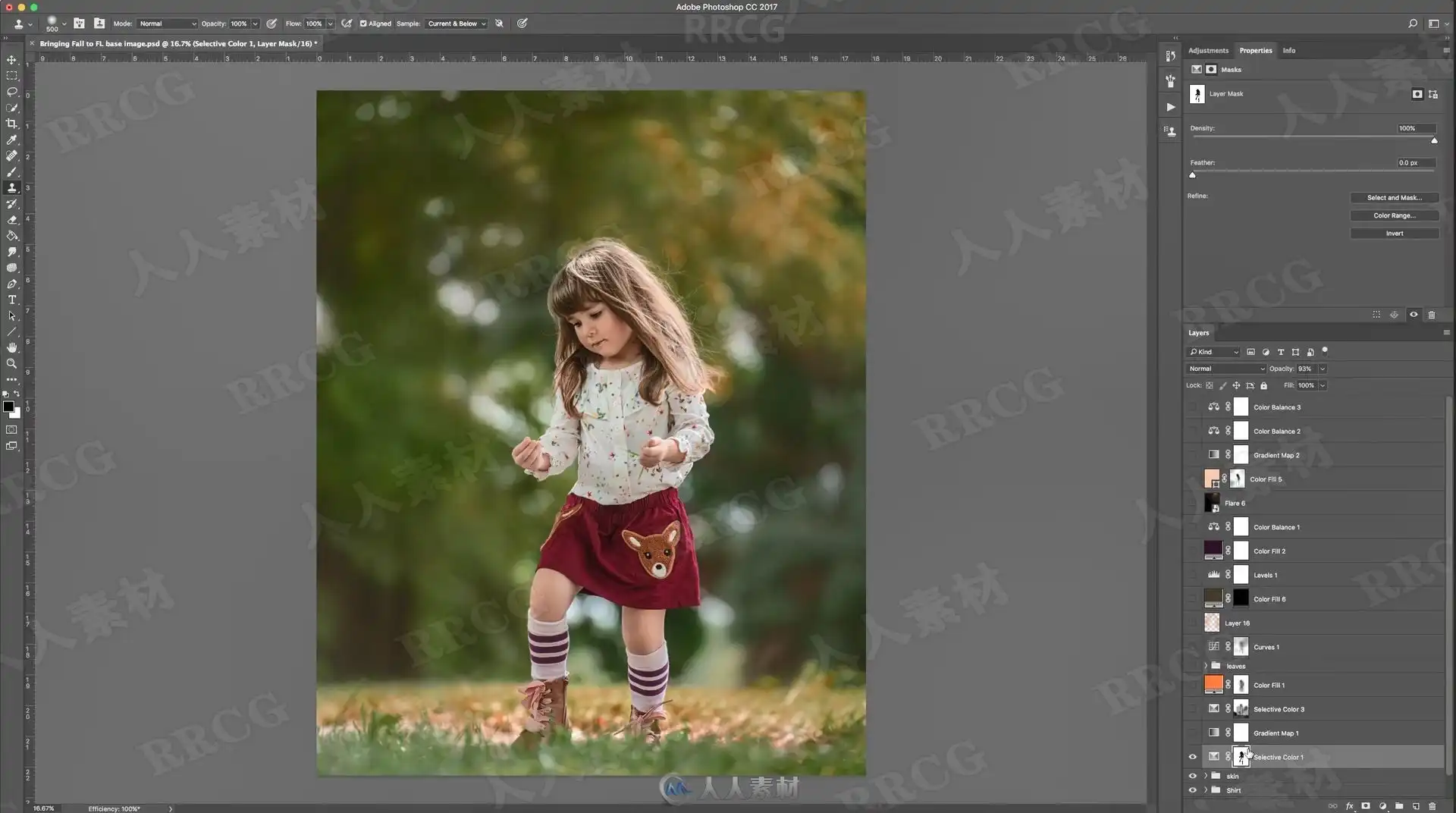
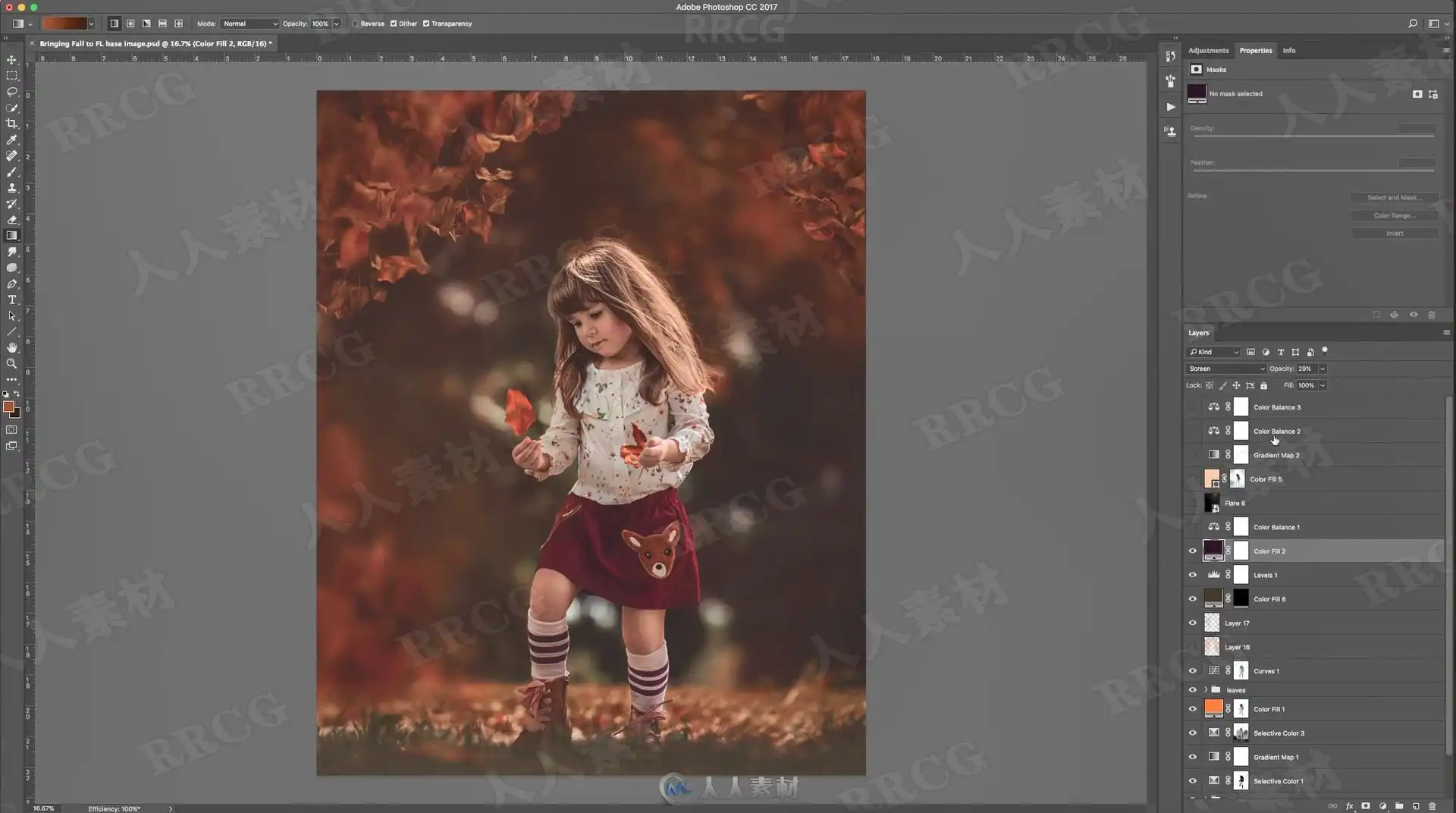
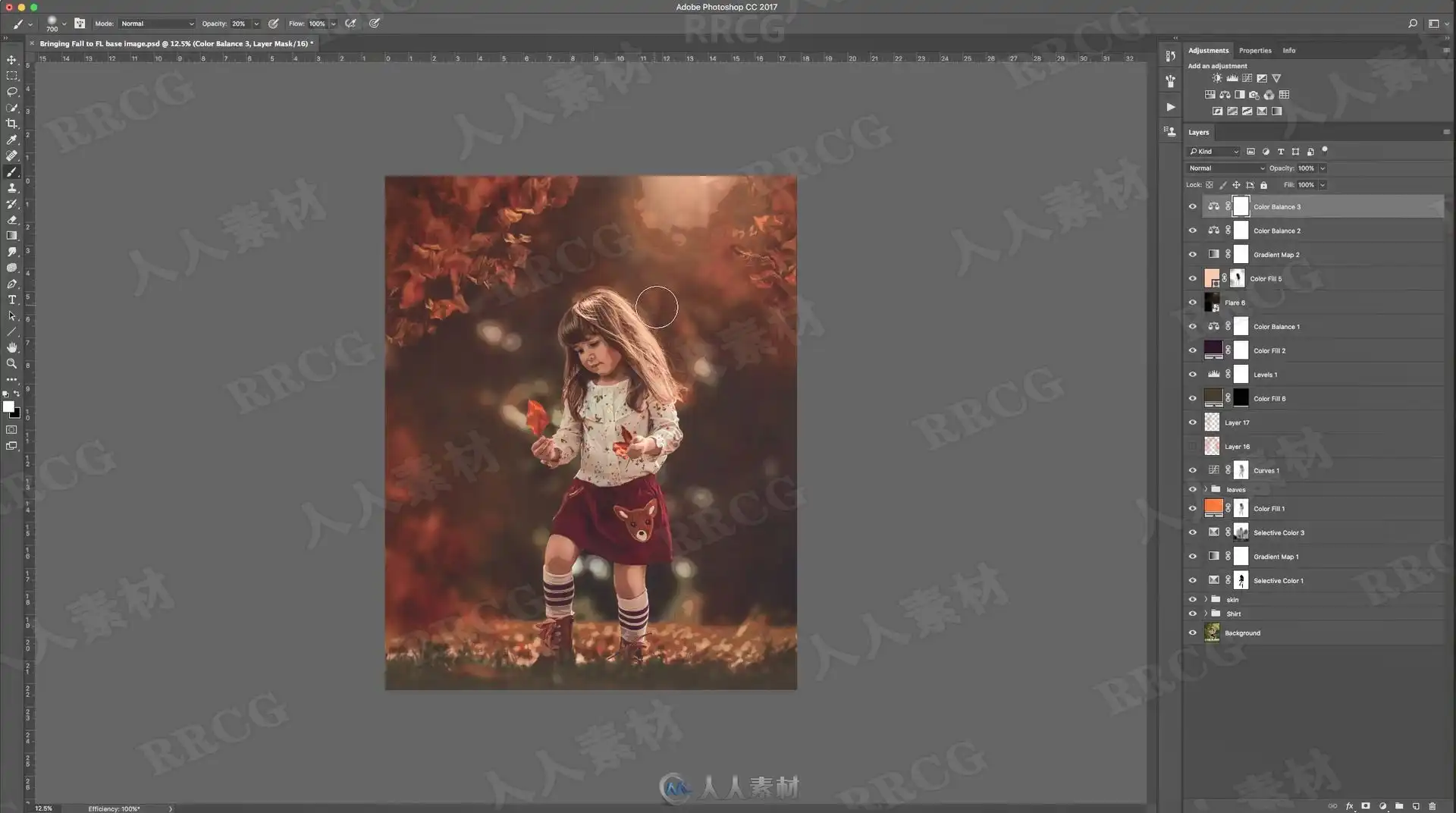
This video is Part 2 of my “Bringing Fall to Florida” edit. In this video I will show you each adjustment layer that was used to achieve the final look of the image. I will NOT show you how I retouched my subject. I will only go over the surroundings.
资源截图

评论0