
资源简介
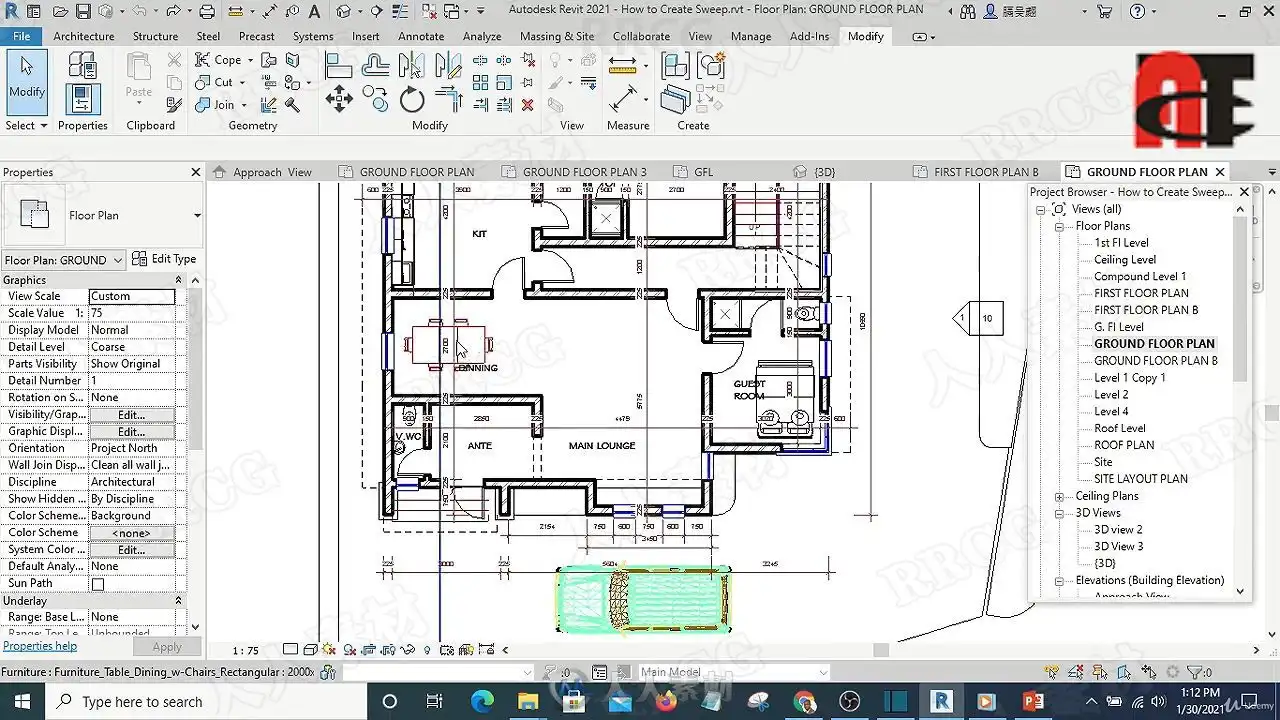
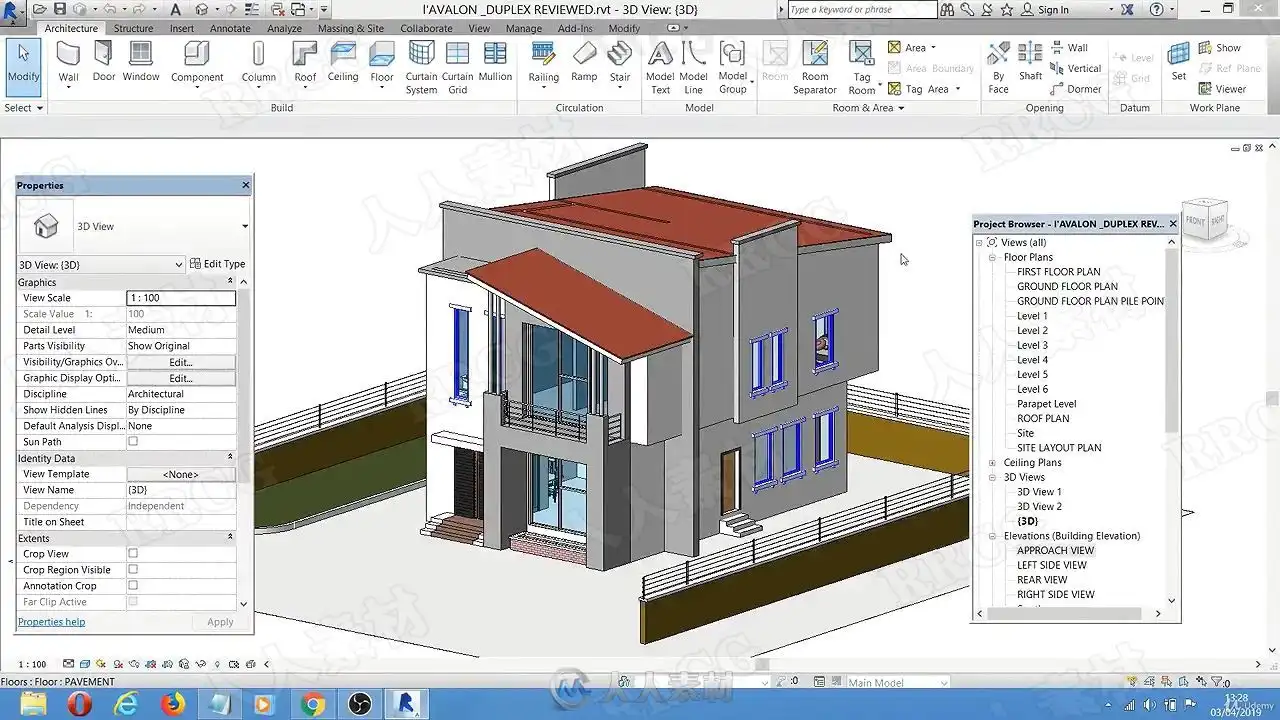
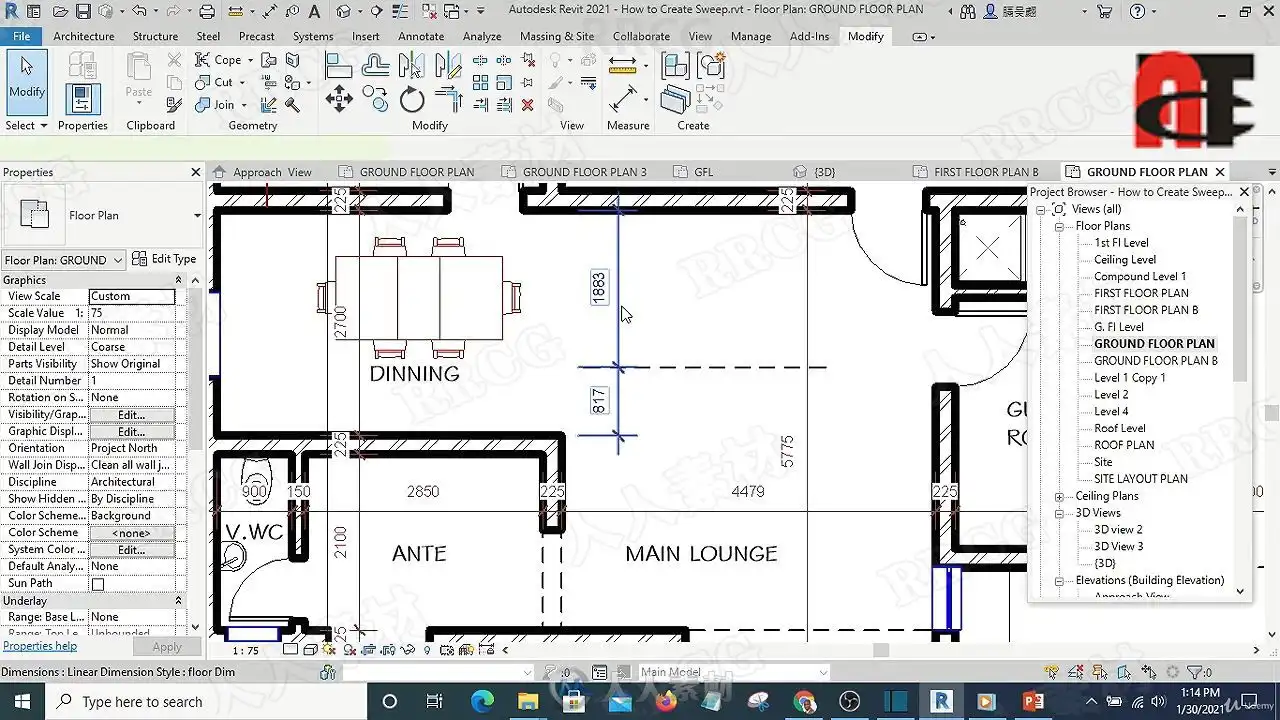
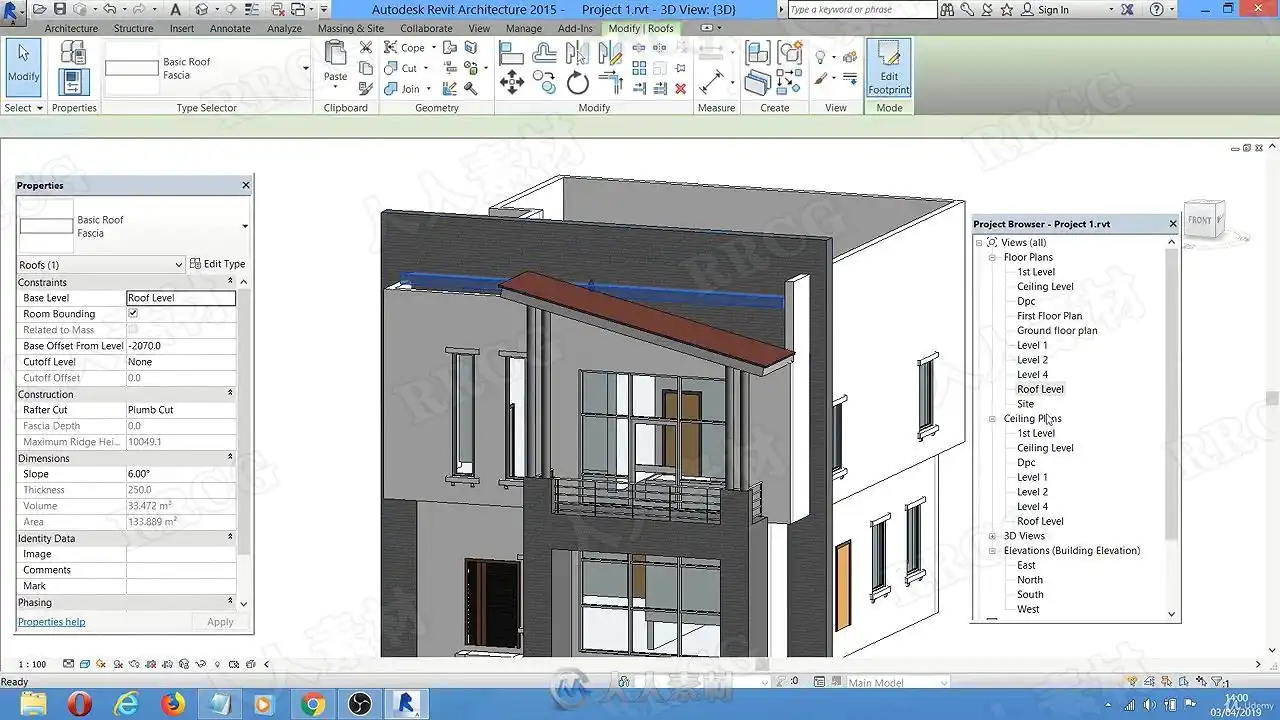
本教程是关于Revit室内照明系统布局设计训练视频教程,时长:4小时,大小:2.6 GB,MP4高清视频格式,教程使用软件:revit,附源文件,共15个章节,语言:英语。
Revit是Autodesk公司一套系列软件的名称。Revit系列软件是专为建筑信息模型(BIM)构建的,可帮助建筑设计师设计、建造和维护质量更好、能效更高的建筑。AutodeskRevit作为一种应用程序提供,它结合了AutodeskRevit Architecture、AutodeskRevit MEP和AutodeskRevit Structure软件的功能。
autodesk revit Architecture建筑信息模型软件能够帮助建筑师和设计师自由地进行设计,提高信息的协调性和工作效率。基于环境的选项板卡经过改进减少了选项板卡开关的数量,并将工具放置在一致的位置。用户现在能够调整快速访问工具栏上的工具顺序。借助Revit Architecture,您可以不受软件束缚,自由设计建筑。在您想要的任何视图中工作,在各个设计阶段都可以修改设计,快速、轻松地对主要的设计元素做出变更。您甚至可以在设计的晚期做出变更,而无需担忧如何协调您的平面图、明细表和施工图纸。 revit® Architecture软件专为建筑信息模型(BIM)而开发,可以帮助您惬意地工作,自由地设计,高效地完成作品。AutodeskRevit Architecture建筑设计软件可以按照建筑师和设计师的思考方式进行设计,因此,您可以开发更高质量、更加精确的建筑设计。专为建筑信息模型而设计的AutodeskRevit Architecture,能够帮助您捕捉和分析早期设计构思,并能够从设计、文档到施工的整个流程中更精确地保持您的设计理念。利用包括丰富信息的模型来支持可持续性设计、施工规划与构造设计,帮助您做出更加明智的决策。自动更新可以确保您的设计与文档的一致性与可靠性。
Step by revit Tutorial for both beginners and experts
What you’ll learn
How to model a building with revit Architecture
How to produce a working drawing with revit
How to produce high quality rendering with revit
Requirements
You must understand English language
You should be able to follow video tutorial
You shoul have revit installed in your system
Description
In this revit Tutorial Masterclass, you will learn how to use revit Architecture to create working drawings and also model building for your architectural presentation. You will learn the following:
1. revit Quik approach techniques. With this technique, you complete your job in a shorter time and deliver it to your client to get your money faster.
2. How to use revit Tools: You are going to be exposed to revit hidden tools that are only known by expert revit Users.
3. How to setup revit Environment: Getting used to the revit environment is where the whole success with revit begins.
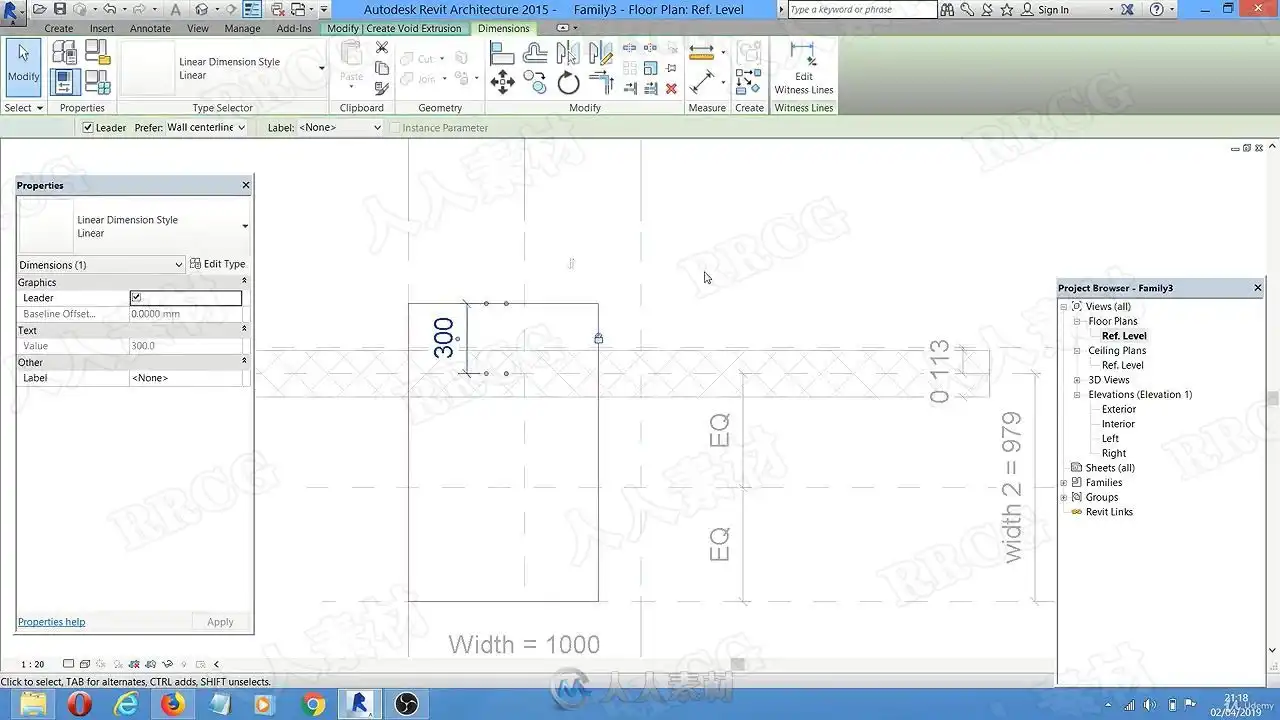
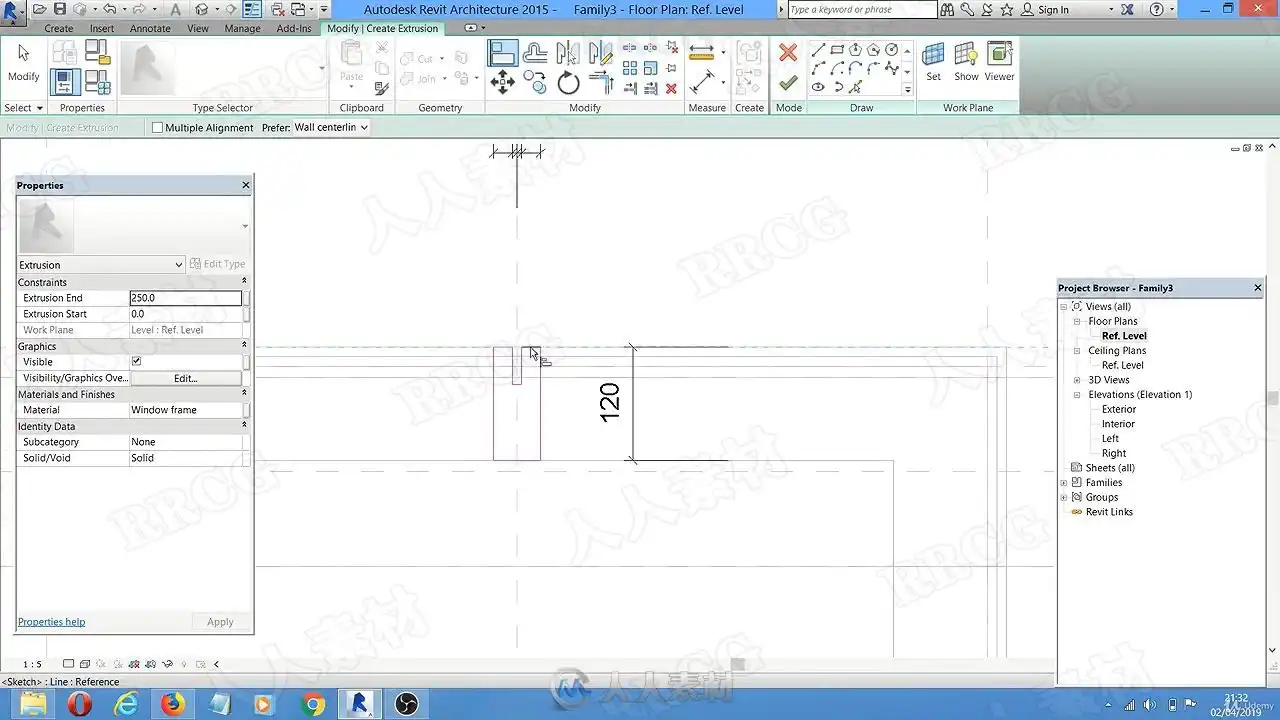
4. How to create Custom Families: You main not like any of the default revit Families. How about if you can create your own customized revit families, like windows, doors, columns, etc. This is exactly what you will learn in this section.
5. You are going to learn how to create a stunning 3d Rendering using revit only.
6. You will discover how to use revit Default shortcut keys and hotkeys. You will also discover how you can create your own customized hotkeys based on the key combinations you are convenient with.
7. After completing this course modeling a building with revit becomes easy and faster for you.
8. You might need to export your revit drawing to 3DS Max or Lumion in order to add some effects. You will also learn how to export revit drawings to 3DS Max and Lumion.
You will have access to my Private Telegram group where you will join the community of other revit Architecture students. There you can ask any question and I will answer it.
Inside revit Tutorial Masterclass You will learn the Following:
✅Understanding revit User Interface
✅ Preparing revit Drawing environment Using Existing Project as the template
✅How to start a new revit Environment. from scratch
✅How to Customize revit Shortcut and hotkeys
✅Advanced revit Modelling Tecniques
✅How to attach wall to roof and cut wall to roof (Technique to clean up upper part of the wall to roof)
✅How to convert revit Drawing to Pdf and send to Client
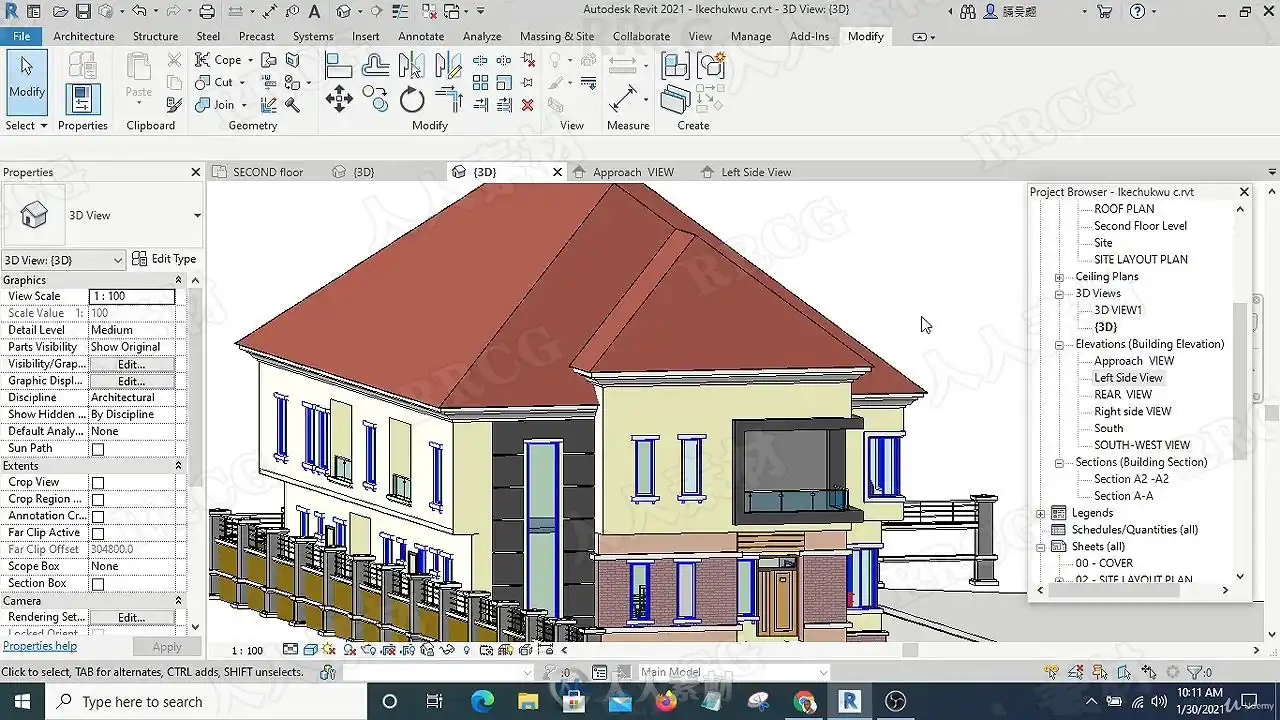
✅How to model a building with revit Architecture Step by Step Part 1
✅How to create concrete fascia
✅4 ways to Move Things around in revit Architecture
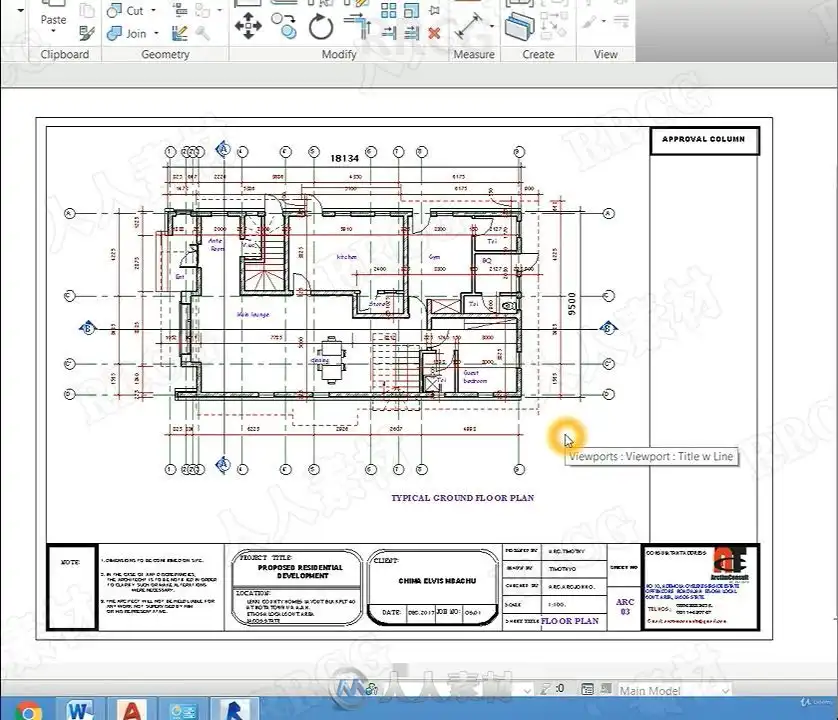
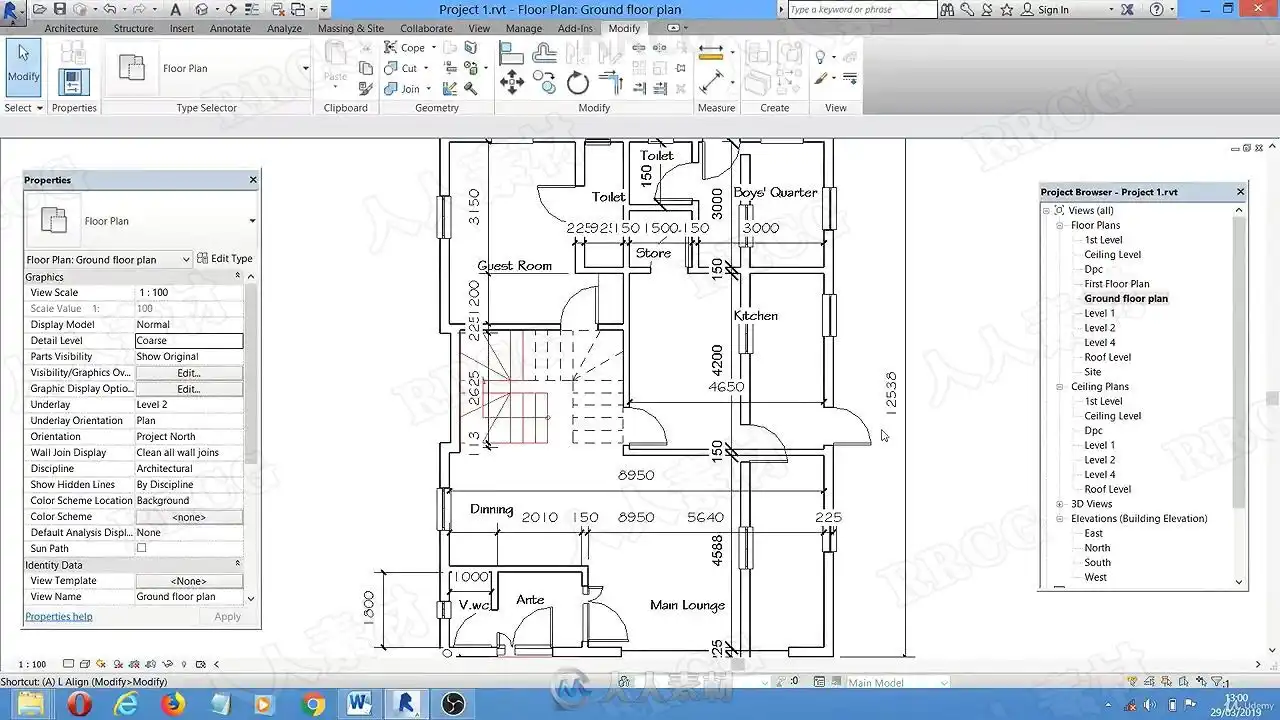
✅The basis of working drawing in revit and how to produce working drawing
✅How to edit and customize grid bubble, section head etc.
✅How to create Title block
✅How to place drawing on title block.
✅How to import drawing from autoCAD
✅How to export revit drawing to AutoCAD, 3DS Max and Lumion
✅Rendering 3d view in revit
✅How To Use revit Tools
✅How to create door and window schedule in revit in 20 mins
✅How to Reload revit Families
✅How to edit and customize dimensions, texts in revit.
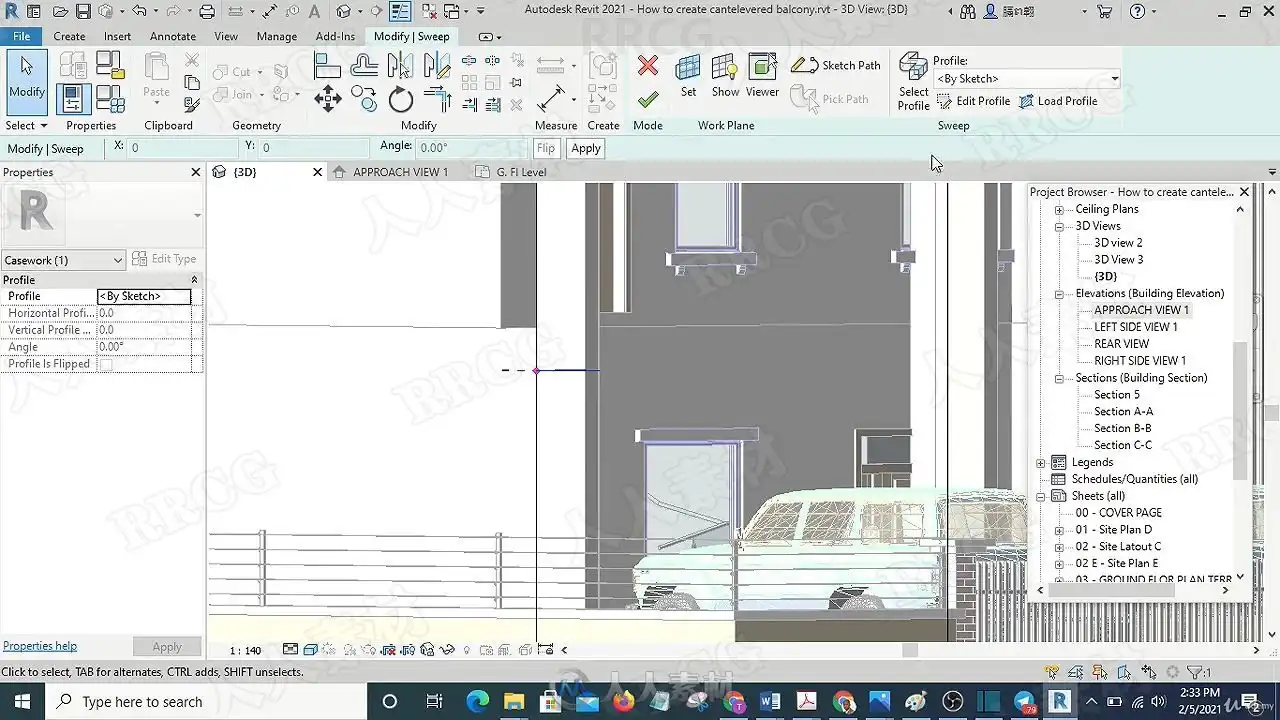
✅How to Create cantilevered balcony
✅How to create a special entrance portch.
✅How to Step up some part of Roof in revit
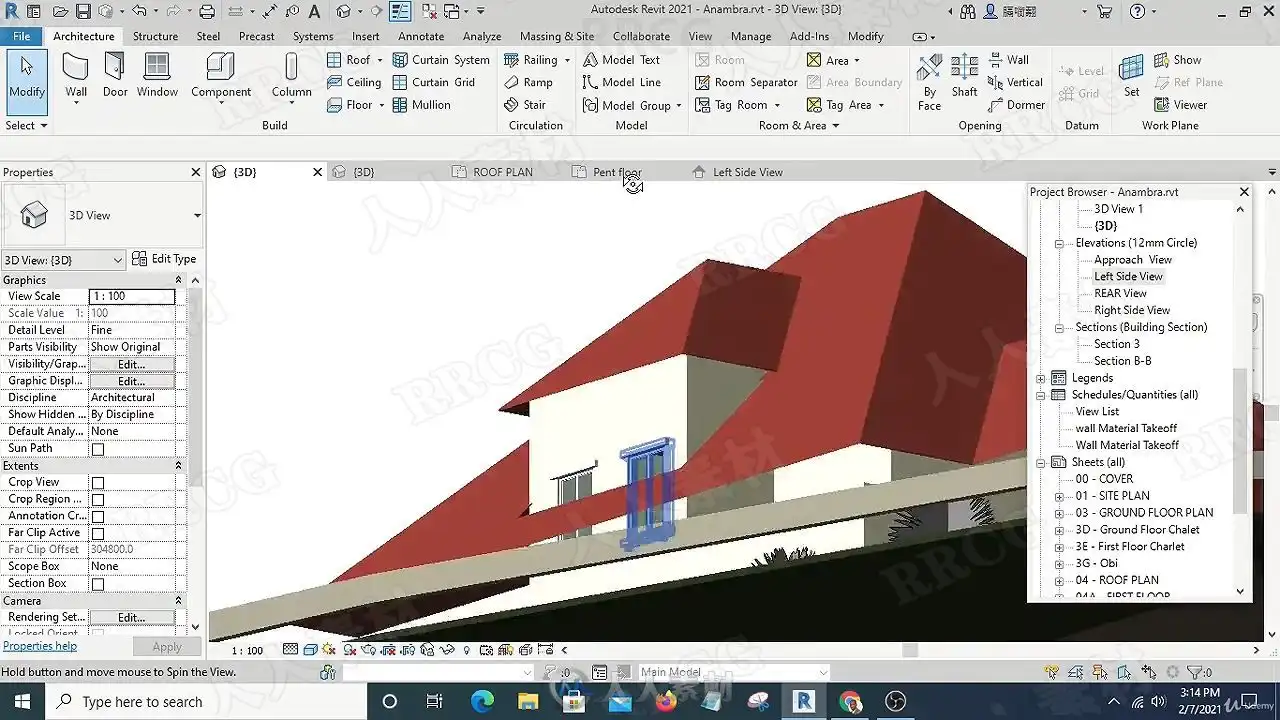
✅How to create Pent Floor Roof in revit
Who this course is for:
Architects
Civil Engineers
Builders
Building engineers
Students of Architecture, Civil Engineering and Building engineering
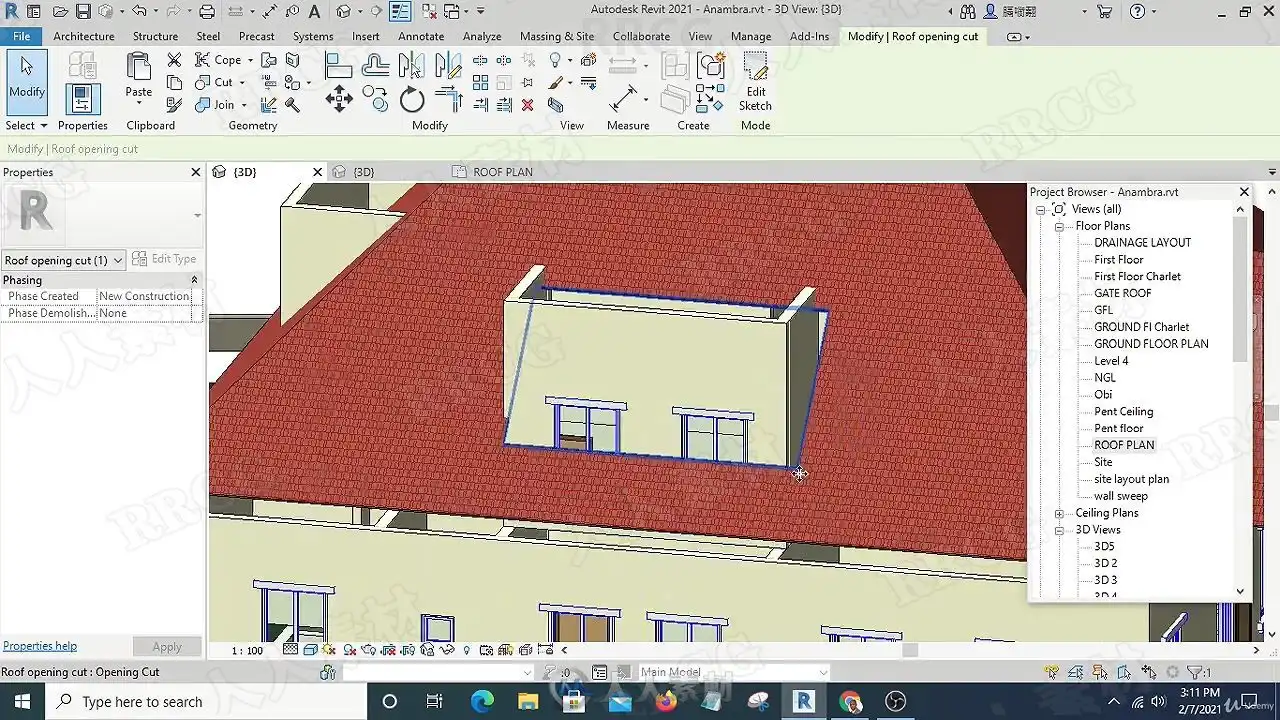
资源截图

评论0