
资源简介
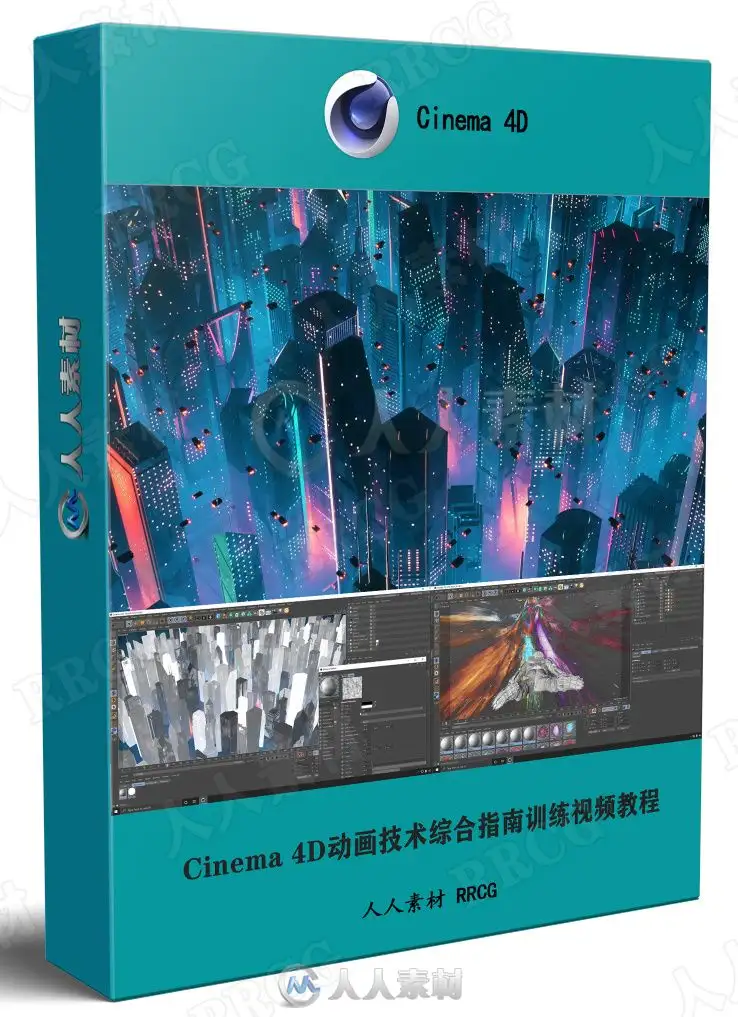
本教程是关于Cinema 4D动画技术综合指南训练视频教程,时长:7小时40分,大小:5.4 GB,MP4高清视频格式,教程使用软件:Cinema 4D,作者:Don Mupasi X Visualdon,共58个章节,语言:英语。
Cinema 4D是一套由德国公司Maxon Computer开发的3D绘图软件,以及高的运算速度和强大的渲染插件著称。Cinema 4D 应用广泛,在广告、电影、工业设计、等方面都有出色的表现,例如影片《阿凡达》有花鸦三维影动研究室中国工作人员使用Cinema 4D制作了部分场景,在这样的大片中看到C4D的表现是很优秀的。在其他动画电影中也人人素材网使用到C4D的有很多如《毁灭战士》(Doom)、《范海辛》〈Van Helsing〉、《蜘蛛侠》、以及动画片《极地特快》、《丛林总动员》(Open Season)等等。它正成为许多一流艺术家和电影公司的首选,Cinema 4D已经走向成熟,很多模块的功能在同类软件中是代表科技进步的成果。
The Ultimate Cinema 4D Guide for Beginners.
The class is for everyone and anyone that wants to learn how to use Cinema 4D. If you have never opened Cinema 4D before, or any other type of 3D application – you will be able to watch and follow along with everything in this class.
I will be sharing several tip & tricks to help you use Cinema 4D the right way, develop a fast and efficient workflow and several techniques that I have discovered during my own experience with Cinema 4D over the last 10 years. So even if you have some experience in Cinema 4D, there will be a lot of new things that you can pick up from watching this class.
This roughly 8-hour long class split is organised into 2 general sections. Section 1 covers various topics and tools in Cinema 4D. Section 2 is about developing workflows and working on real projects as examples. Watch the whole thing and by the end of it you will be able to open Cinema 4D and start creating your own animation today!
Section 1: Aspects of Cinema 4D
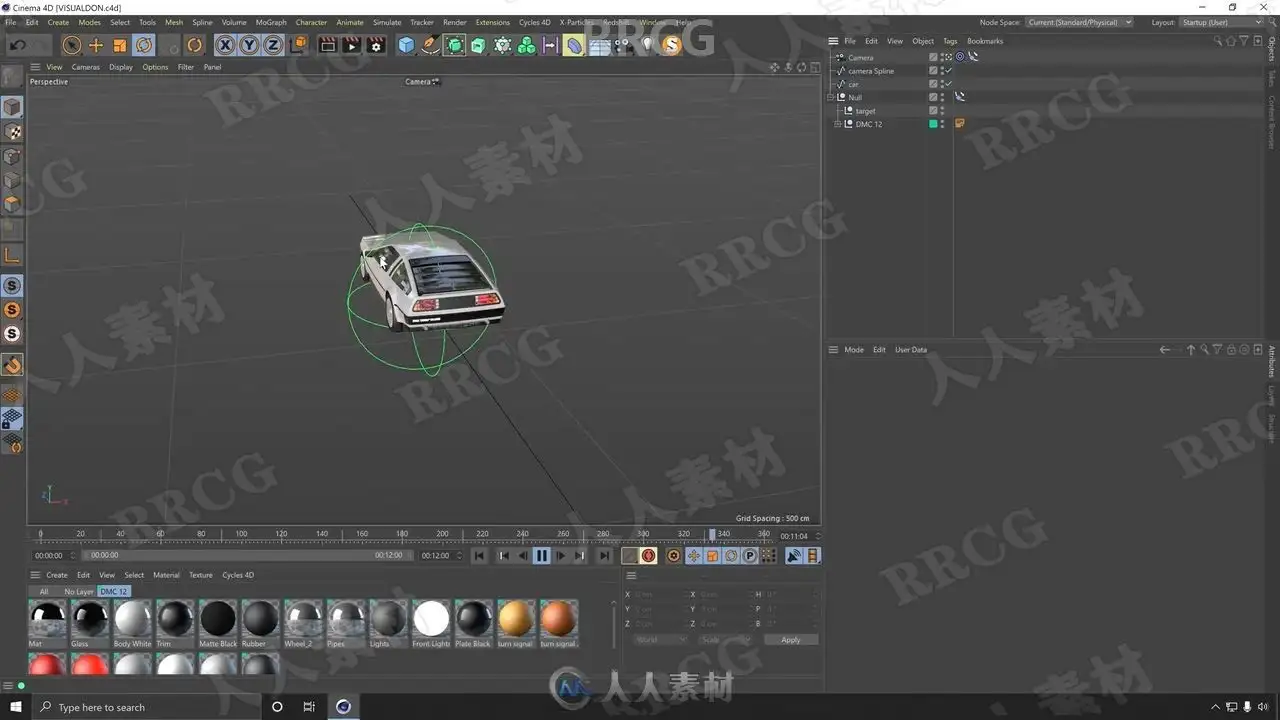
Getting Started – An overview of menus, interface & objects in Cinema 4D. Shortcuts & project settings
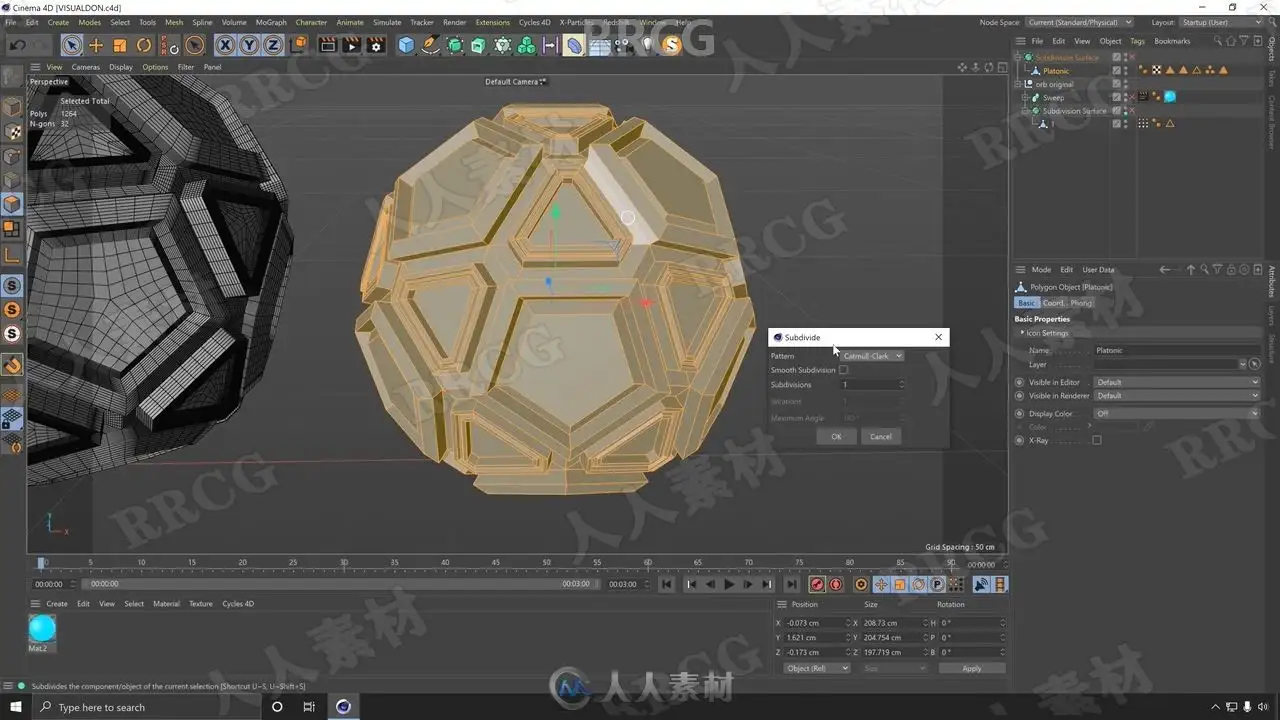
Modelling – A look at various modelling tools & techniques, and where to find assets to use in your projects
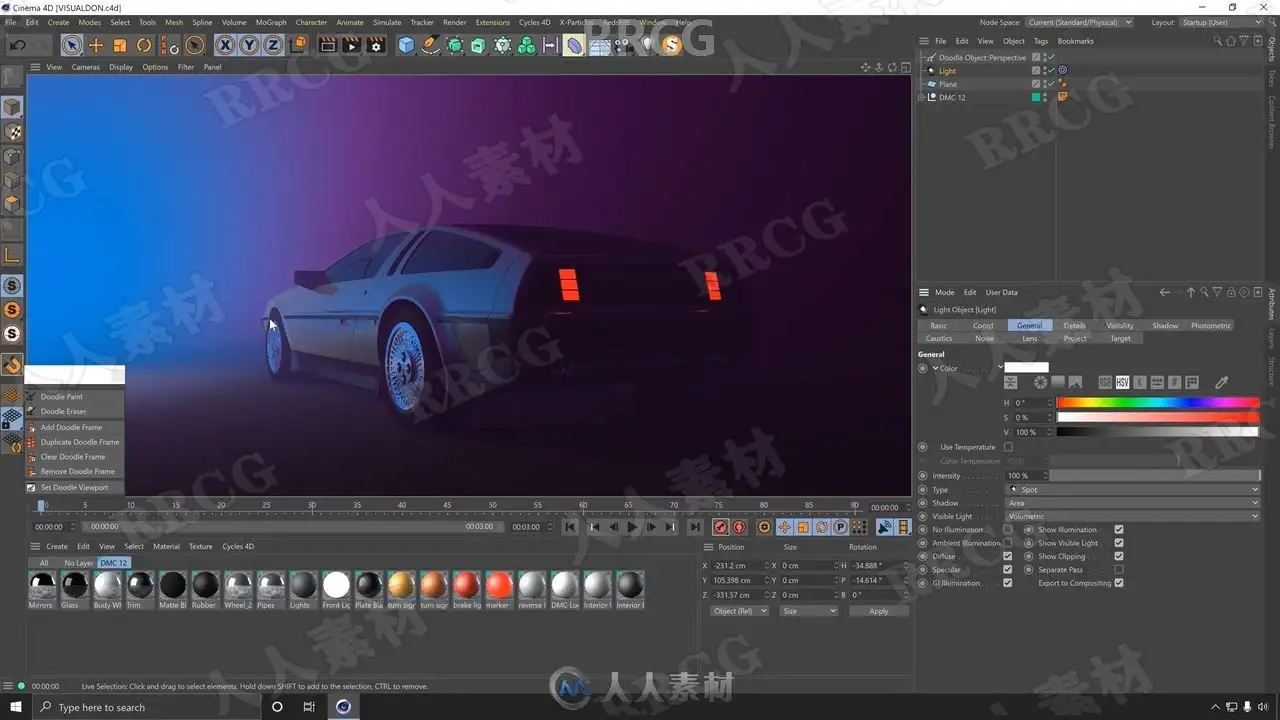
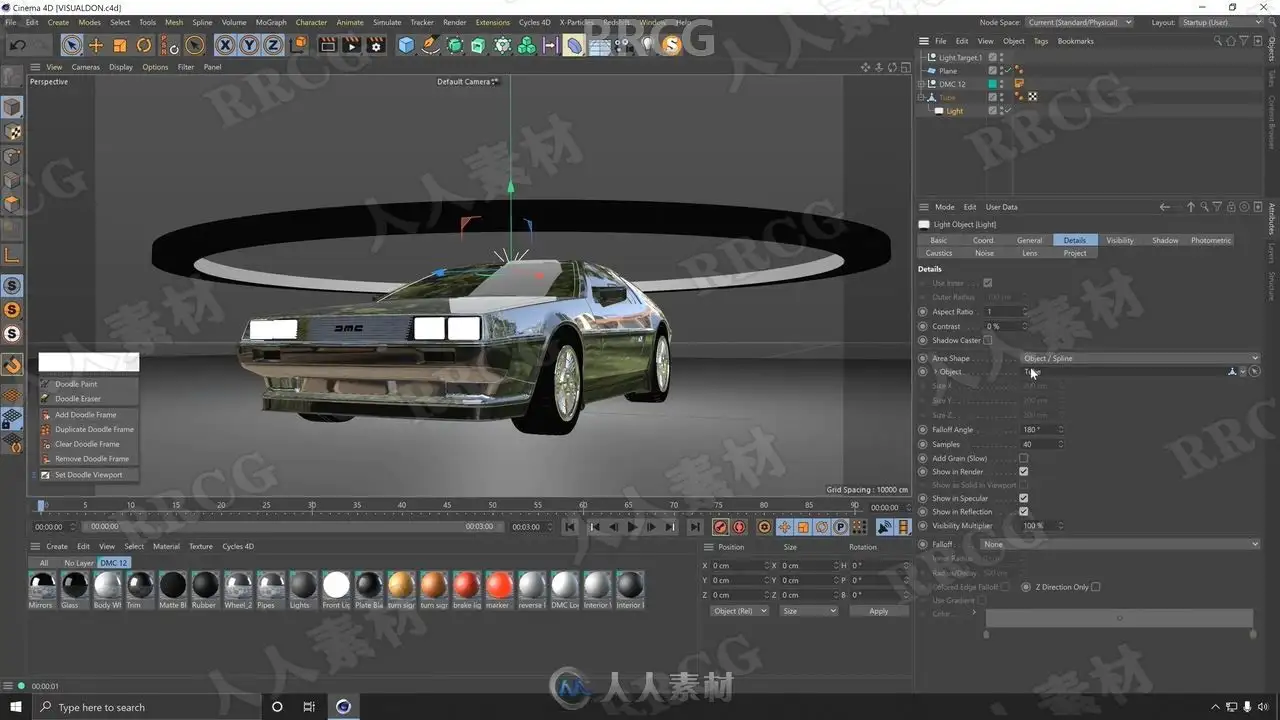
Lighting – The light types in Cinema 4D & their settings, and how to light with purpose
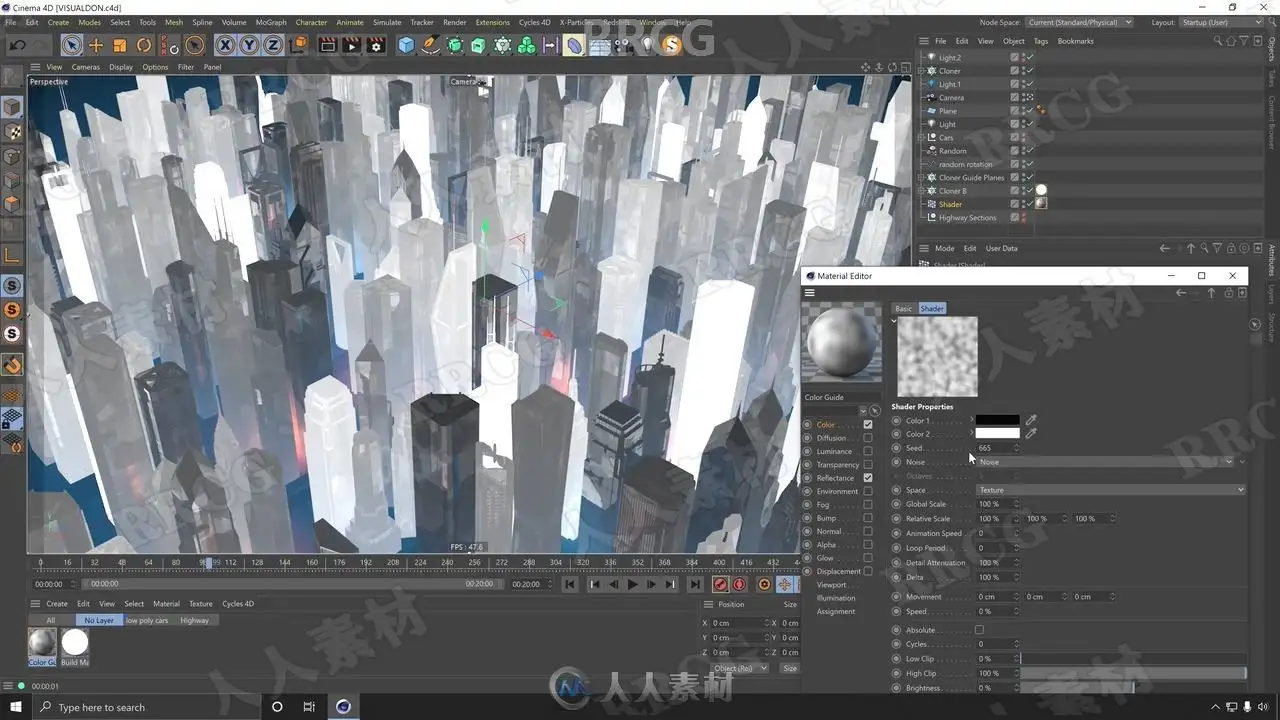
Materials – How material channels work, and making stylised or realistic materials
Splines – How to draw paths, other path-based objects, and generating Geometry
MoGraph – An overview of Cinema 4D’s powerful ‘MoGraph’ section
Animation – How to make keyframes, working with timelines, keyframe interpolation
Cameras – Camera settings & the best way to do smooth & dynamic camera animations
Section 2: Example Project & Workflows
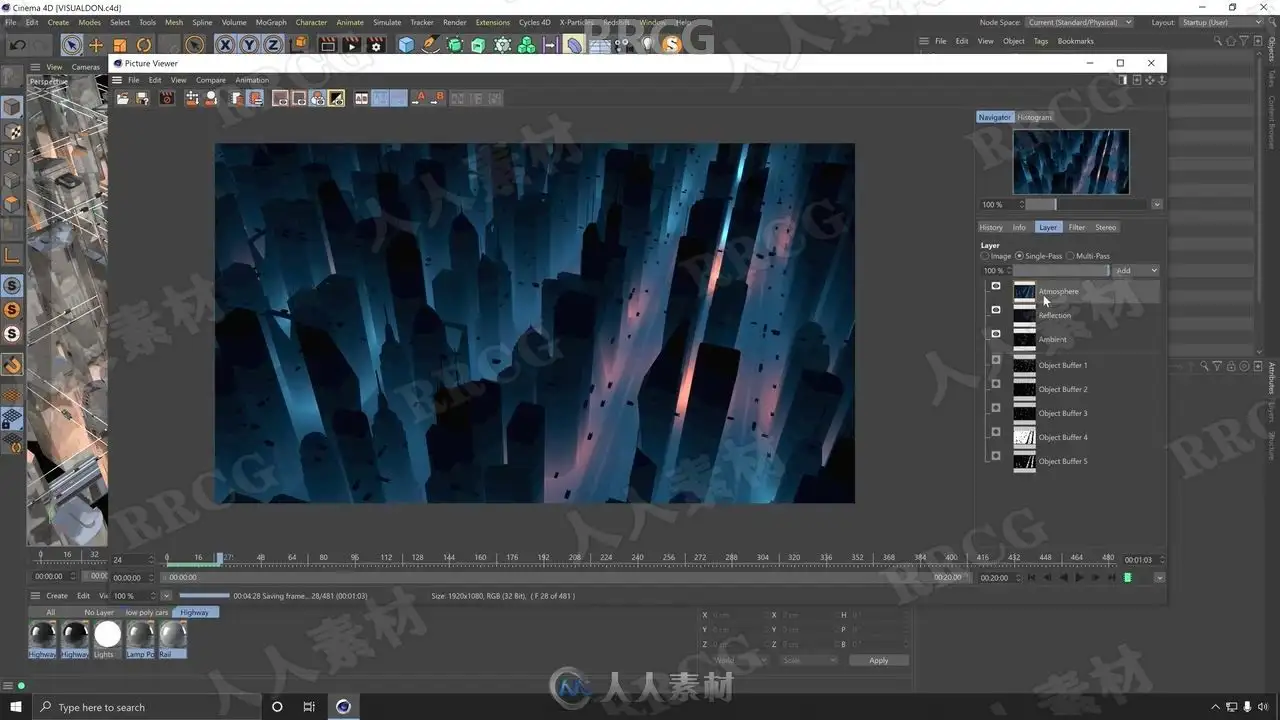
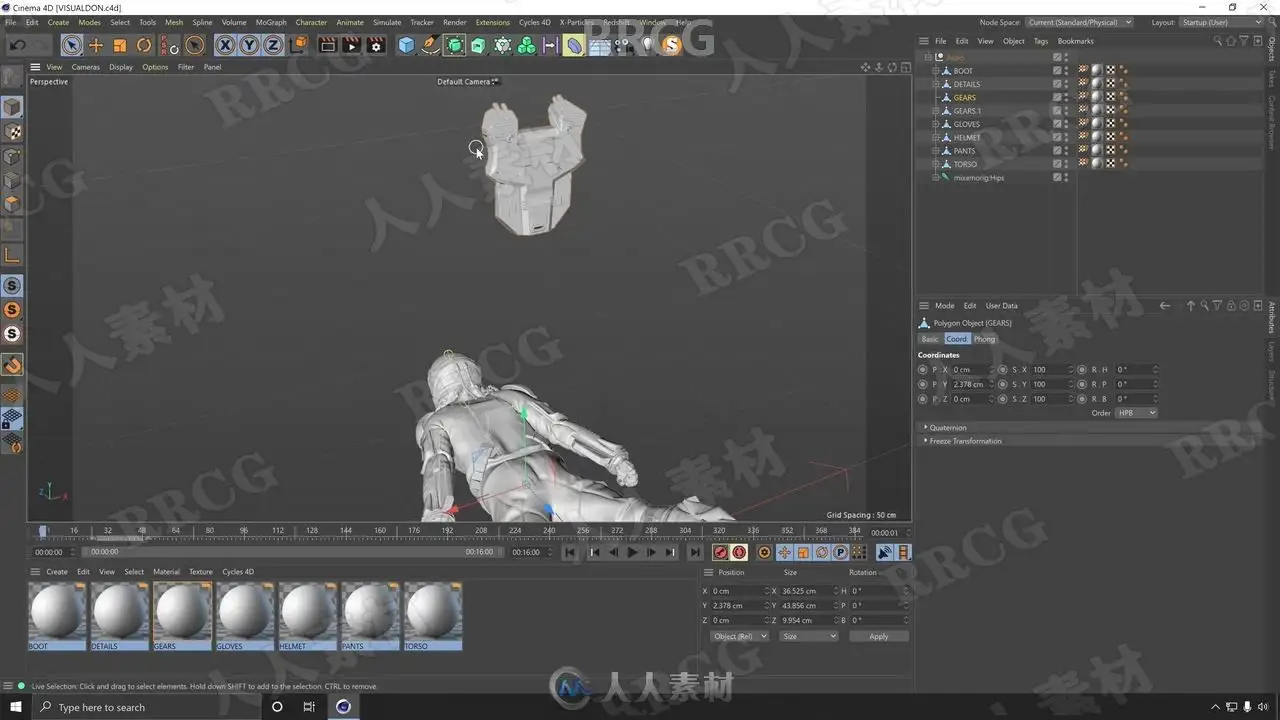
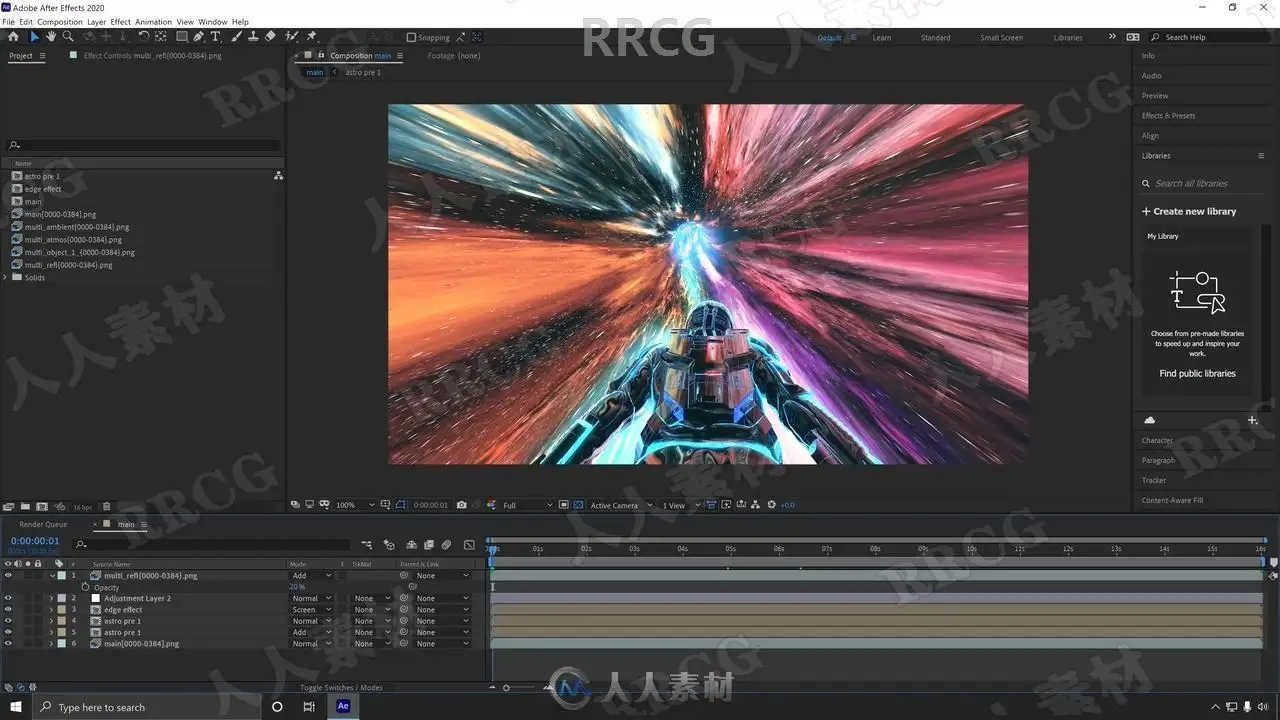
This section focuses on using everything learnt up to this point, and applying it to real projects. You will see a full worklow from working on the projects in Cinema 4D, and outputting them and finishing in After Effects. During this section we will continue to introduce new ideas and concepts as part of the process. The projects are:
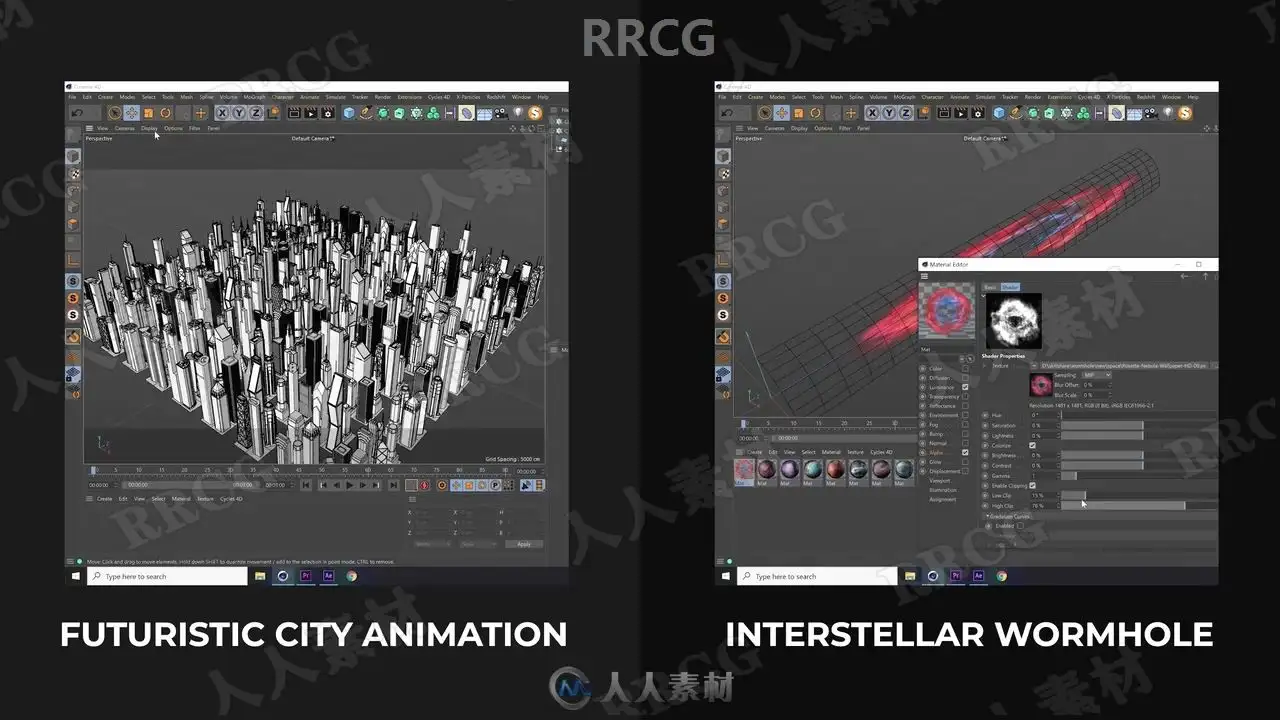
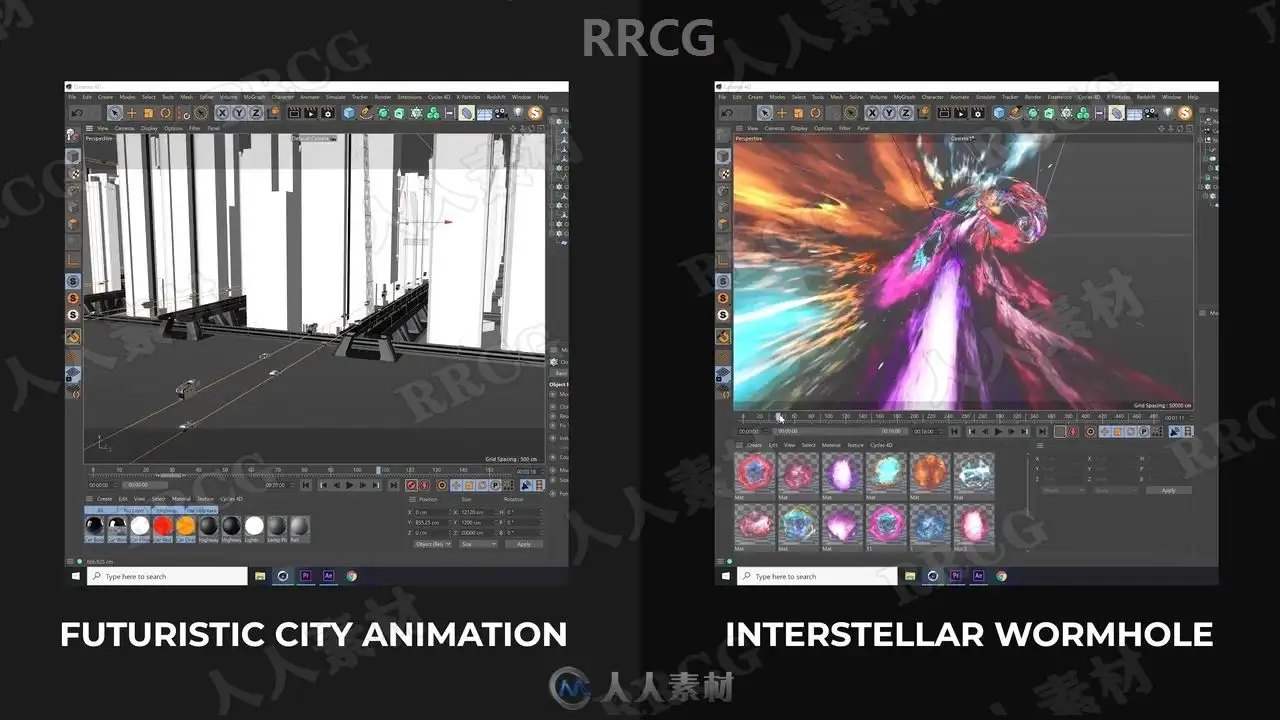
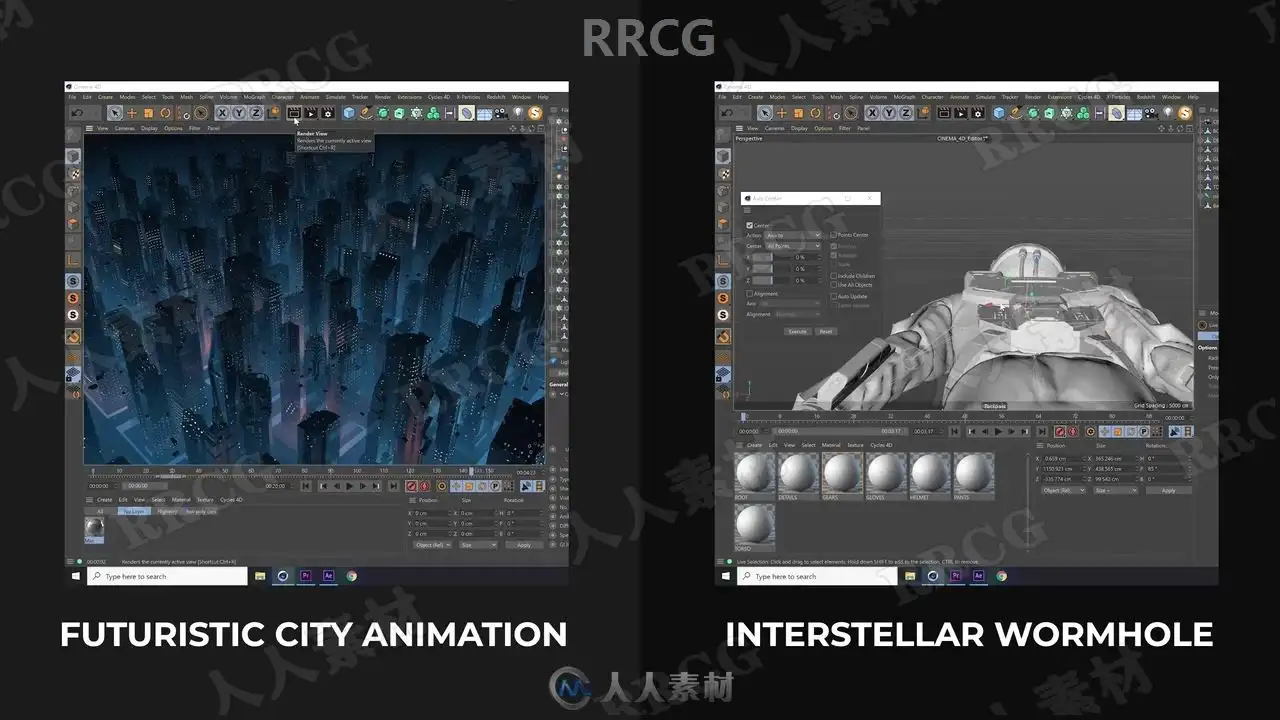
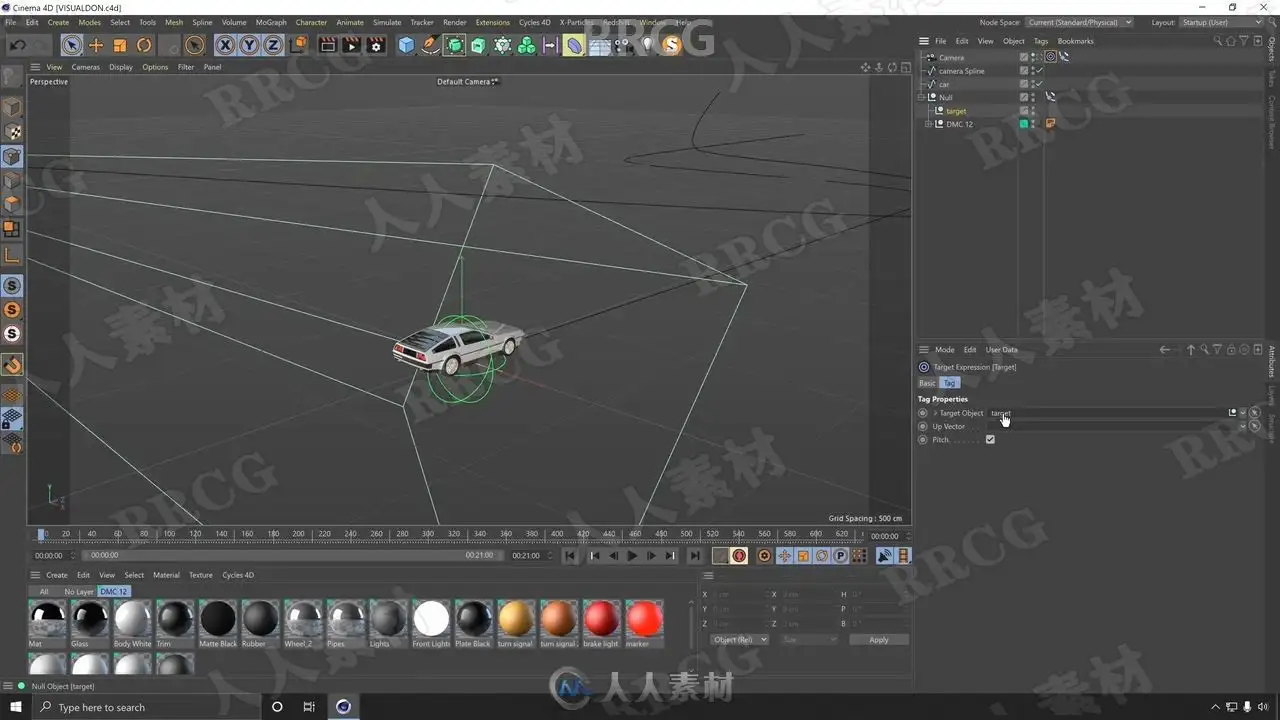
Example Project 01 – Futuristic City Animation with several skyscrapers & flying cars
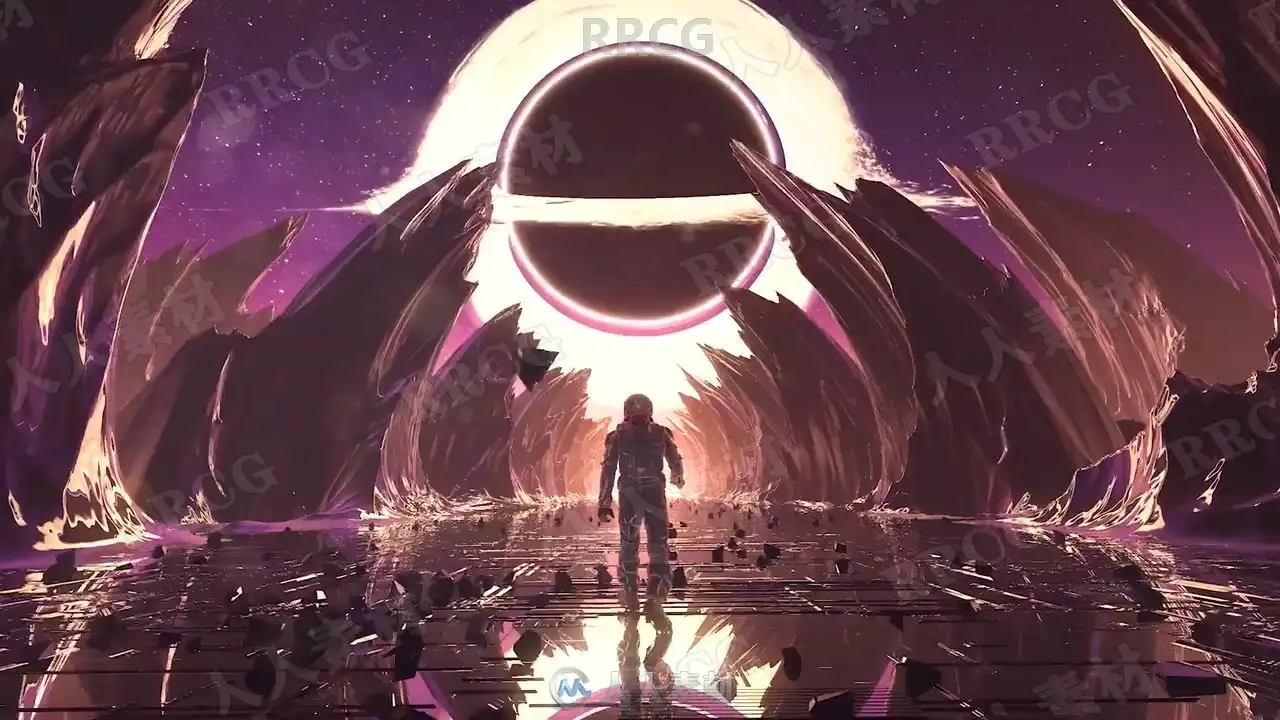
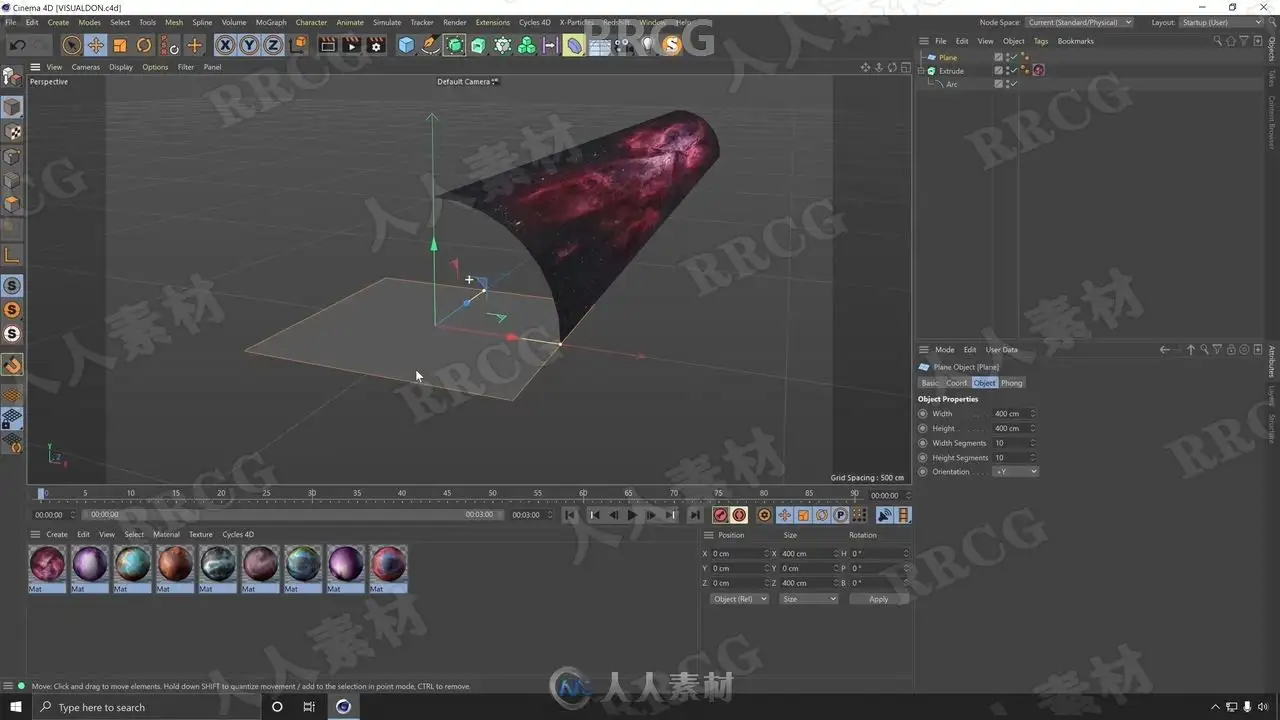
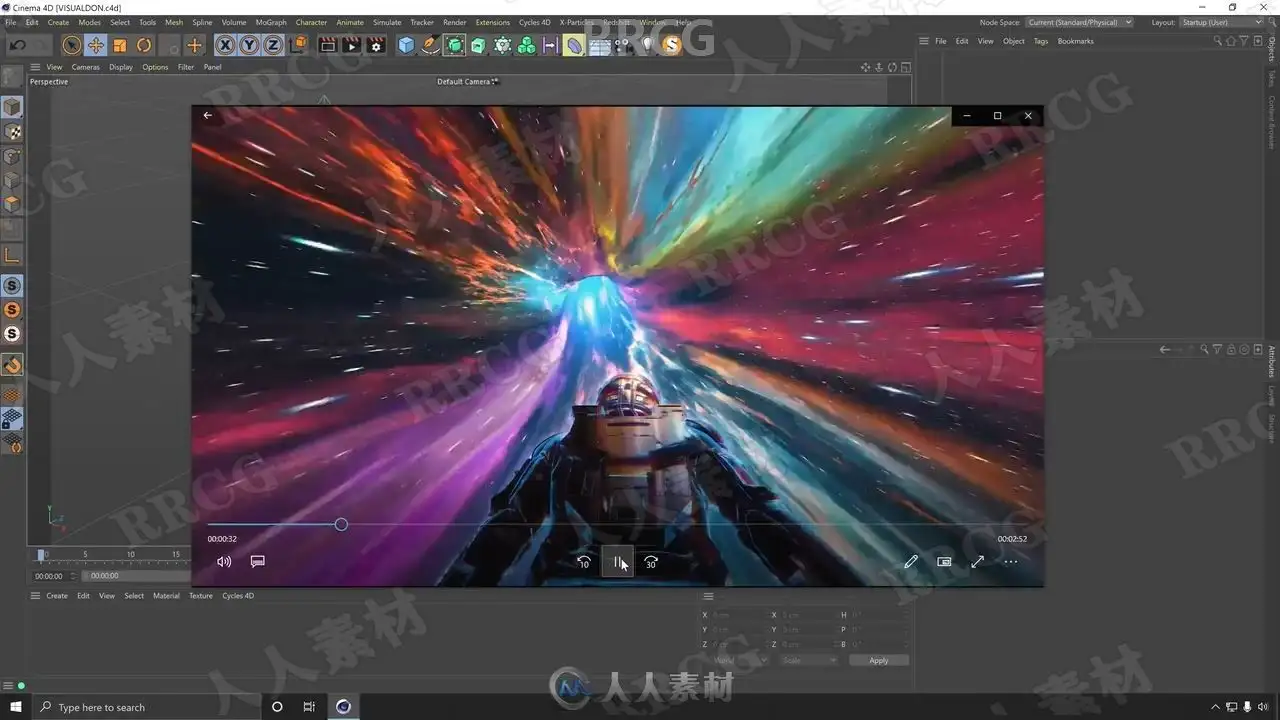
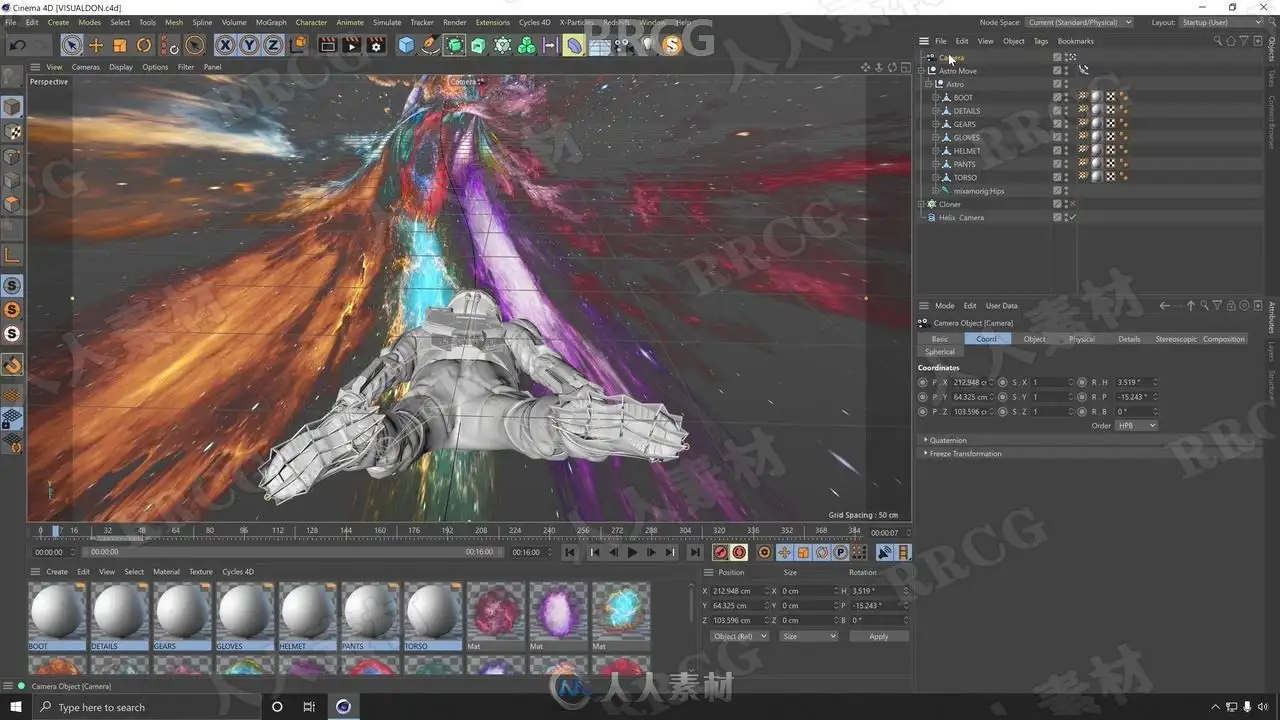
Example Project 02 – Sci-Fi Wormhole animation, looped animation.
By the end of the class you will be able to open Cinema 4D and create your own animations, let get started!
资源截图

评论0