
资源简介
本教程关于SolidWorks 3D建模核心技能训练视频教程,时长:7小时44分,大小:3.6 GB,格式:MP4高清视频格式,教程使用软件:solidworks,附源文件,作者:Engineering & CAD School,共128个章节,语言:英语。
本课程是完整的Solidworks课程,在工业环境中练习你的技能,最后会成为熟练的使用者。不需要有Solidworks或3D建模的经验。它从零开始。
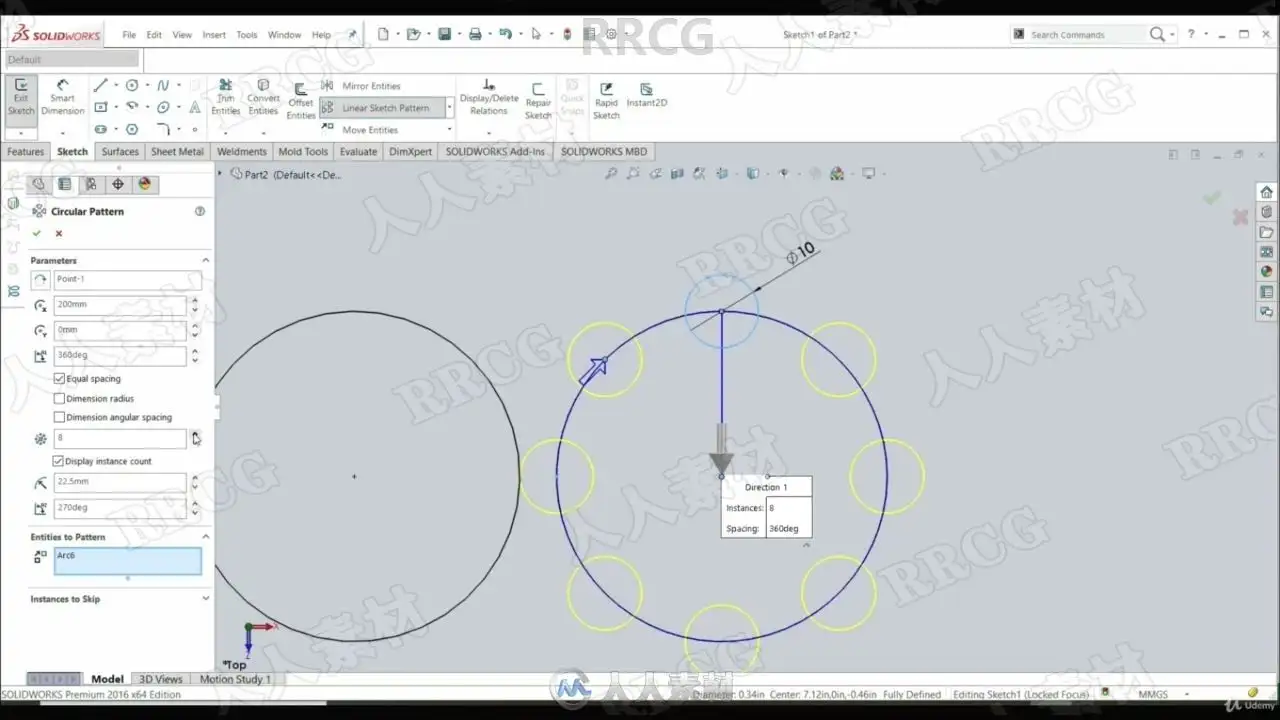
首先,它展示了如何在Solidworks应用程序中创建一个Solidworks文件。然后是草图工具(线,圆,矩形,槽,花键,圆角,倒角,镜子,线性和圆形草图模式,转换和偏移实体,多边形...)的学习。
然后展示如何使用这些草图来创建一个3D模型。解释了使用3D模型的所有主要工具(挤出成型、挤出切割、旋转成型、旋转切割、横扫成型、悬空成型、孔洞向导、圆角、倒角、镜面、线性模式、肋骨、草稿、外壳...)。以及如何创建新的平面、新的坐标系,如何计算质量、体积和质量中心。
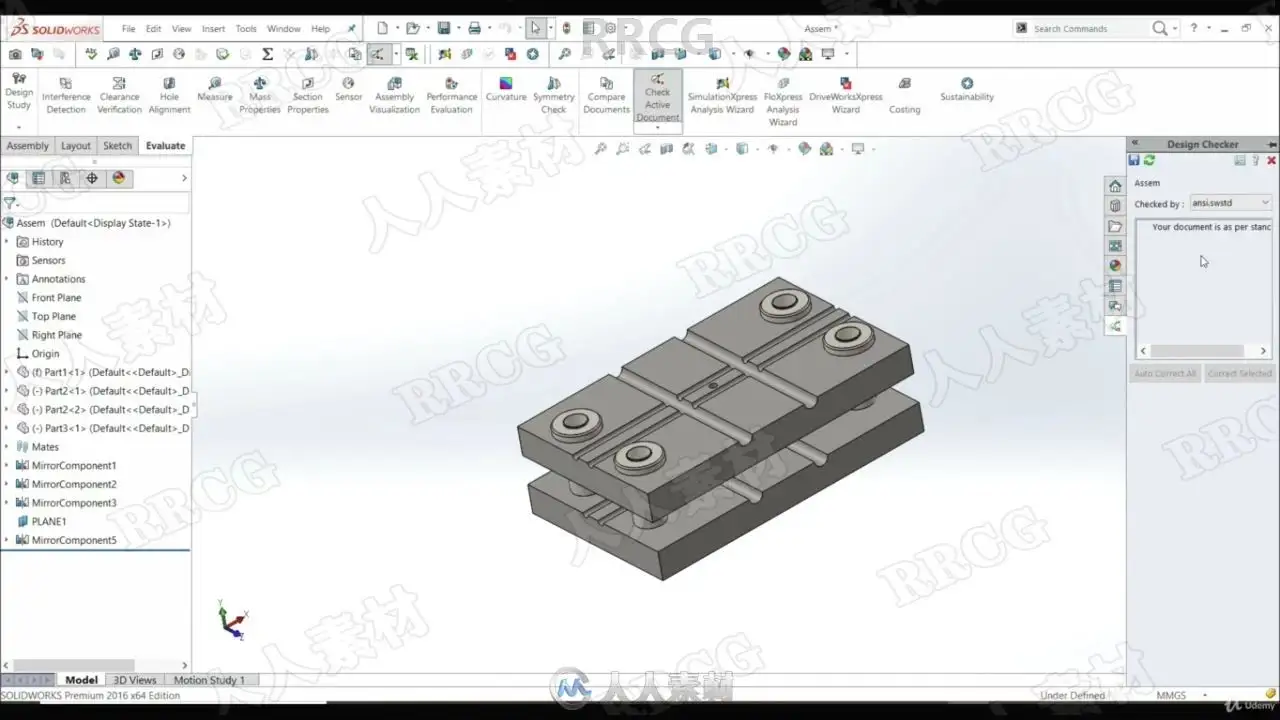
接下来讲解如何使用零件来创建装配体。如何在装配体中使用配体定义零件之间的关系。所有的基本配筋(重合、同心、平行、垂直、距离、角度、切线......)和高级配筋(宽度、距离和角度、宽度、剖面中心、路径配筋、对称......)。
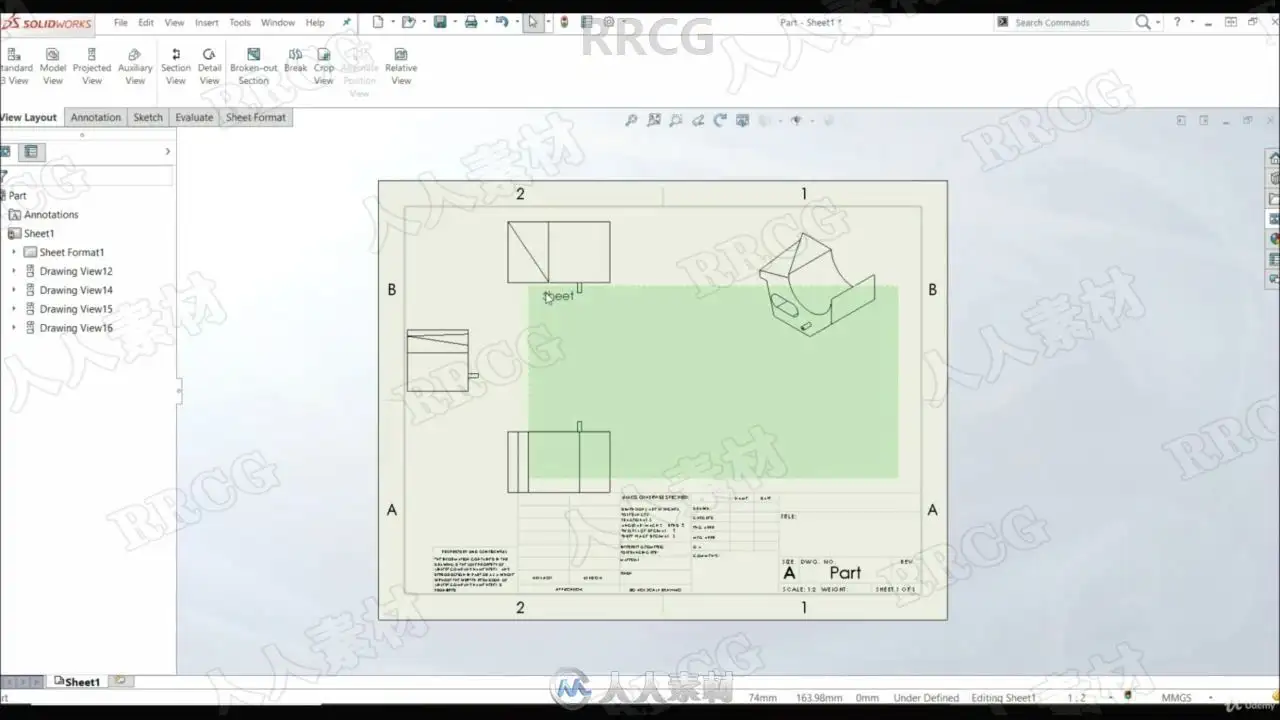
如何创建工程图。不同的绘图视图。如何放置尺寸。以及如何创建材料清单(BOM)表。
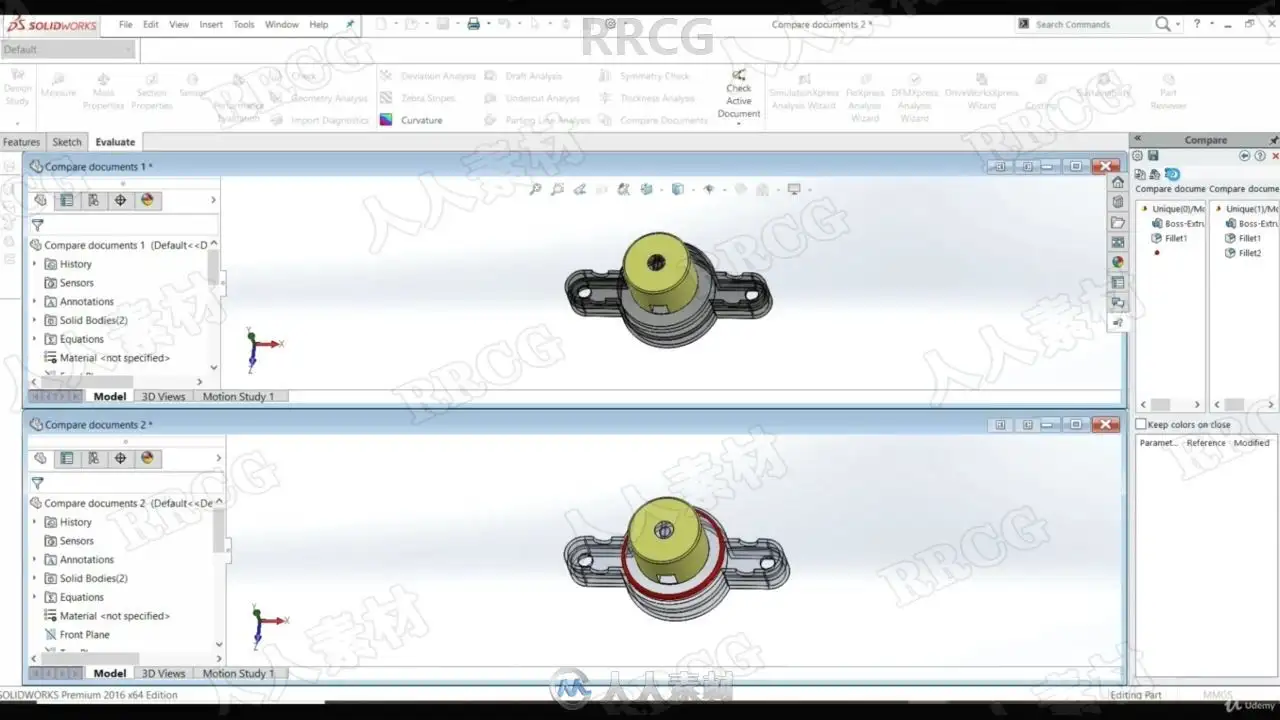
下一步是显示评估工具,如。比较文件,零件审查器,测量,对称性检查,性能评估......。
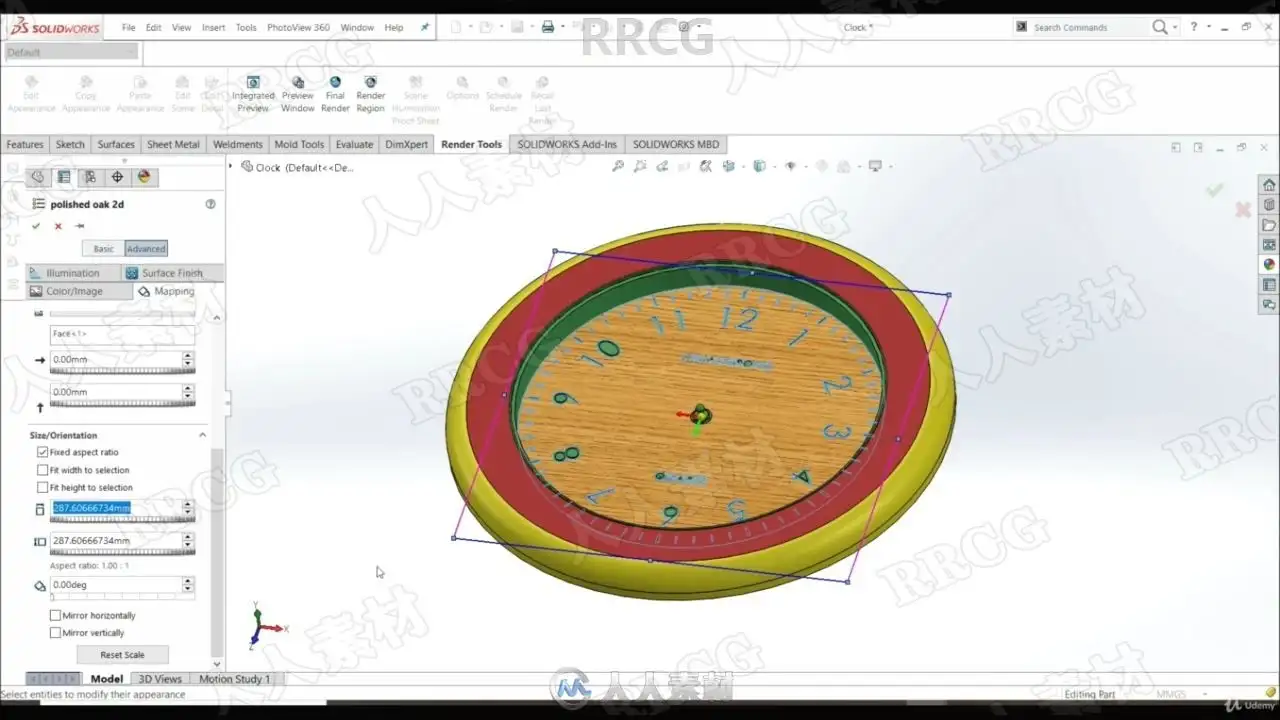
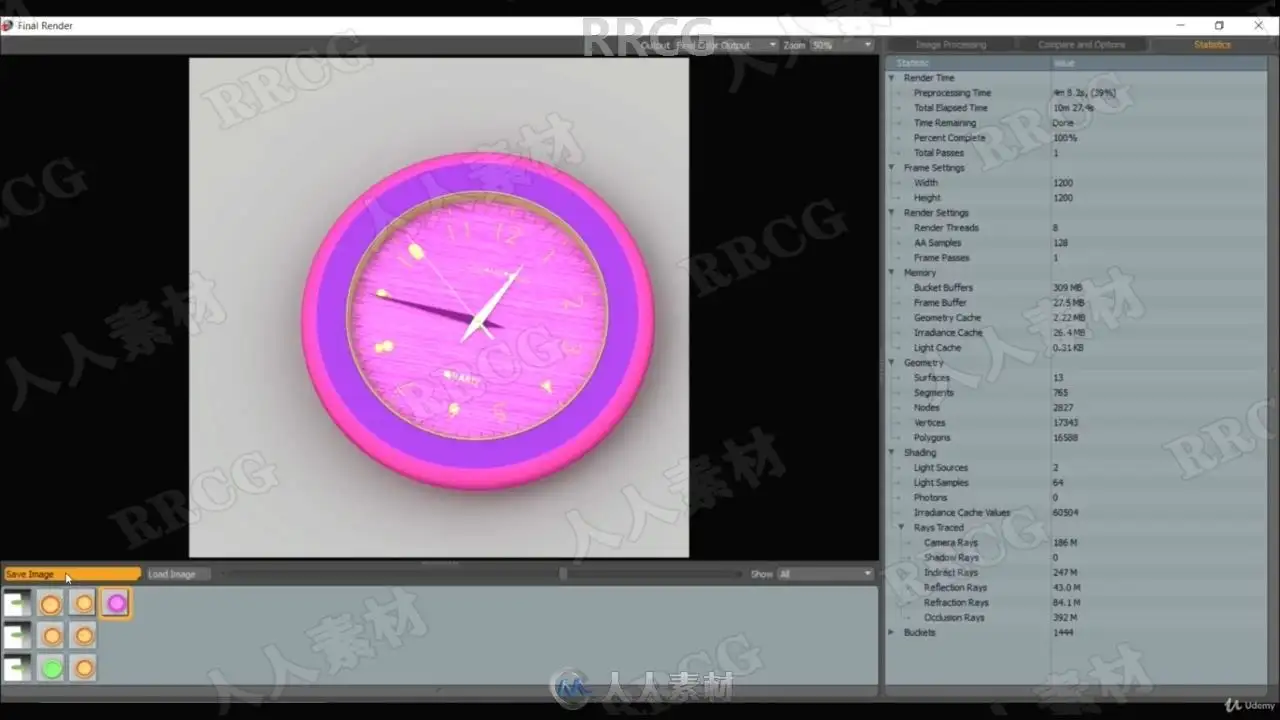
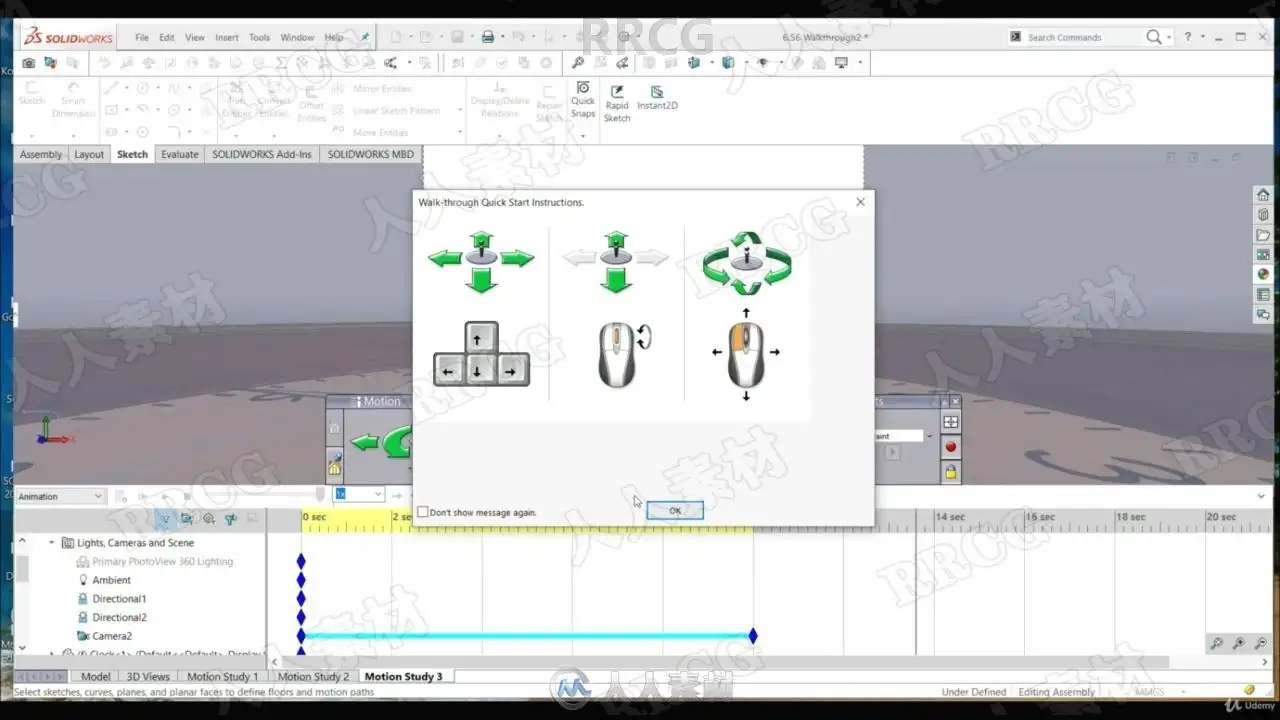
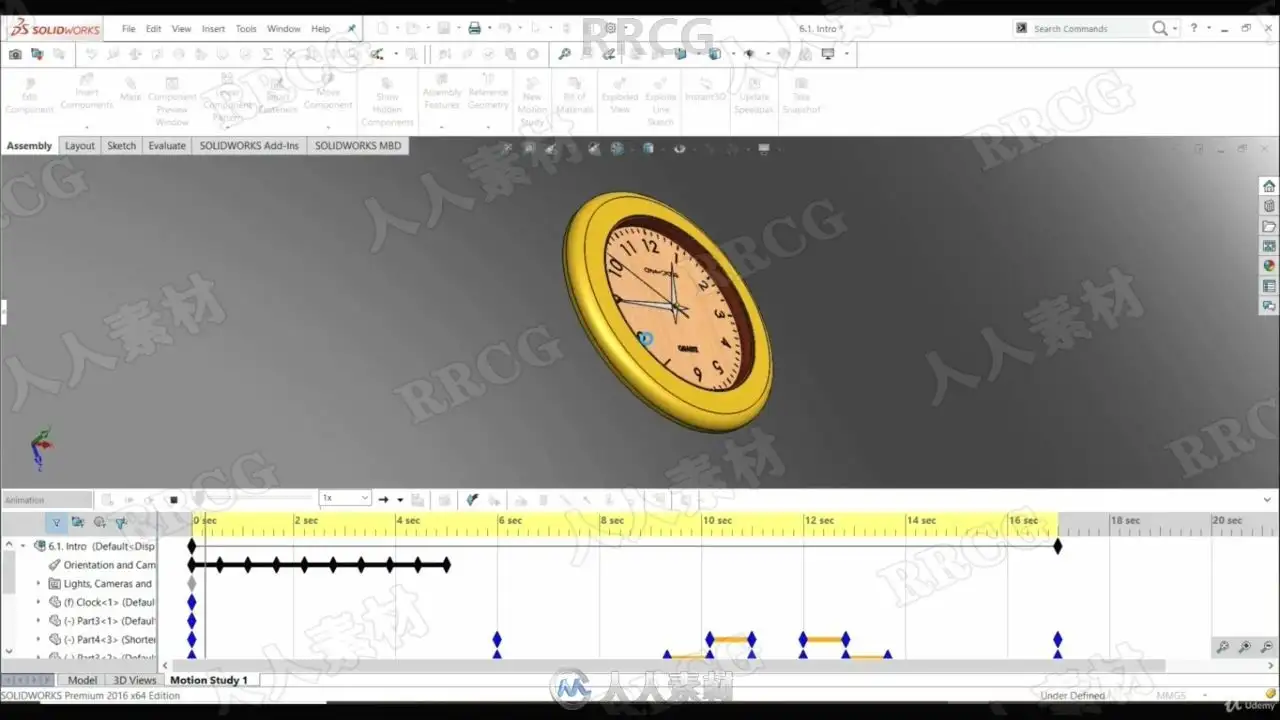
在最后一节,展示了如何创建逼真的模型和如何创建动画视频。它解释了如何设置相机,灯光,外观和场景。如何渲染一个模型和如何设置一个时间表渲染。以及如何设置动画视频中的电机,如何改变动画视频中模型的外观和位置。并在最后的讲座中展示了如何创建一个演练视频。
SolidWorks是一个简单、易学、易用的三维参数化设计软件,目前在整个三维设计行业已经被广泛应用,solidworks新功能更加的强大操作更加的方便,将易用性与广泛的定制化相结合,让新用户能够很快学会该软件,还让资深用户能够在以前看来非常复杂和精密的任务中迅速获得更高的生产能力。
SolidWorks为达索系统(Dassault Systemes S.A)下的子公司,专门负责研发与销售机械设计软件的视窗产品。达索公司是负责系统性的软件供应,并为制造厂商提供具有Internet整合能力的支援服务。该集团提供涵盖整个产品生命周期的系统,包括设计、工程、制造和产品数据管理等各个领域中的最佳软件系统,著名的CATIAV5就出自该公司之手,目前达索的CAD产品市场占有率居世界前列。
This course is full complete solidworks course. All you need to know to become confident and skillful user and become ready to employ your skills in industry environment. There is no need for experience in solidworks or in 3D modeling. It starts right from the zero.
First it's shown how to get around in solidworks application and how to create a solidworks file. Next step is sketching where are explained sketch tools (Line, Circle, Rectangle, Slot, Spline, Fillet, Chamfer, Mirror, Linear and circular sketch pattern, Convert and offset entities, Polygon...).
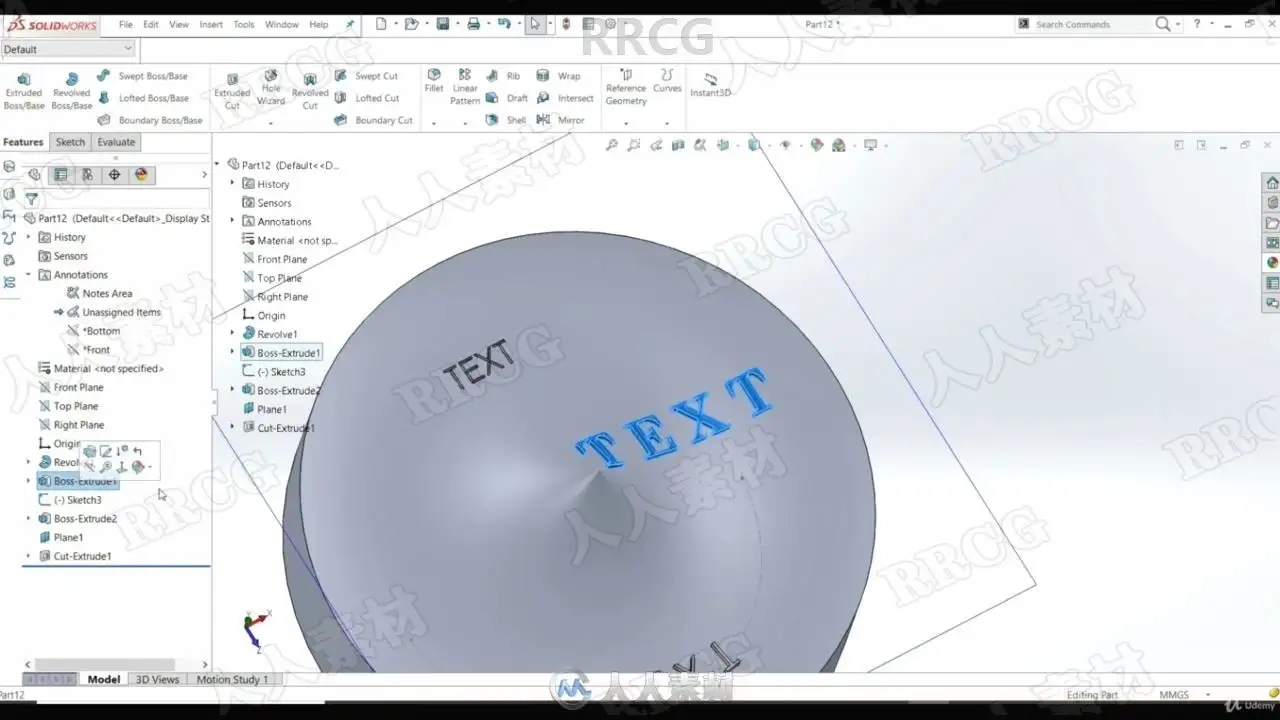
Then shows how to use those sketches to create a 3D model. All main tools for working with 3D model are explained (Extruded Boss, Extruded Cut, Revolved Boss, Revolved Cut, Swept Boss, Lofted Boss, Hole Wizard, Fillet, Chamfer, Mirror, Linear pattern, Rib, Draft, Shell...). As well how to create a new plane, new coordinate system, how to calculate mass, volume, and center of mass.
Next is explained how to use parts to create assembly. How to define relations between parts in assembly using mates. All the basic mates (Coincident, concentric, parallel, perpendicular, distance, angle, tangent...) and advanced mates (Width, Distance and angle, Width, Profile center, Path mate, Symmetric...).
How to create engineering drawings. Different drawing views. How to put dimensions. As well how to create Bill of Materials (BOM) table.
Next are shown evaluation tools such as: Compare documents, Part reviewer, Measure, Symmetry check, Performance Evaluation...
In the last section is shown how to create photorealistic models and how to create animation videos. It is explained how to set up a camera, lights, appearance and scene. How to render a model and how to set up a Schedule rendering. As well how set up a motors in animations video, how to change appearance and position of the model in animation video. And in the last lectures is shown how to create an walkthrough videos.
资源截图
评论0