
资源简介
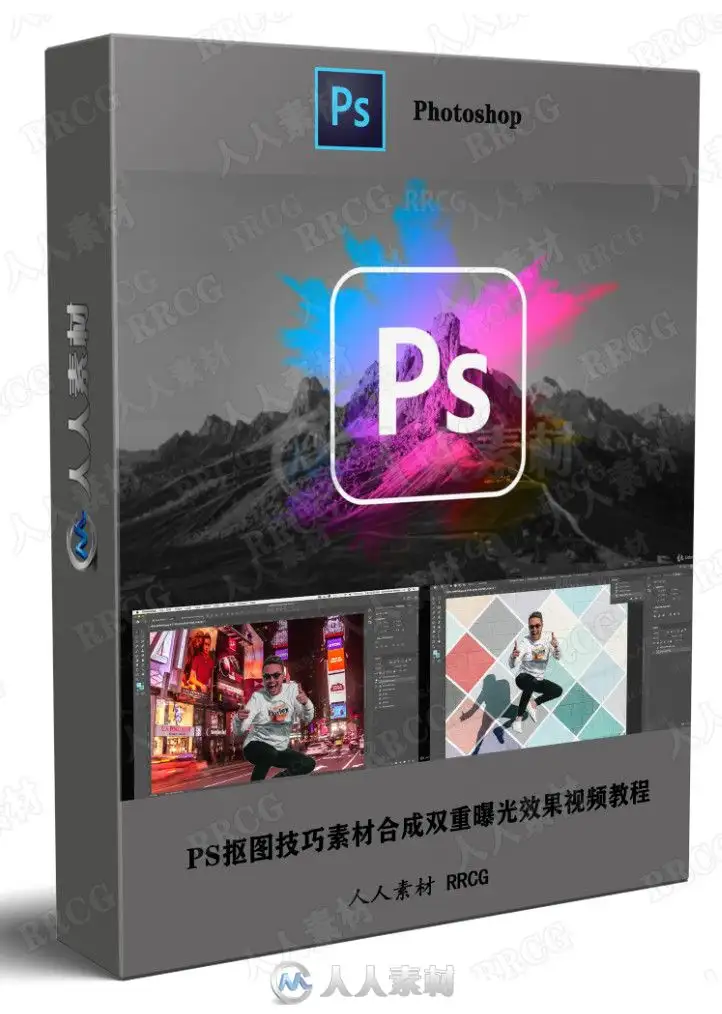
本教程是PS抠图技巧素材合成双重曝光效果视频教程,时长:5小时,大小:3.4 GB,MP4高清格式,使用软件:photoshop,共63个章节,语言:英语。
数字绘画用计算机的手段和技巧进行创作,不同于一般的纸上绘画。首先要有好的创意和构思。创作电脑绘画要有积极向上的创意,来表现我们的丰富多彩的生活,如我们身边的事物、事件、活动,我们的向往和想象等。在表现手法上要努力捕捉最感人、最美的镜头,充分发挥大胆的想象,尽量让画面充实、感人、鲜艳。其次,电脑绘画要通过不同的软件进行制作。最常用的软件有Photoshop、Painter、sai等等。电脑绘画的种类与用途很多,如动画、漫画、插图、广告制作、网页制作、服装设计、建筑效果图、各种示意图、演示图等等。电脑绘画最大的优点是颜色处理真实、细腻、可控,其次是修改、变形变色方便,再次是复制方便,放大缩小方便。制作速度快捷,保存耐久及运输方便,画面效果奇特。
10x Fun Real Life photoshop Projects to Learn the Essential Adobe photoshop Skills As A Complete Beginner
What you’ll learn
You Will Learn photoshop Skills Through Creating 10 Real Life Projects
Each Activity Is A Brand New Skill: By The Time You Have Completed This Course You Will Have Created Some Great Tasks and Have Gained So Many photoshop Skills Along the Way!
This course is perfect for beginners including people who have never used photoshop before.
Requirements
Adobe photoshop CC
No Skills Needed I Start with the Basics and Show You Everything You Need
Description
Hello and welcome! Let’s Make Learning photoshop Fun!
I have created an easy and fun, step-by-step practical approach to photoshop you will find simple and exciting!
You’ll be completing 10 awesome activities that walk you through 10 must-have skills to master photoshop, even if you’ve never opened the program before.
Each new Project is a brand new skill, and by the time you have completed this course you will have made some great stuff as well as integrated many different tools and skills along the way! Maybe without even realising it!
I carefully explain each of the tools and help simplify their use, I’ll also talk through my own tips and tricks as well as things you may find extra helpful.
This course is packed full of exciting, valuable lessons that teach you exactly how to create beautiful graphics, images, logos, pictures and popular effects.
This class is taught using follow-along videos with me sharing my screen so you can create your projects at your own pace as you watch!
BONUS: I provide you with all of the imagery that I use so that you can follow me in real time and help ensure that each image you create is going to look fabulous.
Here’s what you’re going to learn:
Layers
Masks
Photo Enhancing
Changing and Removing Backgrounds
Removing Blemishes and Imperfections (Touch-Ups!)
Changing the Color of Anything
Creating Thumbnails for YouTube
Create a Minimalist Logo
Make an Instagram Quote Posts
Produce the Double Exposure Effect
This course is aimed at complete beginners who want to learn photoshop, but don’t know where to start! Let’s take out the intimidation and jump in!
资源截图


评论0