
资源简介
本教程是关于DaVinci Resolve 16专业调色色彩分级技术训练视频教程,时长:1小时40分,大小:2.5 GB,教程使用软件:DaVinci Resolve,附源文件,共19个章节,作者:Kevin P. McAuliffe,语言:英语。
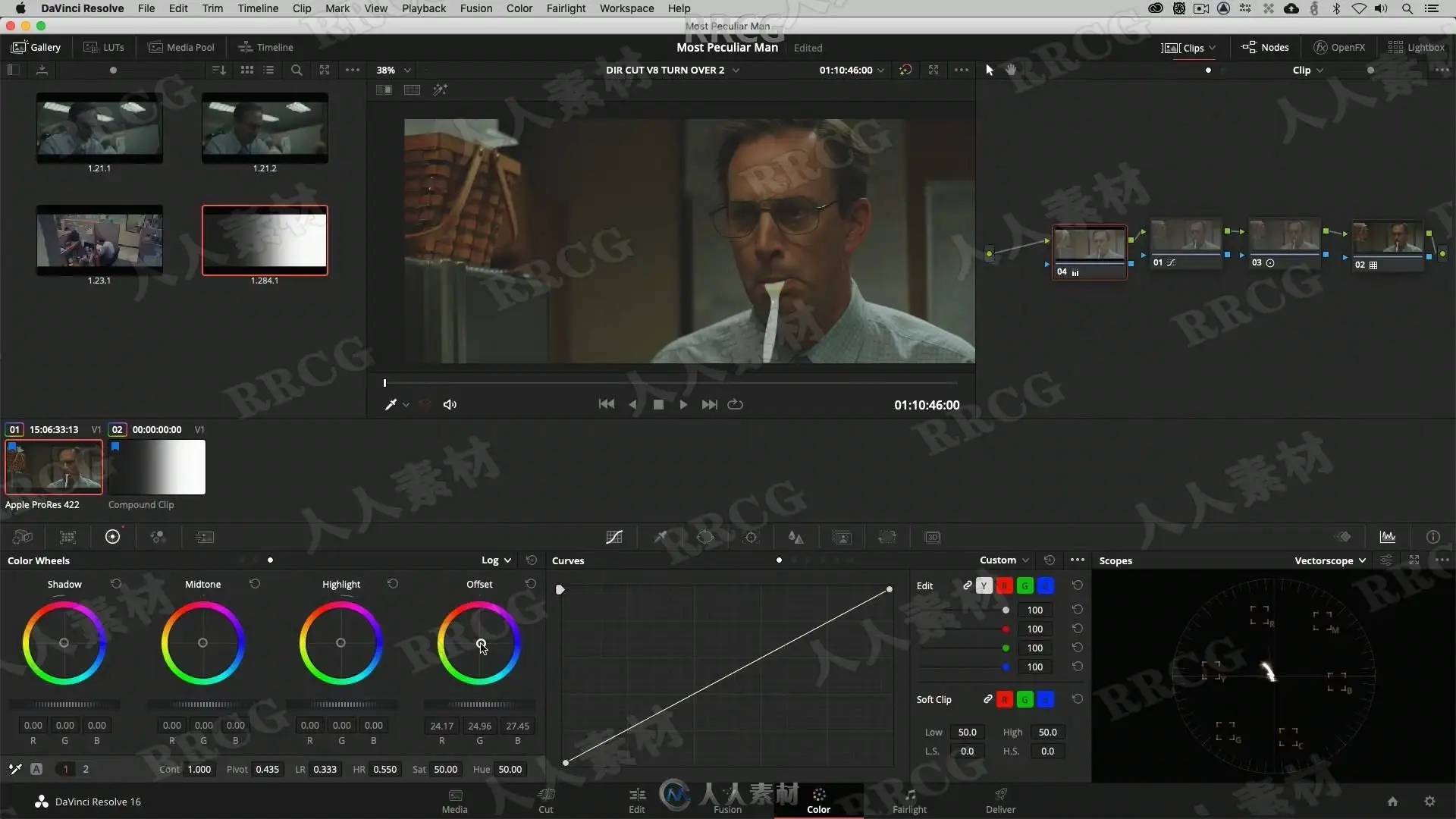
本课程为调色师提供了DaVinci Resolve 16中专业调色技术和外观创建的深入概述。
课程中讨论的主要概念是高级对比度管理、平衡技术和外观开发。重点主要是更高端的色彩分级、色彩理论和教学技术,这些技术需要专业调色师多年的经验才能掌握。本课程由Kevin P. McAuliffe主讲,但与专业调色师一起创作,他们对自己的工作方法有独到的见解。Kevin使用的是DaVinci Resolve 16,但其教学目标是展示可以在任何色彩校正器中使用的技术。本课程中使用的素材可以下载,这样你就可以轻松跟上。此外,我们还包含了功率等级,以便您可以深入研究课程中演示的节点结构和色彩分级技术,以及我们在Cinegrain的朋友提供的35mm胶片颗粒的免费样本。
DaVinci Resolve为电影、后期制作和电视广播行业提供高质量视频剪辑产品、调色系统、视频转换器、视频监看产品、矩阵、实况制作切换台、数字录像机、示波器和胶片修复软件。Blackmagic Design的DeckLink采集卡引发了质量和用户可承受性的革命,其获得艾美奖的DaVinci调色产品自1984年以来一直占据着电视和电影行业的主导地位。DaVinci Resolve持续引领包括立体3D和4K工作流程的突破性个性。公司创立者为世界顶级后期制作人员和工程师。Blackmagic Design在美国、英国、日本、新加坡以及澳大利亚均设有办事机构。
LESSON 01: S-CURVE MANIPULATION
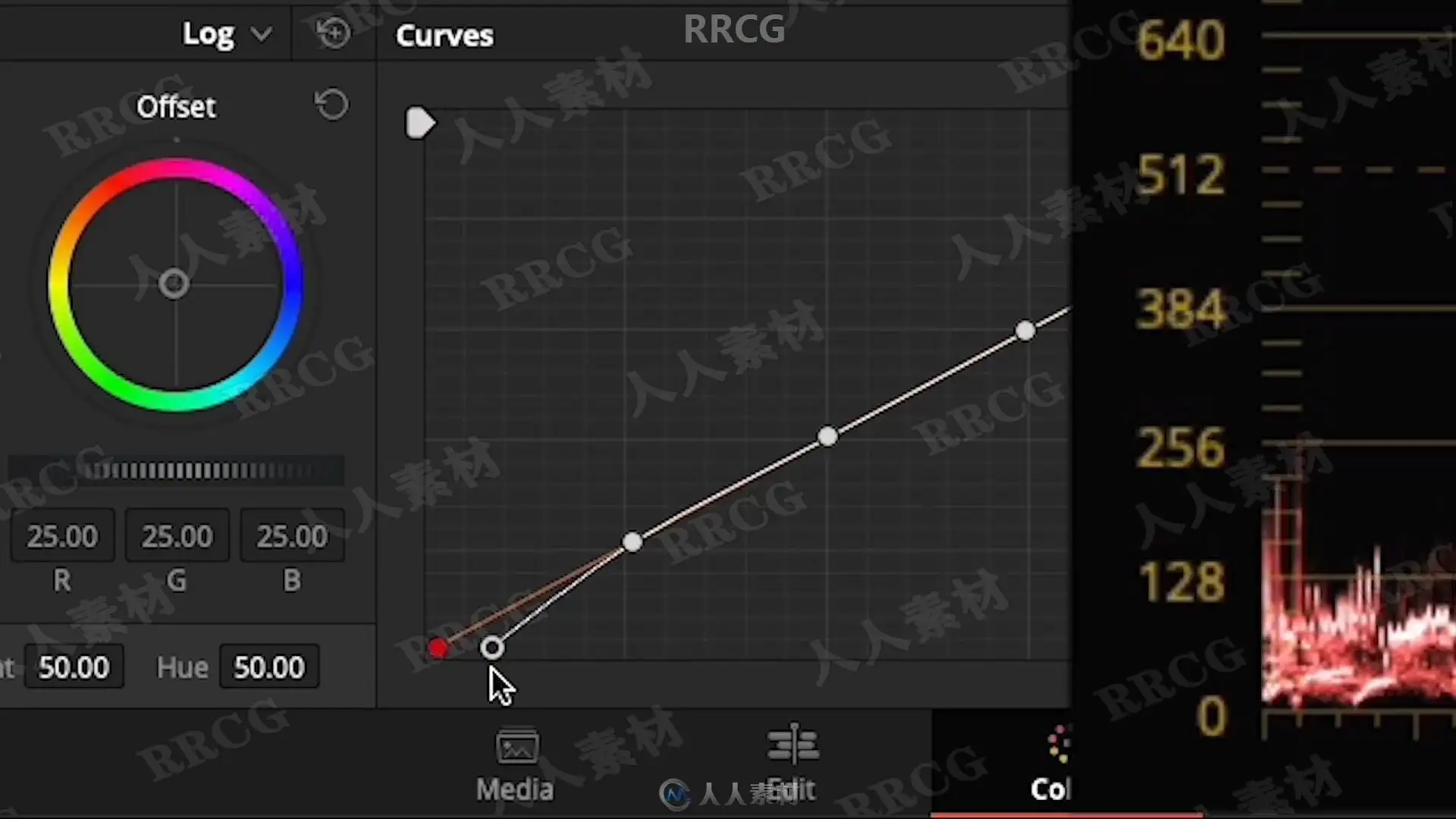
The curve is the key component of contrast creation, and in the first lesson we look at the basics of the curve and curve shaping.
LESSON 02: CORRECTIONS IN LOG SPACE AND GAMMA SPACE
We continue to explore how brightness affects the curve in log- and gamma space, and how to manipulate the curve in a log workflow.
LESSON 03: COMPRESSION TECHNIQUES
In this lesson we look at how to disturb the luma vs. distance ratio of the curve with compression techniques to challenge the contrast and create a printed look. This technique is often used as a base to create a painterly feeling with limited dynamic range.
LESSON 04: LOW LUMA COMPRESSION TECHNIQUES
We dive deeper into compression techniques and how to compress low luminance levels, add speculars and details with gamma stretching and the log controls.
LESSON 05: PRINTER LIGHTS FUNDAMENTALS
Now that we have a better understanding of contrast management, we look at the fundamentals of printer lights that we will use to balance and create looks later in the course.
LESSON 06: PRINTER LIGHTS WORKFLOW
In this lesson we look at using printer lights in a log workflow and watching the results through our curves.
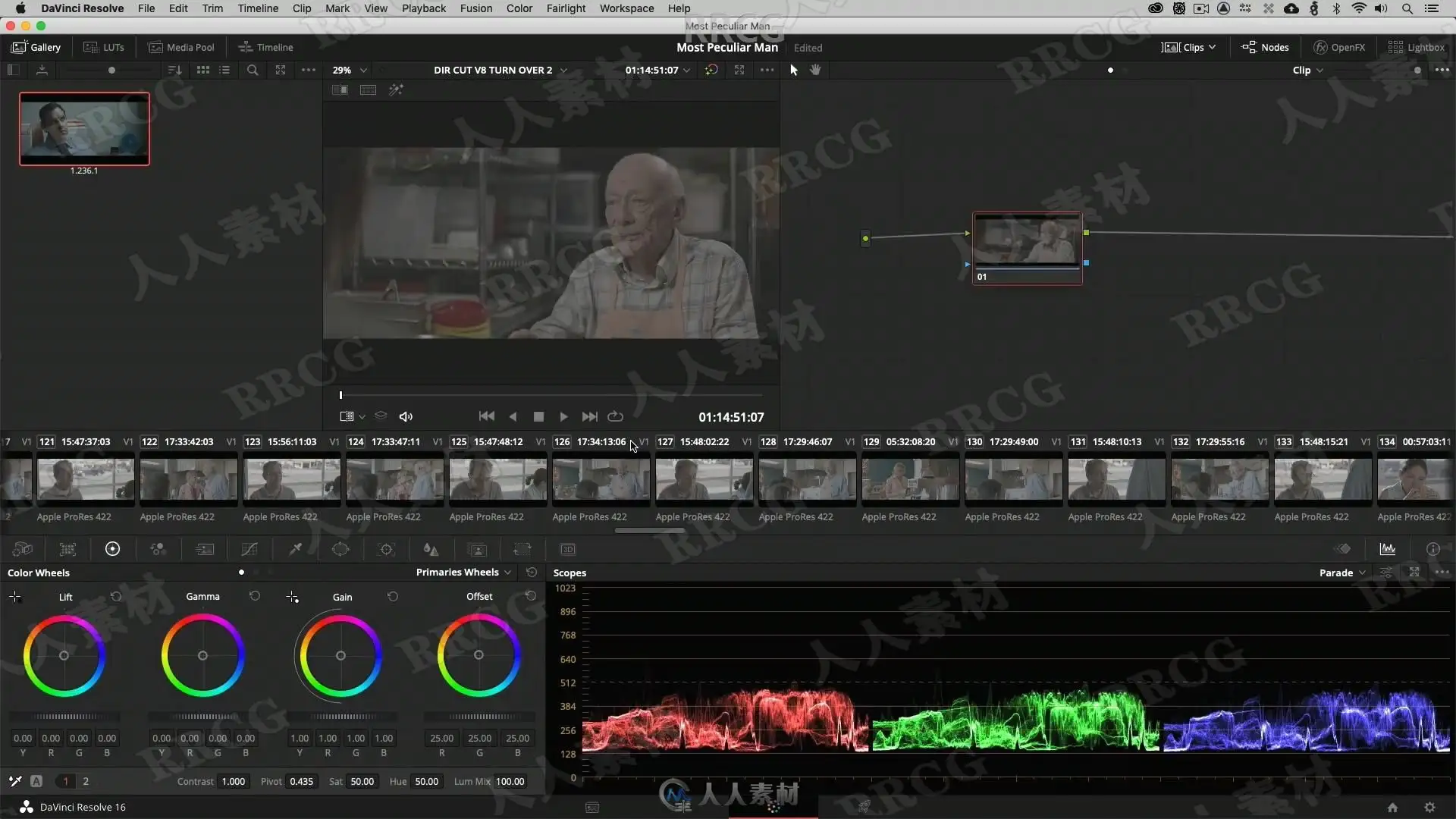
LESSON 07: BALANCING TECHNIQUES
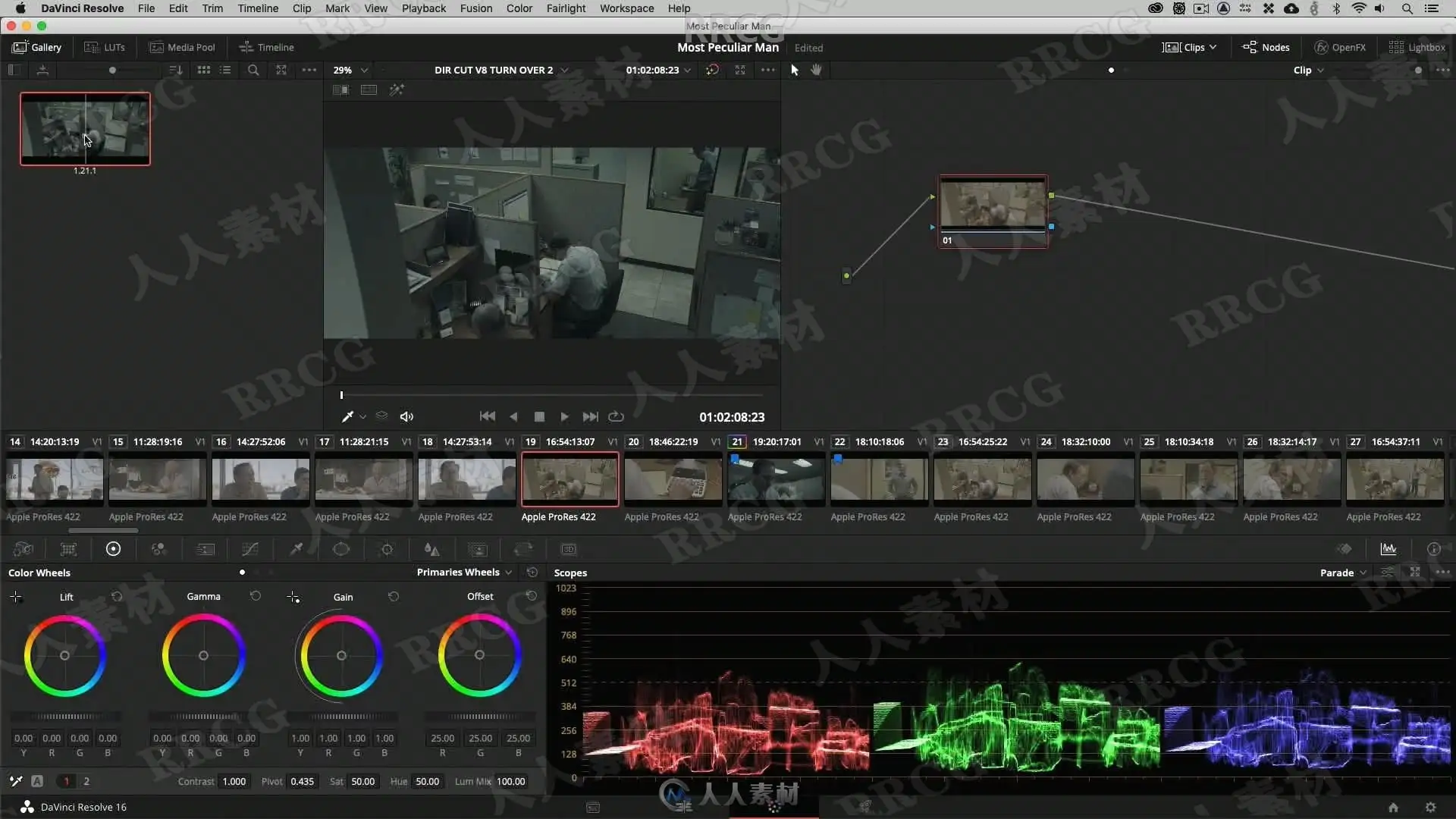
Now it’s time to analyze and match shots with the help of what we have learned about printer lights. We also take a closer look into using the RGB-parade and the vectorscope. We will also discuss some thesis questions related to balancing in general.
LESSON 08: BOUNCING TO CREATE LOOKS
We are ready to create our first desaturated and moody look by bouncing in colors though a defined node structure.
LESSON 09: UNDERSTANDING COLOR HARMONY
Colorists need to understand what makes an image look pleasant to the eye and in this lesson we discuss the important of color harmony. We are building on the look from the previous lesson to create color separation and tweek the colors into an analogous color scheme.
LESSON 10: COLOR CHANNEL MIXING TO CREATE UNIQUE LOOKS
In this lesson we look at how to create a modern and cold look with the help of channel mixing and opacity control.
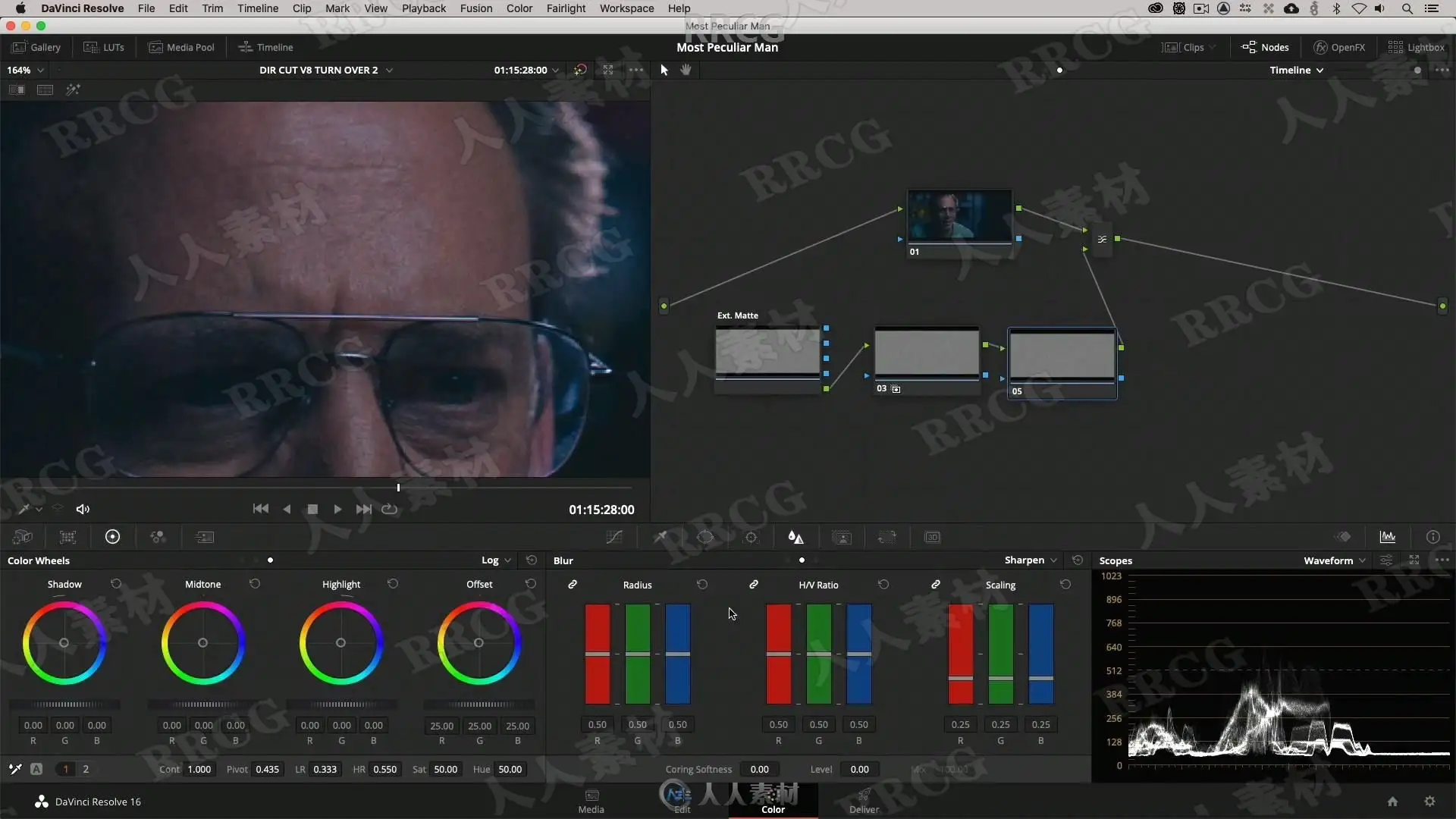
LESSON 11: GRIT AND TEXTURE
We will go though techniques to bouncing luma controls agains each other to bring out texture, create silver tints to add rawness, clip the blacks and advanced sharpen techniques to bring out grit.
LESSON 12: NODE COLOR MIXING
Node color mixing is a very important skill to master for every colorist, and by combining colors and strengths we will get access to unlimited color combinations that can be used in look development. We will see how our color combinations blends onto the tonal range we have established.
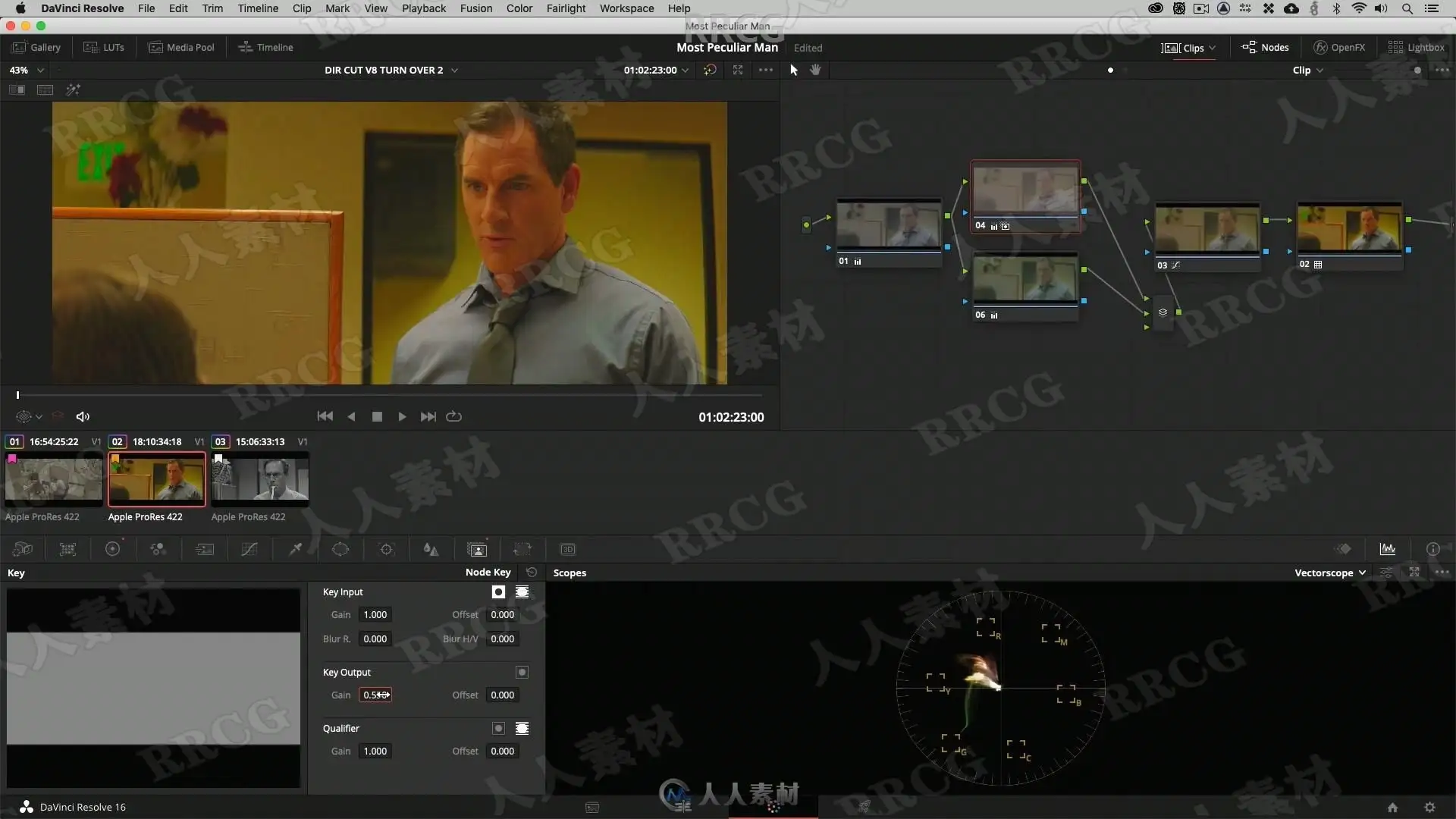
LESSON 13: PIPING A KEY DOWNSTREAM
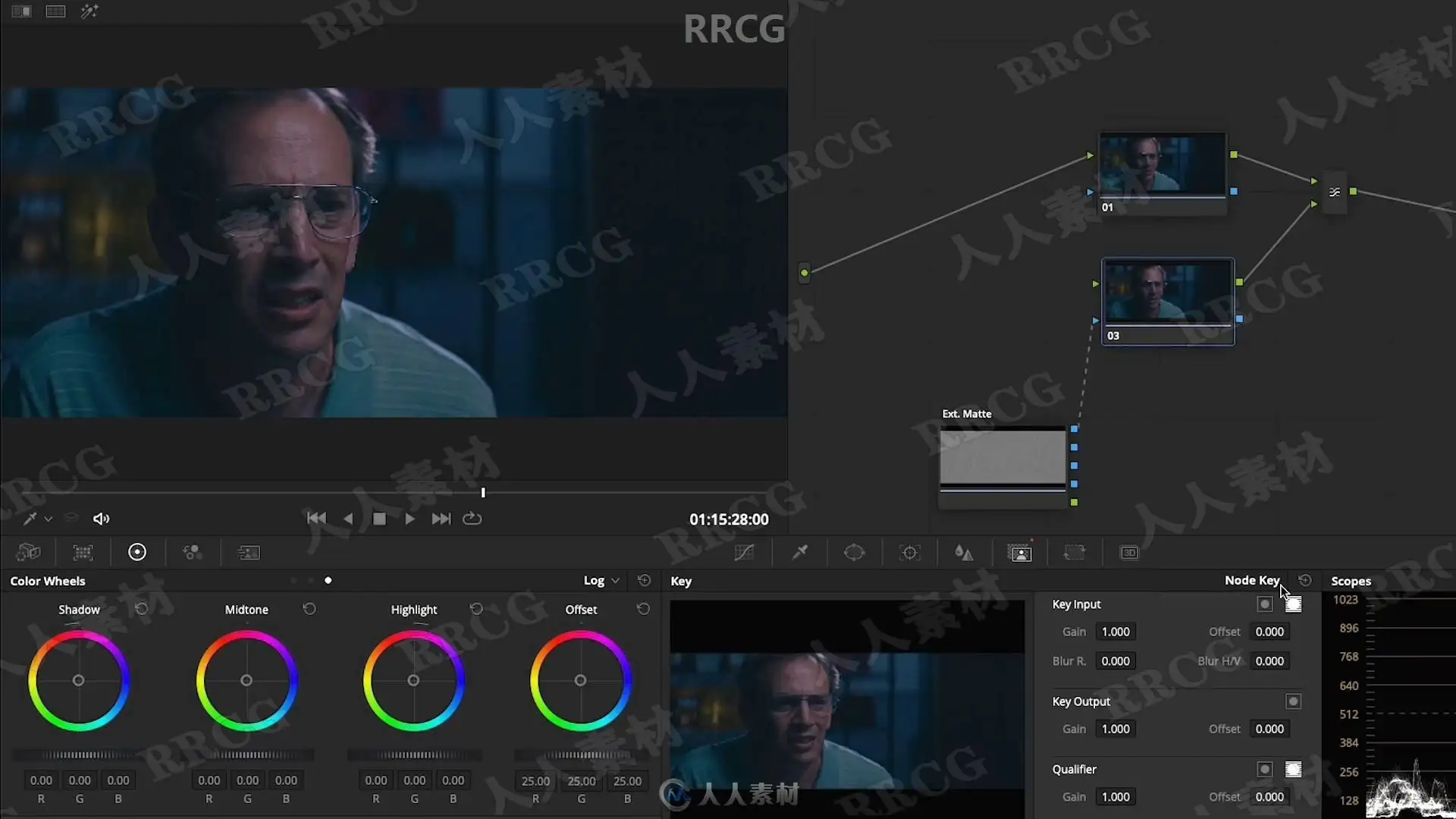
In this lesson we work with separate streams and color transforms to pipe super clean keys.
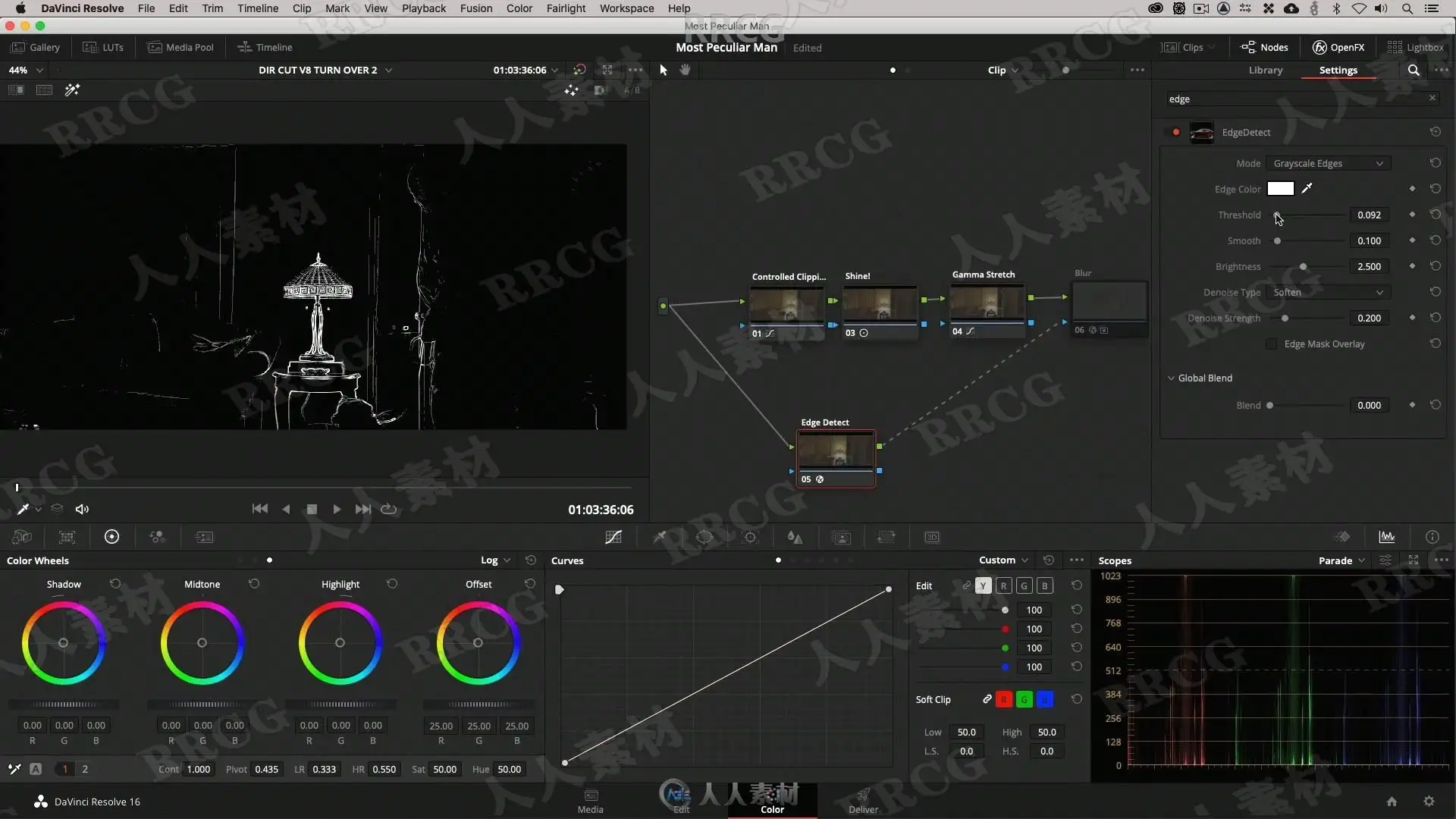
LESSON 14: LOCAL EDGE SOFTENING
This lesson is about isolating the local edges in the images and working with them to create a softer image without loosing the overall sharpness.
LESSON 15: CREATING VOLUME IN THE WHITES
We will look at another important compression method for creating volume in the highlights and reduce the sharp thin feeling of digital images.
LESSON 16: EVENING OUT SKIN TONES
Going through a very popular technique to even out skin tones and take care of imperfections.
LESSON 17: SOFT SATURATED LOOKS
In this lesson we will dial in a soft contrast and create color contrast with varying hue strenghts.
LESSON 18: FILM EMULATIONS AND GRAIN TECHNIQUES
In our final lesson we will create a new look with a Film Emulation LUT, the log controls and add texture with a 35mm fine grain sample (that you will get for free sponsored by Cinegrain). We will look at different techniques to enhance the structure of the grain.
资源截图

评论0