
资源简介
本教程是关于PS初学者编辑照片后期图像修饰技巧视频教程,时长:1小时50分,大小:1.2 GB,MP4高清视频格式,使用软件:Photoshop 附源文件,共15个章节,语言:英语。
Adobe Photoshop入门指南
您将学到什么
如何在Photoshop中导入
创建一个新文件
层数
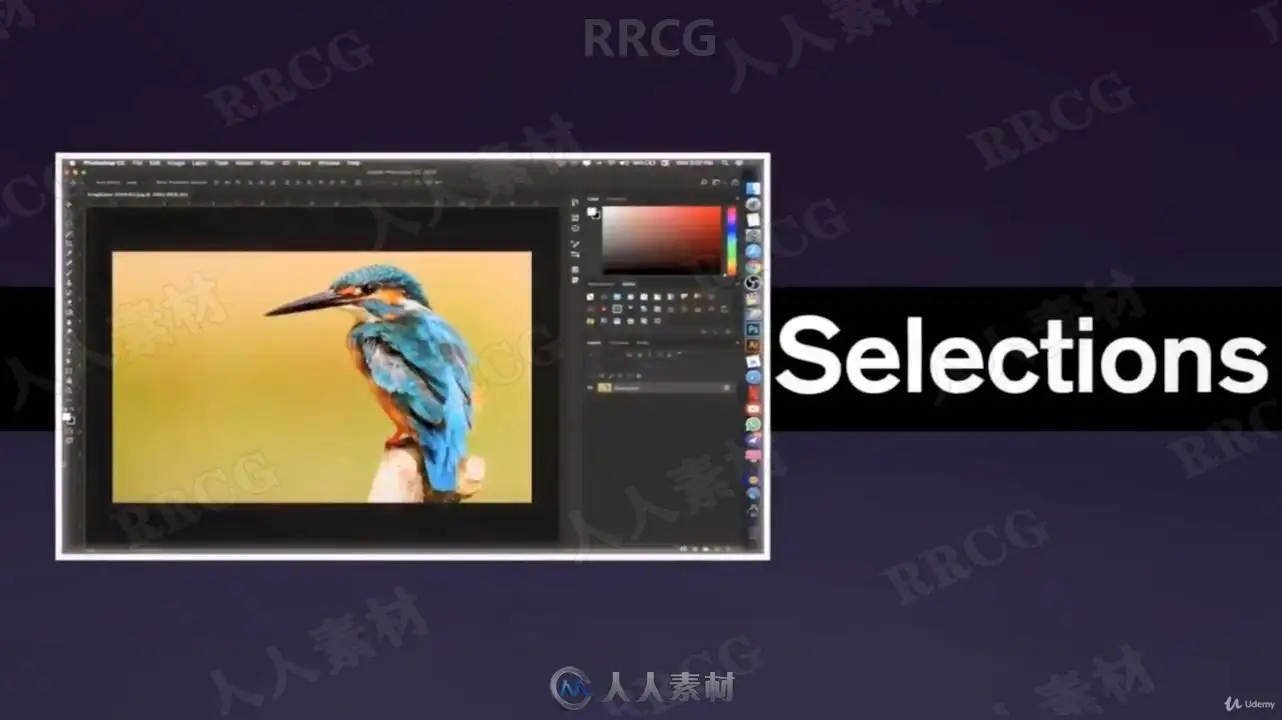
选择工具
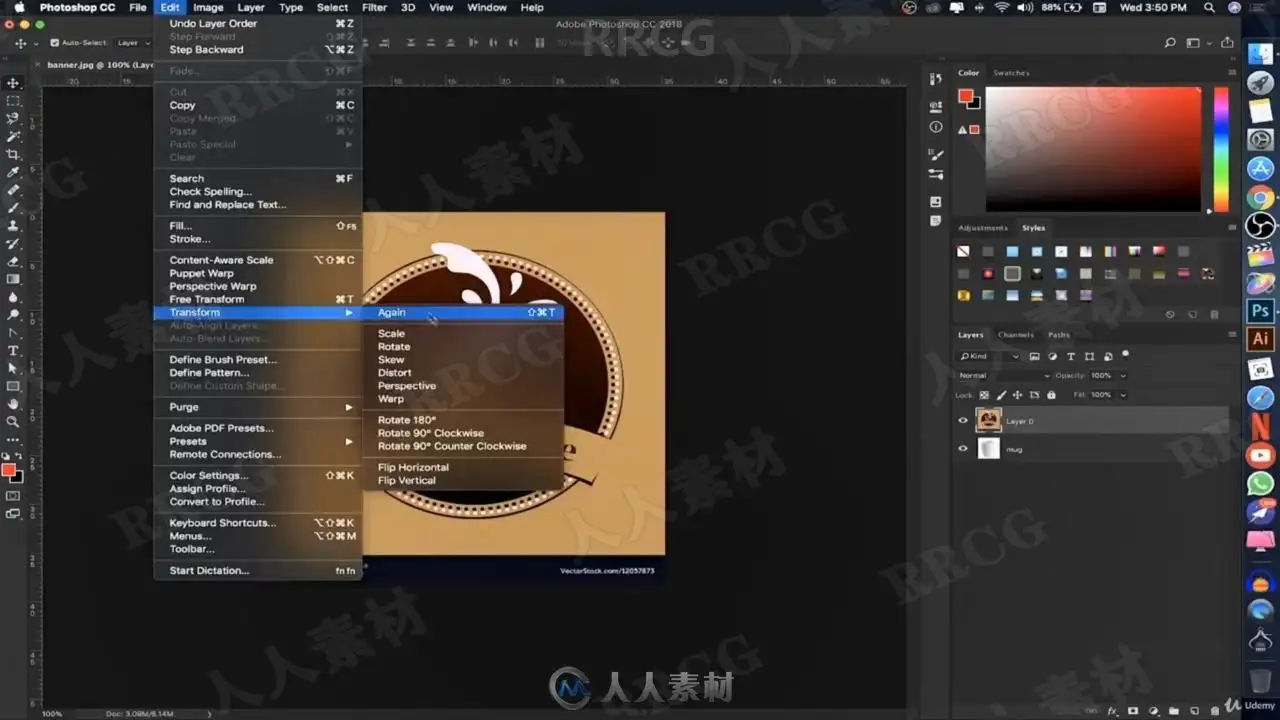
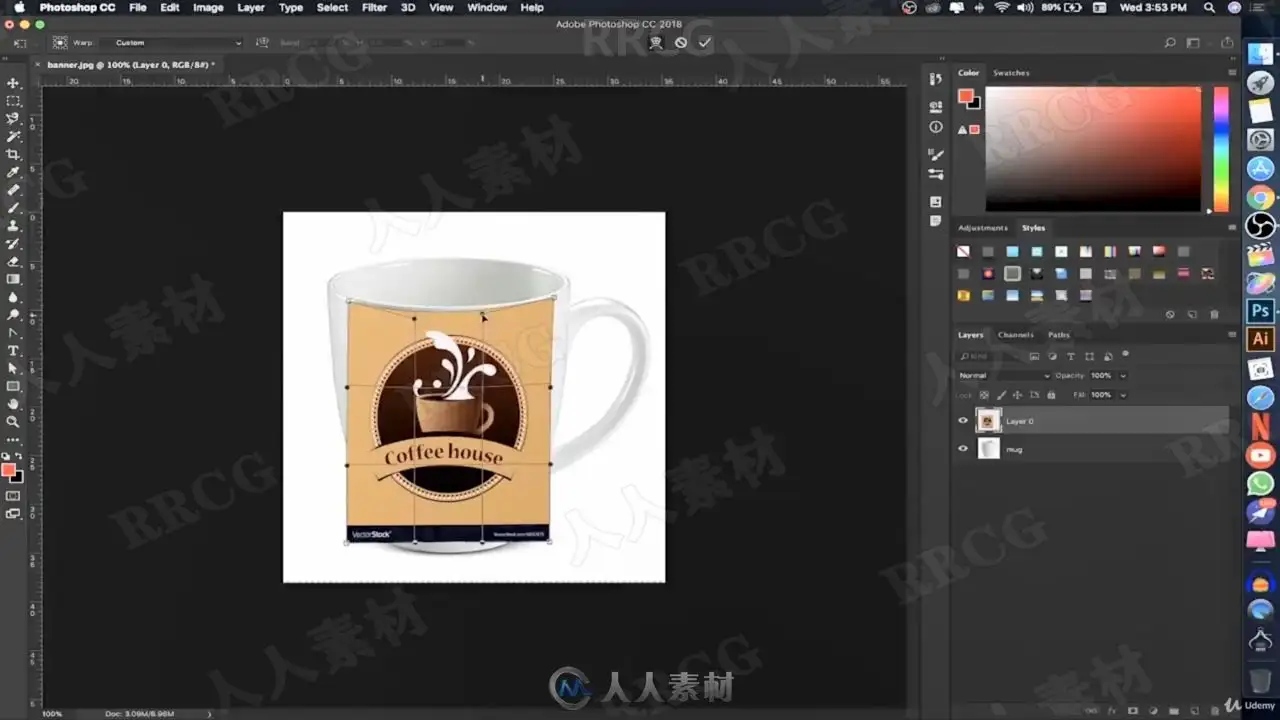
转型
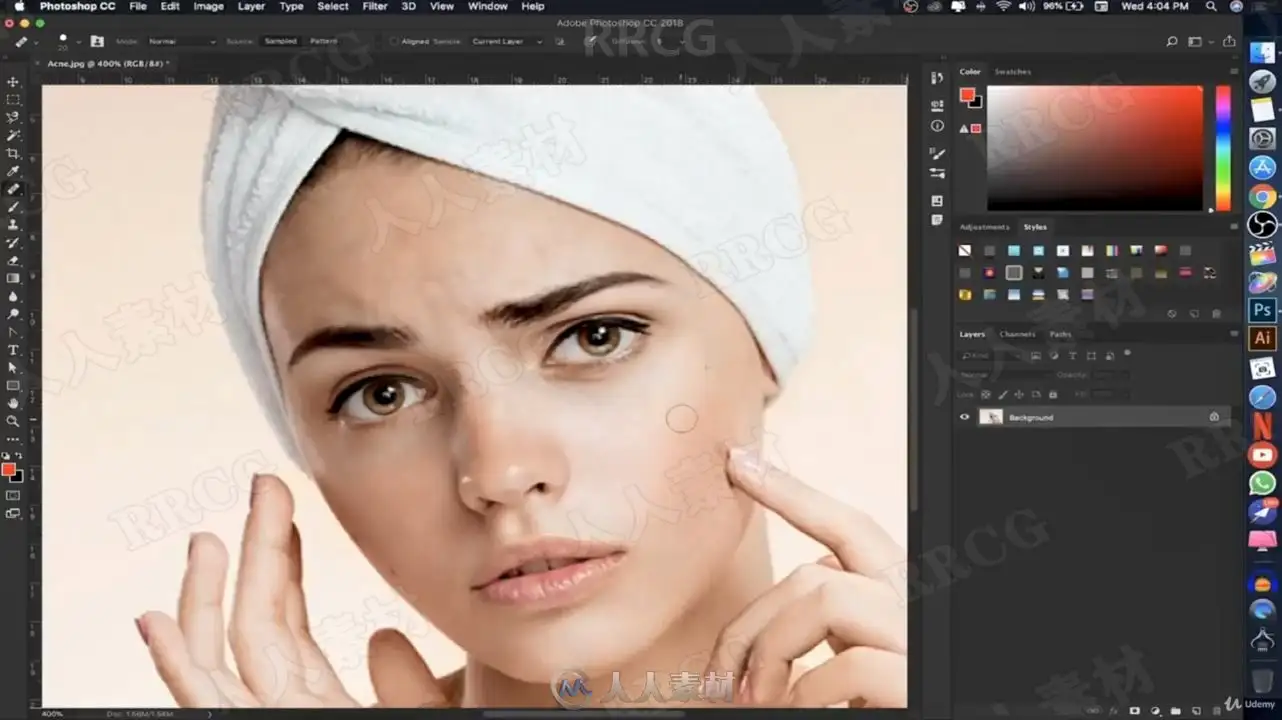
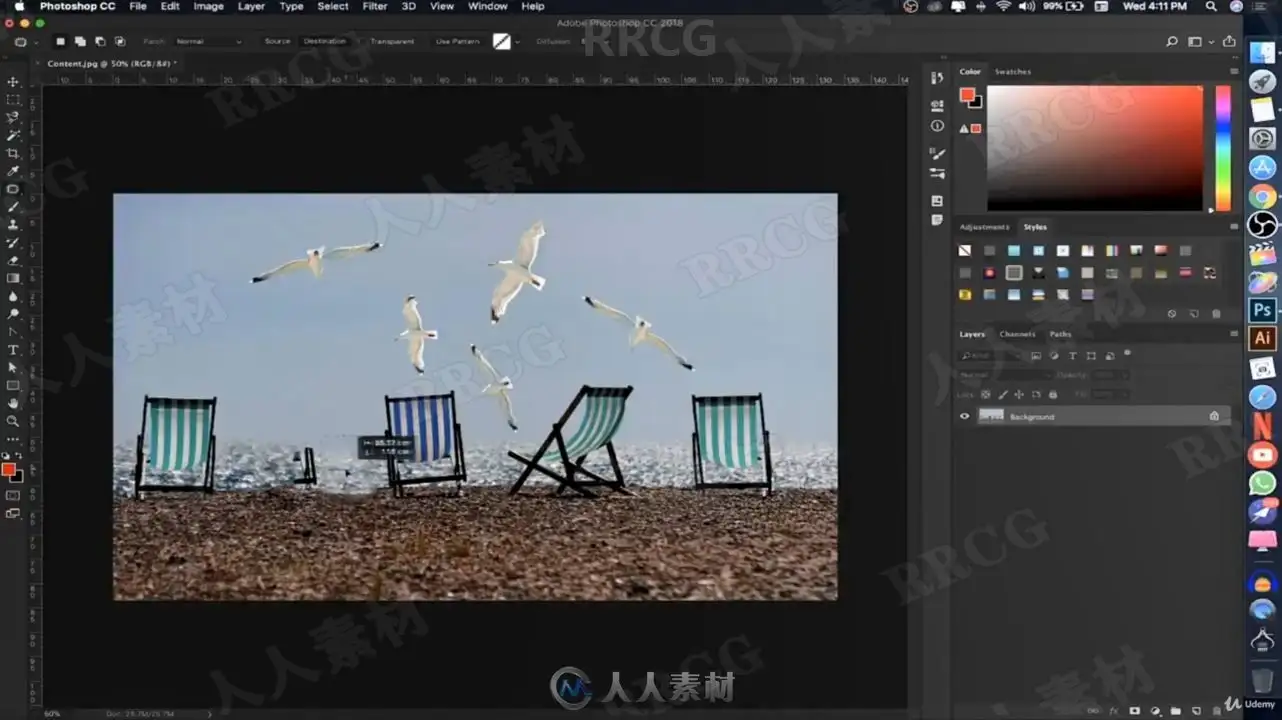
斑点修复
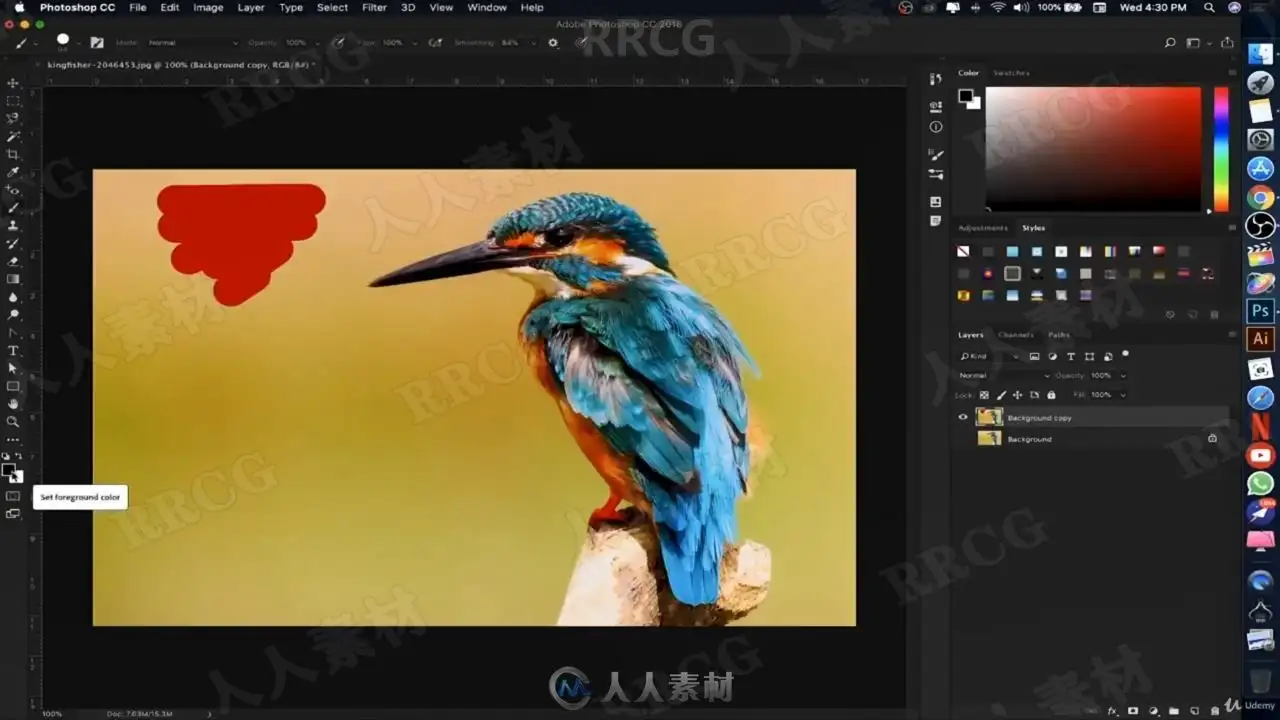
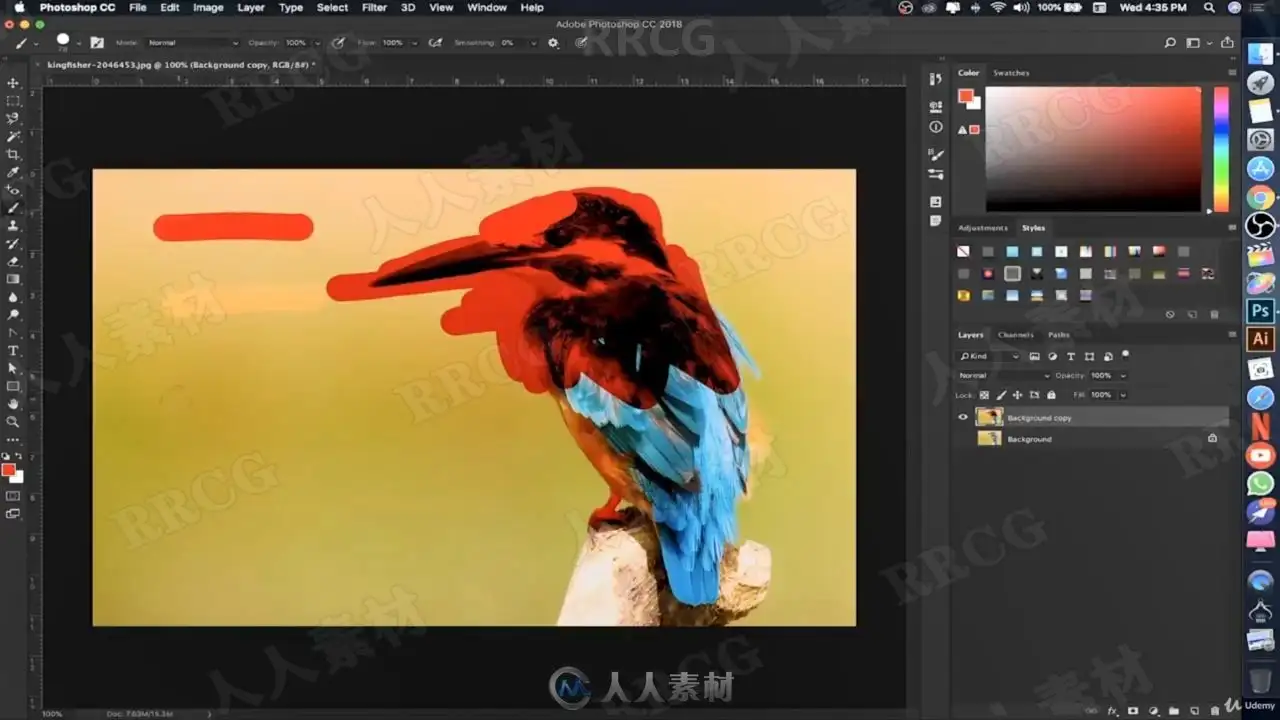
刷子
删除工具
掩蔽
调整工具
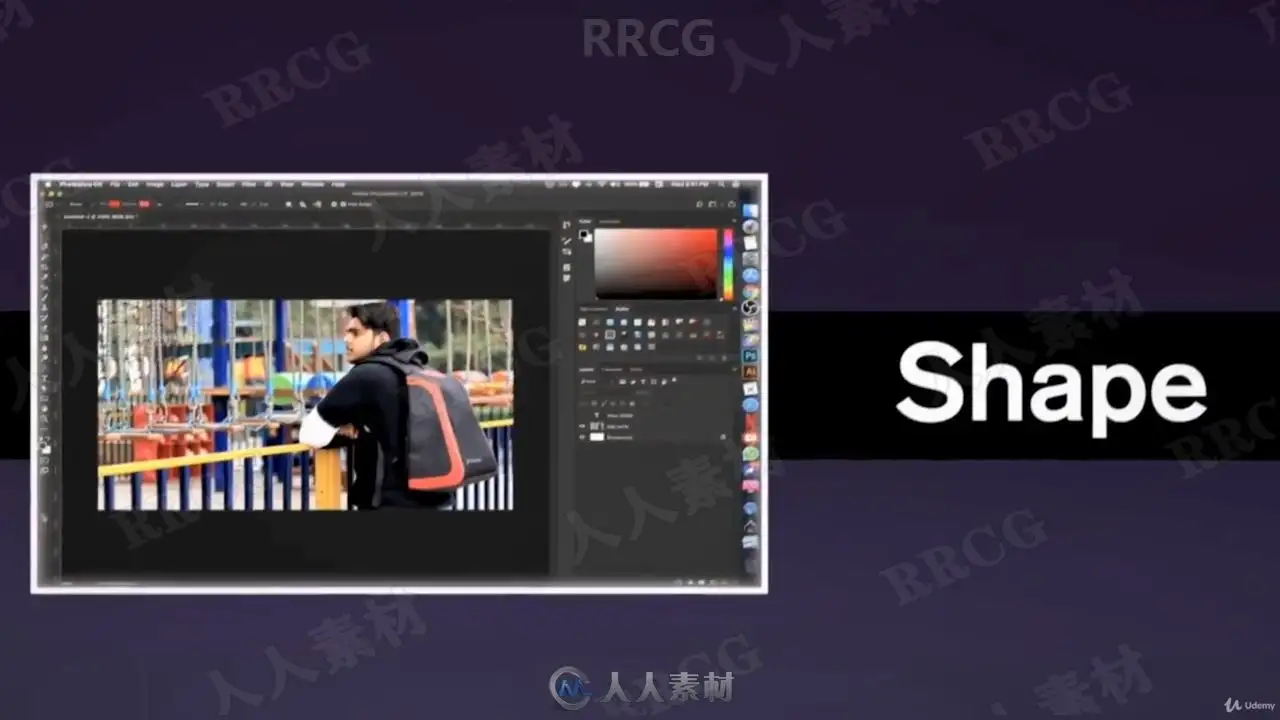
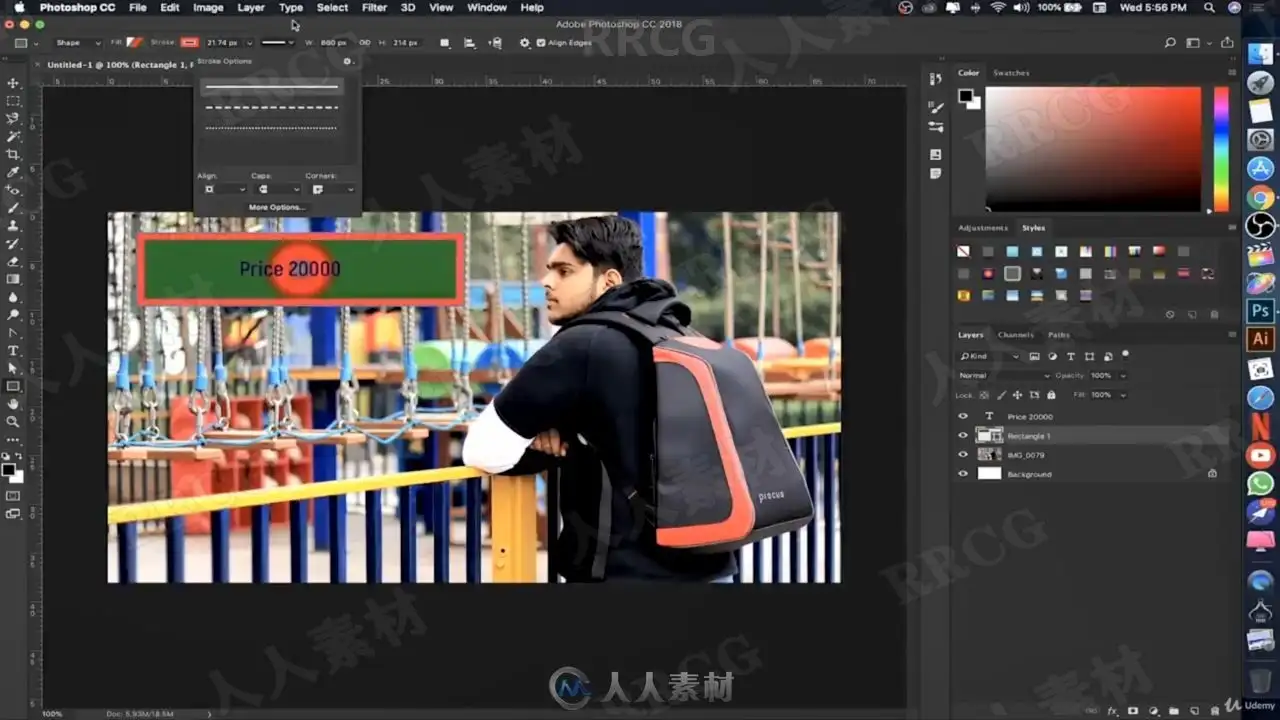
形状工具
笔工具
版式
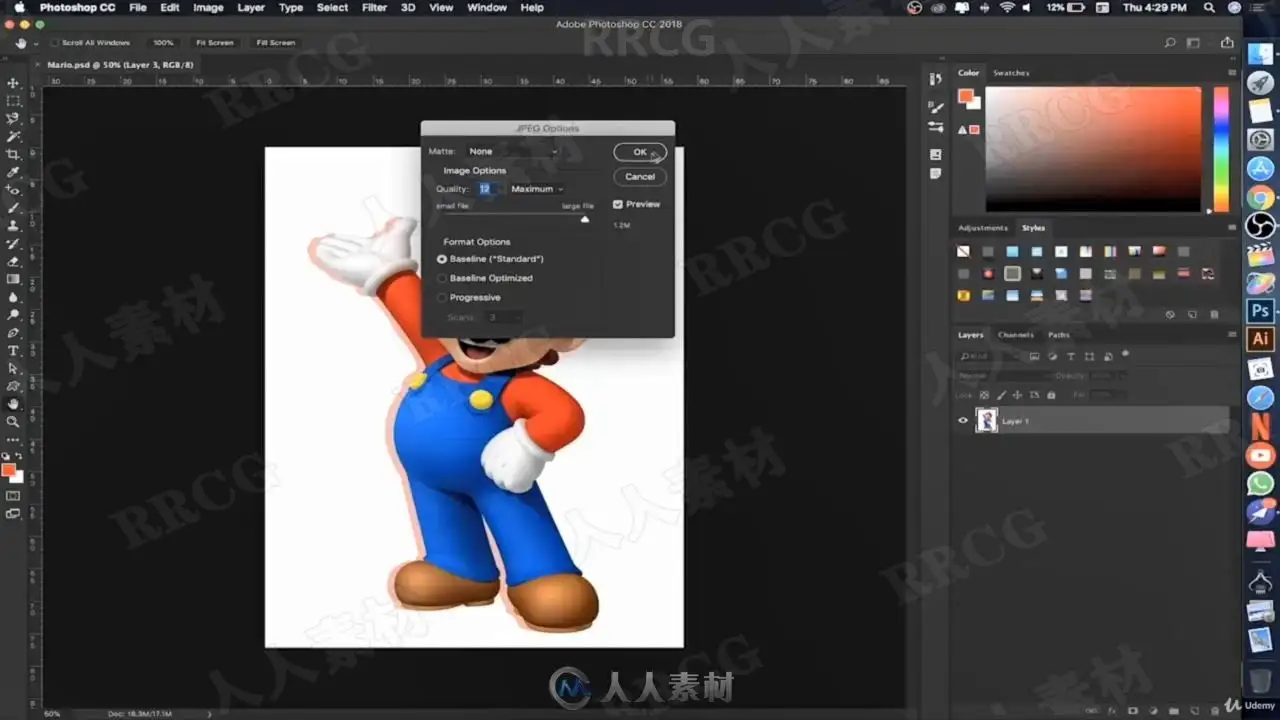
如何在Photoshop中导出文件
展示更多
显示较少
要求
您需要一台计算机您不需要有关Photoshop的任何先验知识
描述
欢迎使用Photoshop CC初学者课程!我很高兴您选择向我学习,希望您很高兴能潜入其中,并全面了解这款很神奇的软件所提供的功能。 Photoshop可能是Adobe创意套件中最受欢迎的工具,我可以说-它内部包含大量的选项。
这就是我创建本课程的原因,它使您从入门阶段开始,并帮助您精通Photoshop提供的许多最有用的工具。我已经在课堂和一对一设置中向许多学生教授了Photoshop。在本课程涵盖的几个小时内,您可以学习创建和编辑不可思议的photoshop项目所需的技能。没错,不是几个星期或几个月,而是几个小时!
我们不会遍历每个选项并让您不知所措,但是我们将研究必要的工具和原则,这些将使您有个良好的开端。
本课程是针对绝对的初学者的,因此您不需要任何有关Photoshop的知识。我提供了可下载的图像,因此您可以在课堂上创建和编辑项目时继续学习,并按照自己的进度来进行操作。理想情况下,您应该可以使用Mac版的Adobe Photoshop CC,并且可以从Adobe免费获得该版本。
因此,如果您已经使用Photoshop进行了一段时间的修改,只是对可用的工具和选项感到困惑和不知所措,或者这是您第一次使用该软件,那么本课程适合您!让我们进入并学习如何开始创建一些Photoshop魔术。
本课程适用于:没有使用Photoshop的经验并想学习的人们想要学习如何在Photoshop中编辑照片的人们想要学习如何增强图像的人们
A Beginners Guide To Adobe Photoshop
What you'll learn
How to Import in Photoshop
Create A New File
Layers
Selection Tool
Transformation
Spot Healing
Brush Tool
Erase tool
Masking
Adjustment Tool
Shape Tool
Pen Tool
Typography
How to Export File in Photoshop
Show more
Show less
Requirements
You need a computerYou do not need any prior knowledge about Photoshop
Description
Welcome to the Photoshop CC for Beginners course! I’m so pleased that you’ve chosen to learn from me, and I hope you’re excited to dive in and see all about what this incredible software has to offer. Photoshop is probably the most popular tool in the Adobe creative suite, and let me say - it has an OVERWHELMING amount of options inside.
That’s exactly why I created this course, to take you from the beginner stages and to help you become proficient with many of the most helpful tools that Photoshop has to offer. I’ve taught Photoshop to many students in both classroom and one-on-one settings. Within the few hours encompassed by this course, you can learn the necessary skills to create and edit incredible photoshop projects. That’s right, not weeks or months - in hours!
We’re not going to go through every single option and overwhelm you with information, but instead we're going to examine the essential tools and principles that will get you off to a great start.
This course is for absolute beginners, so you don’t need any prior Photoshop knowledge. I’ve included downloadable images so you can follow along as I create and edit the projects in class, and work on those yourself at your own pace. Ideally, you should have the Mac version of Adobe Photoshop CC available to work from, which by the way, is available as a free trial from Adobe.
So if you’ve been tinkering with Photoshop for a while and just feel stuck and overwhelmed with the available tools and options, or if this is your first time using the software, THIS COURSE IS FOR YOU! Let’s jump in and learn how we can begin creating some Photoshop magic.
Who this course is foreople who have no experience in Photoshop and want to learn itPeople who want to learn how to edit photos in PhotoshopPeople who want to learn how to enhance images
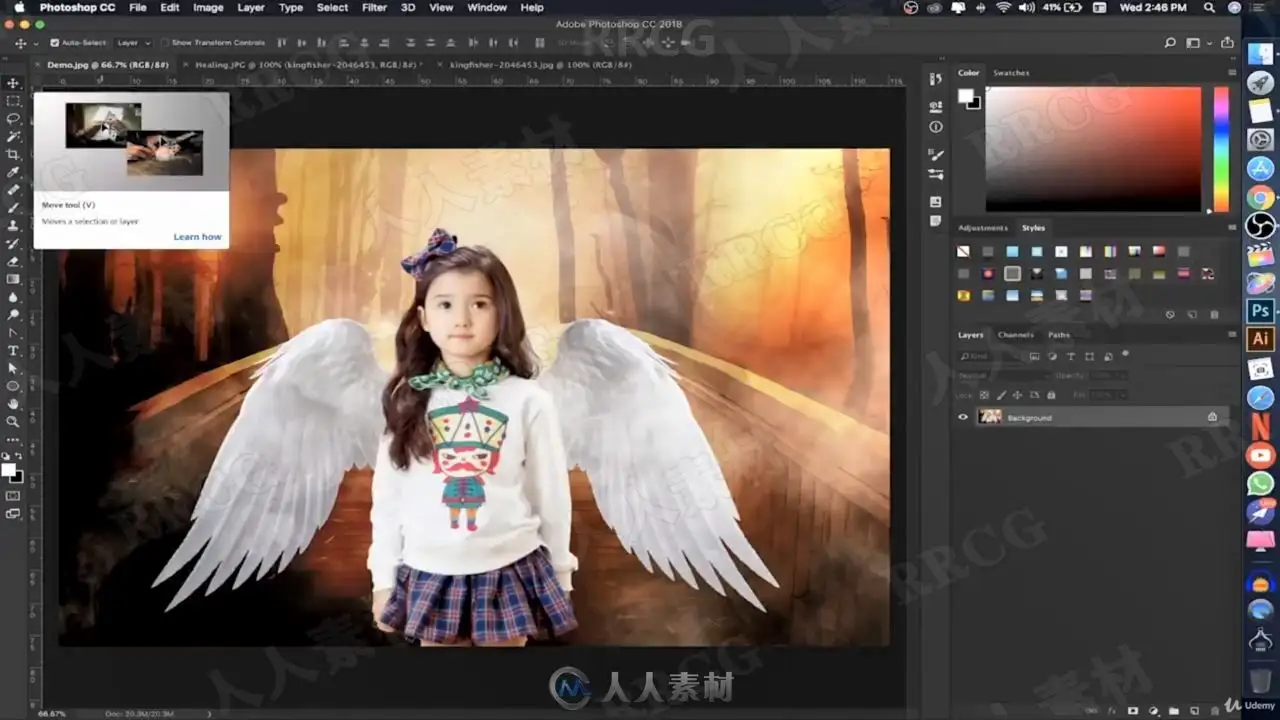
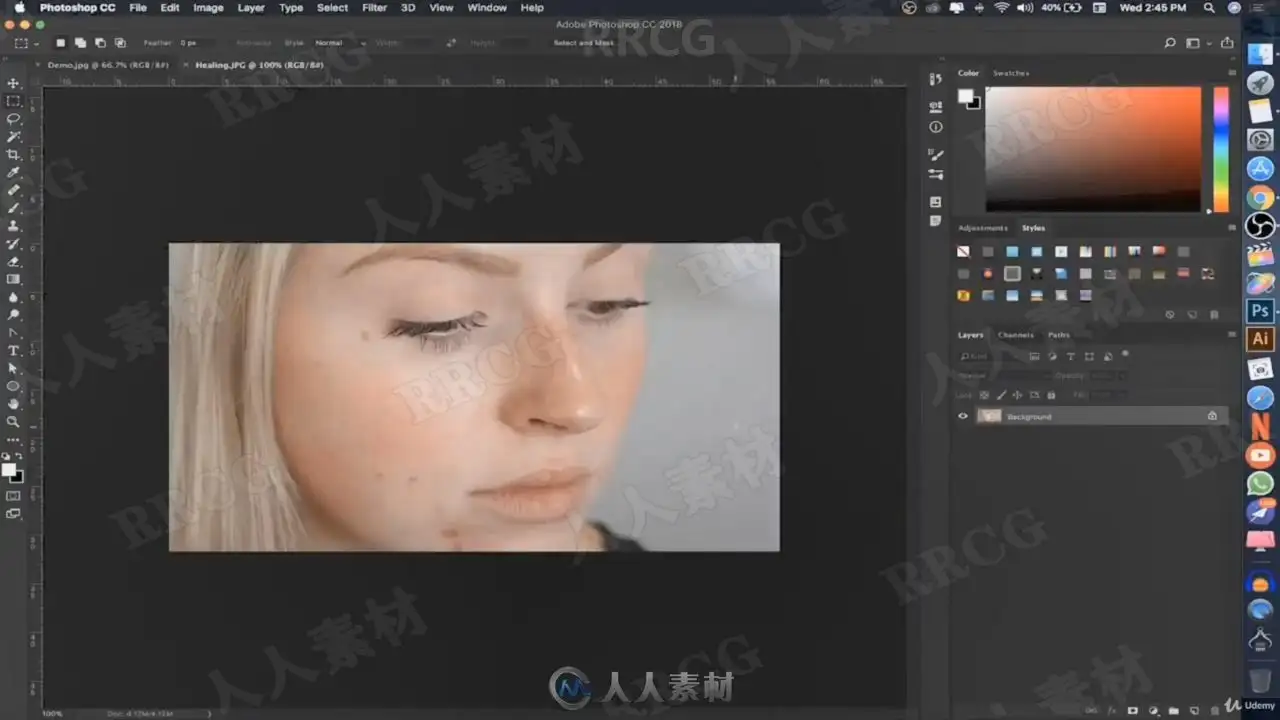
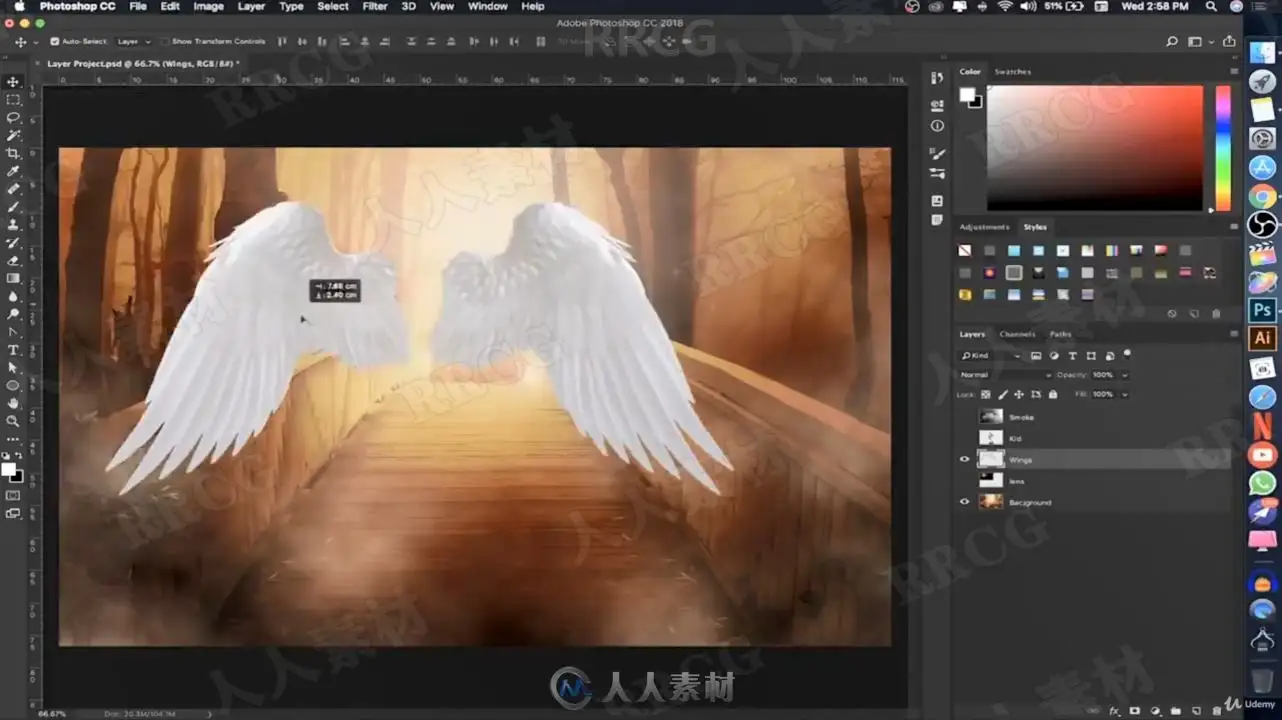
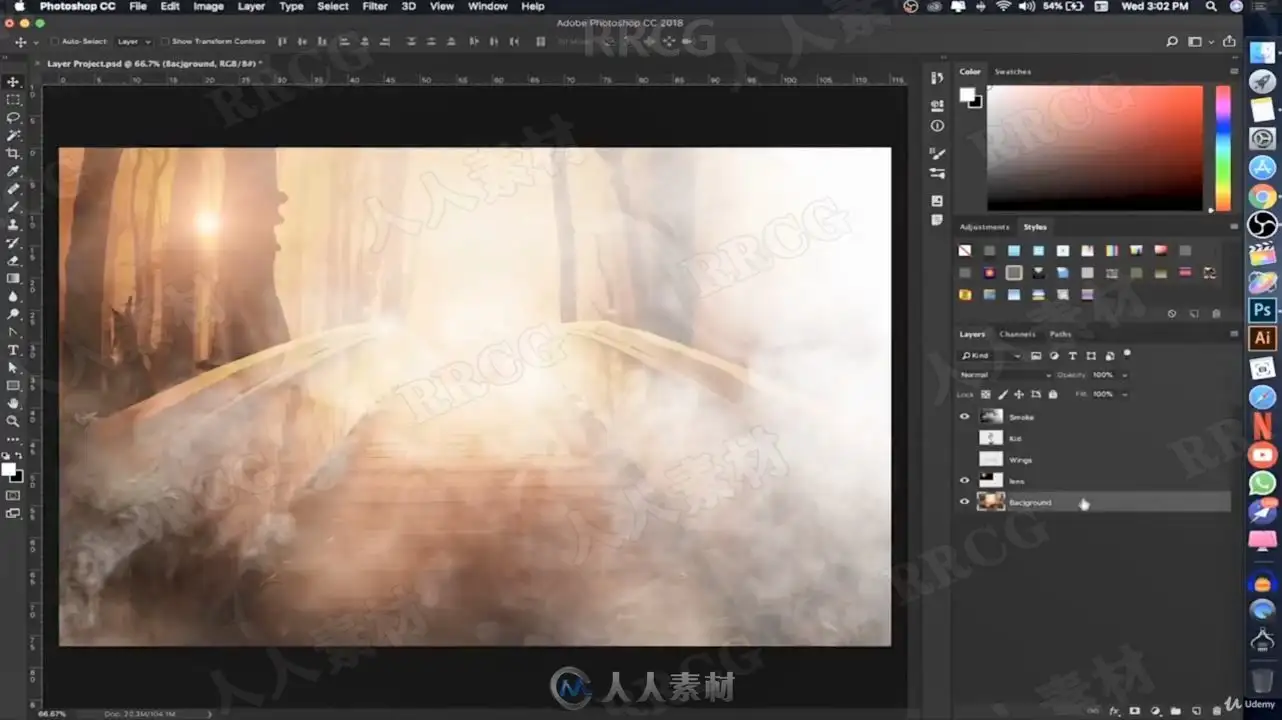
资源截图
评论0