
资源简介
本教程是关于AE与AI动态Logo标识完整实例制作流程视频教程,时长:3小时33分,大小:1.3 GB,MP4高清视频格式,教程使用软件:After Effects,illustrator,附源文件,作者:Richard Harrington,共11个章节,语言:英语。
After Effects是Adobe公司推出的一款图形视频处理软件,适用于从事设计和视频特技的机构,包括电视台、动画制作公司、个人后期制作工作室以及多媒体工作室。而在新兴的用户群,如网页设计师和图形设计师中,也开始有越来越多的人在使用After Effects。属于层类型后期软件。
AE全称After Effects是adobe公司开发的一个视频剪辑及设计软件。After Effects ,用于高端视频特效系统的专业特效合成软件,隶属美国Adobe公司。它借鉴了许多优秀软件的的成功之处,将视频特效合成上升到了新的高度:Photoshop中层的引入 ,使AE可以对多层的合成图像进行控制,制作出天衣无缝的合成效果; 关键帧、路径的引入,使我们对控制高级的二维动画游刃有余;高效的视频处理系统,确保了高质量视频的输出;令人眼花缭乱的特技系统使AE能实现使用者的一切创意;AE同样保留有Adobe优秀的软件相互兼容性。
This tutorial is about the process of making complete examples of AE and AI dynamic logo logo. The duration is 3 hours and 33 minutes, the size is 1.3 GB, and the MP4 high-definition video format. The software used in the course is: After Effects, illustrator, with source files. The author is Richard Harrington, with 11 chapters and sections. Language: English.
After Effects is a graphics and video processing software released by Adobe company. It is suitable for institutions engaged in design and video stunts, including TV stations, animation companies, personal post production studios and multimedia studios. In the emerging user groups, such as web designers and graphic designers, more and more people are using After Effects. It belongs to layer type late software.
AE full name After Effects is a video editing and design software developed by Adobe company. After Effects, a professional special effects synthesis software for high-end video special effects system, belongs to Adobe company. It draws lessons from the success of many excellent software, and raises the video special effect synthesis to a new height: the introduction of Photoshop middle layer enables AE to control the multi-layer composite image, making seamless synthesis effect; The introduction of key frame and path makes us easy to control advanced 2D animation; efficient video processing system ensures the output of high-quality video; the dazzling special effects system enables AE to realize all the creativity of users; ae also retains the excellent software compatibility of adobe.
Everybody wants an animated logo these days, which is great news for freelance video editors. But what if you’re a video editor and new to motion graphics?.
Motion Graphics for Video Editors breaks down this workflow into easily understandable chunks, showing how to use the Adobe Creative Cloud tools that most video editors already have to complete basic motion graphics tasks.
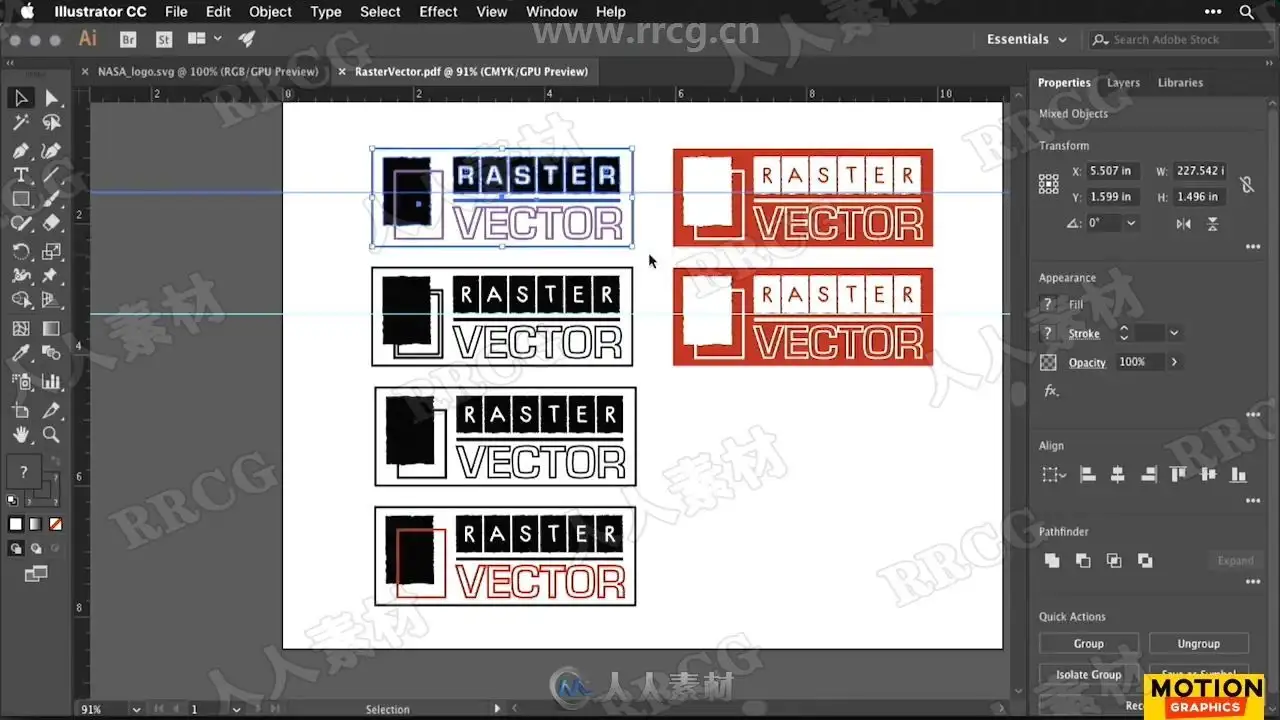
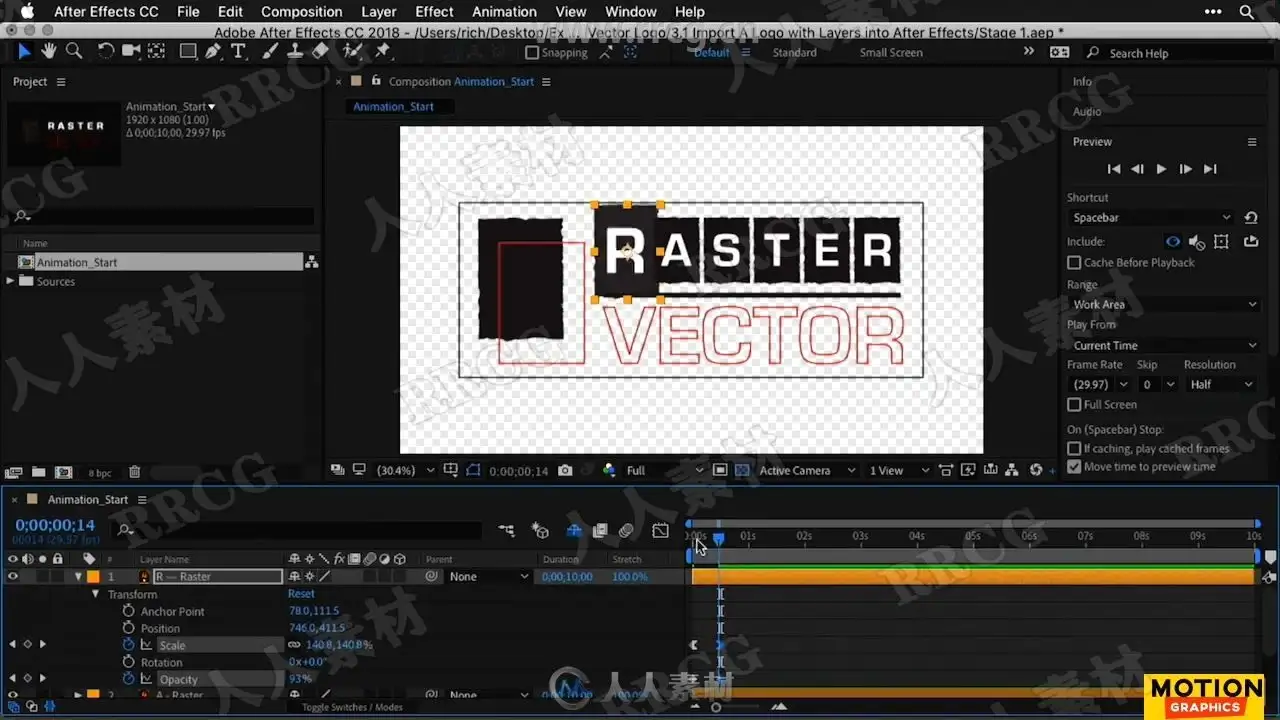
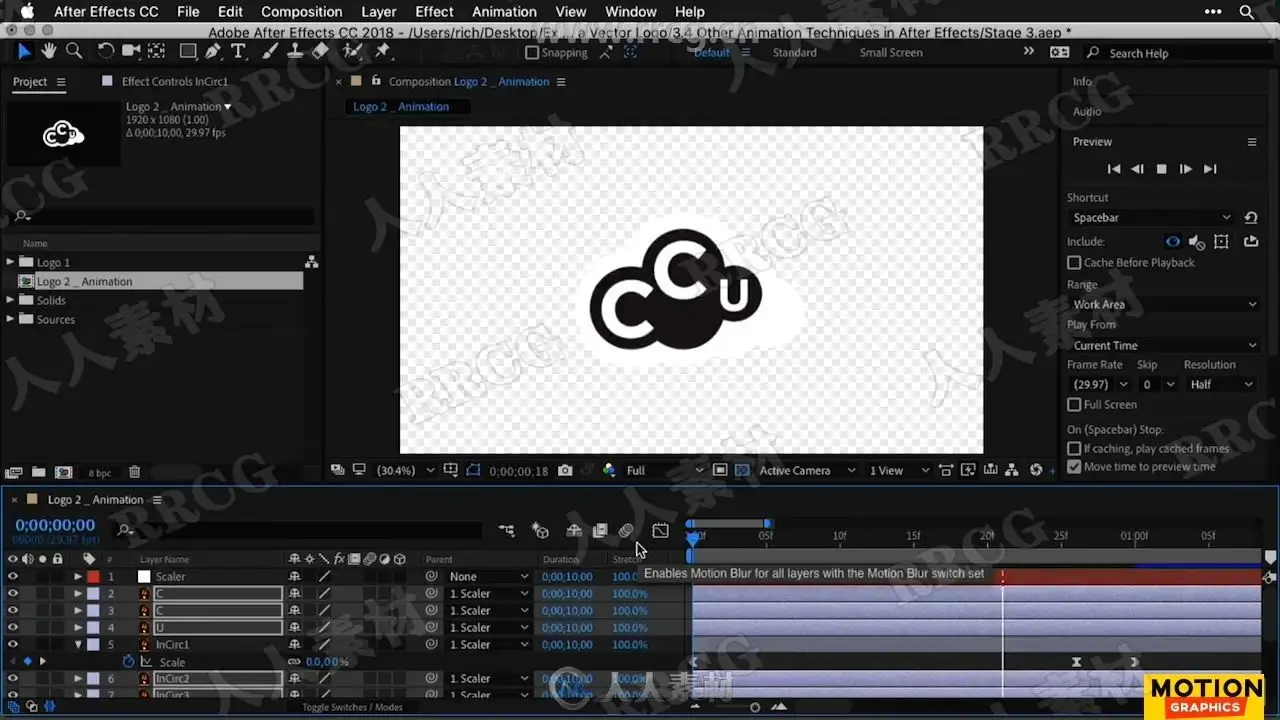
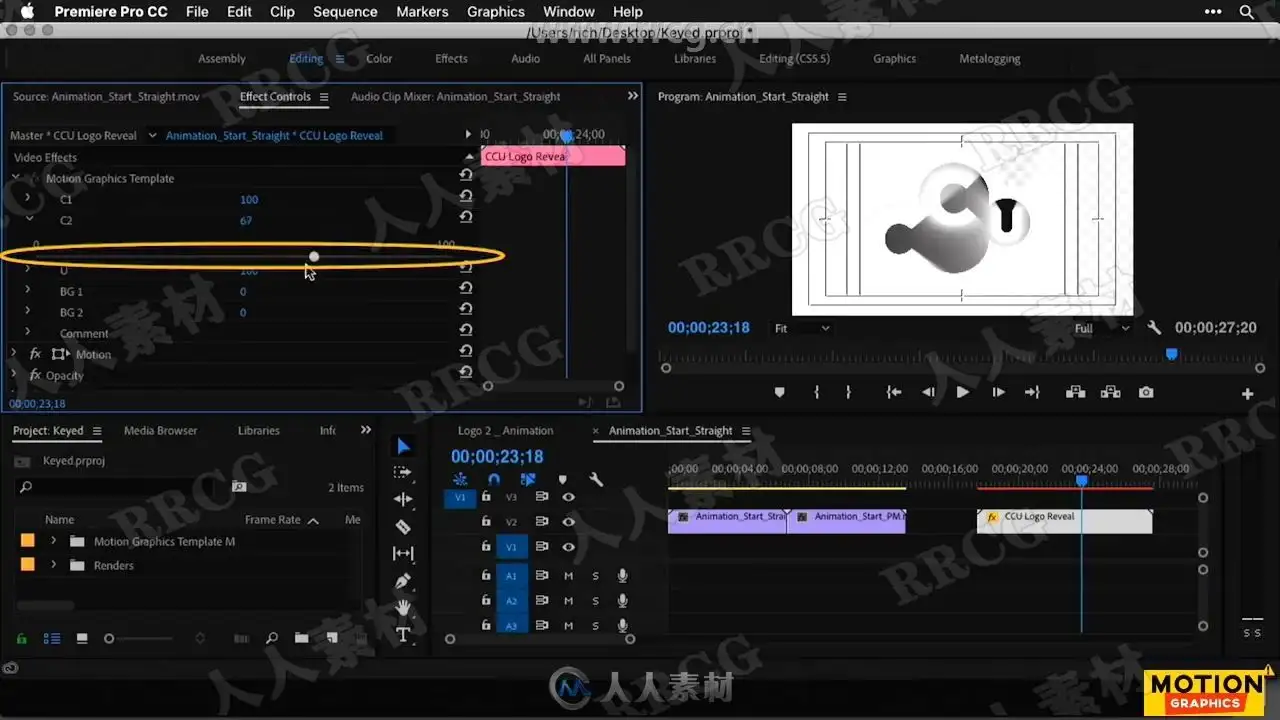
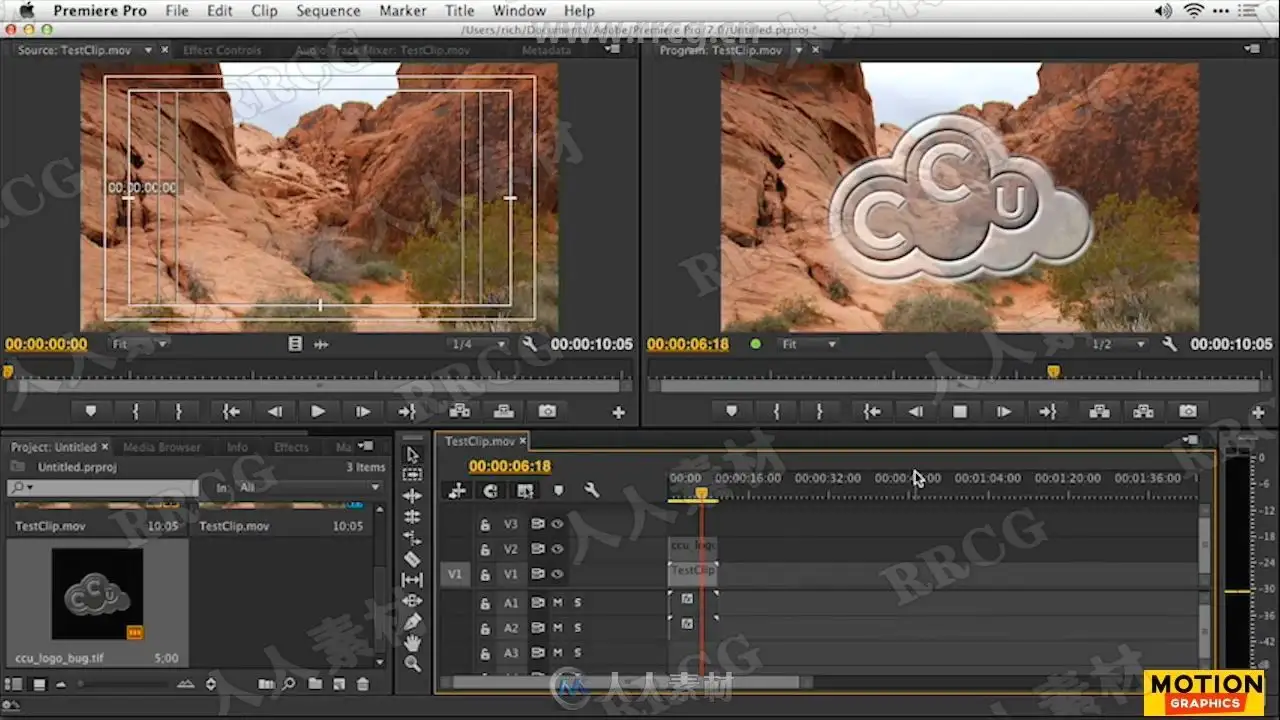
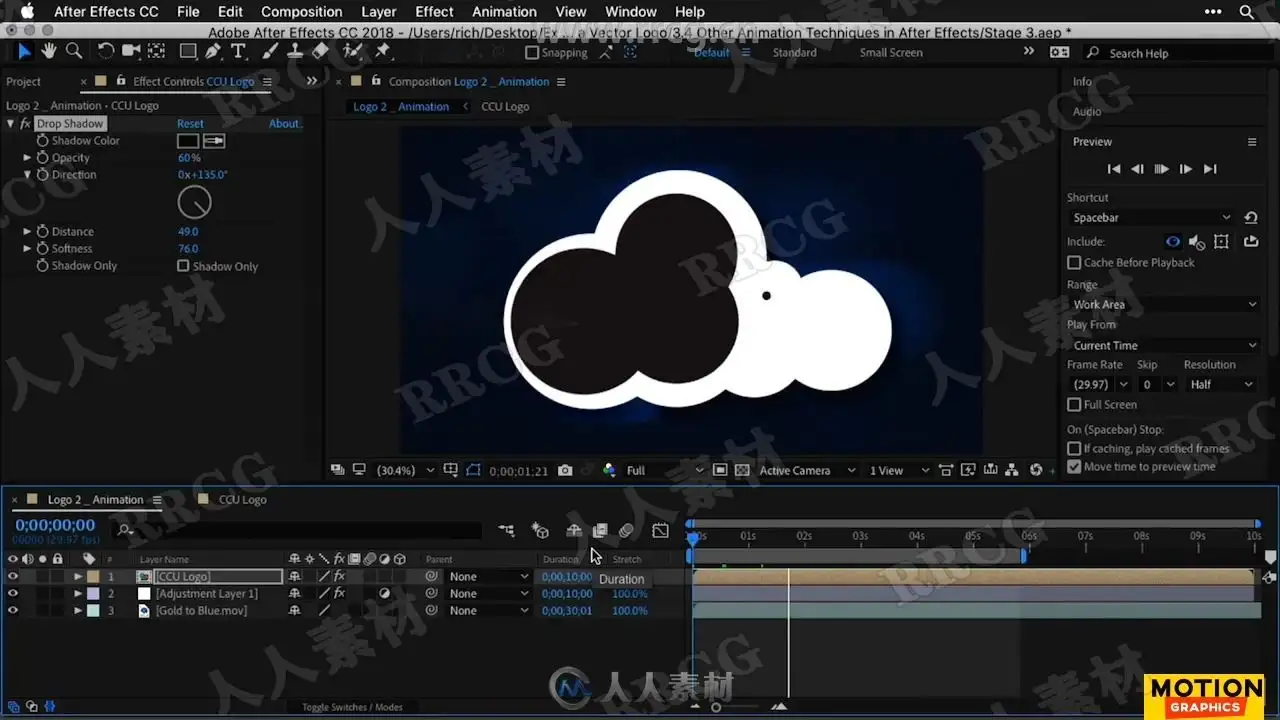
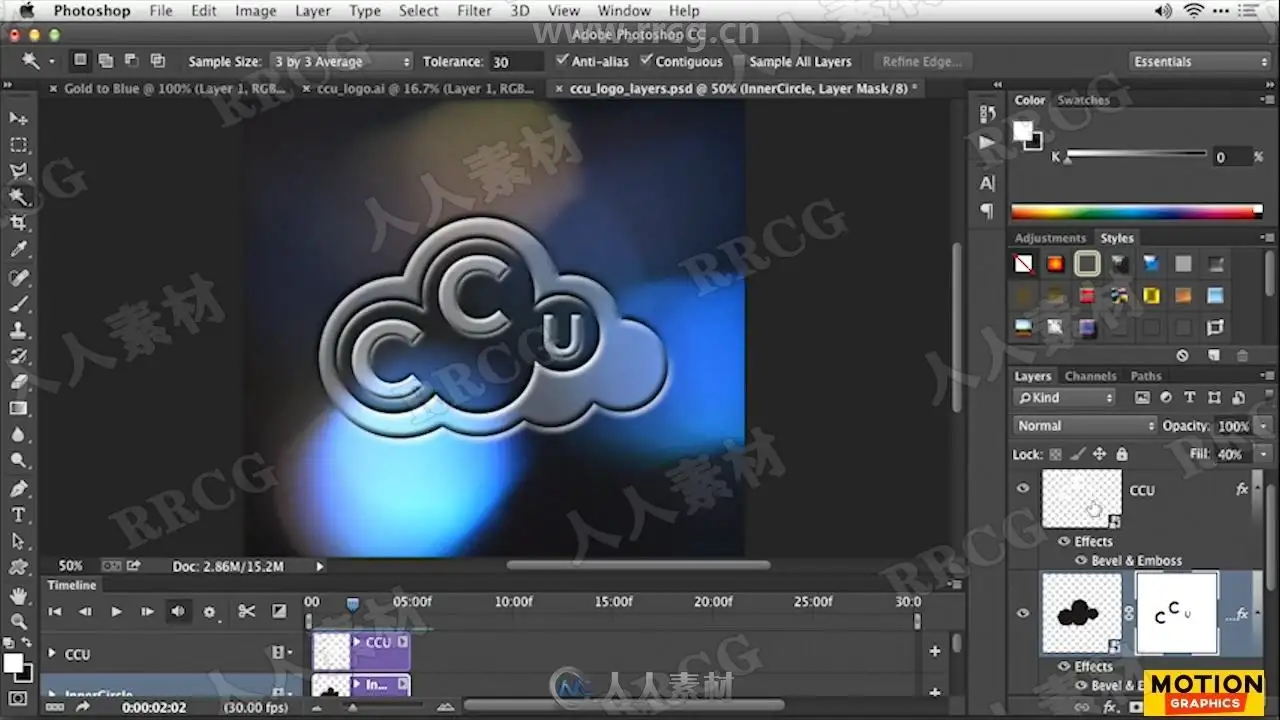
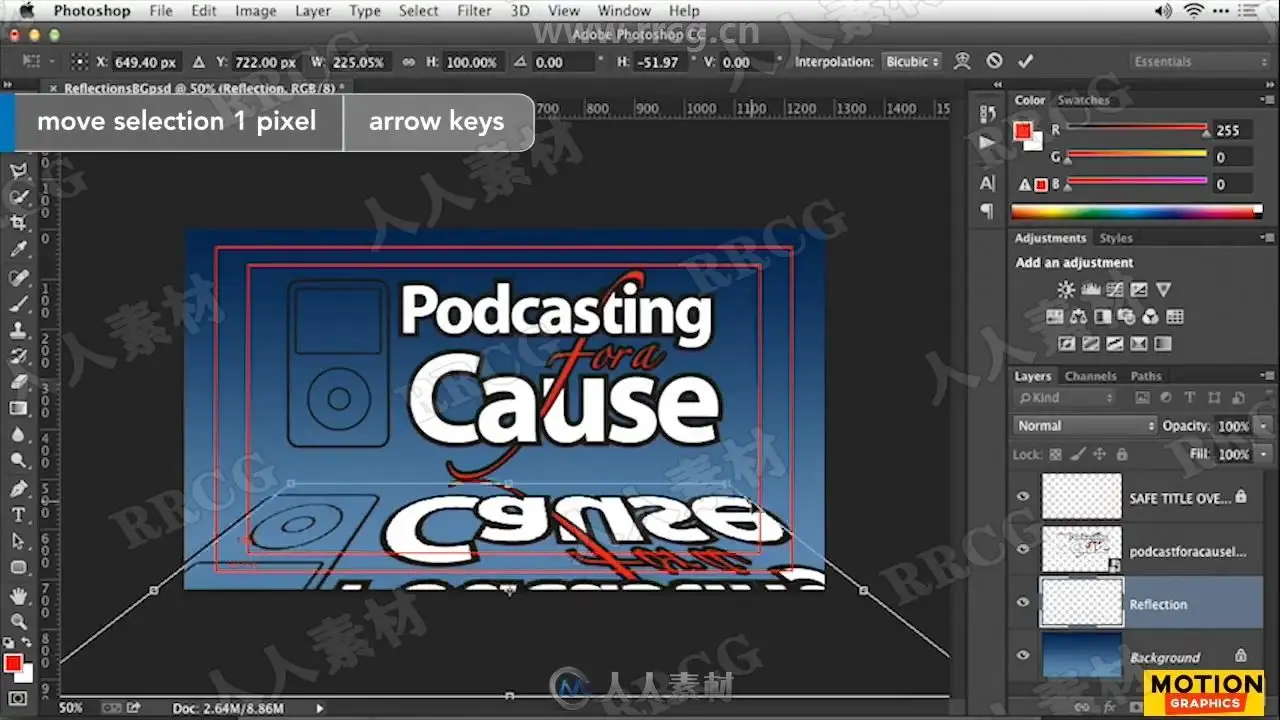
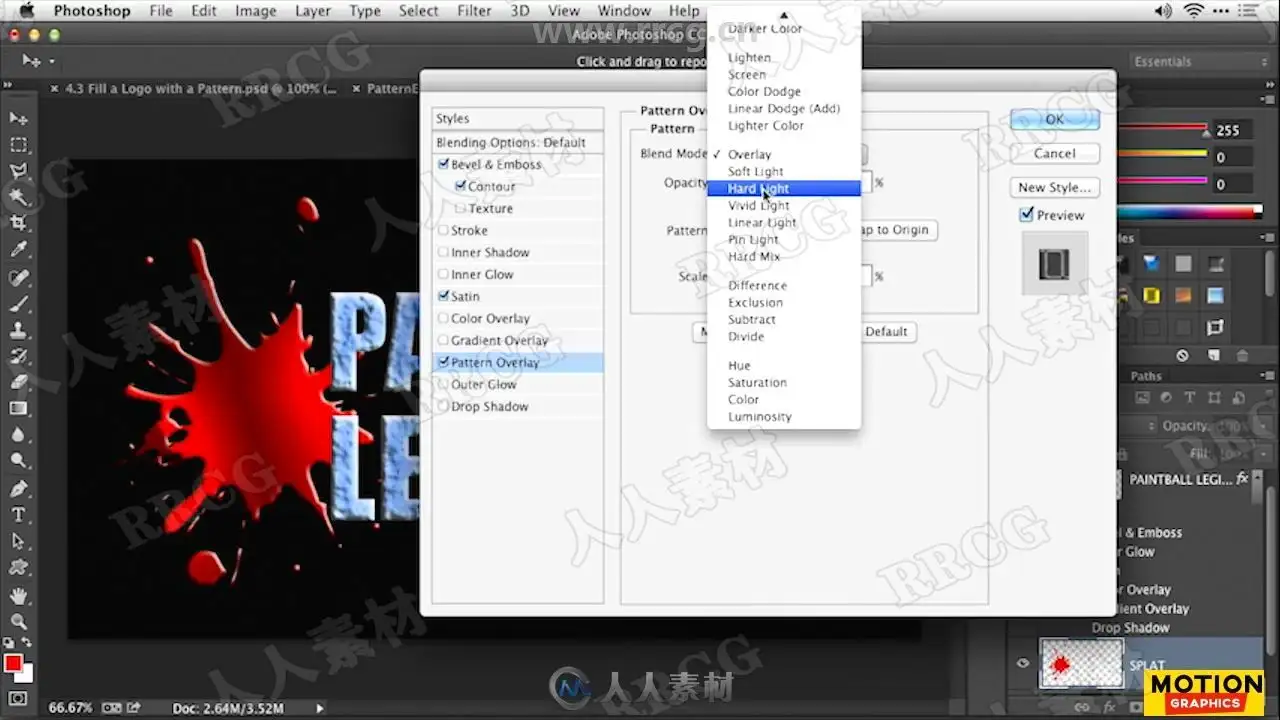
In this installment of the series, I introduce a few different ways to get and prep logos that are the right format and resolution, and use Adobe Photoshop or illustrator to convert the files into layered images that are ready to animate. The real work then takes place in After Effects, where I show how to animate a vector logo, as well as how to render a logo animation, add reflections, cast shadows, fill a logo with a pattern, and add rays and glows that will impress your future clients.
Topics include:
Acquiring and scanning logo files
Working with Creative Cloud Market templates
Prepping a vector logo
Creating a layered file for animation in Adobe illustrator
Animating a vector logo
Creating cast reflections
Filling a logo with a pattern
资源截图
评论0