
资源简介
本视频教程是关于VFX视效管理工具构建技术训练视频教程第一季,时长:5小时15分,大小:1.2 GB,MP4高清视频格式,附源文件,作者:HugoLéveillé,共7个章节,语言:英语。
In this course, Hugo Léveillé shows various tips and tricks to build a VFX pipeline. You will see how to build various pipeline tools using a variety of software. In this first part, you will learn how to manage Python modules with the virtual environment and PIP. Next, you'll learn how build a database system from scratch so that you can save our project information inside it, which will be the foundation of what will be built in future courses.
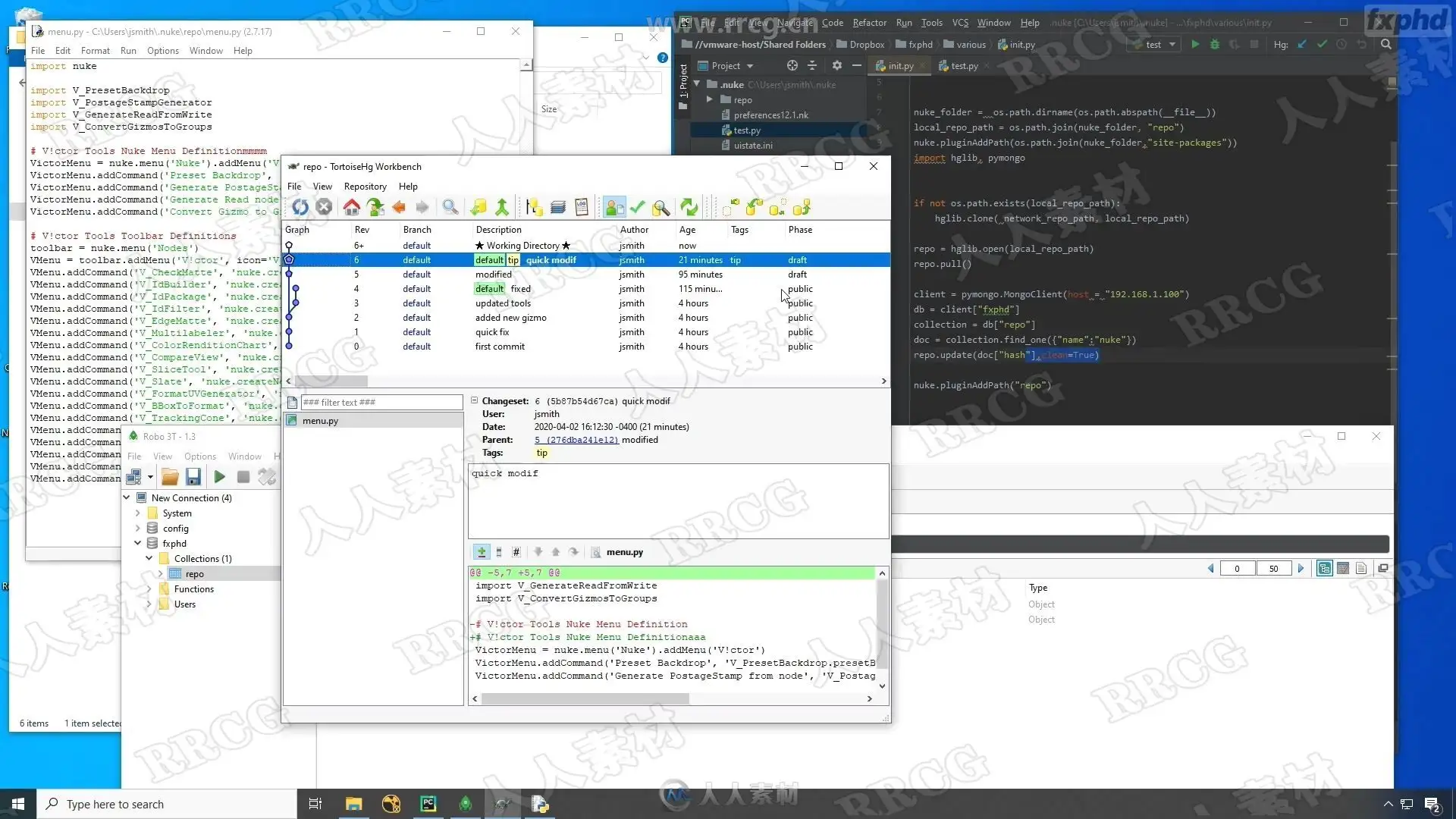
You will also see how to use code management with Mercurial so that you can track what is being done and collaborate with other people. You will also see how to use Dropbox and network repositories to share tools with artists.
CLASS 1: PIP AND VIRTUALENV
A look at how to manage our Python interpreters and install various packages in them. Creating custom environment allows us to implement different configurations depending on the project.
CLASS 2: MONGOENGINE, PART 1
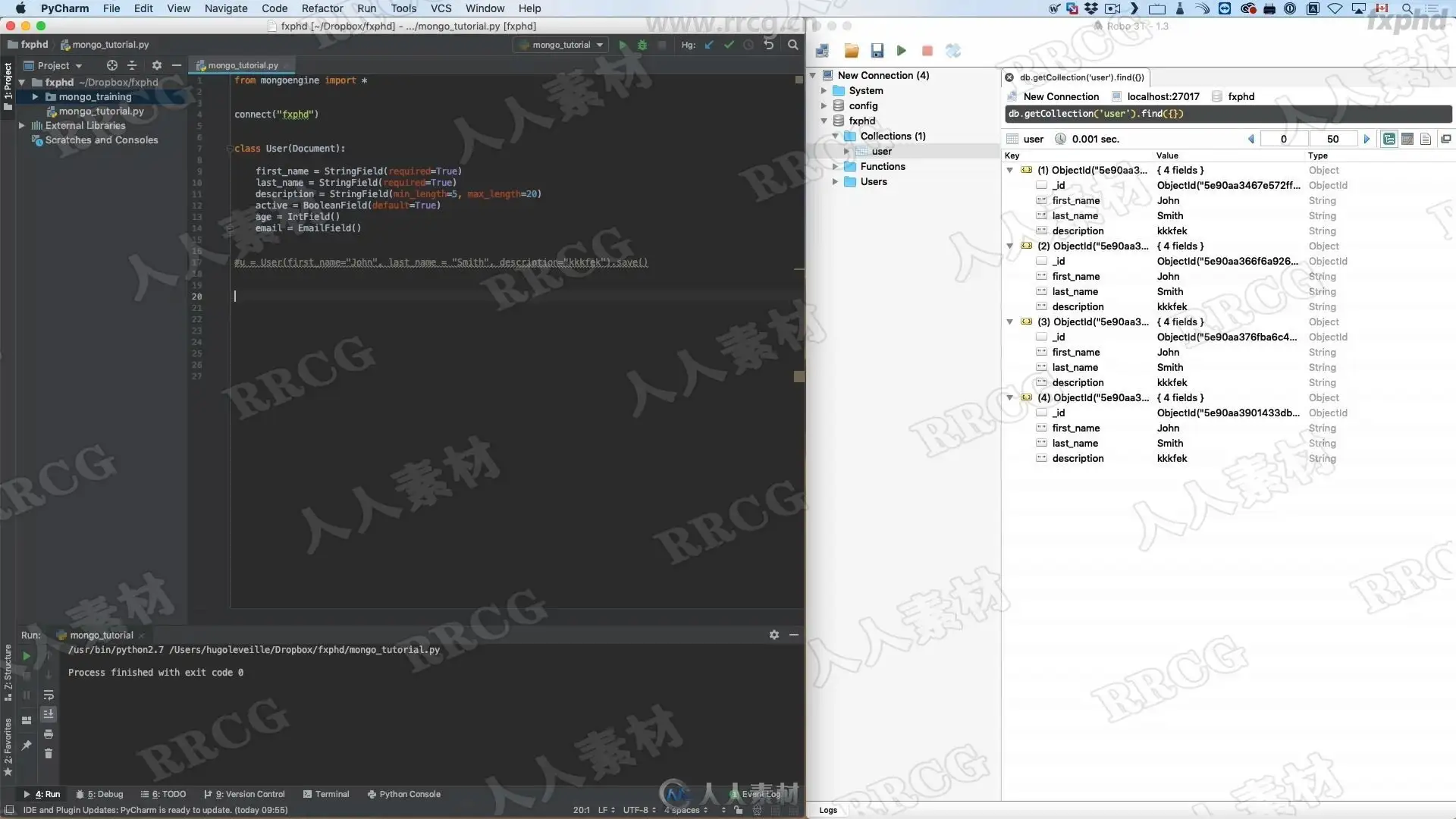
Under every VFX pipeline sits a database system. We explore how we can store Python objects inside MongoDB using the MongoEngine module. We also explore the various document options of MongoEngine as well as the various fields that we can use.
CLASS 3: MONGOENGINE, PART 2
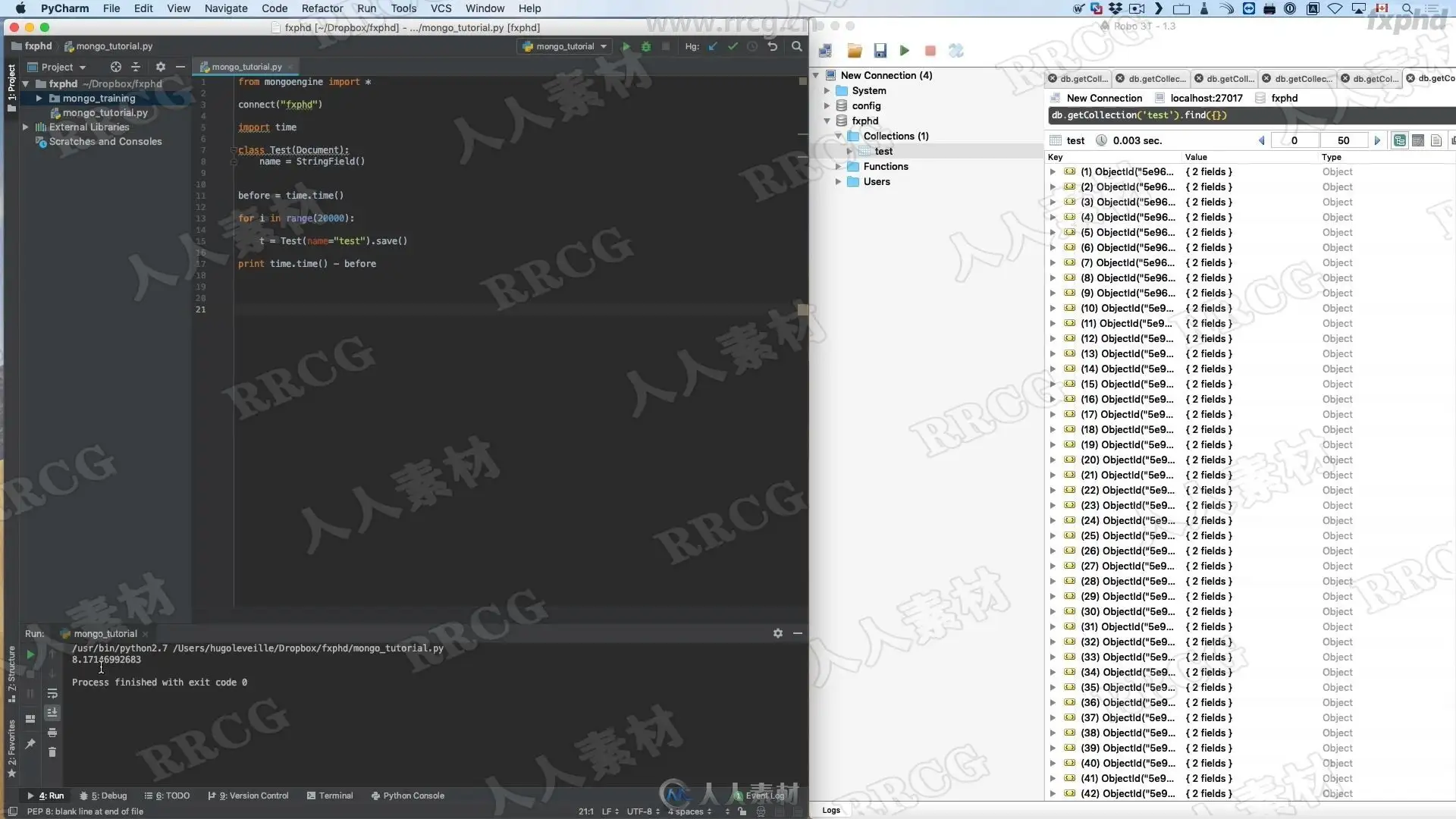
How we can query the database based on our search criteria to get the document that we want. Exploring other MongoEngine features.
CLASS 4: MERCURIAL, PART 1
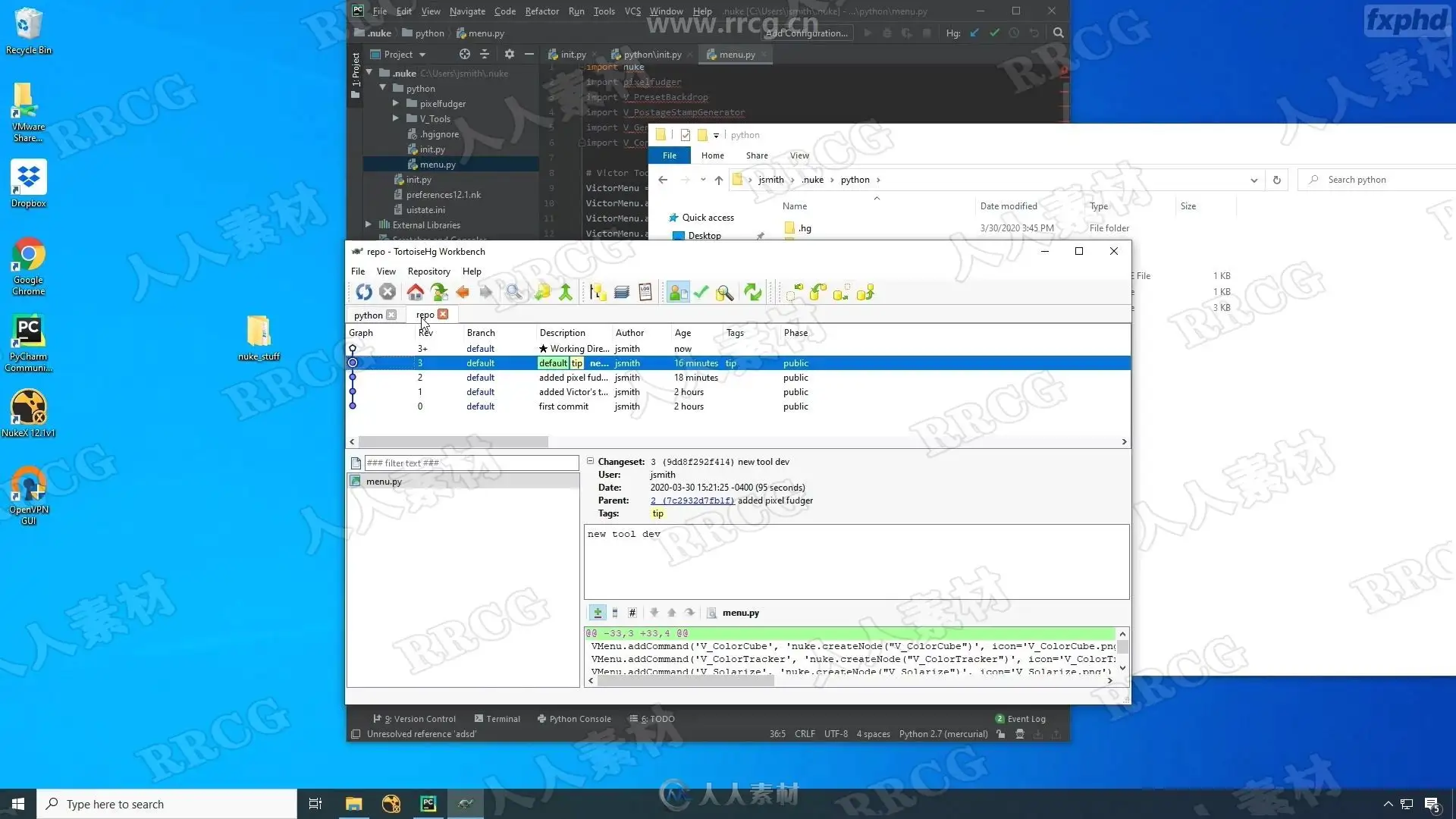
Tracking your code is important, as it ensures you can pinpoint bugs and collaborate with others. In the first part, we explore the concept of Mercurial and how we can push our code inside the Mercurial repository.
CLASS 5: MERCURIAL, PART 2
We continue with Mercurial by seeing how we can use multiple branches to track our code. Then we see how to take advantage of the tag system. Then we finish by seeing how we can clone our repository to a remote location so that other users can participate in it.
CLASS 6: MERCURIAL, PART 3
Now that we know how to use Mercurial, it’s time to put it into action. In this first example, we will see how we can share and update our code to be used in production by using Dropbox.
CLASS 7: MERCURIAL, PART 4
We push the sharing of our code to the next level by making an automated tool via the Python API of Mercurial along with MongoDB to update all the artist’s computer to what they need to be in production.
资源截图
评论0