
资源简介
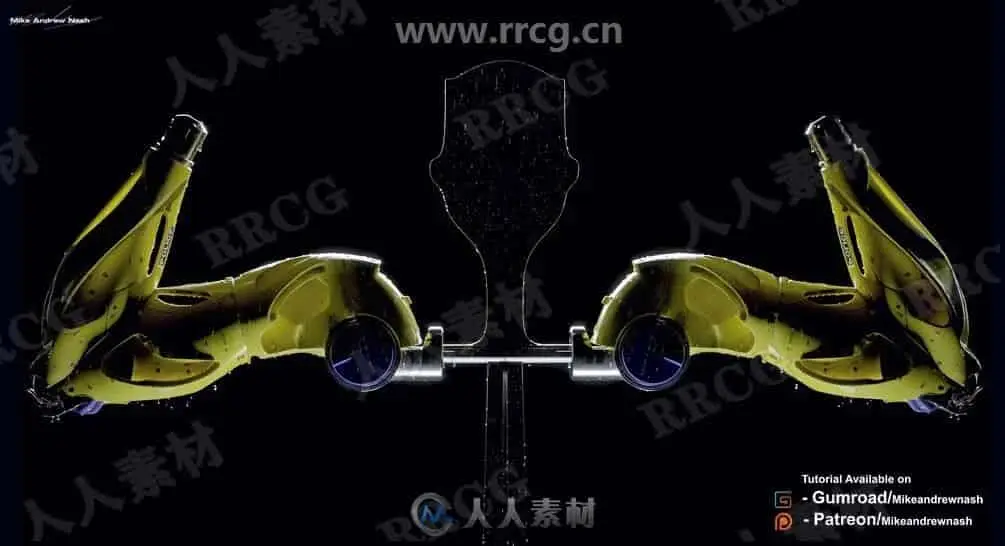
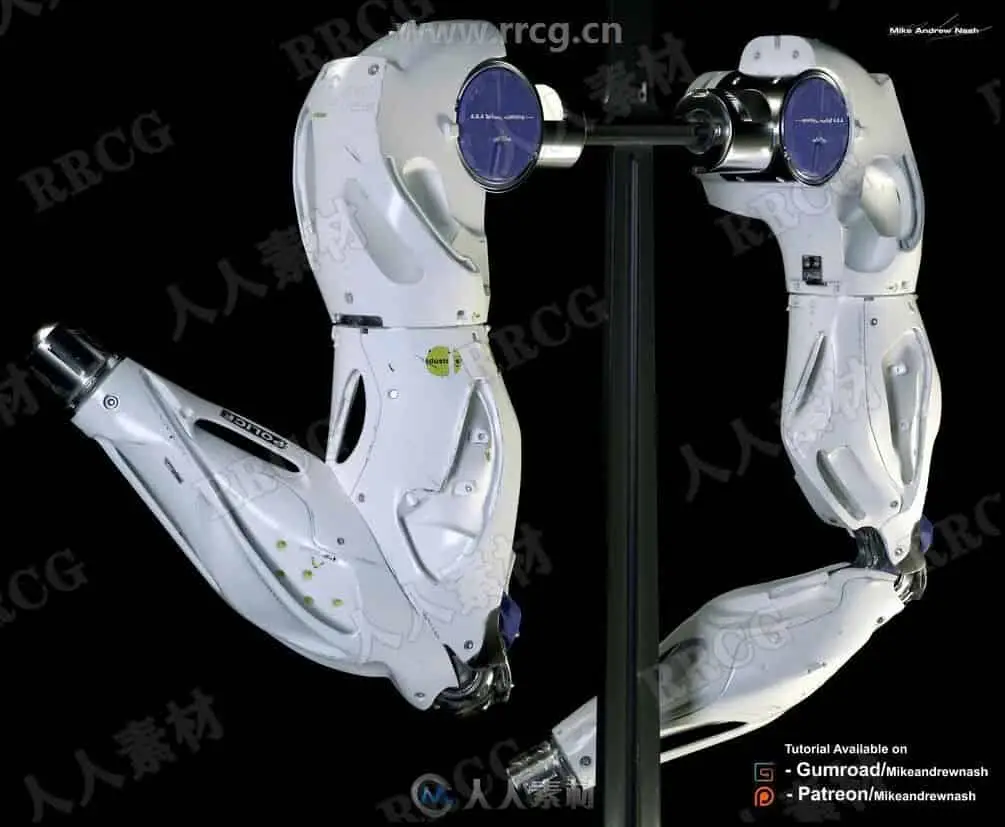
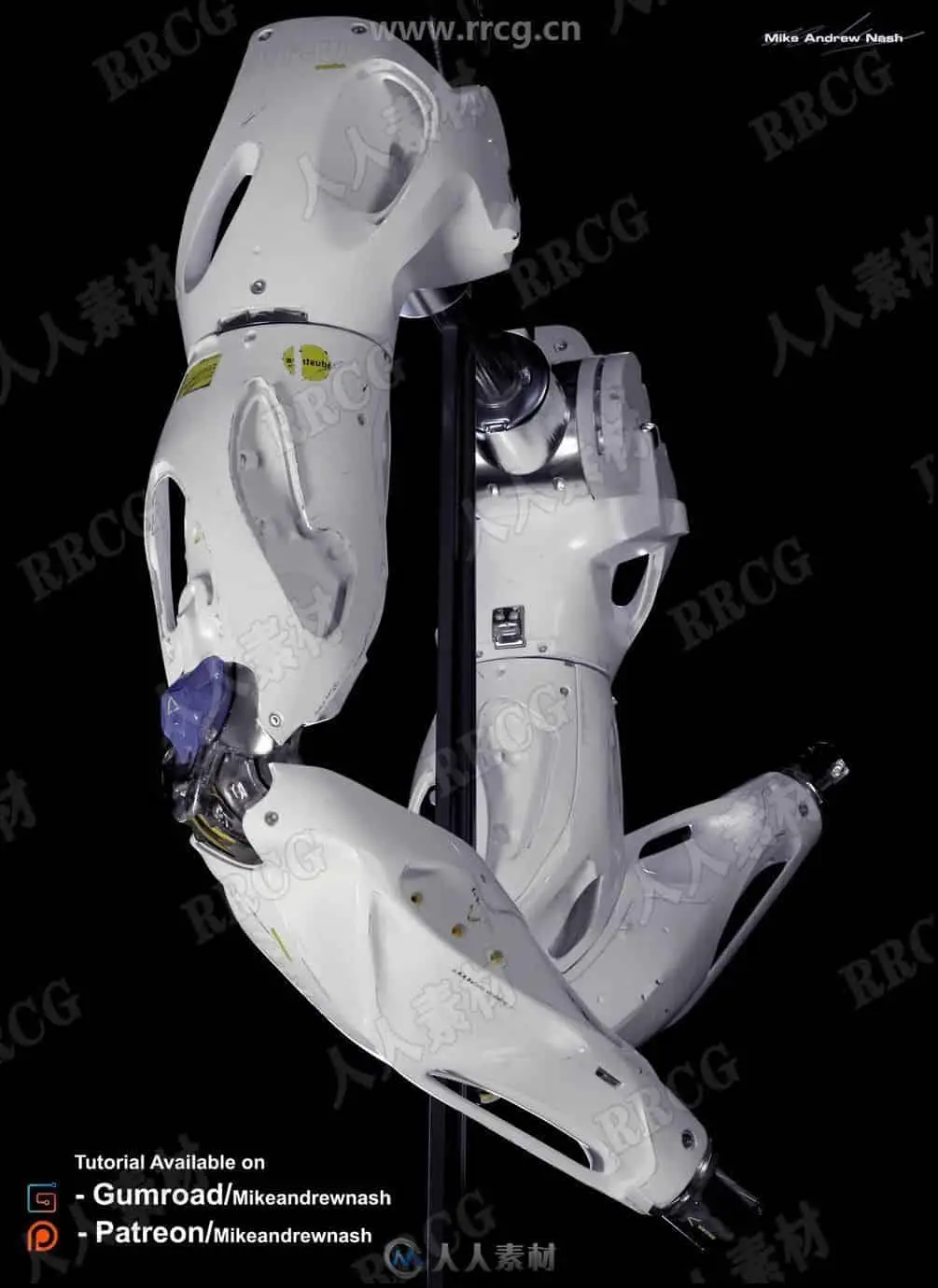
本教程是关于未来派科幻机械手臂实例制作大师级视频教程,时长:8小时47分,大小:41.2 GB,MP4高清视频格式,教程使用软件:zbrush,maya,附源文件,作者:Mike Andrew Nash,共12个章节,语言:英语。
ZBrush是一个数字雕刻和绘画软件,它以强大的功能和直观的工作流程彻底改变了整个三维行业。在一个简洁的界面中,zbrush 为当代数字艺术家提供了世界上最先进的工具。以实用的思路开发出的功能组合,在激发艺术家创作力的同时,zbrush 产生了一种用户感受,在操作时会感到非常的顺畅。zbrush 能够雕刻高达 10 亿多边形的模型,所以说限制只取决于的艺术家自身的想象力。ZBrush软件是世界上第一个让艺术家感到无约束自由创作的3D设计工具!它的出现完全颠覆了过去传统三维设计工具的工作模式,解放了艺术家们的双手和思维,告别过去那种依靠鼠标和参数来笨拙创作的模式,完全尊重设计师的创作灵感和传统工作习惯。
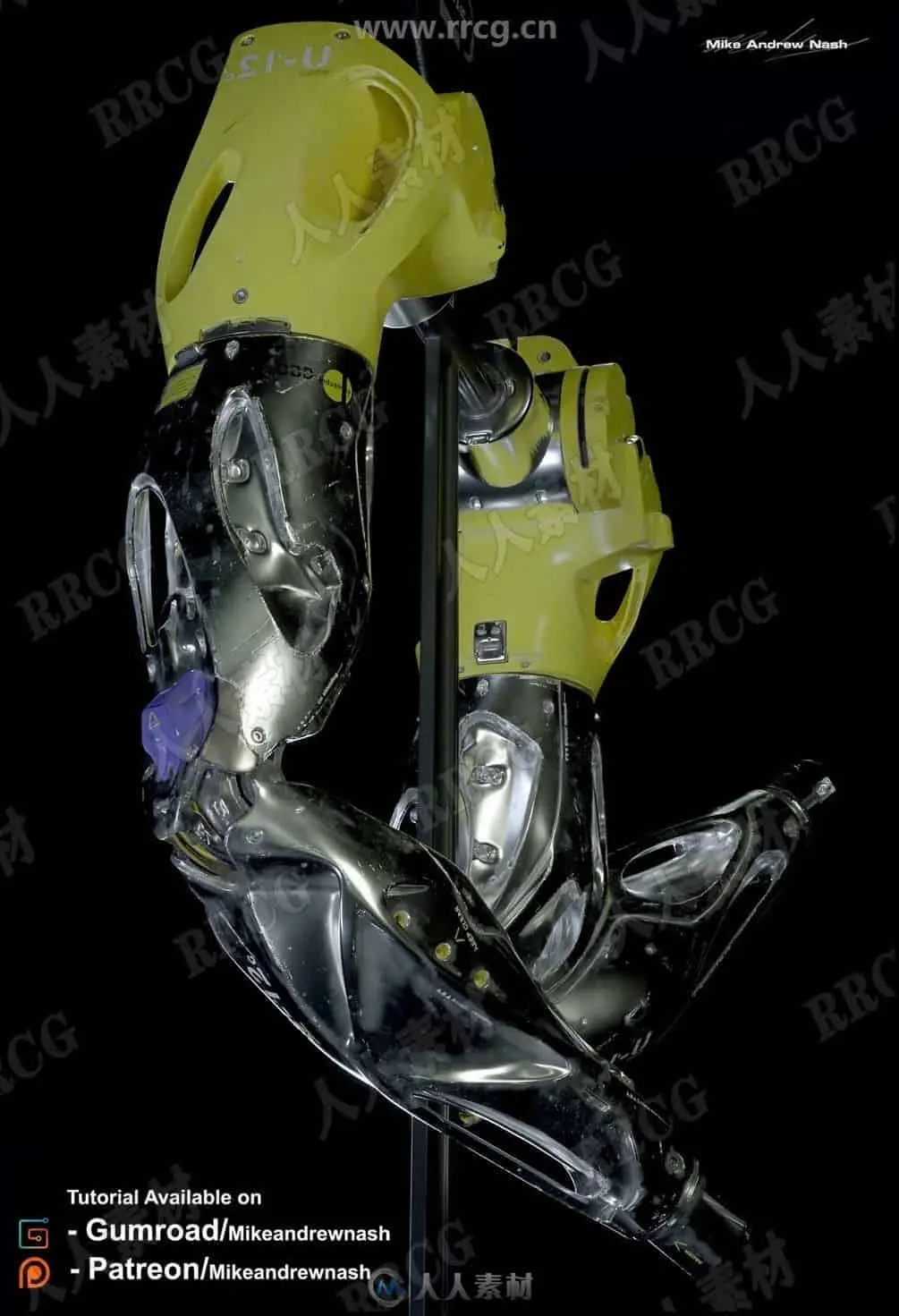
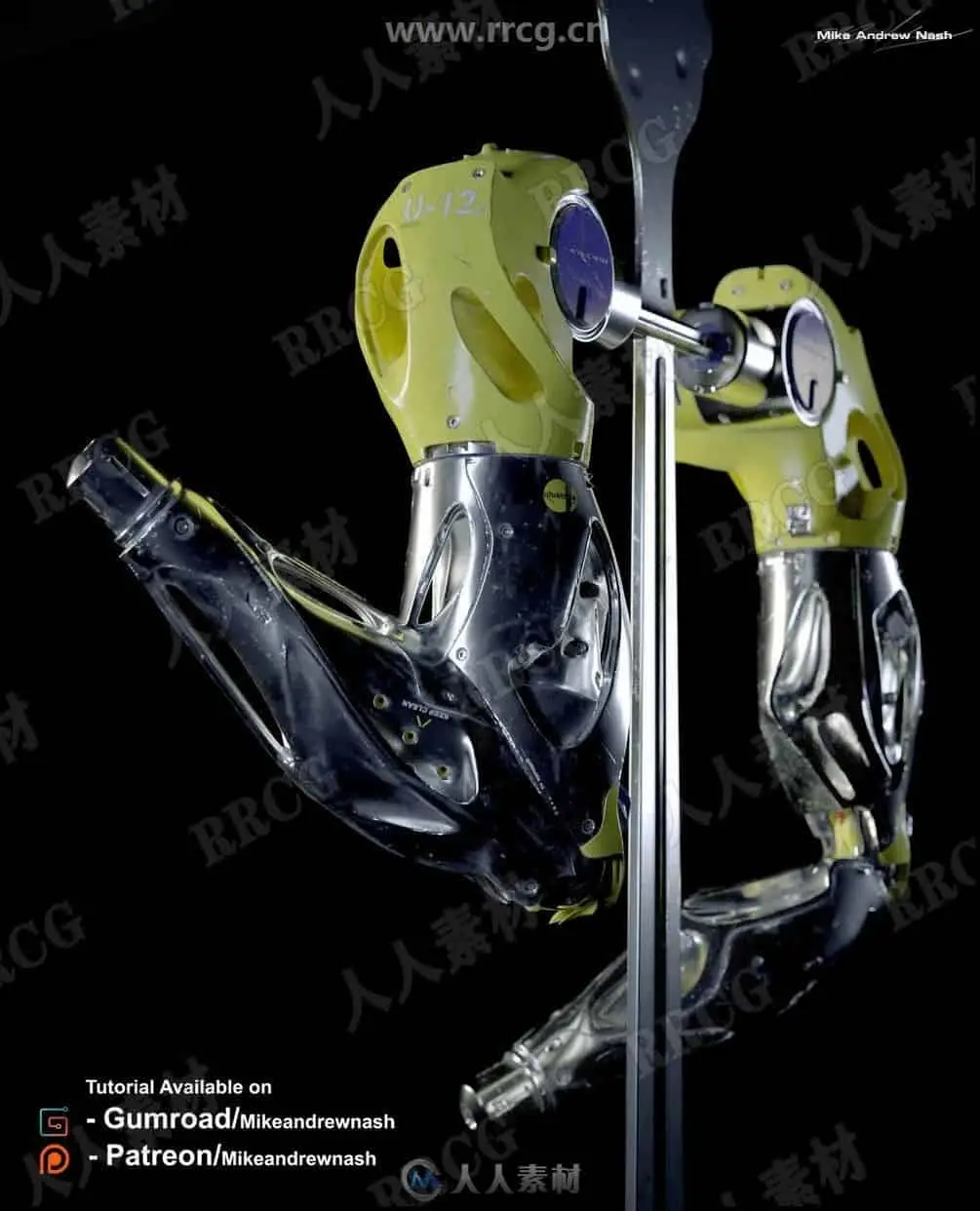
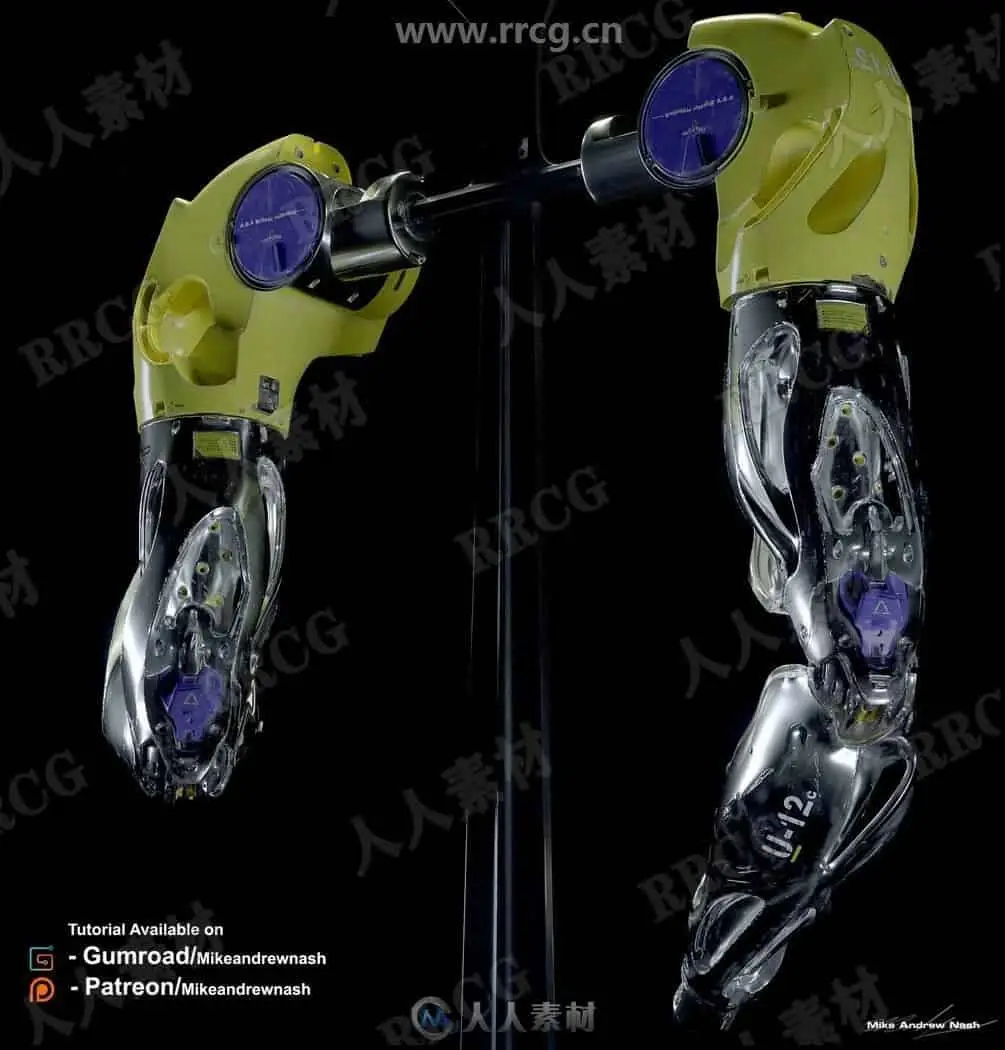
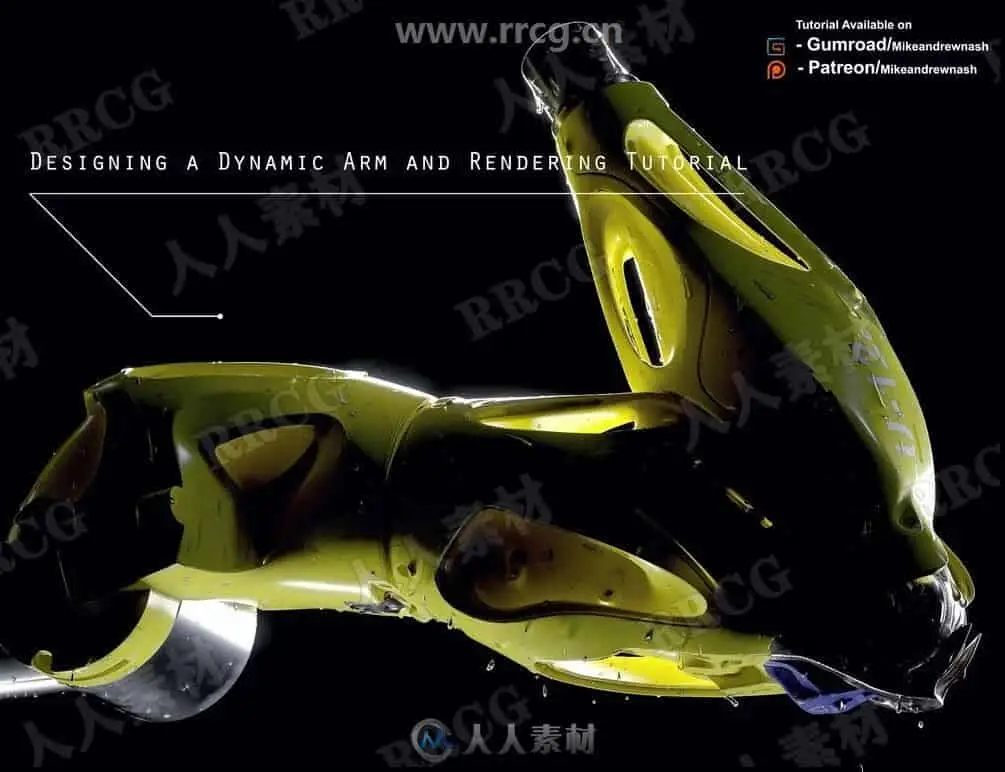
Here I’ll be taking you through an in depth tutorial on how to create a well designed and artistic robotics arm. The tutorial covers conceptual design to poly modelling, texturing and rendering in Octane.
What topics are covered?
– How to create a fully realised final design piece with textures and shaders..
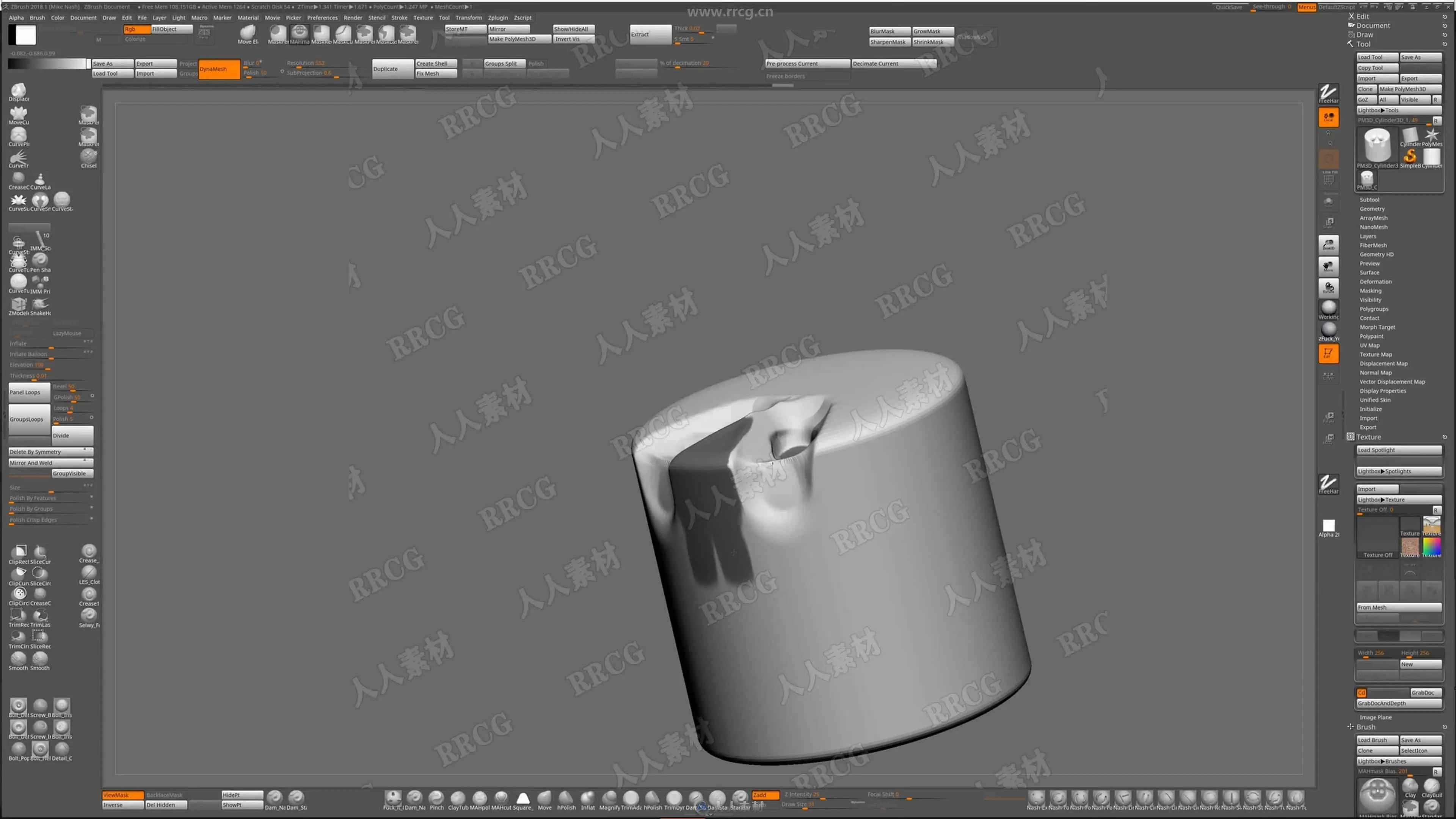
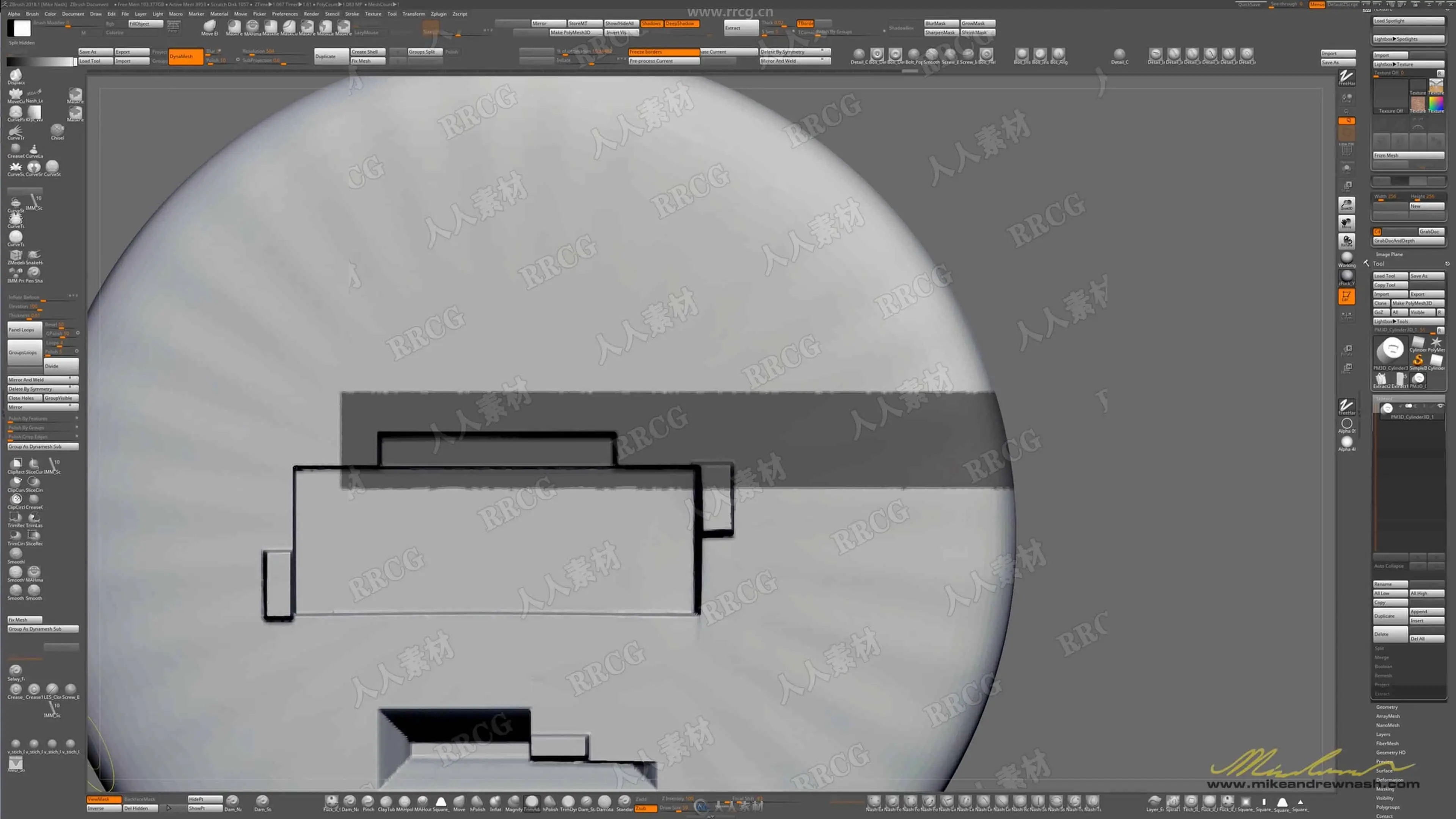
– I go over in detail and explain how I work in Z-Brush to achieve the concept design that will be made ready for poly modelling.
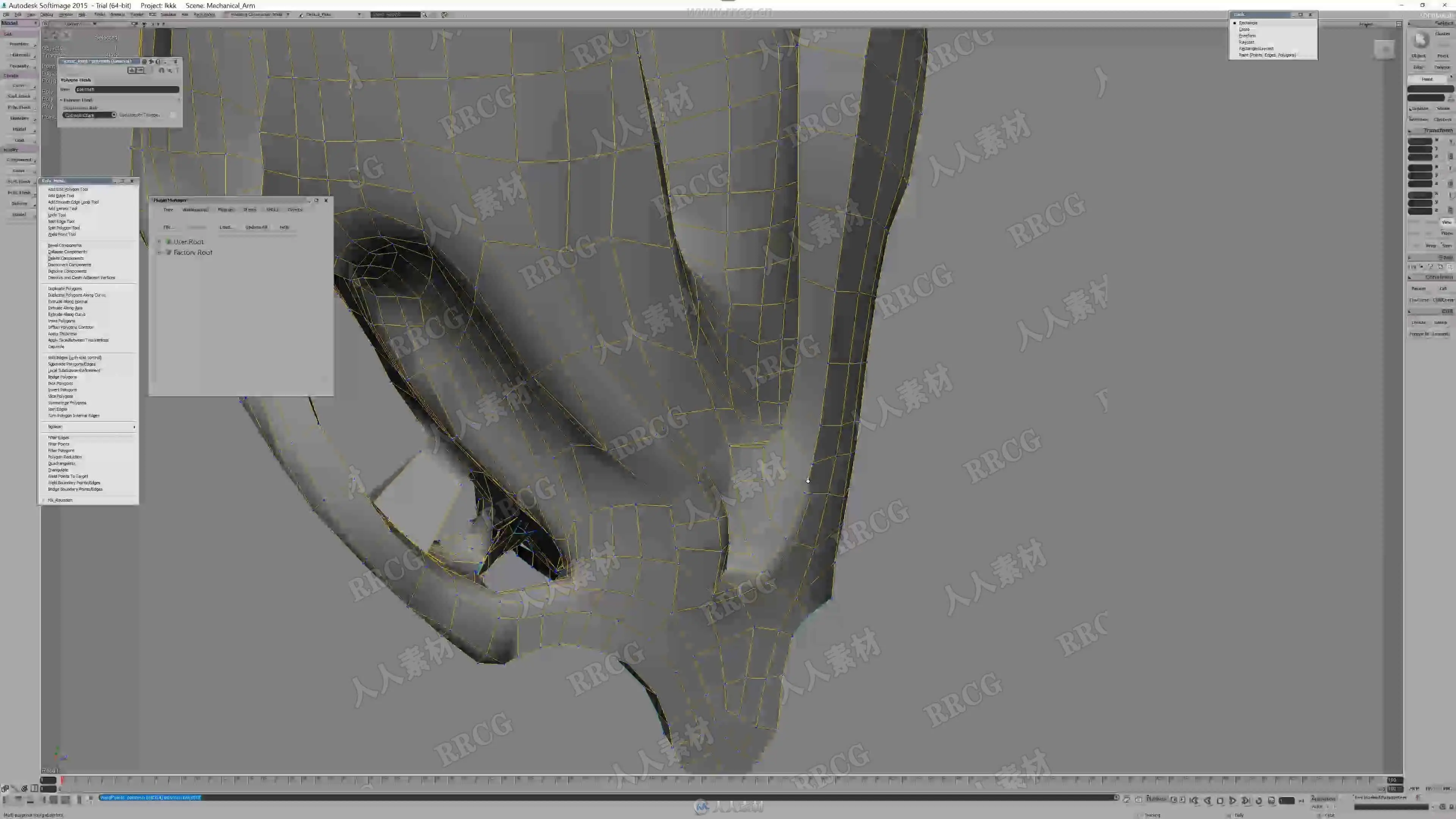
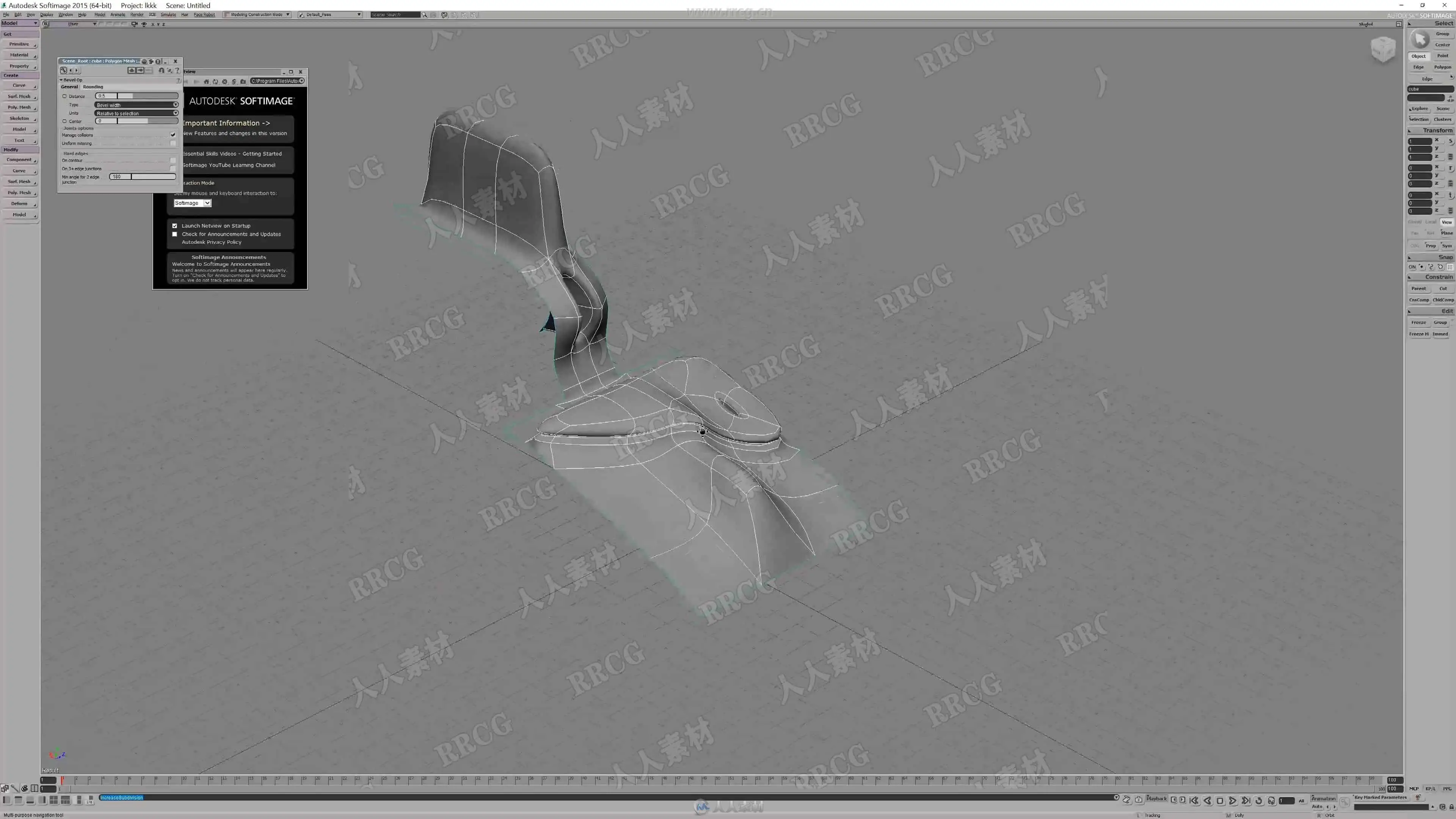
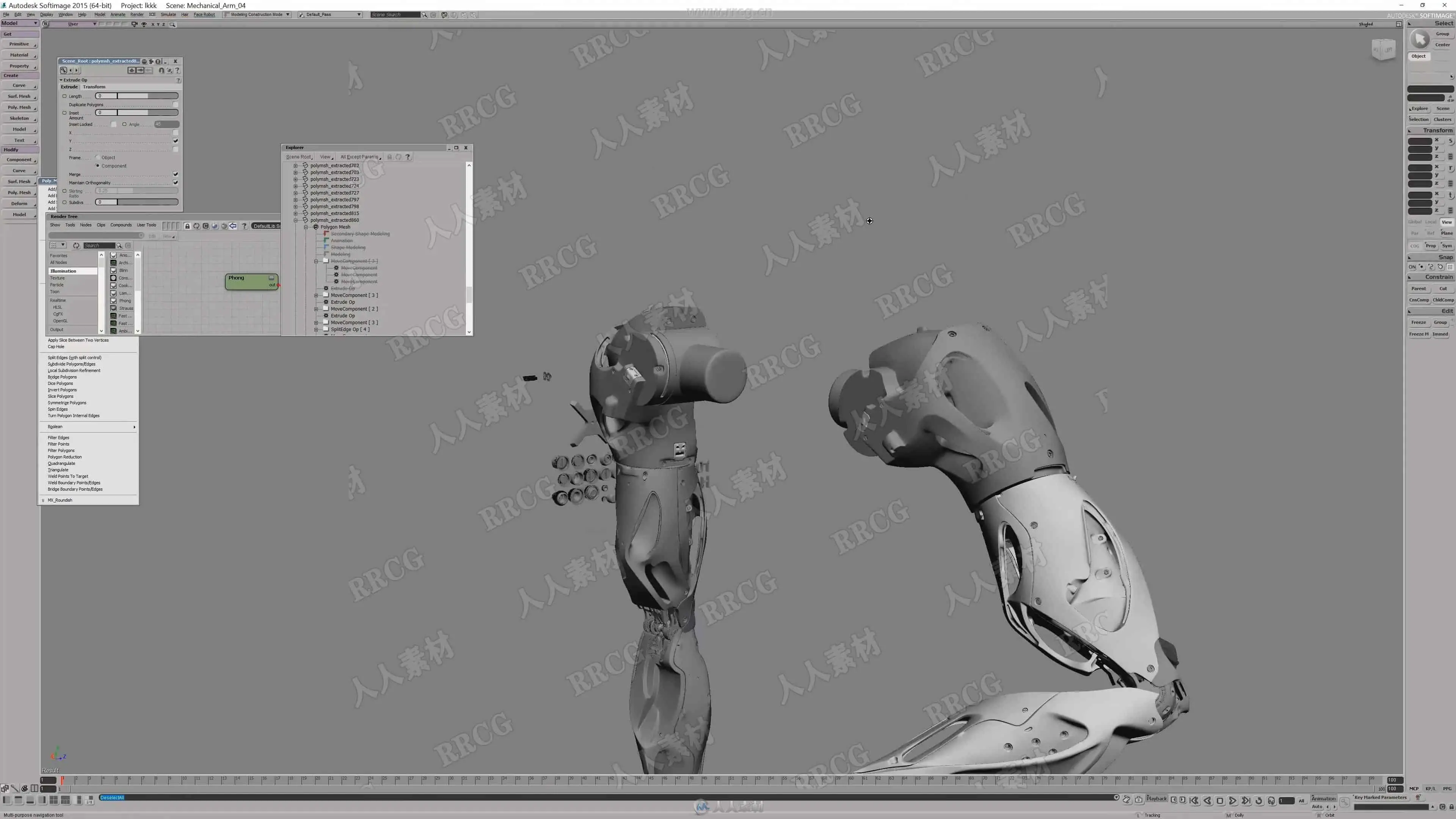
– Go into heavy detail about sub-d poly modelling.
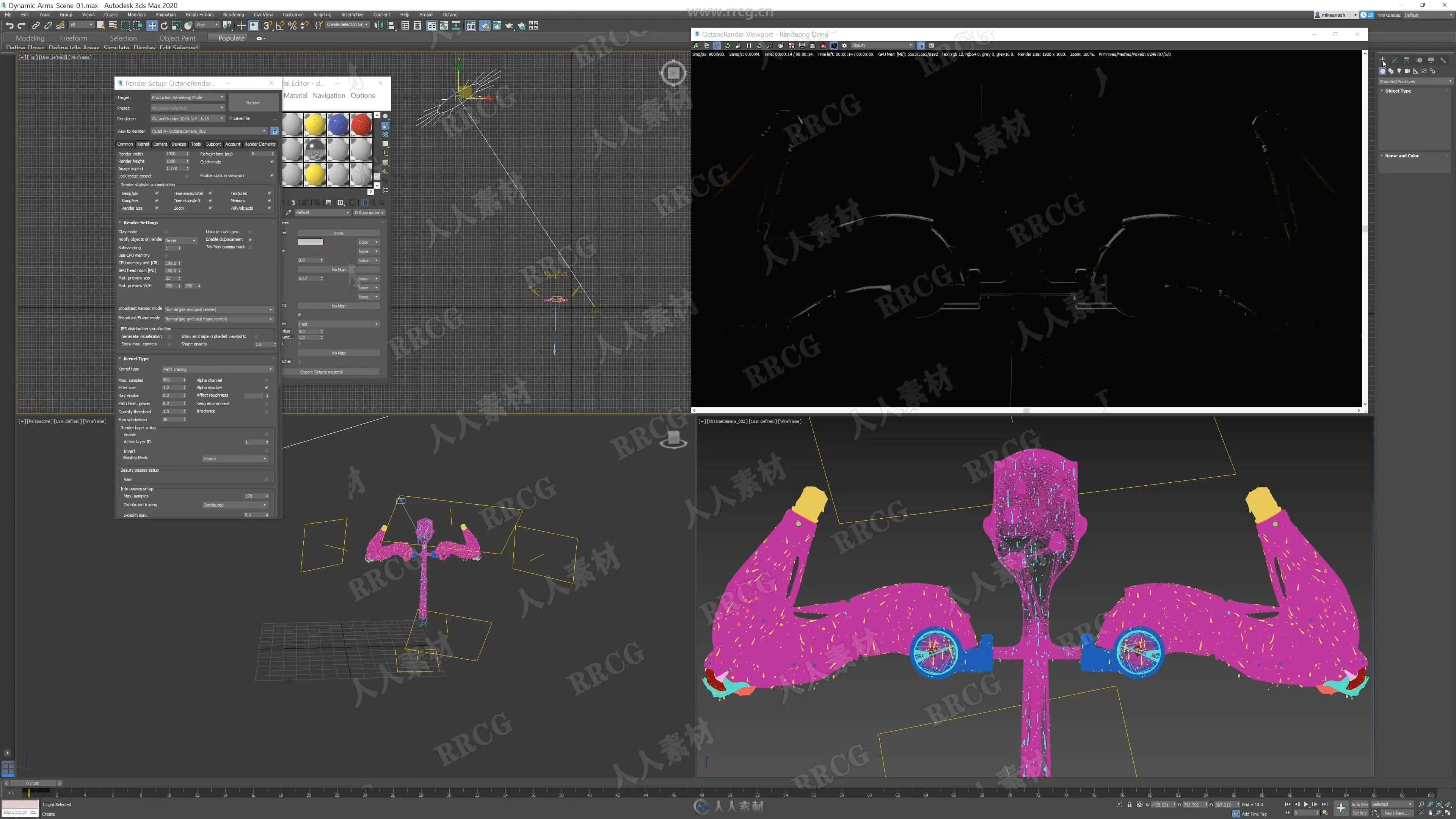
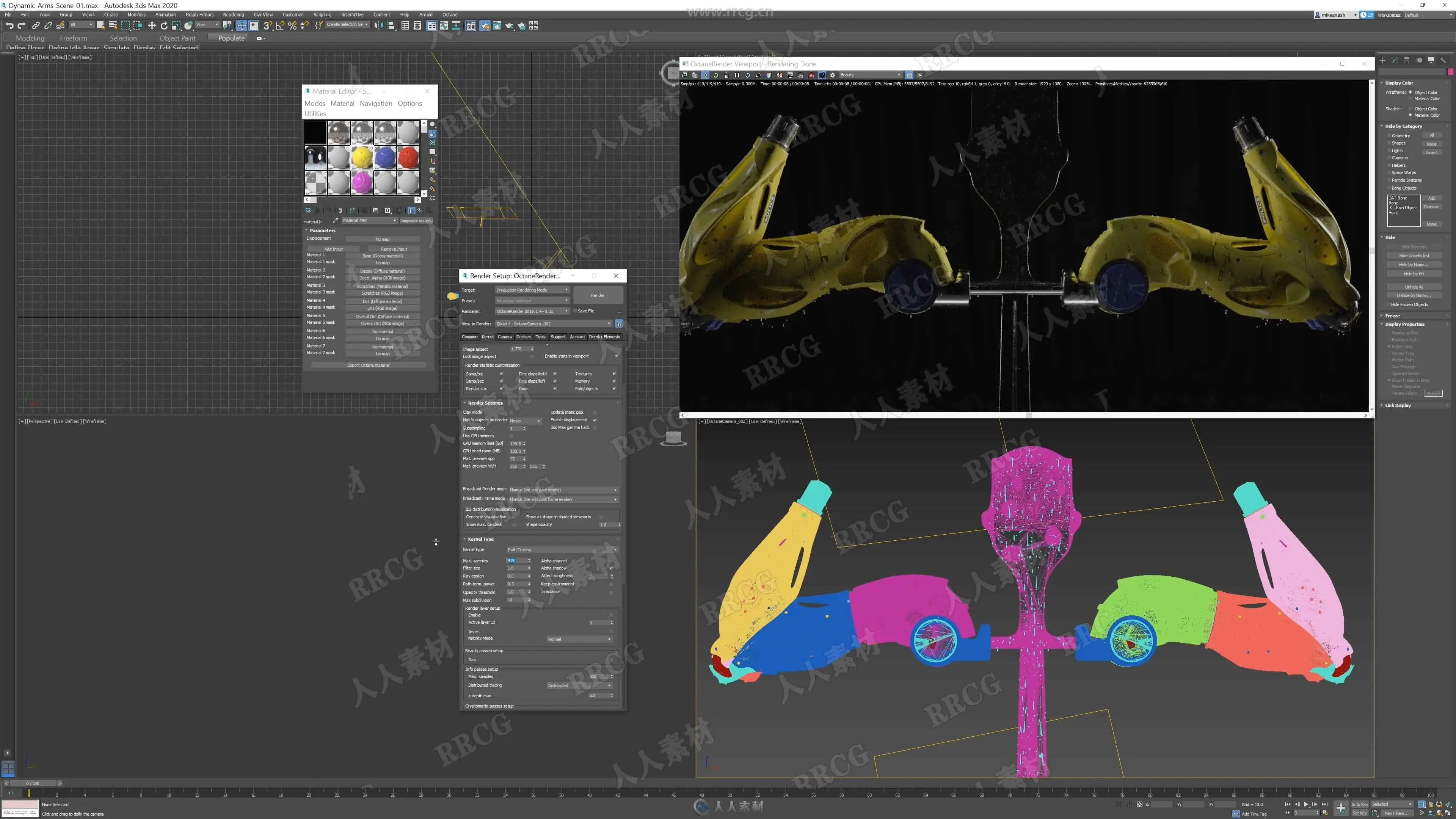
– How to go about lighting and creating shaders for your design in Octane.
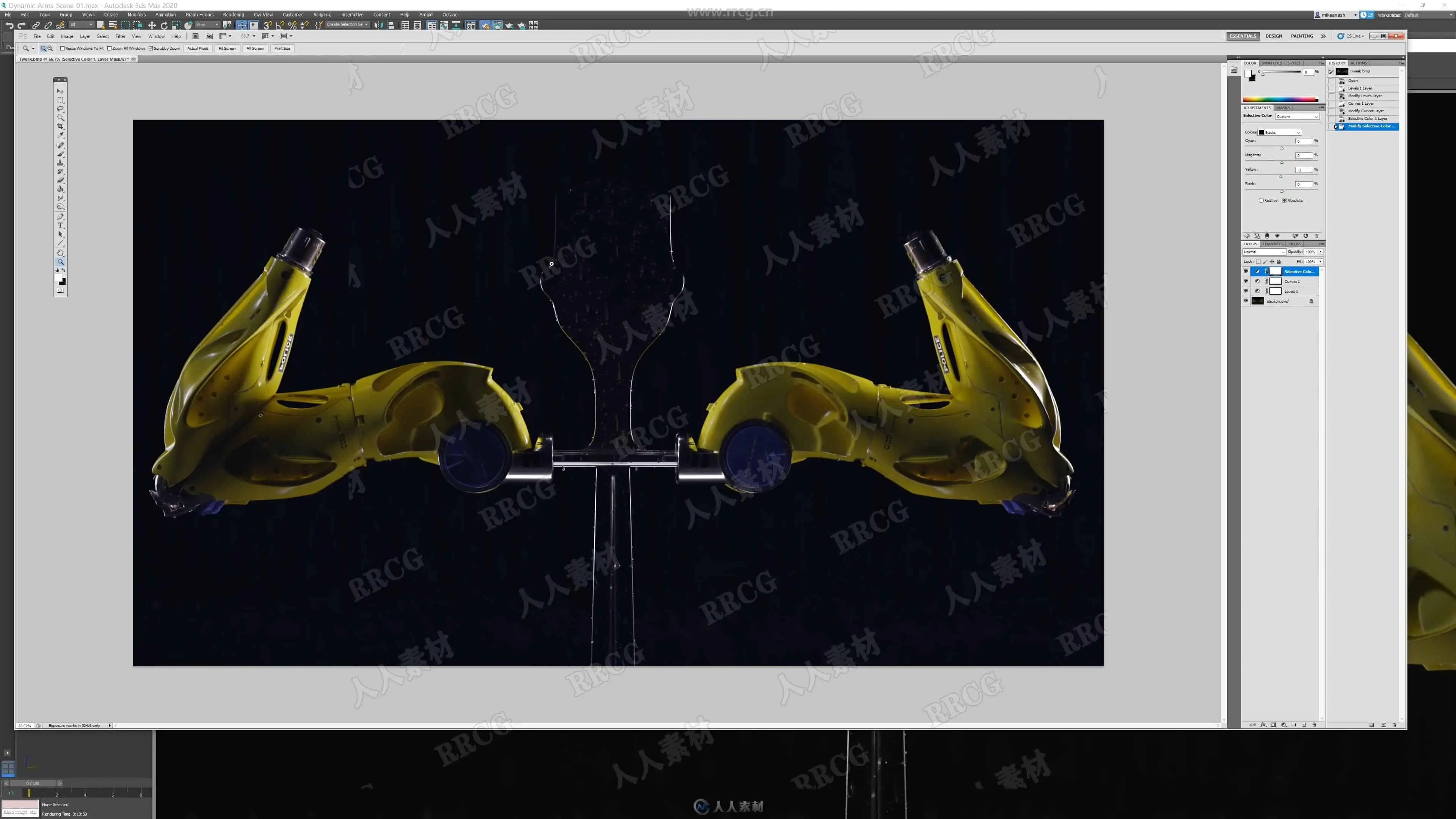
– Colour correction and detailing in Photoshop.
What do I get?
– 9 hrs of video with narration.
– 3Dsmax/Octane scene file.
– Sub-d Poly Model
Requirements:
– Beginners knowledge of poly modelling,
Octane skills are transferable but you might need to do a little reading for it if you are using other applications that aren’t covered in the tutorial.
If you are semi confident with Z-Brush you will be able follow along with the Z-Brush portion of the tutorial.
Applications Used?
– Z-brush for concepting.
– XSI for Poly modelling. – Any other poly modelling application will do.
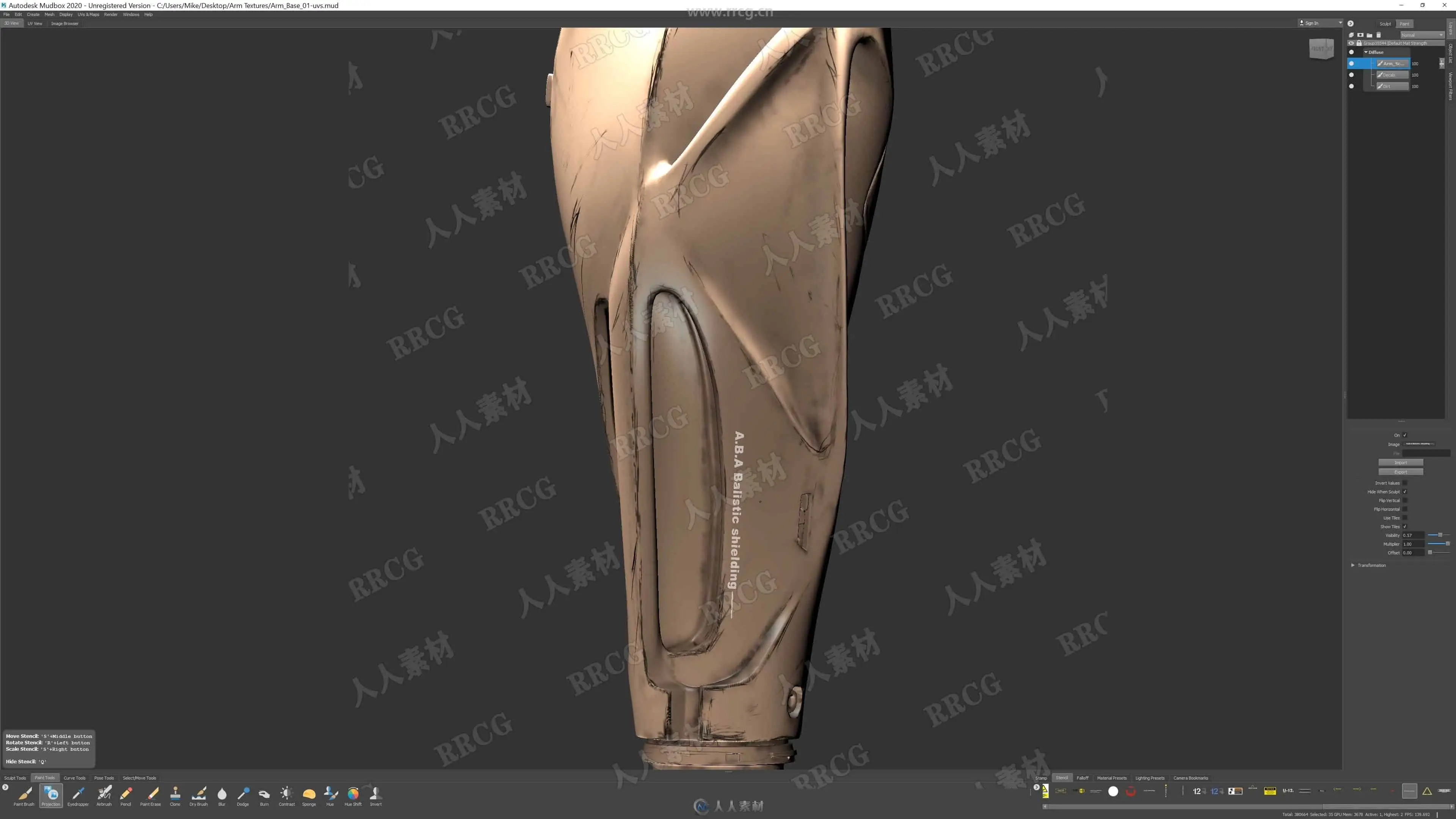
– Mud-box for texturing. – Any other texturing application will do.
– 3Dsmax – Octane has a standalone app or is supported by numerous other applications.
– Rizmo – Any automatic unwrap UV tools will do.
– Photoshop for colour correction.
* Note *
Everything apart from Z-brush and Photoshop are interchangeable, meaning you could use any other applications that can do poly modelling with automatic UV unwraps,
Any other application that can do texturing will work fine like Substance Painter or zbrush to texture with.
资源截图
评论0