
资源简介
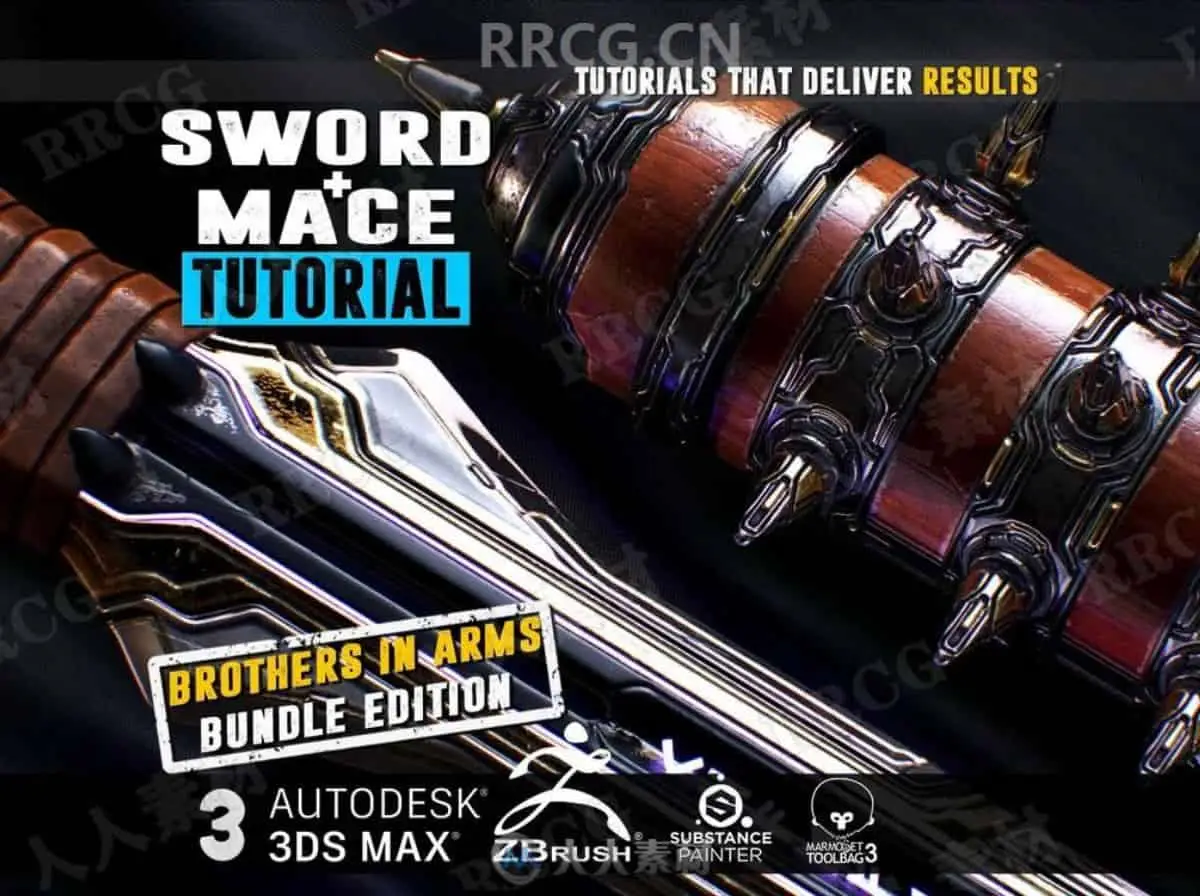
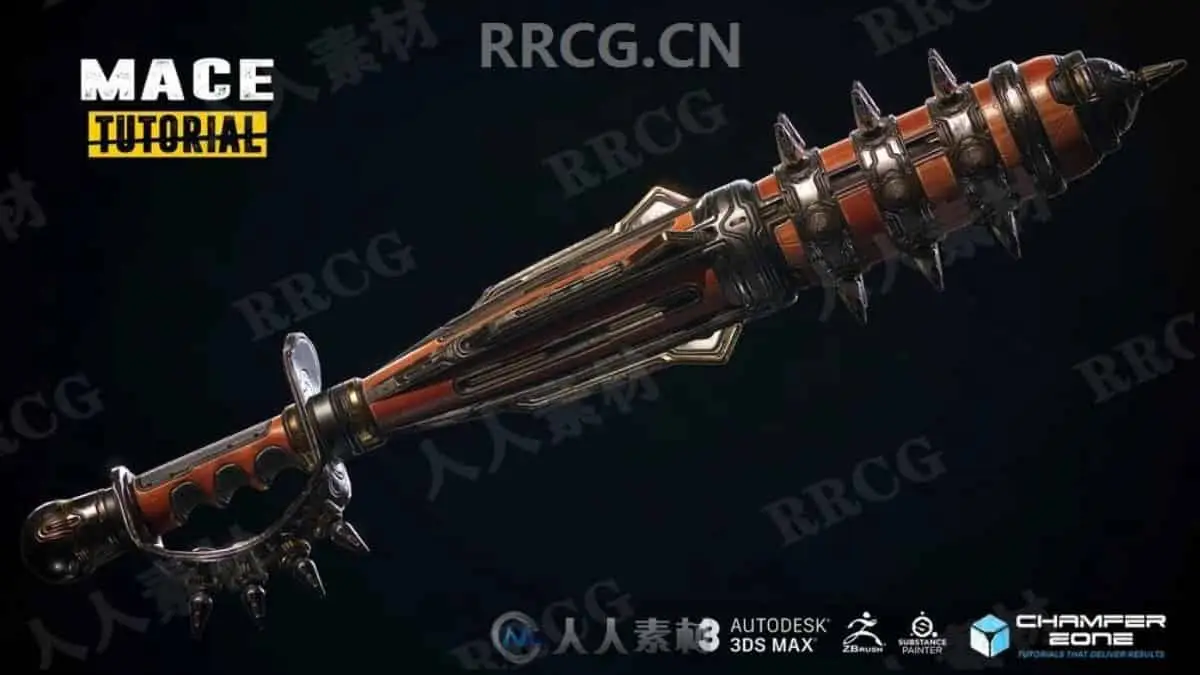
本教程是关于ZBrush超精致剑与锤雕刻制作实例训练视频教程,时长:18小时30分,大小:15 GB,MP4高清视频格式,教程使用软件:zbrush,3dsMax,Substance Painter和Marmoset Toolbag等,附源文件,作者:Tim Bergholz - ChamferZone,共5个章节,语言:英语。
ZBrush是一个数字雕刻和绘画软件,它以强大的功能和直观的工作流程彻底改变了整个三维行业。在一个简洁的界面中,zbrush 为当代数字艺术家提供了世界上最先进的工具。以实用的思路开发出的功能组合,在激发艺术家创作力的同时,zbrush 产生了一种用户感受,在操作时会感到非常的顺畅。zbrush 能够雕刻高达 10 亿多边形的模型,所以说限制只取决于的艺术家自身的想象力。ZBrush软件是世界上第一个让艺术家感到无约束自由创作的3D设计工具!它的出现完全颠覆了过去传统三维设计工具的工作模式,解放了艺术家们的双手和思维,告别过去那种依靠鼠标和参数来笨拙创作的模式,完全尊重设计师的创作灵感和传统工作习惯。
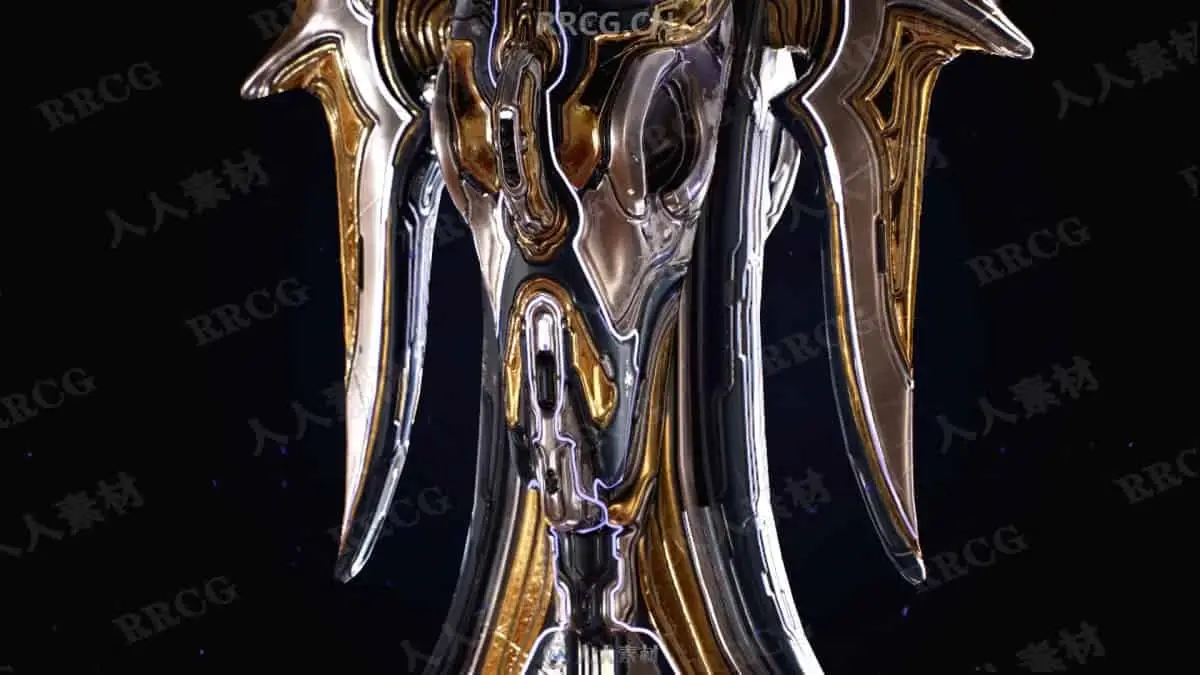
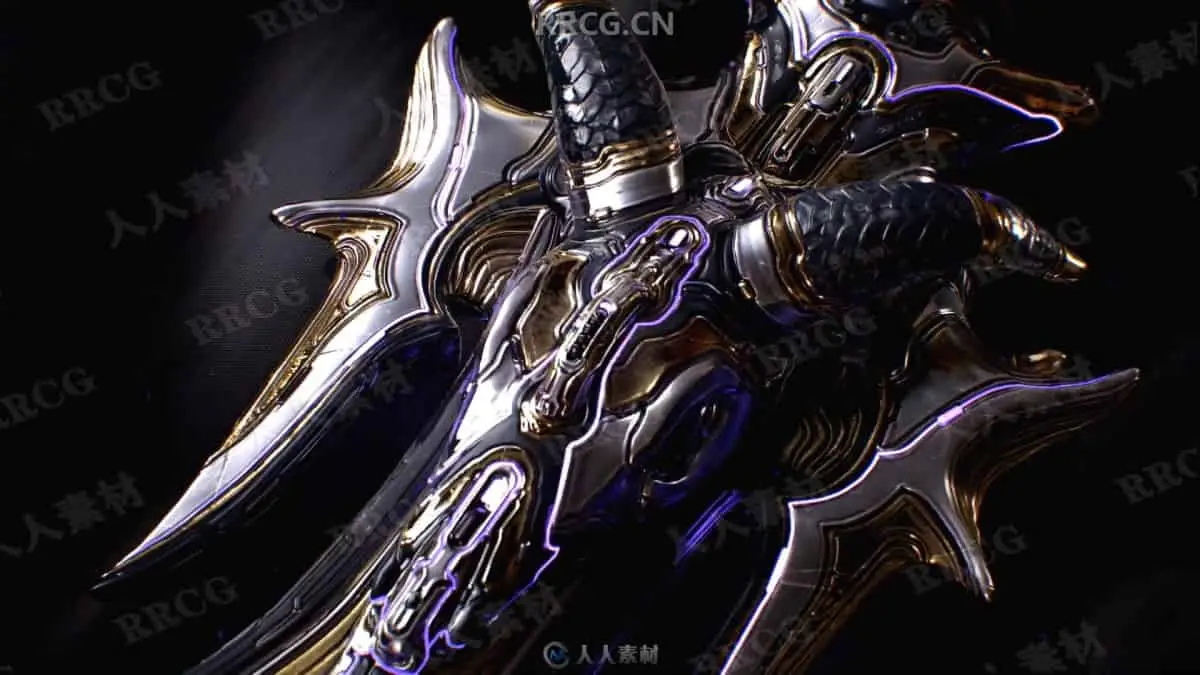
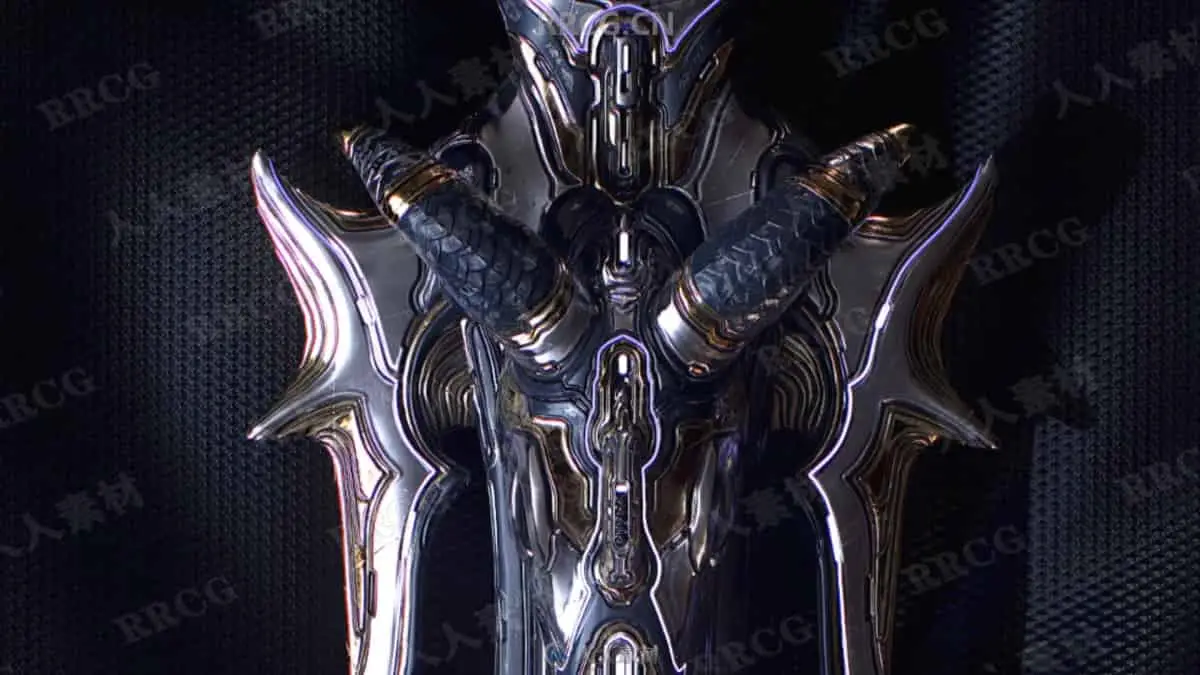
SWORD & MACE Tutorial – ULTIMATE BROTHERS IN ARMS BUNDLE EDITION – Master the art of zbrush, 3Ds Max and Substance Painter By Tim Bergholz – ChamferZone
Includes:
20 HD Video Files
Low and highpoly files in case you just want to follow along certain chapters.
Essential reference images
Duration: 18hrs 32 min video MP4 format with full audio commentary in English
ABOUT THIS TUTORIAL
The ultimate melee bundle edition! You will get both the SWORD and the MACE Tutorial with a bit of a saving on top.
Create TRIPLE A Quality game art in zbrush, 3Ds Max, Substance Painter and portfolio ready renders in Marmoset Toolbag 3. Do you think about a career in the video game industry as a 3D Artist and happen to like maces and swords? Then these tutorials are perfect for you. Follow along as we block out, sculpt, unwrap, bake and texture to triple A video game standards. Every step is documented without fast forwarding Also included is the “Beginners Guide to zbrush” that will go over everything you need to know in 30 minutes.
3Ds Max – Blockout
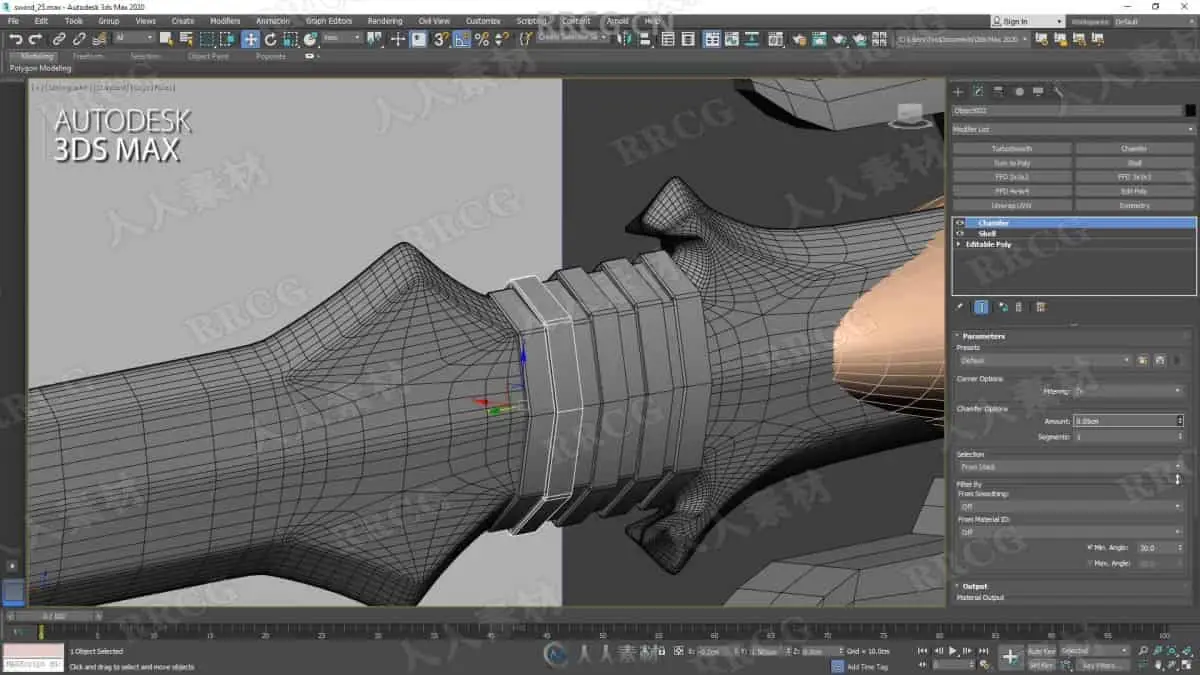
Both the Mace and the Sword tutorial start in 3Ds Max where we set up our reference image and then create a block out versions which serve the purpose to have a base meshes that we will import to zbrush.
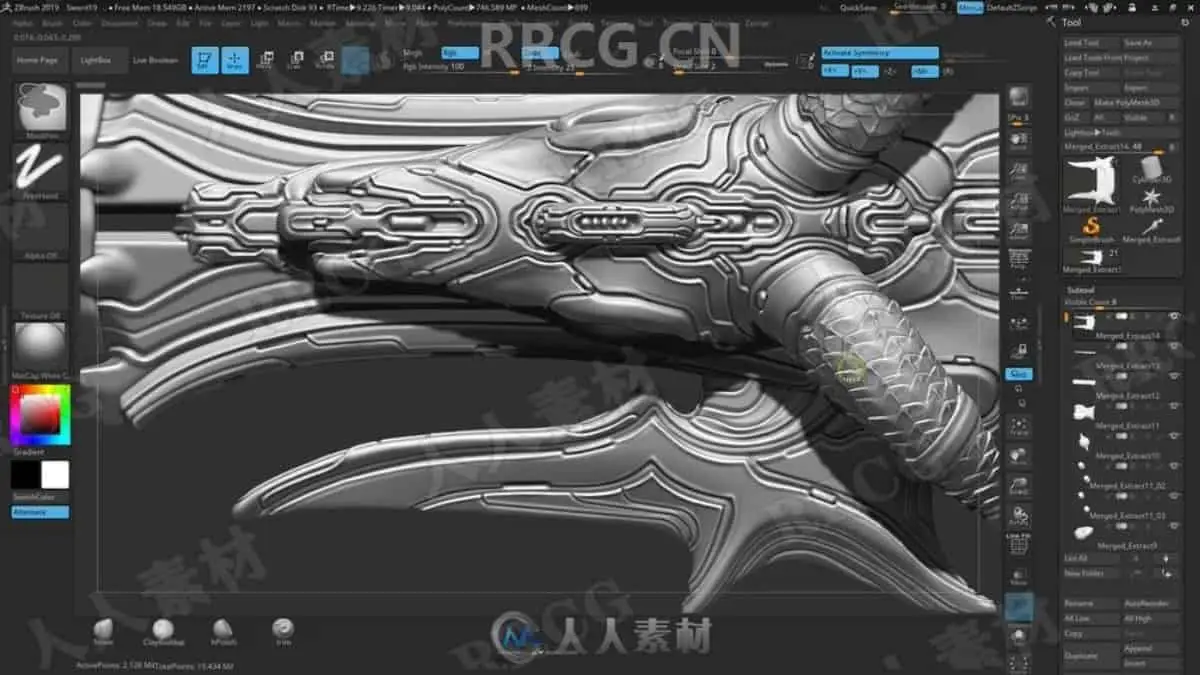
zbrush – High Poly modeling
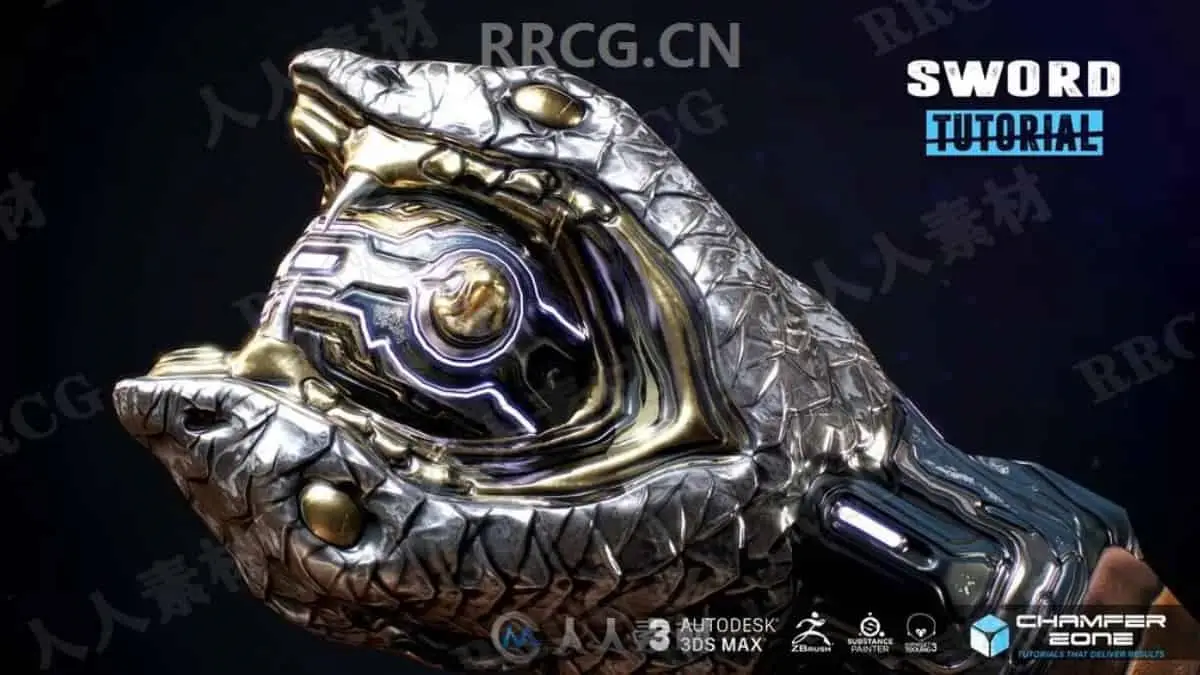
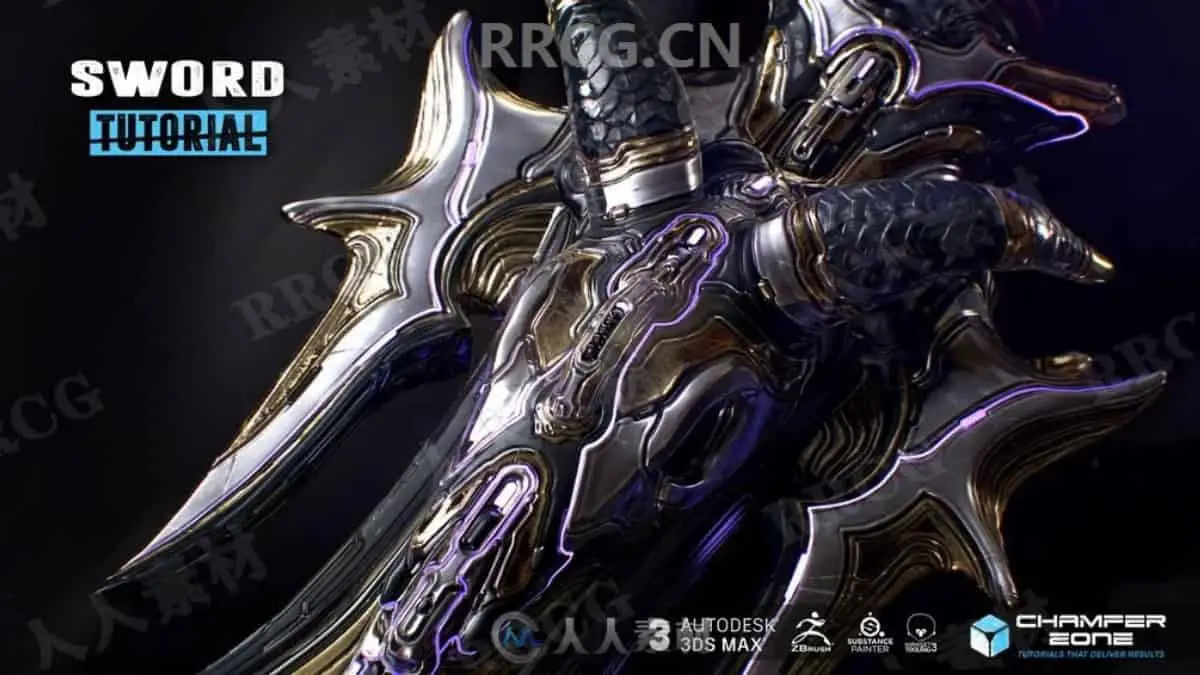
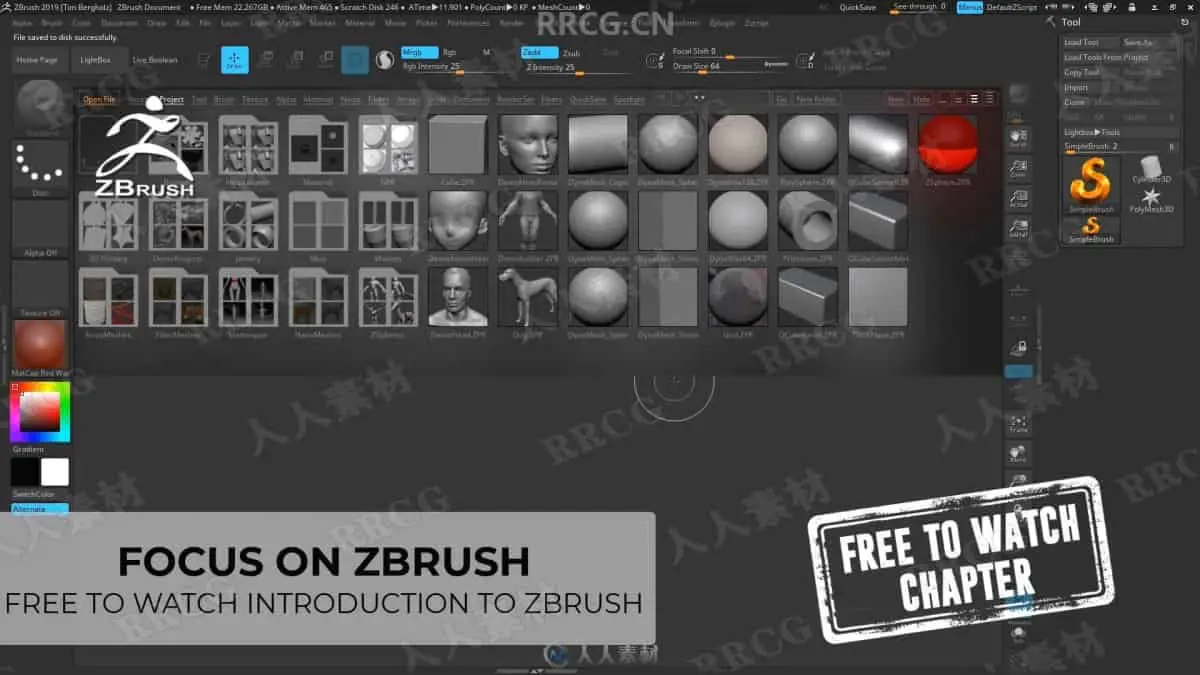
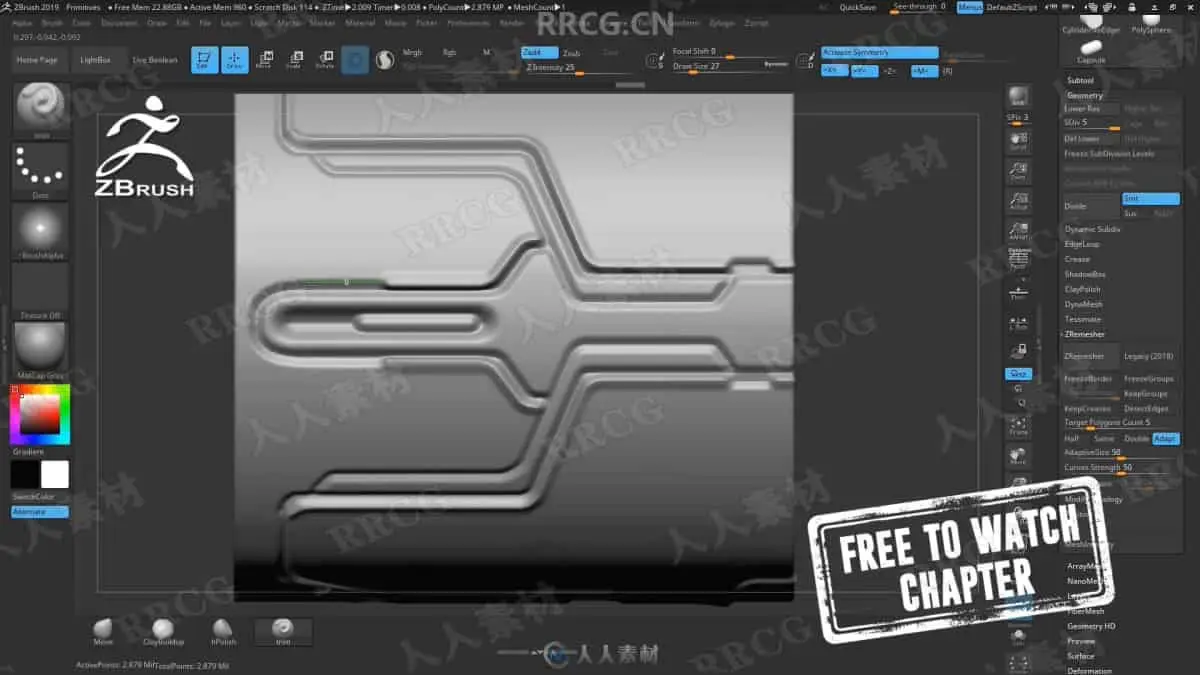
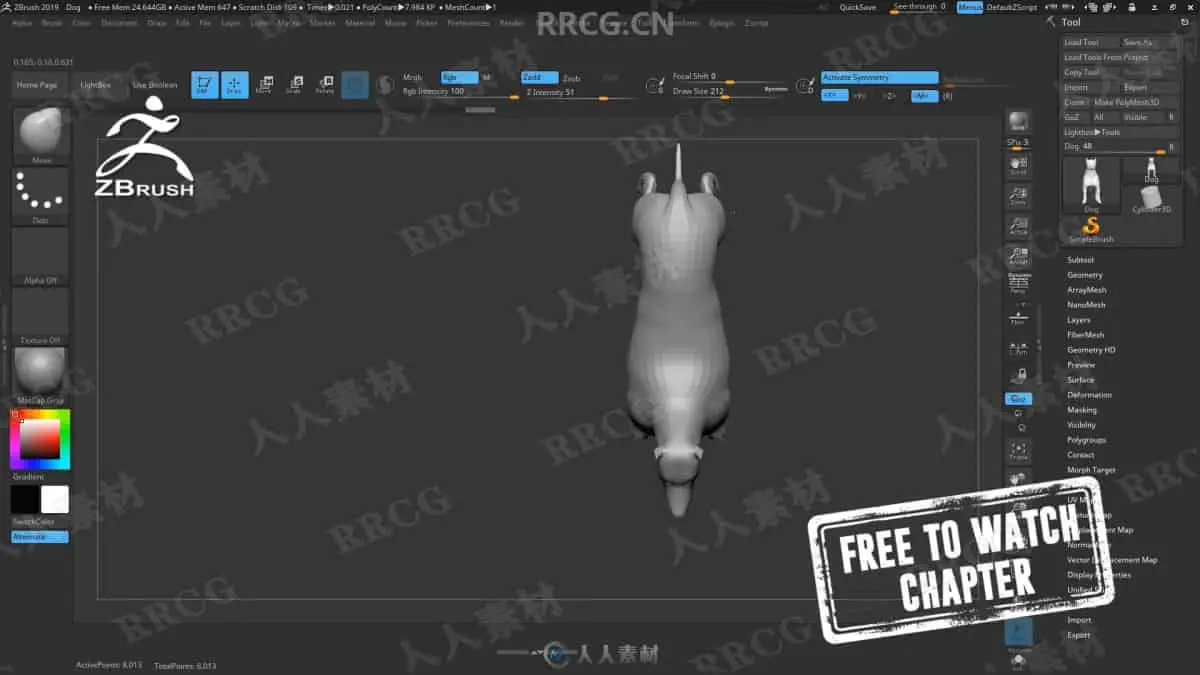
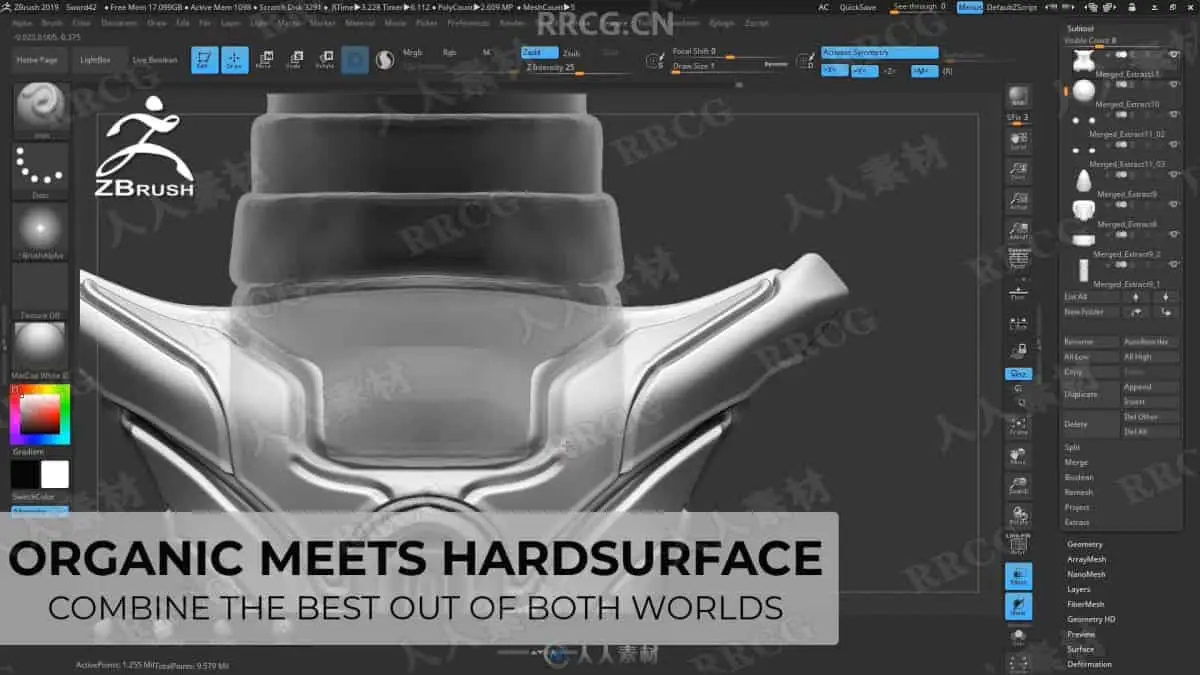
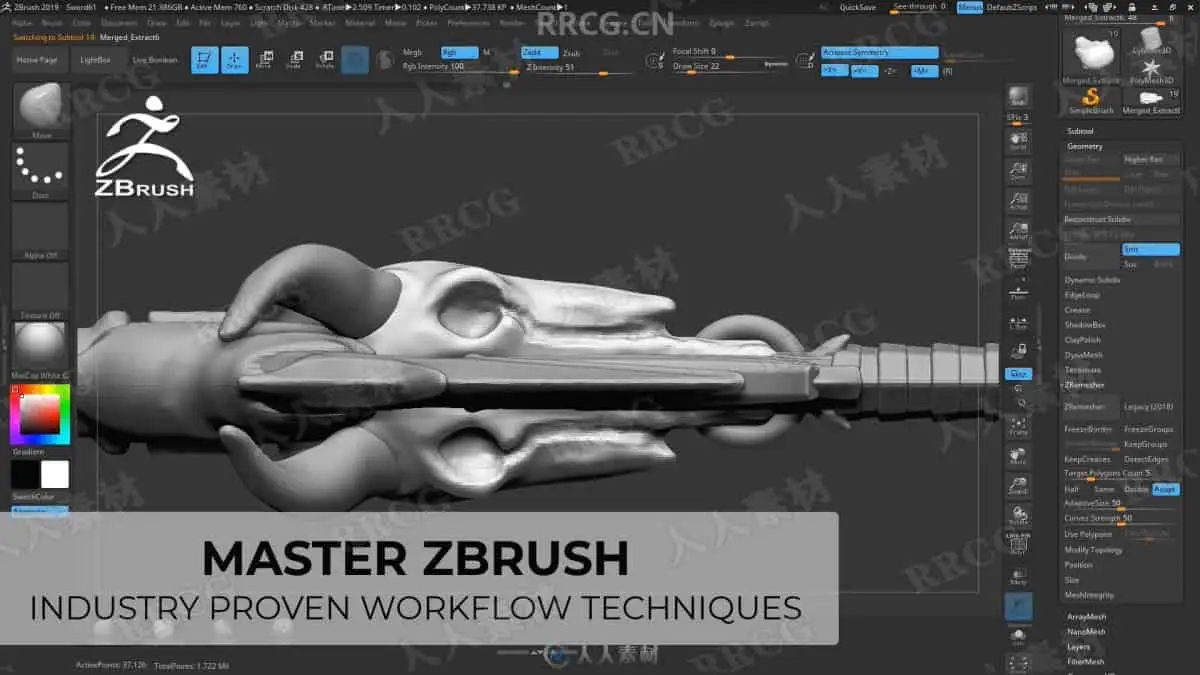
After we create the blockout model in 3DS MAX we are going to import it to zbrush where we then use Zremesher and other tools in preparation of the highpoly modeling. These multiple hour long chapters, especially of the sword tutorial aim to make you a zbrush expert as we combine organic (skull and snake head) with hard surface elements. Learning by doing as we create our highpoly models and make use of any feature and function that helps us getting the most out of zbrush.
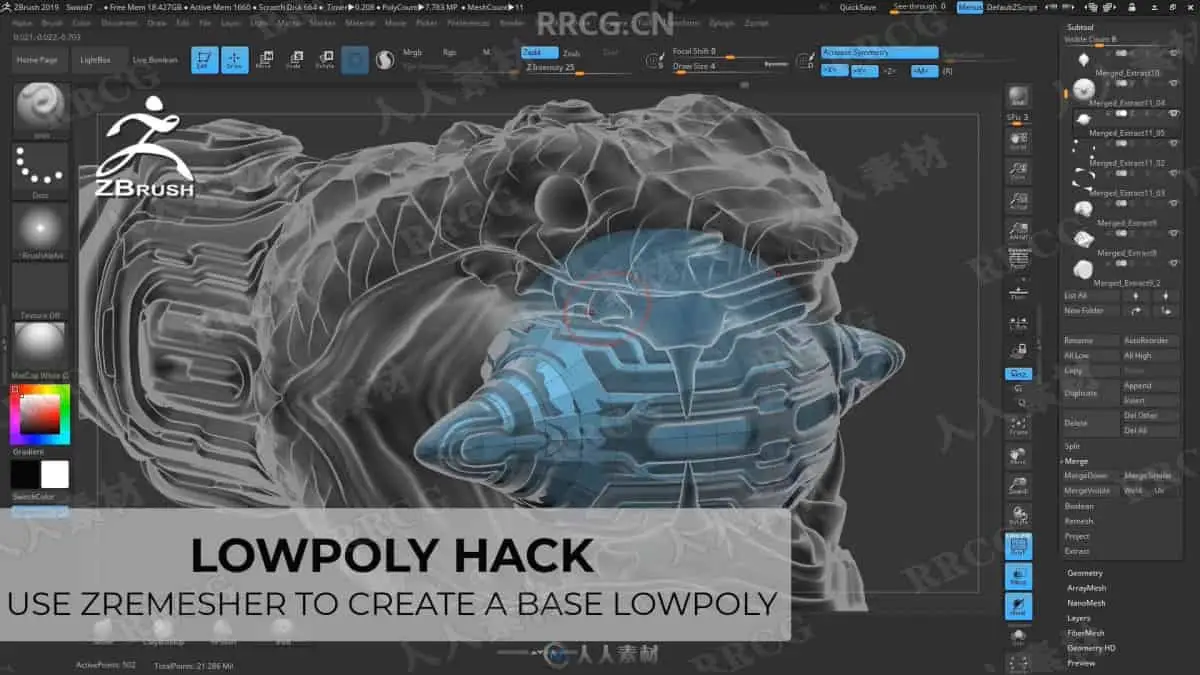
Learn about tools, subtools, brushes, masking, Zremesher, Dynamesh… and pretty much anything else you need to know to create triple A content within zbrush. At the end of the Sword zbrush part you will learn how to use ZRemesher to create a base lowpoly version which is a massive time save over having to retopologize the lowpoly from scratch.
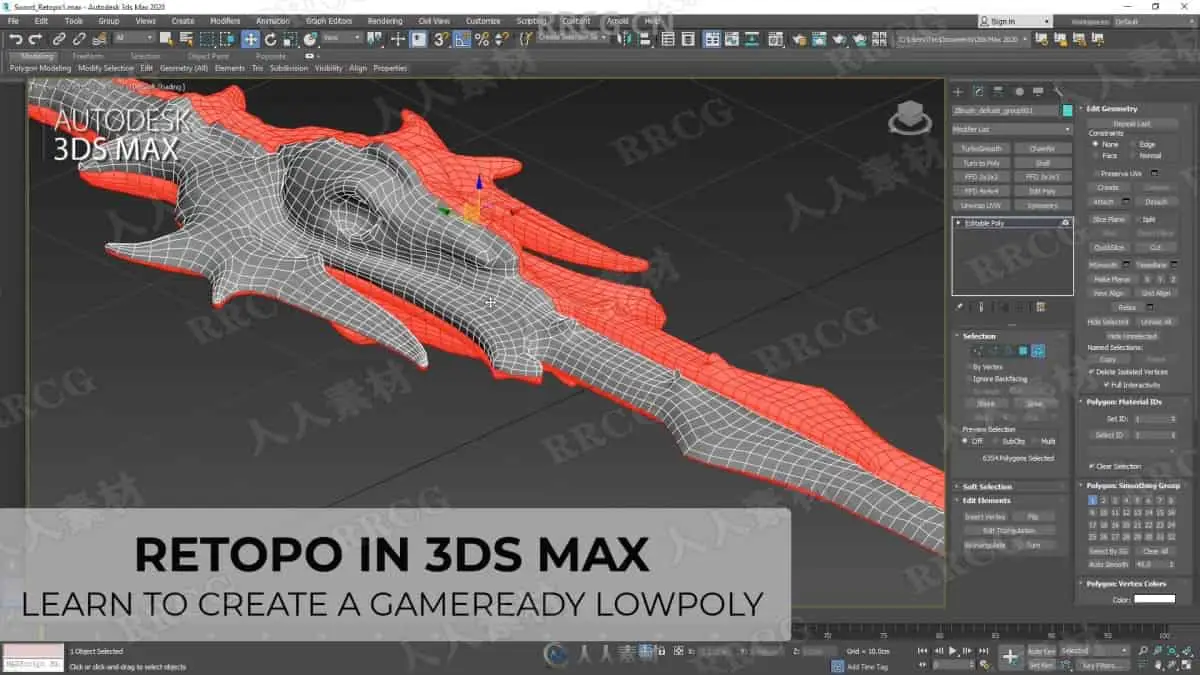
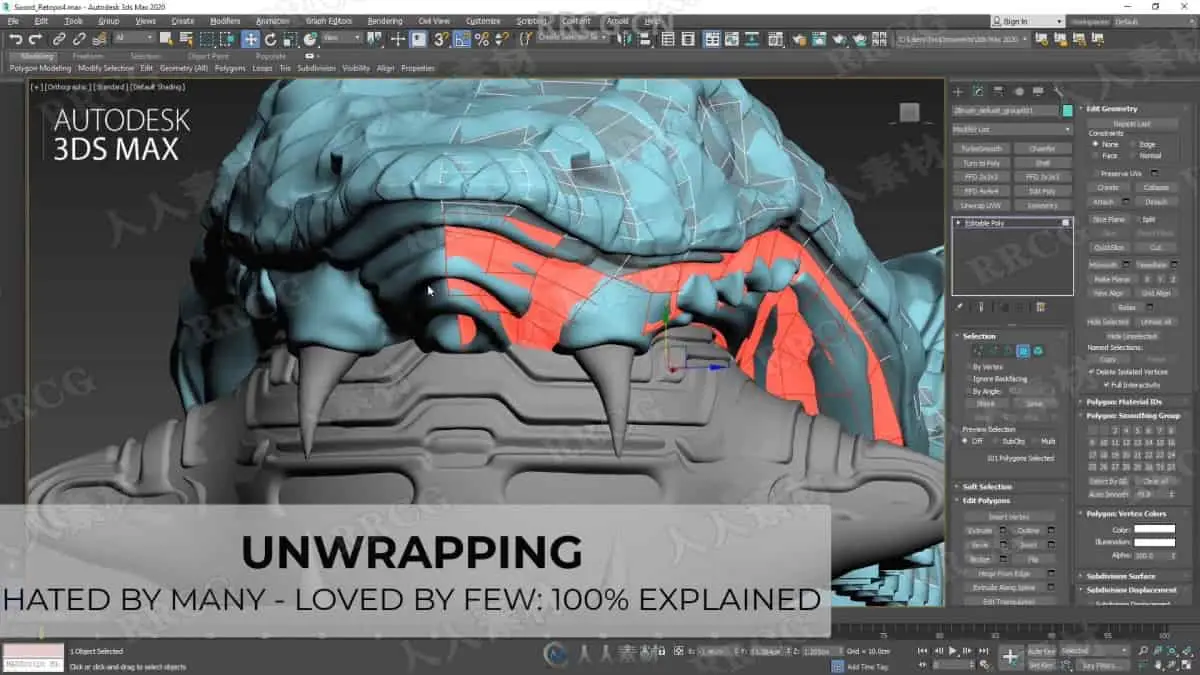
3Ds Max – Lowpoly & Unwrapping
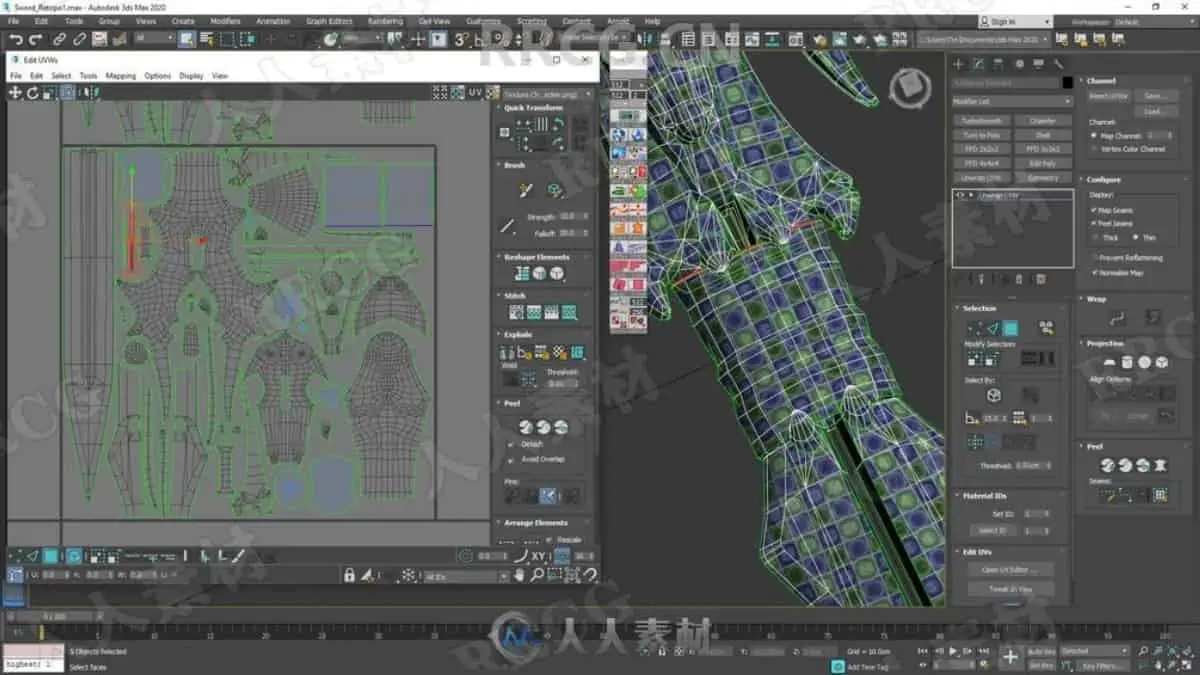
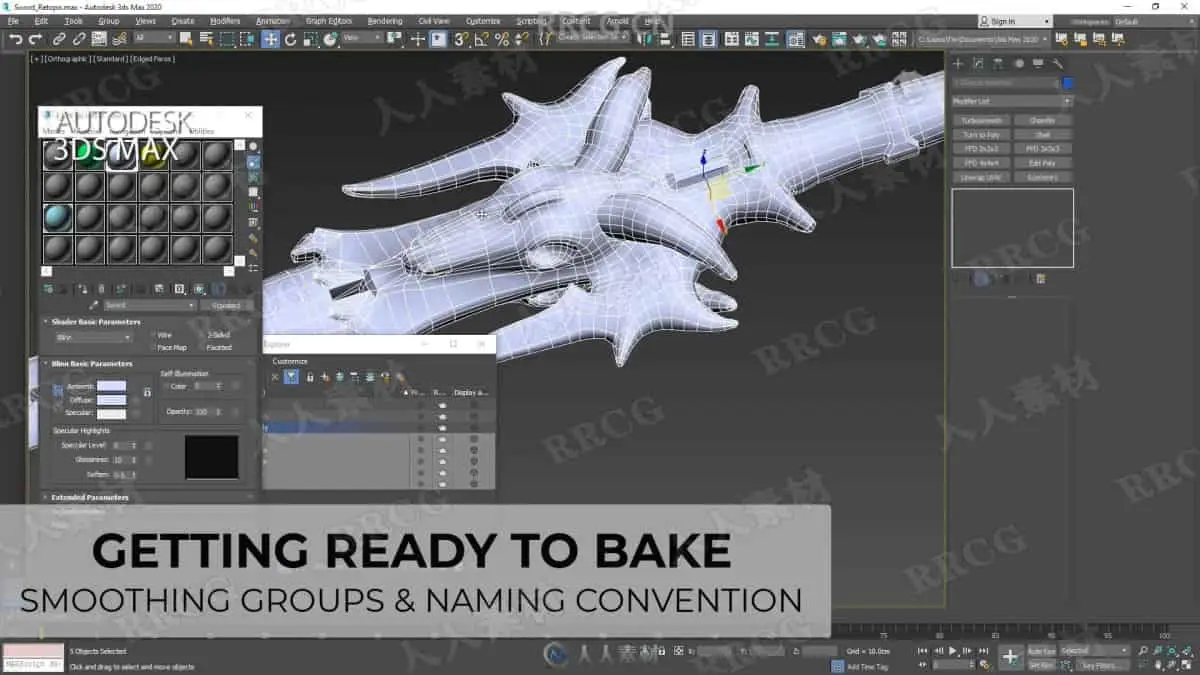
After we are done in zbrush we export our finished highpoly models back into 3DS Max and create a game ready lowpoly model. In the Sword tutorial we will make use of the zremeshed parts that we created in zbrush as well as combining parts of the of the original blockout model. After the lowpoly phases we will jump into the UV Editor and start unwrapping in order to have the perfect UV layout for out later texture. At the end of both the SWORD and the MACE tutorials we will prepare the low and highpoly models by making sure we have the right naming convention, smoothing group setup as well as materials assigned.
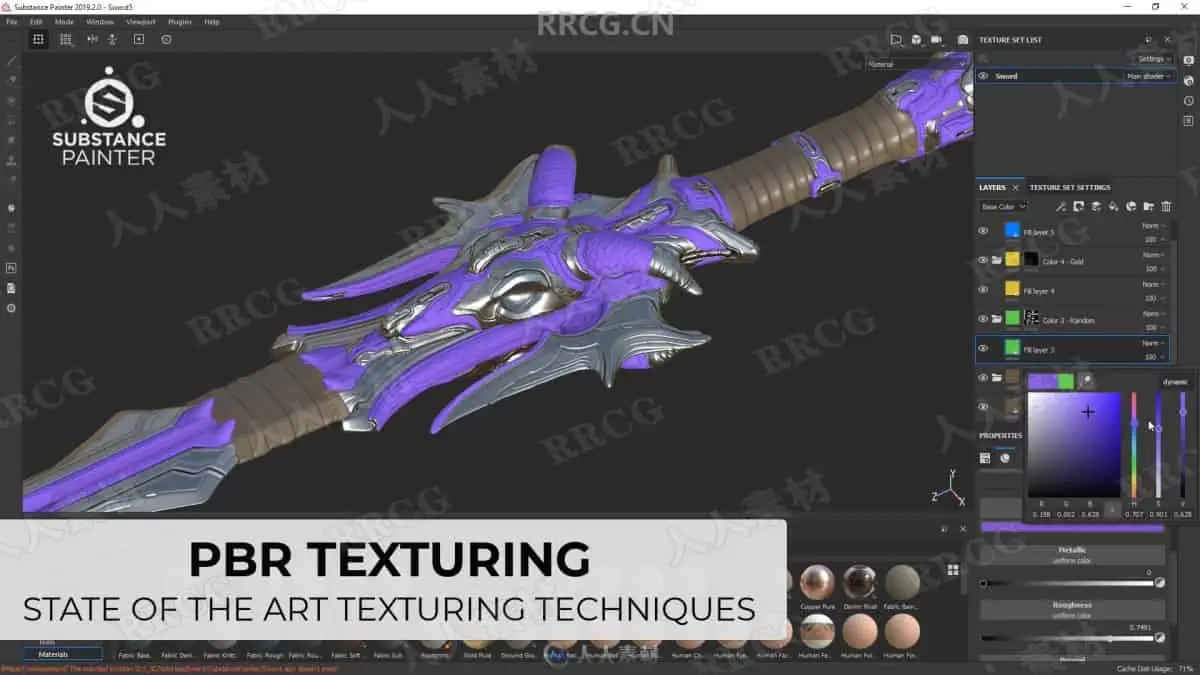
Substance Painter – Texturing
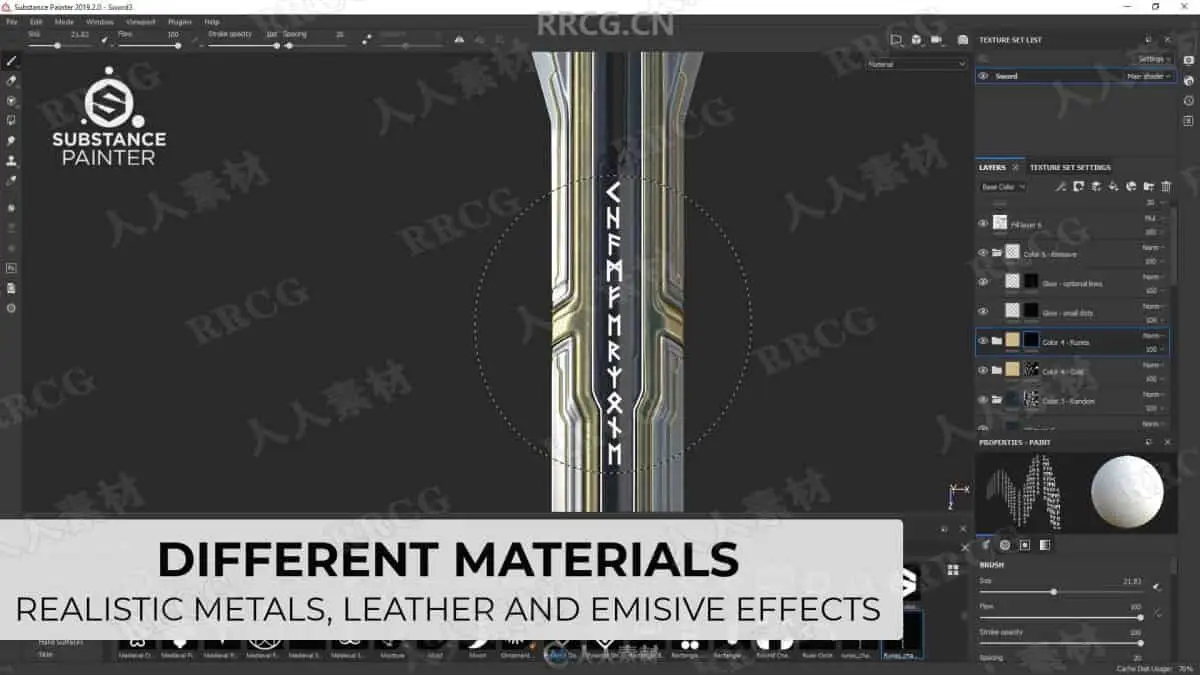
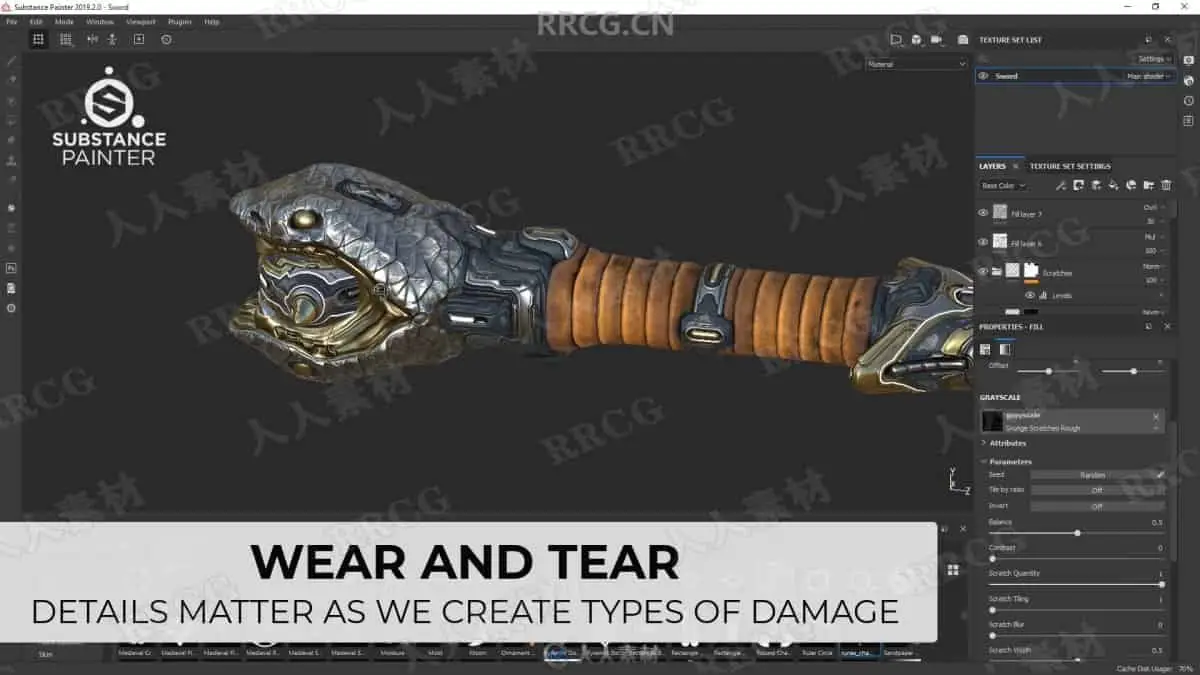
In the Substance Painter part we will then bake our normal map as well as other important support maps. Right after that you will learn how to make an ultra realistic textures. Learn how to create base layer materials and how to use procedural textures, masks and generators to form up the wear and tear on our sword resulting in a photo realistic appearance. You will also get to know the latest tools that Substance Painter currently has to offer. Learn how to stamp in mysterious rune text as well as making use of the emissive channel (SWORD only) for this extra cool look.
Marmoset Toolbag 3- Portfolio ready renders (SWORD only)
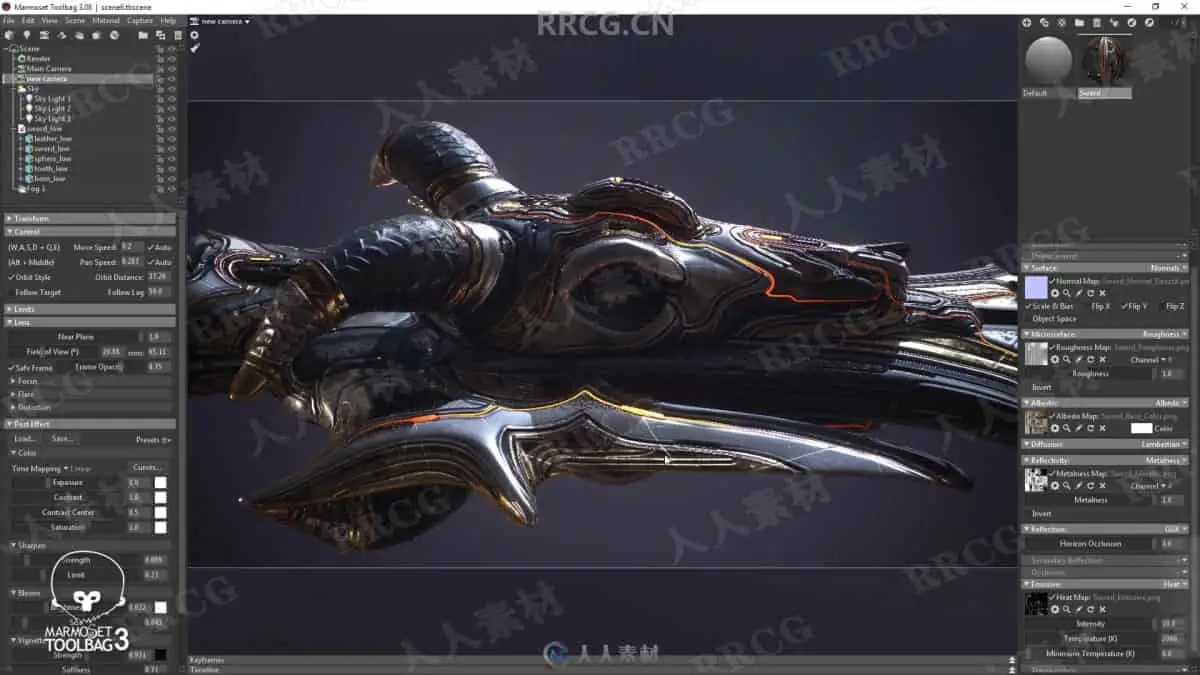
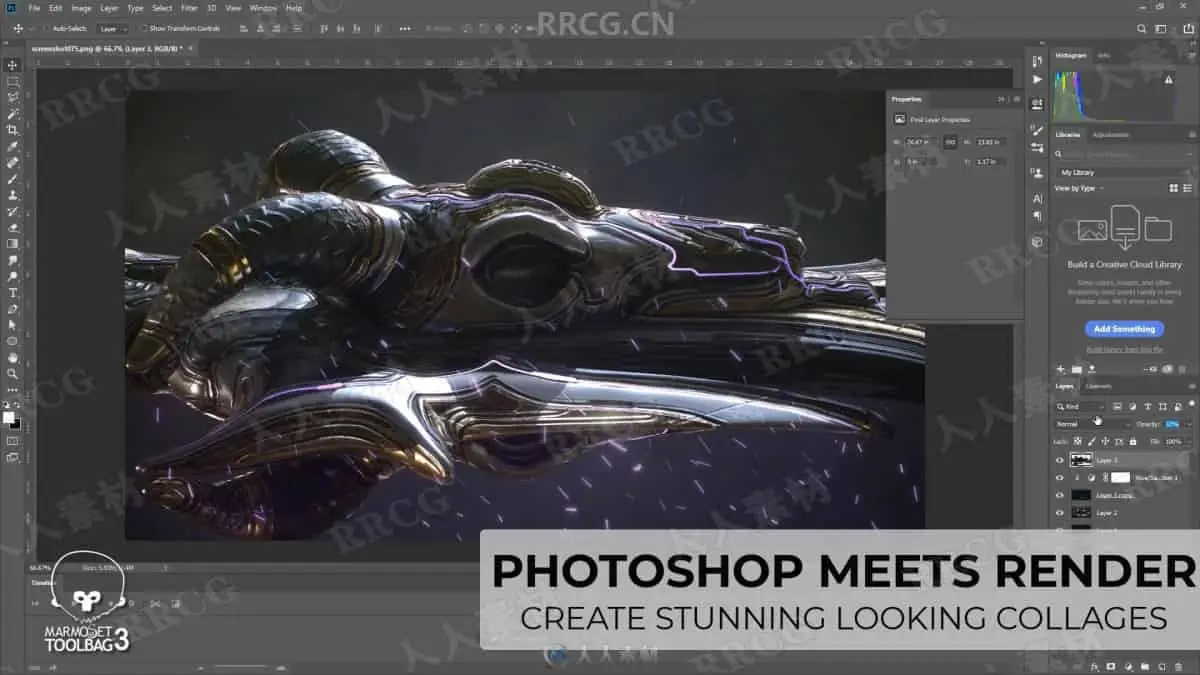
As a finishing touch we will make a short visit to Marmoset Toolbag 3 where we create portfolio ready renders. Learn how lighting setup works in combination with Marmosets powerful camera settings as well as creating collages in Photoshop.
What are the requirements?
It is recommended to follow the course with the same software we use throughout the tutorial: 3Ds Max 2020, zbrush 2019 (or 2020) as well as the latest version of Substance Painter, Marmoset Toolbag 3 and Photoshop. (last two are not a must as the main focus is on modeling and texturing)
Who is the target audience?
As all ChamferZone tutorials the mace and the sword tutorials are aimed at beginners as well as intermediate. I try to avoid heavy use of shortcuts as much as I can during the lesson so that you can see which actions I use. I would recommend following the MACE tutorial before the sword as the sword is more in depth.
资源截图
评论0