
资源简介
本视频教程是AI矢量平面花朵图形创建过程视频教程,时长:1小时25分,大小:732 MB,MP4视频格式,教程使用软件:Lightroom CC,共10个章节,语言:英语。
Adobe Lightroom是一款以后期制作为重点的图形工具,Adobe的目标是将其打造成未来数字图形处理的标准,Lightroom的界面和功能与苹果推出的 Aperture颇为相似,主要面向数码摄影、图形设计等专业人士和高端用户,支持各种RAW图像,主要用于数码相片的浏览、编辑、整理、打印等.
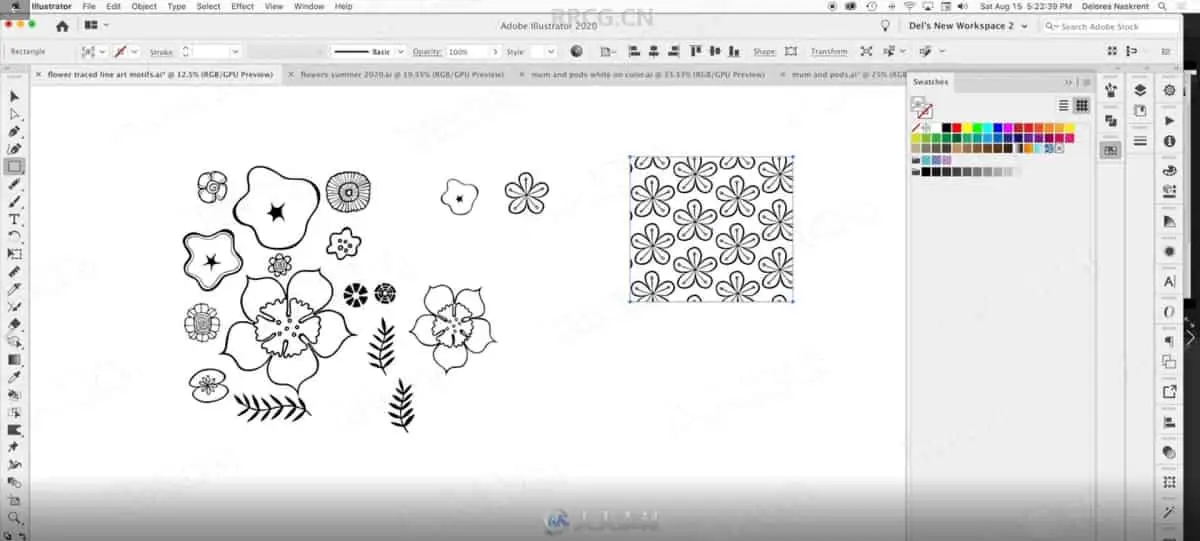
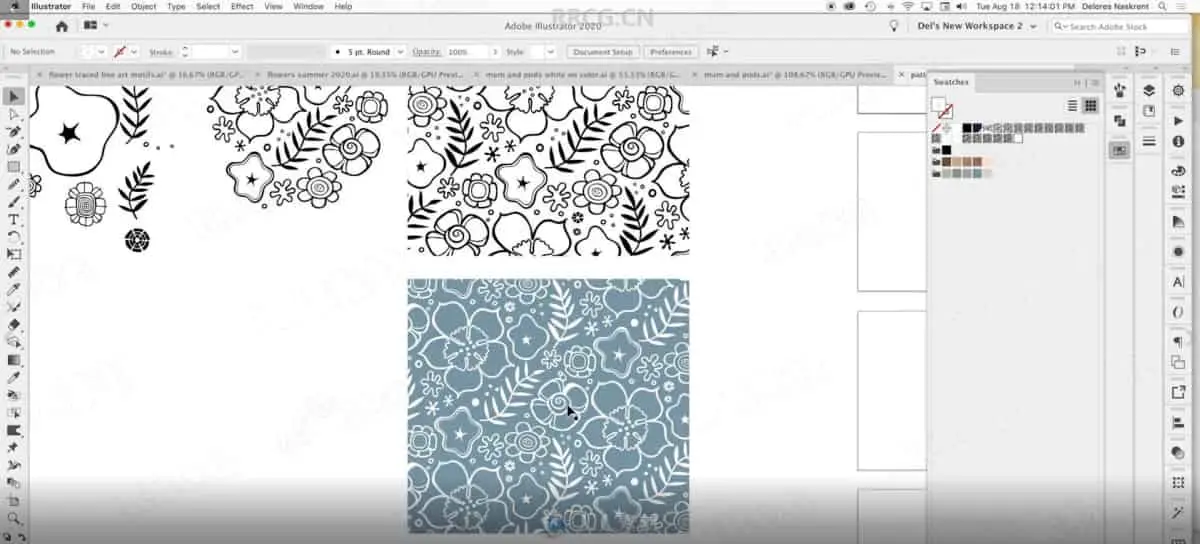
In this class, we will take a drawn design, scan it and clean it up in Photoshop, then trace it using the Image Trace feature in Adobe Illustrator.
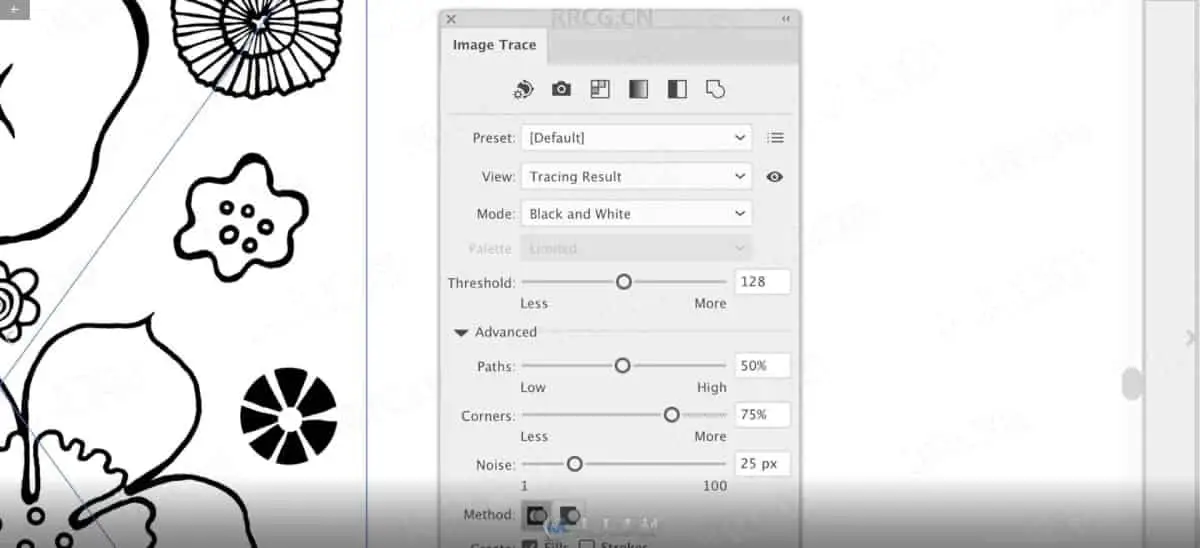
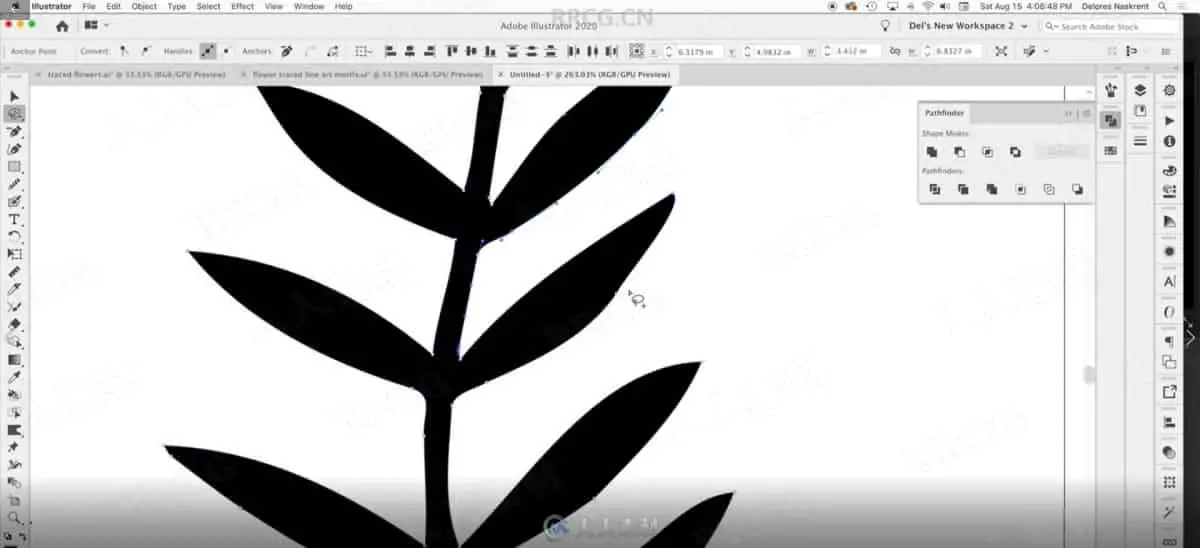
With the Image Trace feature, you can take raster (bitmap) artwork and automatically trace to convert into vector artwork. This means that you can take scans of sketches, illustrations, and even photographs, and convert them into vector artwork that can be edited in Illustrator. Since you can see the results live, it helps to play with the settings a bit to get accustomed to what effect they have, and that’s what we will be doing! I will help ensure your success with this process. There is much to be taken into consideration, especially cleaning up the initial image.
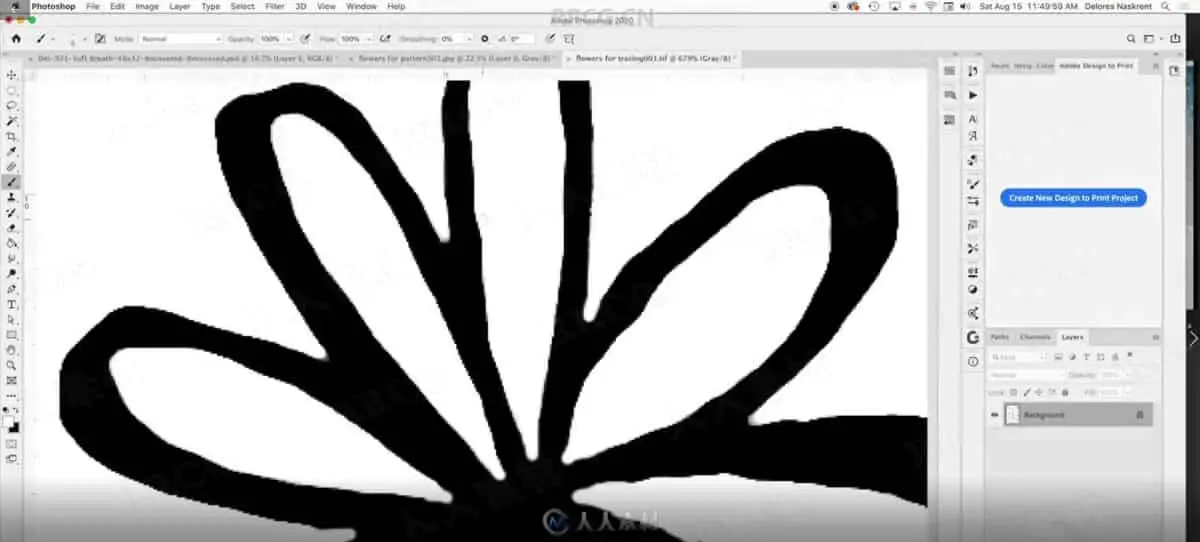
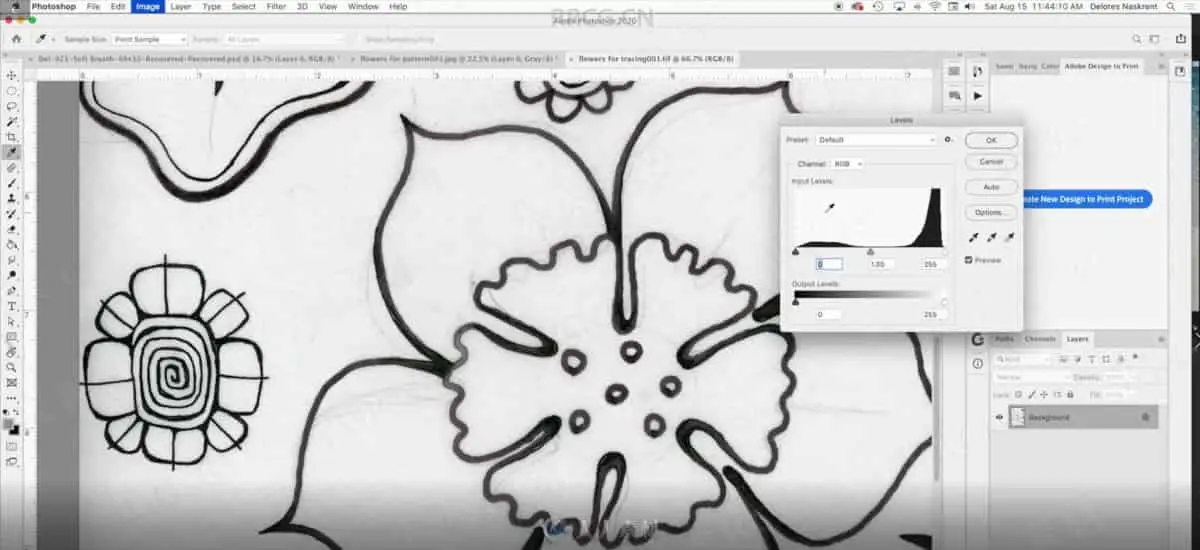
Cleaning up an image is important for getting a good trace in Illustrator. There are a number of techniques that help get rid of unwanted imperfections, and we will cover many in this class. The Image Trace feature is not new — in previous versions it was known as Live Trace — but it has been greatly improved over the years, believe me! Additional options have been added, and you can easily access those options and “test” your trace using the Image Trace panel. I will explain how to do this in a step-by step way. But wait. There’s more…
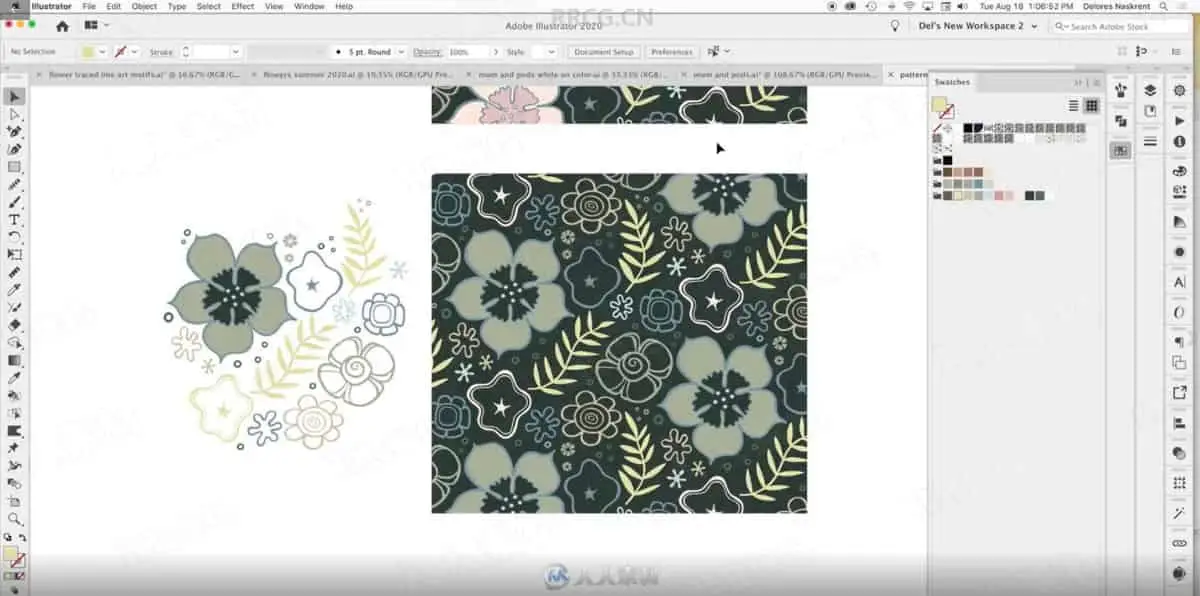
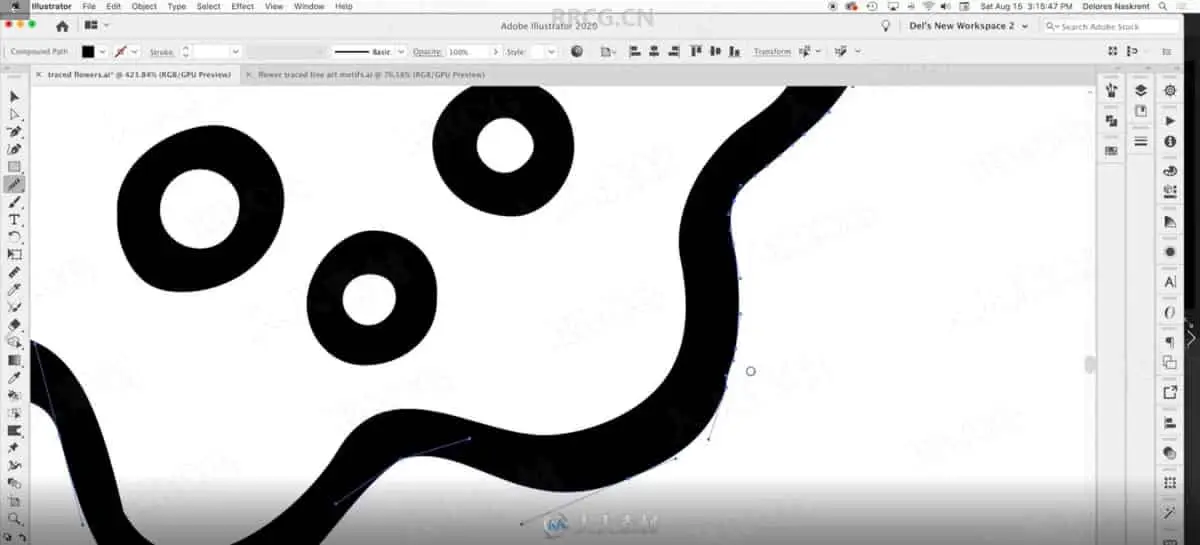
Live Trace tends to produce an extraneous amount of anchor points in some places. To get rid of some of these we can use the Smooth Tool, which is utterly amazing! If some shapes did not trace properly, we will deal with that in several ways, and we will talk about ways they can be quickly be redrawn. We will correct every motif in the scan! At this point you can alter, delete or add to your vector design as you creatively see fit. I have experimented with patterns in this class, so the last three lessons will focus on this. You can skip the last three lessons if all you want to learn about is Image Trace! The main thing is that you now have your art in vector form and can easily alter it in many creative ways.
As far as prerequisite skills, I would recommend some knowledge of Illustrator with the goal of wanting to learn additional techniques. In class, we’ll talk about both design and technical aspects of creating simple and quick patterns. I will demonstrate them at a reasonable pace so that it will be easy to follow along. This course is for all levels; I recommend being acquainted with Illustrator to a certain degree. I suggest pausing and repeating sections and possibly even slowing the speed in your browser when trying to work through any difficult parts. Adobe Illustrator is recommended for this class, as that is what is being featured here, but any other draw (vector) software is suitable, as long as it has the same functionality.
The key concepts I will include are:
review of Photoshop image touch up strategies
methods to edit and deal with specific issues in Photoshop
dealing with Noise in Illustrator and Photoshop
threshold and levels setting in both Illustrator and Photoshop
use of the Blob Brush and Eraser Tool
methods to edit and deal with specific issues in Illustrator
use of the Smooth Tool
using Remove Anchor Points function to simplify, as well as the Simplification Panel
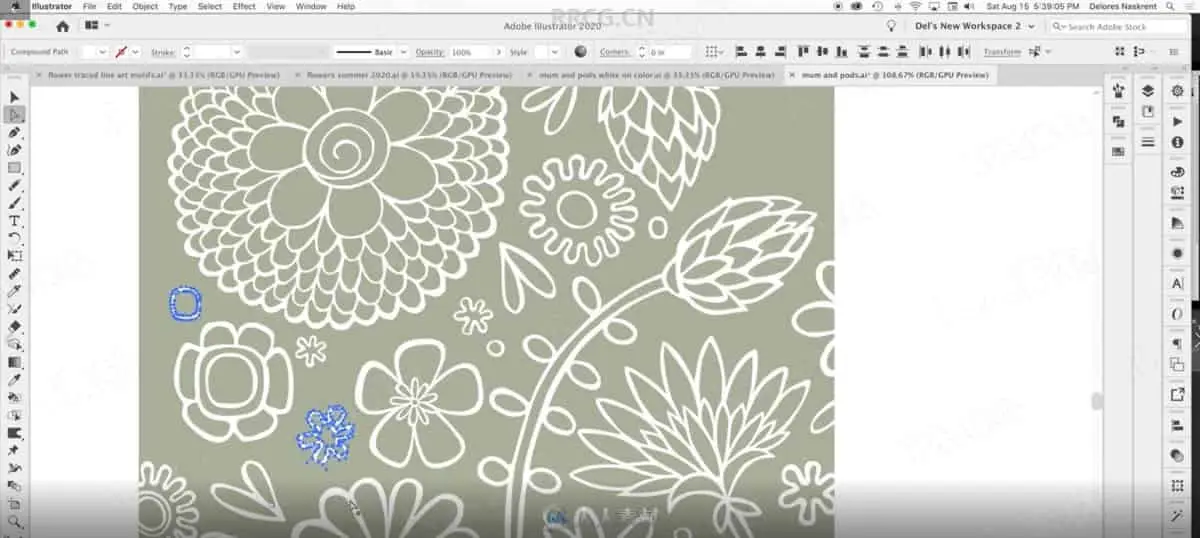
use of the pattern maker tool and all its settings
many other considerations to do with designing repeating patterns efficiently
experiments with the re-color tool in the last lesson
This course is packed with easily digested and bite-sized steps for you no matter at what stage you are in your design career. Take a chance and find out some fun little things you may never have seen or even thought of before! You can be applying this practical knowledge in your design practice tomorrow. Image tracing from a hand-drawn illustration and creating a pattern collection can be done relatively quickly with this small investment of your time. Hit your play button now!
资源截图
评论0