
资源简介
本教程是关于PS大师级人像修饰替换部分素材视频教程,时长:3小时54分,大小:4.7 GB,MP4高清视频格式,使用软件:Photoshop,共33个章节,作者:Lindsay Marshn,语言:英语。
Photoshop是Adobe公司旗下最为出名的图像处理软件之一,集图像编辑、广告创意,数字绘画,图像输入与输出于一体的图形图像处理软件,深受广大平面设计人员和电脑美术爱好者的喜爱。多数人对于Photoshop的了解仅限于“一个很好的图像编辑软件”,并不知道它的诸多材应用方面,实际上,Photoshop的应用领域很广泛的,在图像、图形、文字、视频、出版各方面都有涉及。
The Photoshop Manipulation and Editing Masterclass Contains projects that help you master both editing techniques and conquer simple and complex photo manipulation projects. This class will teach you non-destructive editing which allows you to edit or change a photo without disturbing the original photo, giving you more control over changes down the road.
The first section will show you Photoshop’s amazing editing tools including the content aware tools, where things seem to disappear like magic.
We will review how we can even change the season of a photo quickly by using selective color.
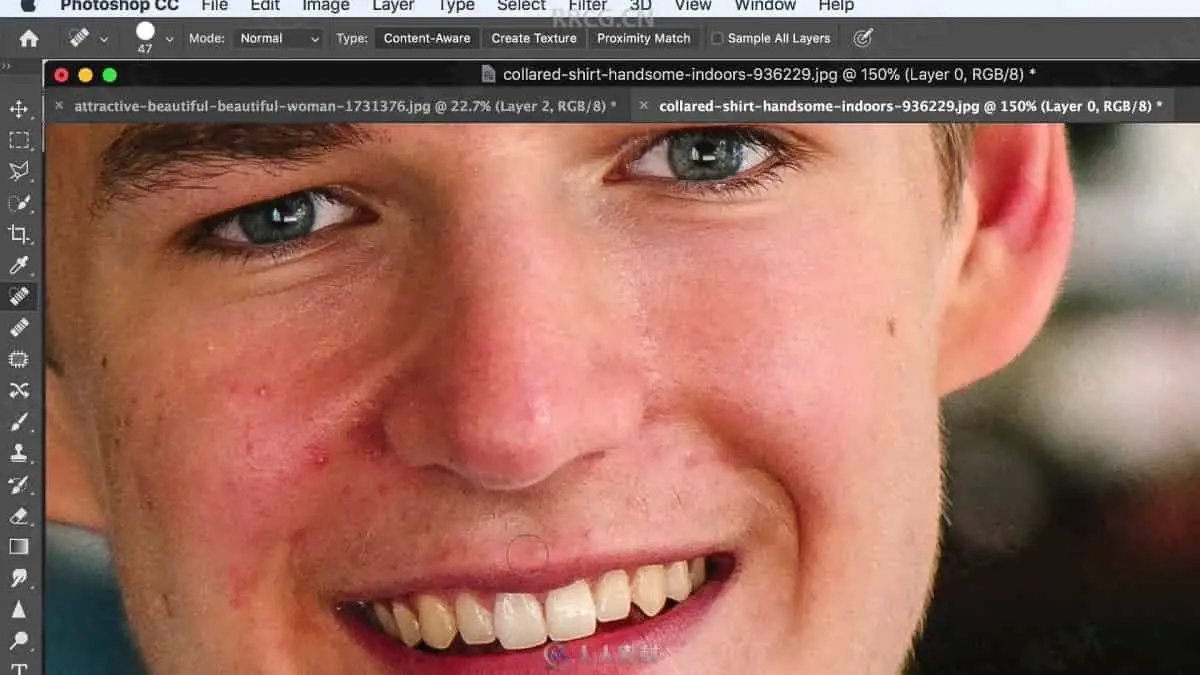
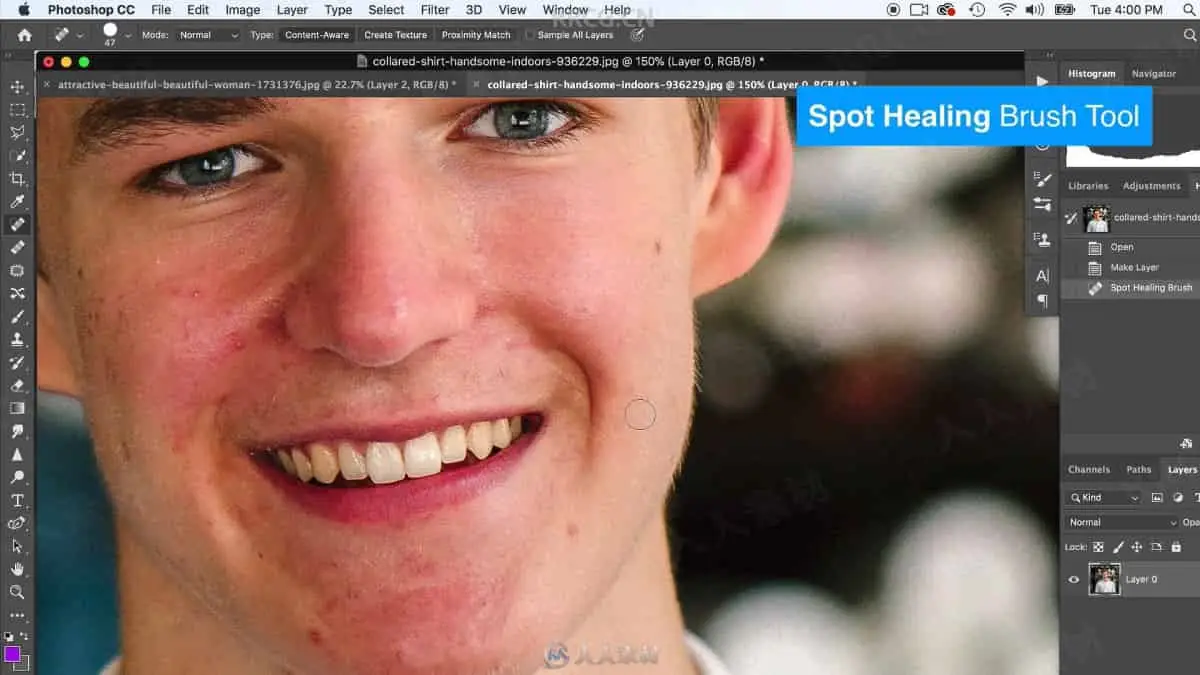
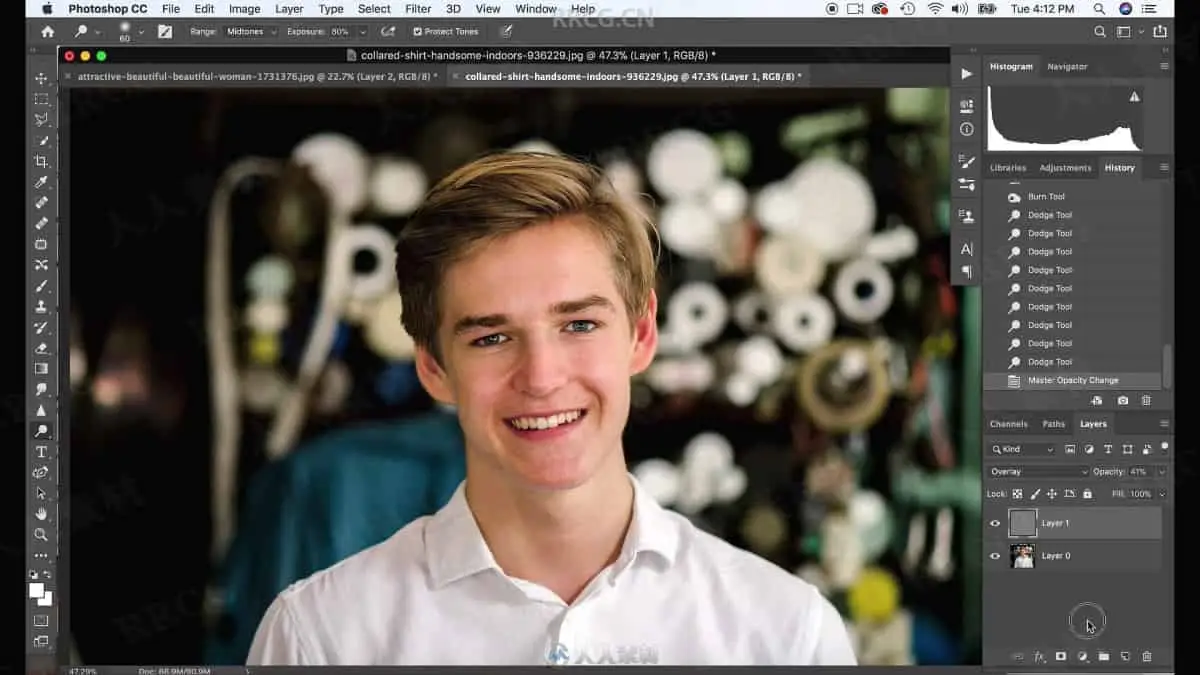
We will use the spot healing brush tool to retouch with ease and brighten up dull photos with dodge and burn.
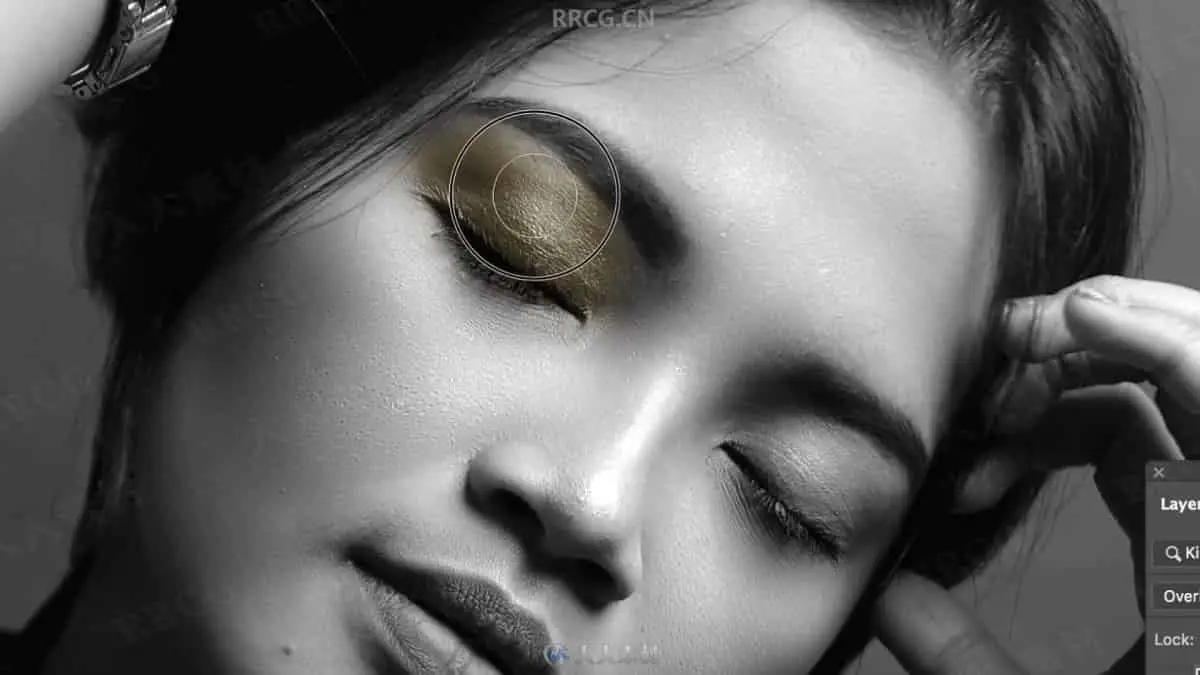
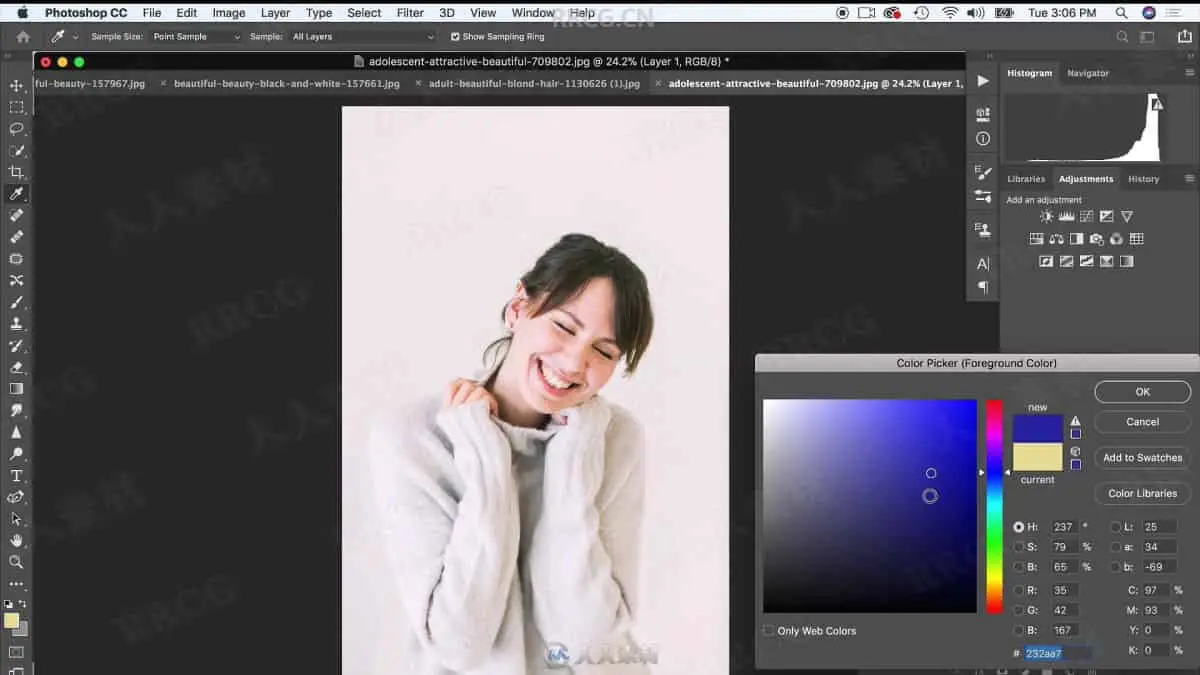
We will change hair and clothing color by painting with blending modes and even learn how to paint on gold makeup for dramatic effects and lighting.
The second section of this class will focus on photo manipulation projects that vary from easy to complex.
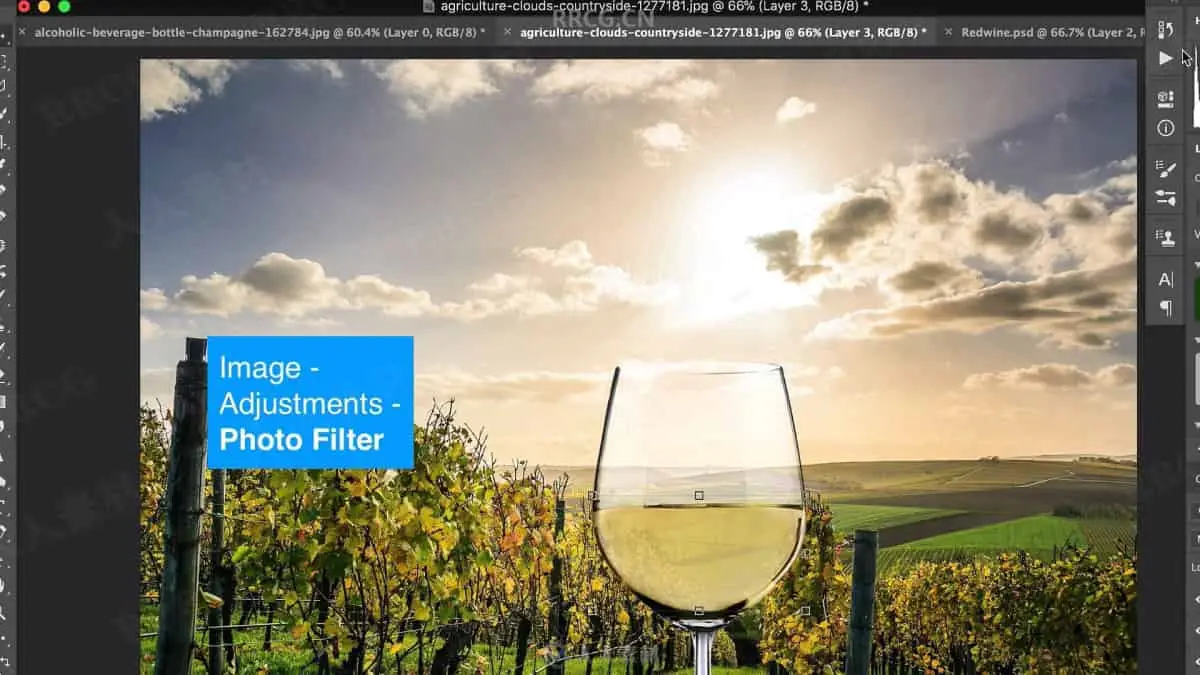
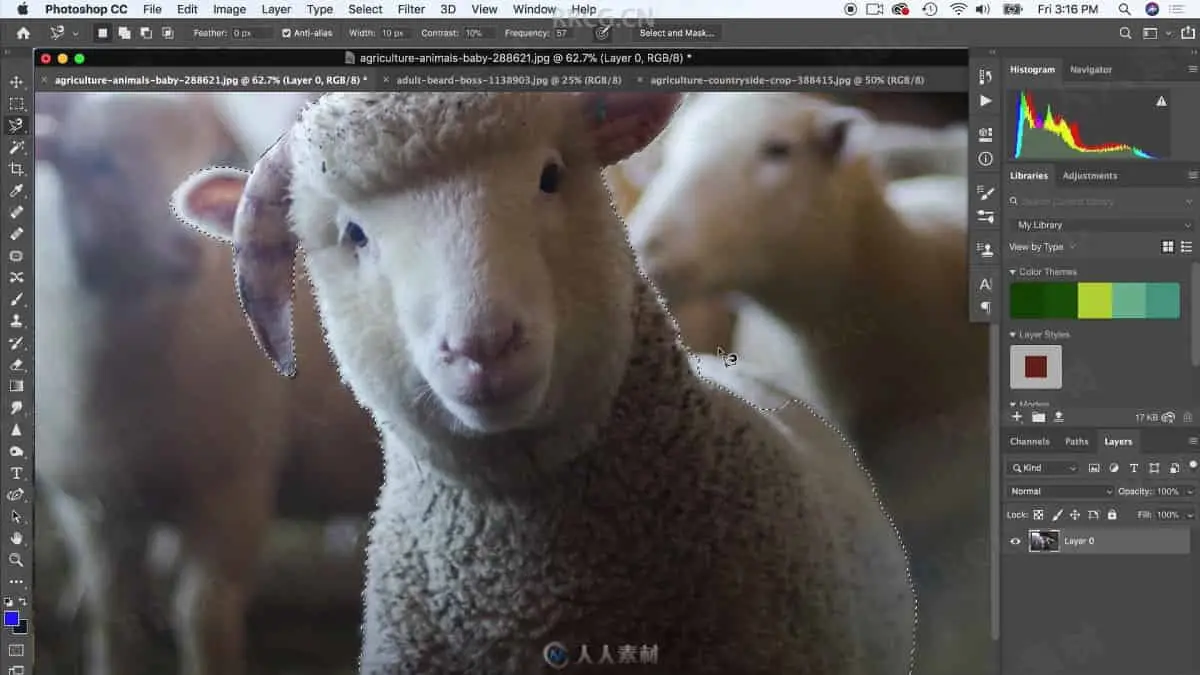
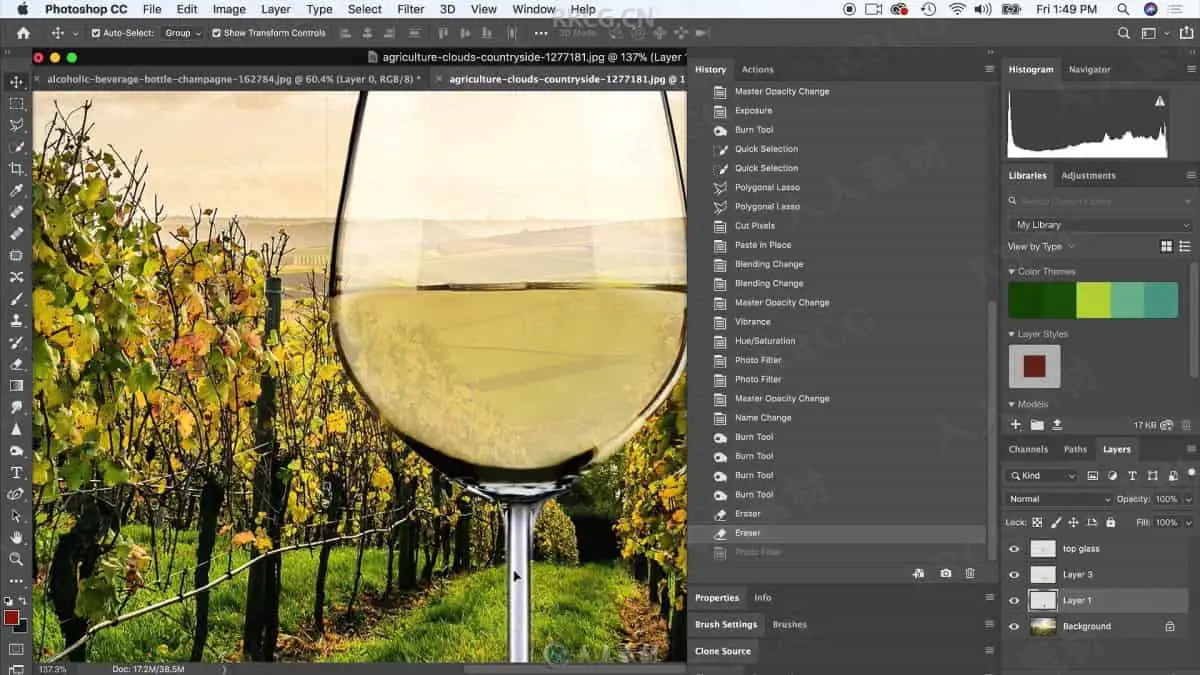
The first project will start to review the many ways to isolate and select our images to be placed in new environments and also learning how to edit glass to adapt to it’s new background. We will also change white wine into red!
The next project we will turn a simple bottle of olive oil into a beautiful fish bowl. We will learn how to select and cut objects with fine details and how to paint on water with realistic effects.
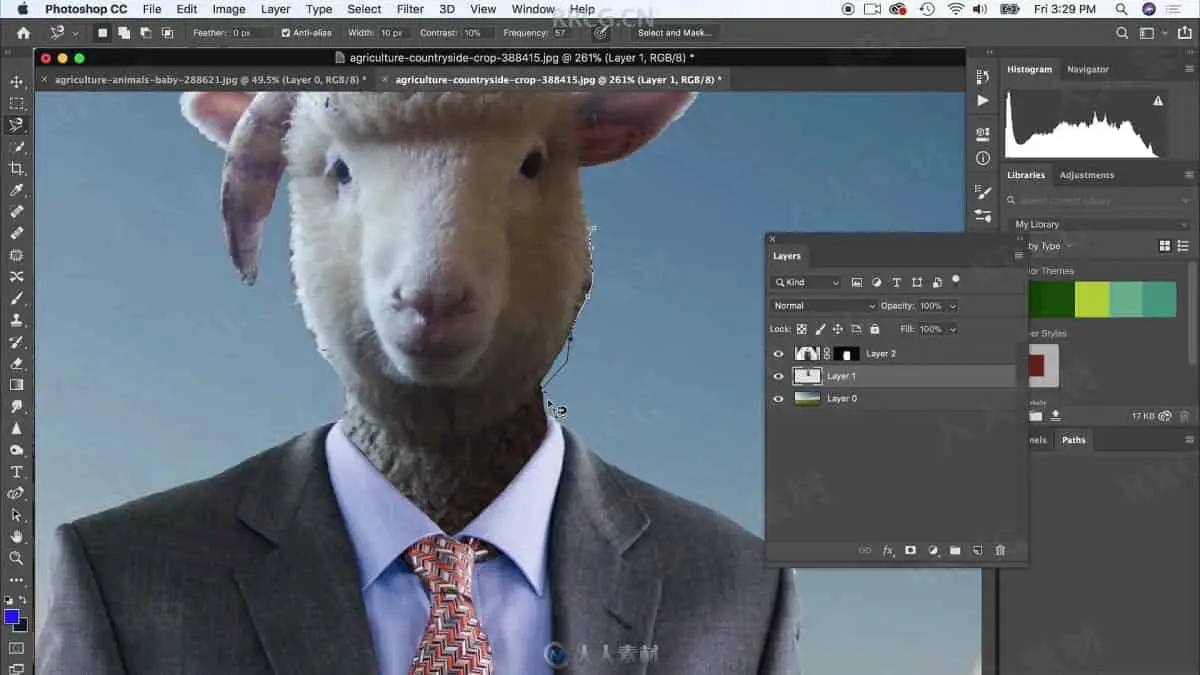
We will do a head swap project next. I detail the process of how to swap heads using a combination of tools like the liquify tool and the clone tools.
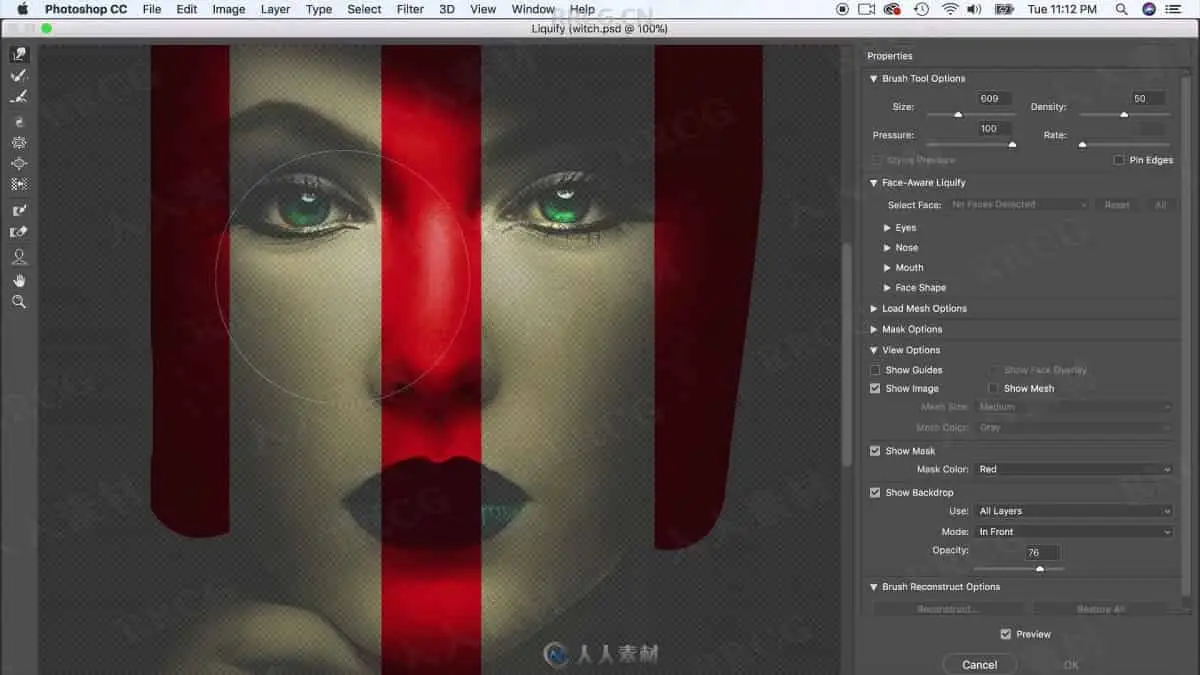
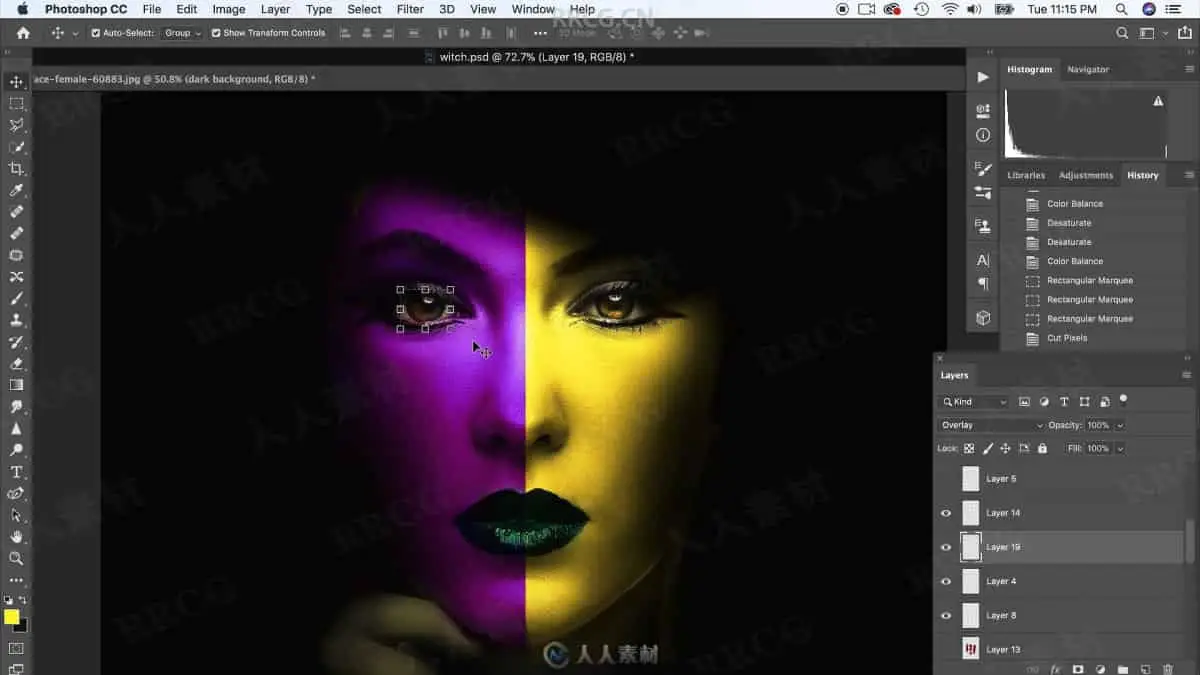
Our next project will focus on painting make-up and producing dynamic lighting effects to create a character worth remembering.
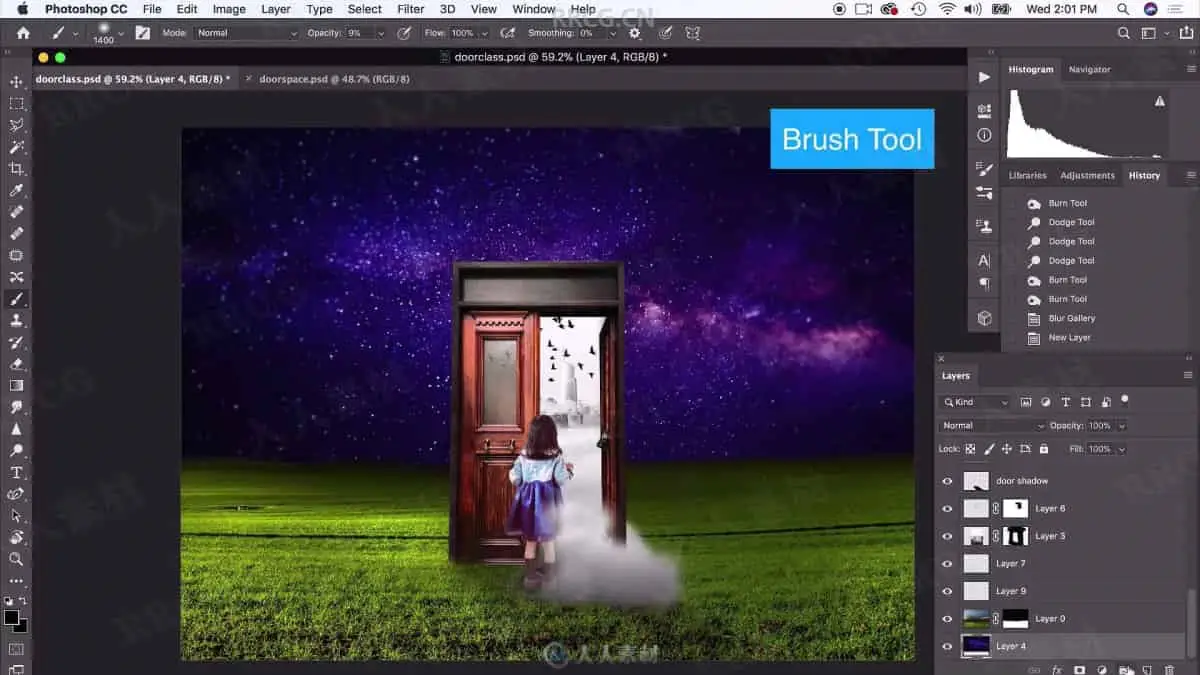
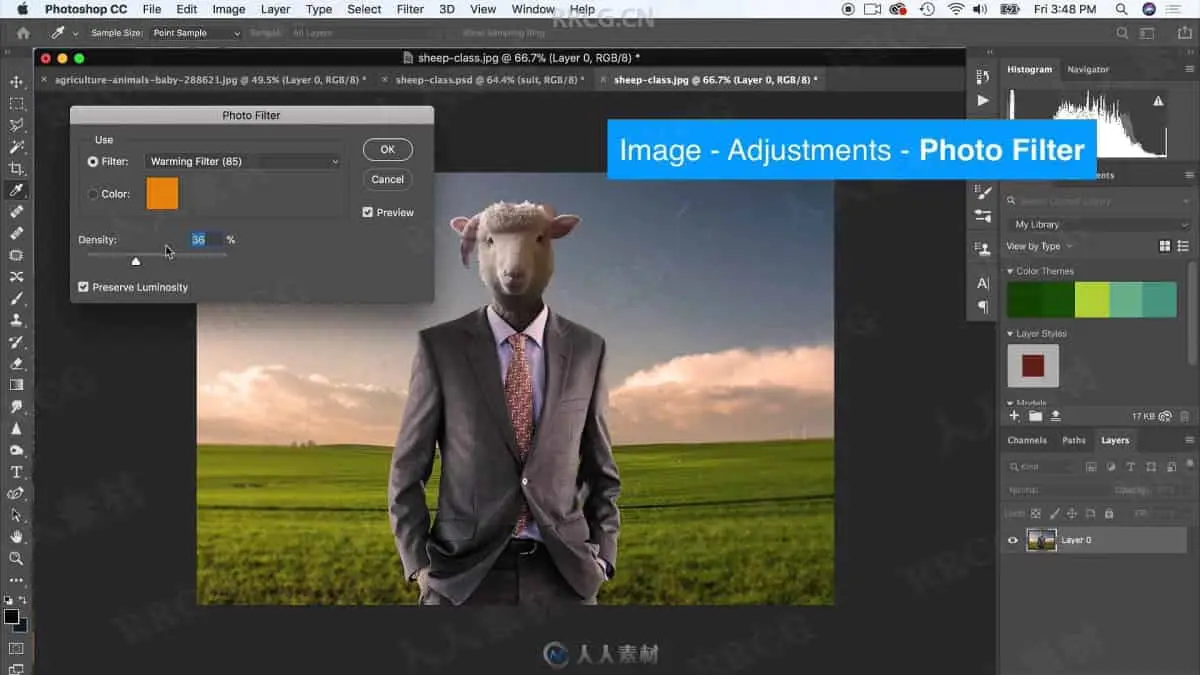
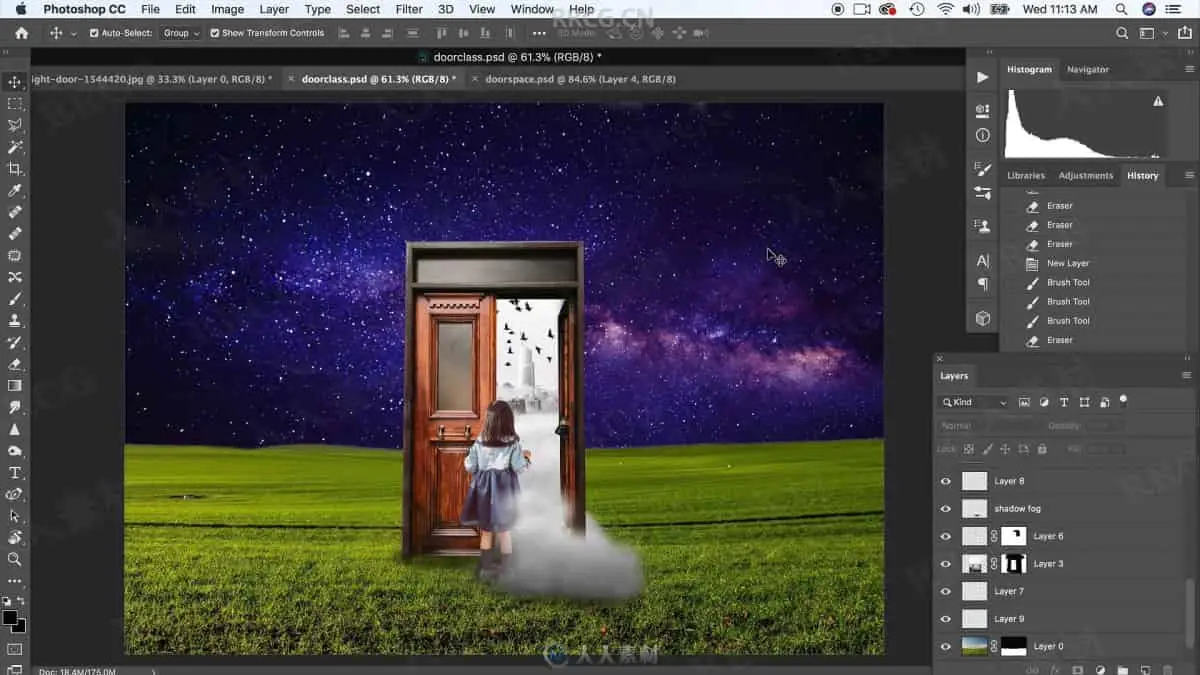
Lastly, we will use all of the tools we covered in the class to conquer a complex photo manipulation with 6 photos that will look like one magical world when we are done.
This class is perfect for aspiring graphic designers, those who already practice graphic design and want to improve there editing and photoshop skills or for those who want to create digital art with Photoshop to show of their creative talents.
This class focuses on several real-world projects I have had to do for clients during my 14 year freelance graphic design career and a few fun ones as well.
This class is guaranteed to up your Photoshop game no matter what your level is. This class is gentle enough for newcomers to Photoshop yet still applicable to those with intermediate skills.
So, ready to become and editing and photo manipulation master?
资源截图
评论0