
资源简介
本教程是关于插画手绘图形转换AE动画制作视频教程,时长:3小时5分,大小:702 MB,MP4高清视频格式,教程使用软件:After Effects,作者:Alan Demafiles,共36个章节,语言:英语。
After Effects是Adobe公司推出的一款图形视频处理软件,适用于从事设计和视频特技的机构,包括电视台、动画制作公司、个人后期制作工作室以及多媒体工作室。而在新兴的用户群,如网页设计师和图形设计师中,也开始有越来越多的人在使用After Effects。属于层类型后期软件。
AE全称After Effects是adobe公司开发的一个视频剪辑及设计软件。After Effects ,用于高端视频特效系统的专业特效合成软件,隶属美国Adobe公司。它借鉴了许多优秀软件的的成功之处,将视频特效合成上升到了新的高度:Photoshop中层的引入 ,使AE可以对多层的合成图像进行控制,制作出天衣无缝的合成效果; 关键帧、路径的引入,使我们对控制高级的二维动画游刃有余;高效的视频处理系统,确保了高质量视频的输出;令人眼花缭乱的特技系统使AE能实现使用者的一切创意;AE同样保留有Adobe优秀的软件相互兼容性。
Explore a complete workflow from illustration to animation in Adobe Illustrator and After Effects. If you’ve been wanting to get into animation, but haven’t known where to start, this class is for you.
Have you been hesitant to get into animation because you didn’t think you were good enough at drawing, or felt that the software was too intimidating?
What if I told you that you don’t even really have to draw to illustrate? And that adding motion to your illustration is achievable, even if you’ve never opened After Effects before.
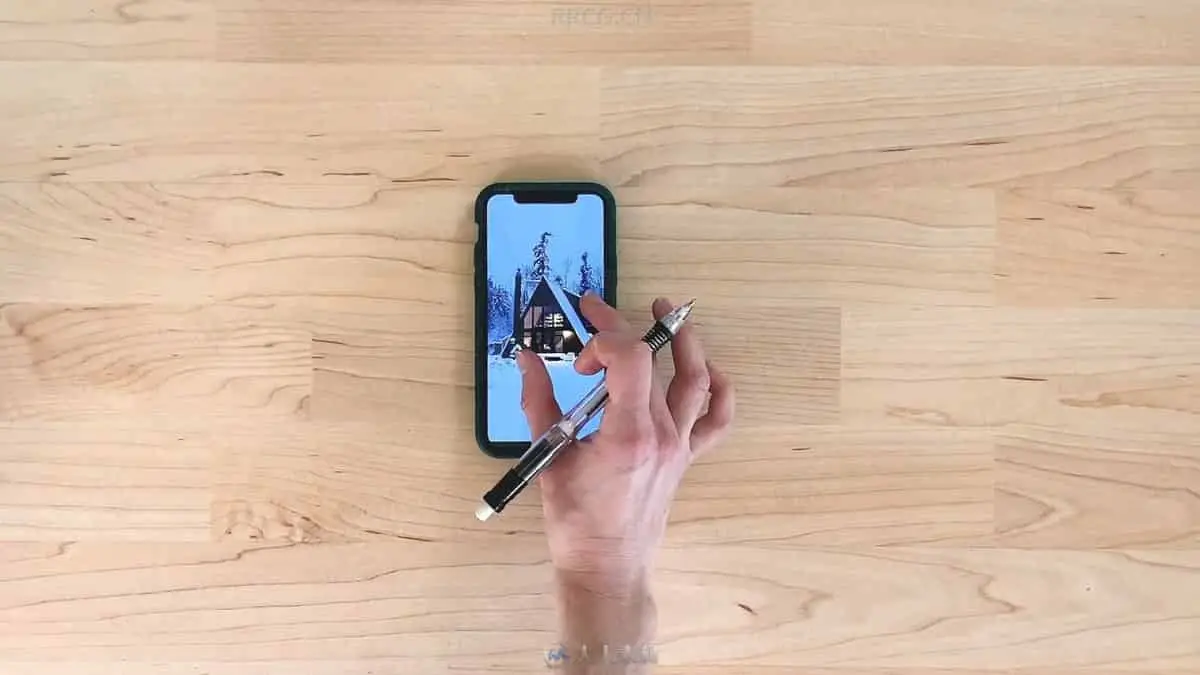
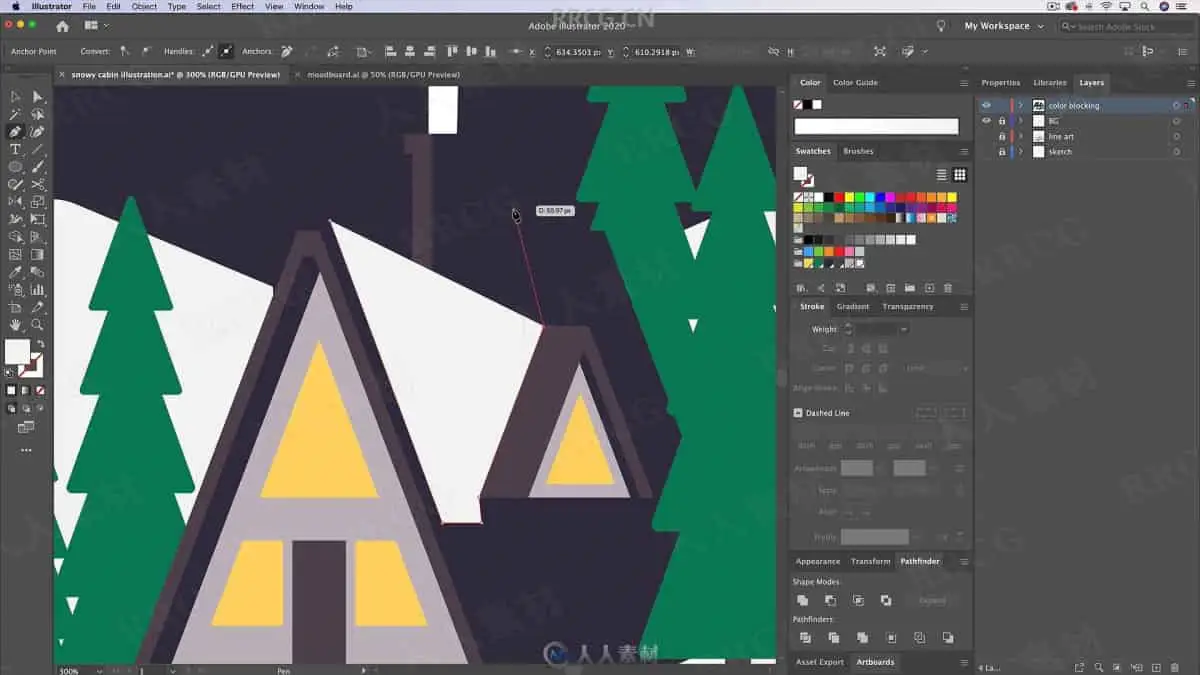
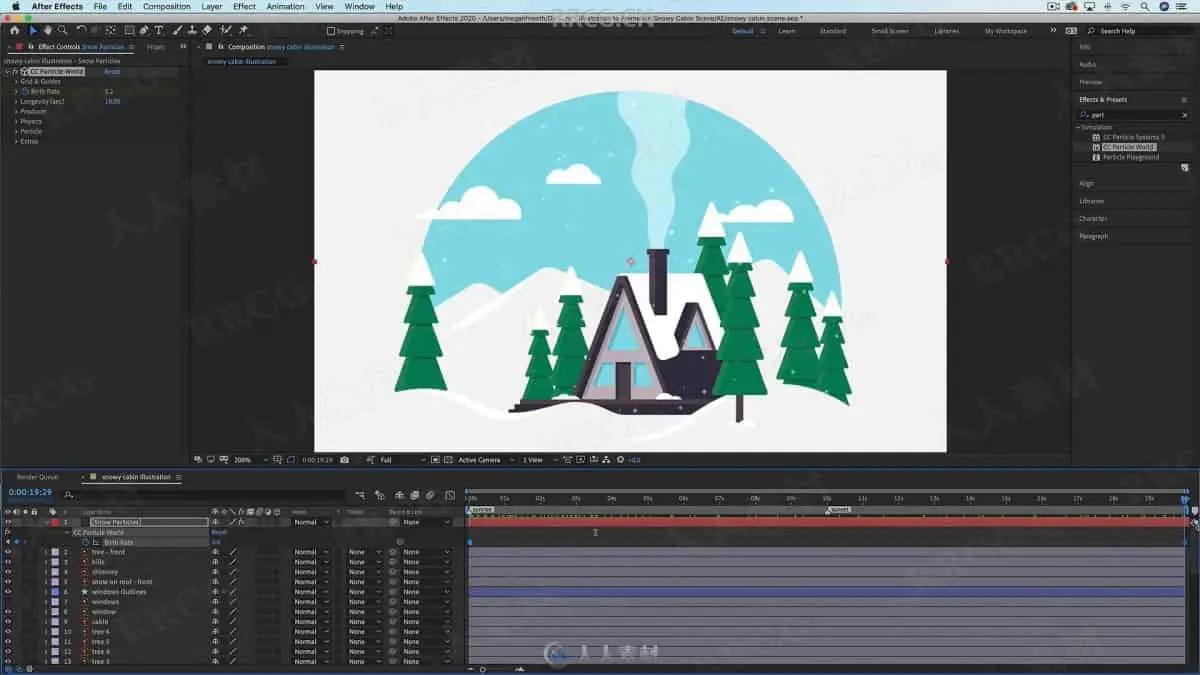
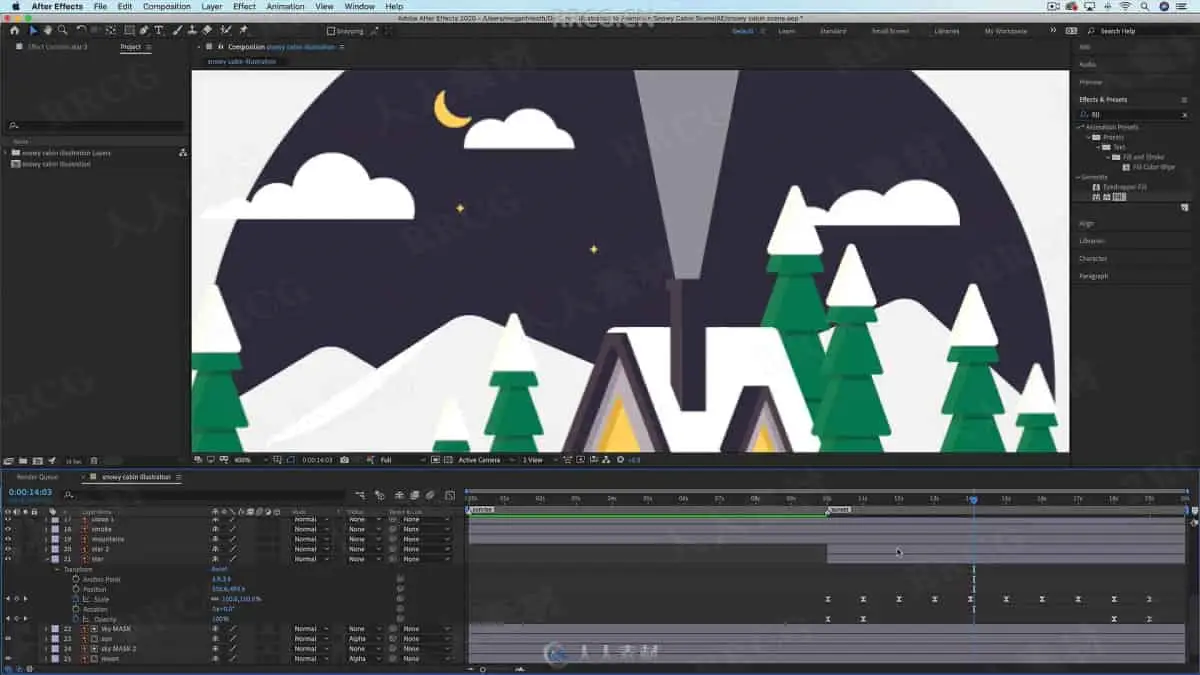
Using this winter cabin scene as an example, I’ll show you my complete workflow starting from inspiration and planning through illustrating and animating. Here’s what’s covered:
You’ll learn how to:
find inspiration yet still create a unique piece of work
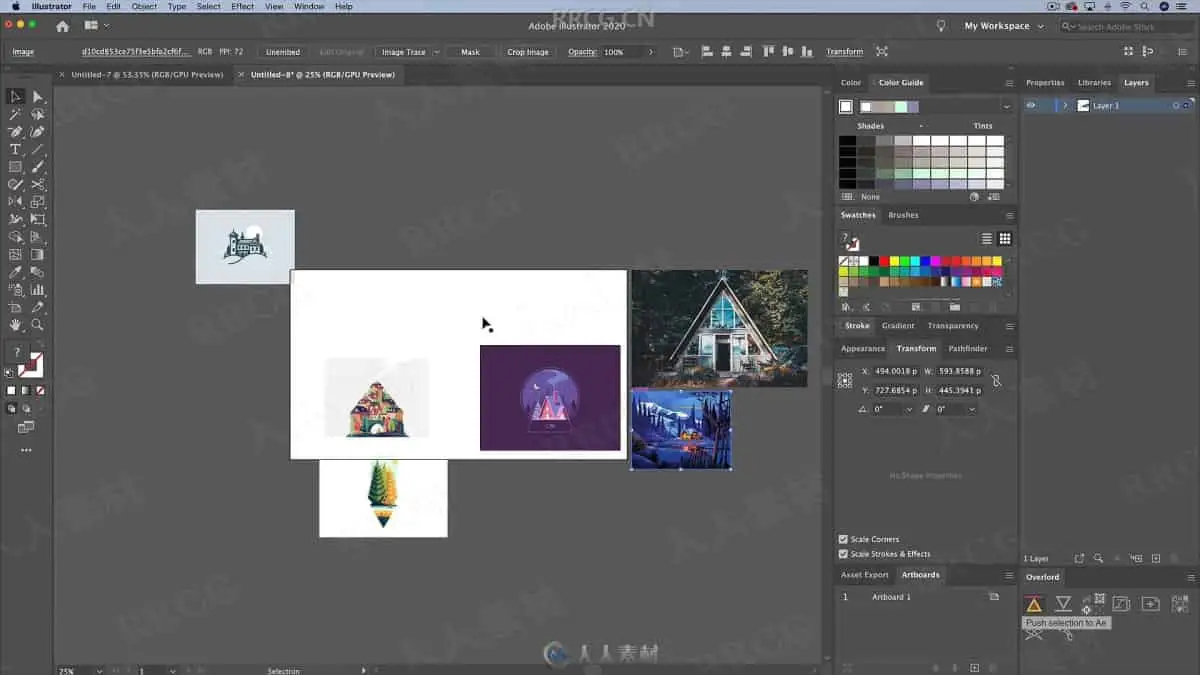
organize your ideas into a moodboard
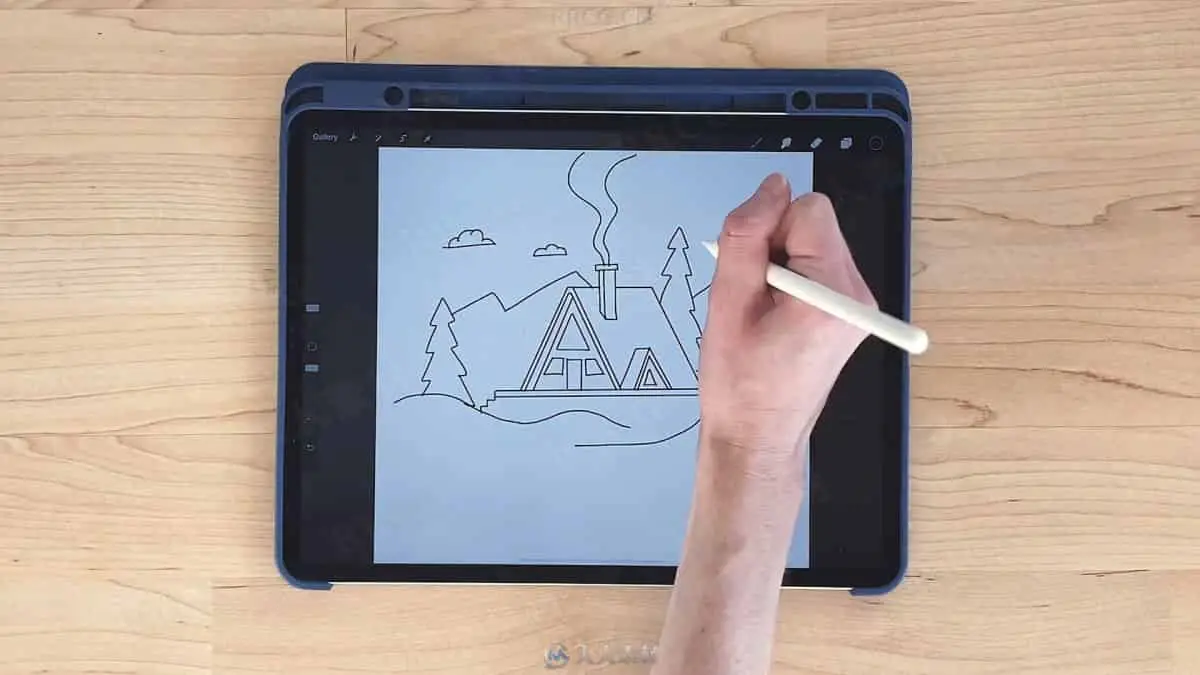
get ideas out of your head by sketching
use your sketch as a starting point for illustration
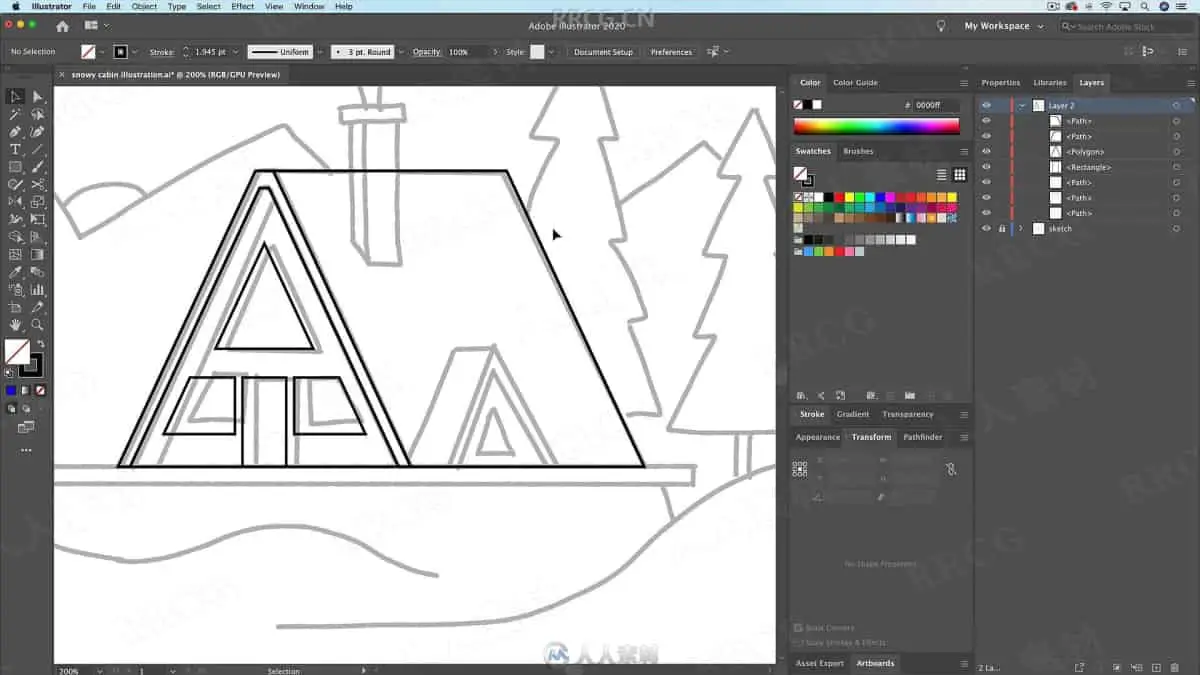
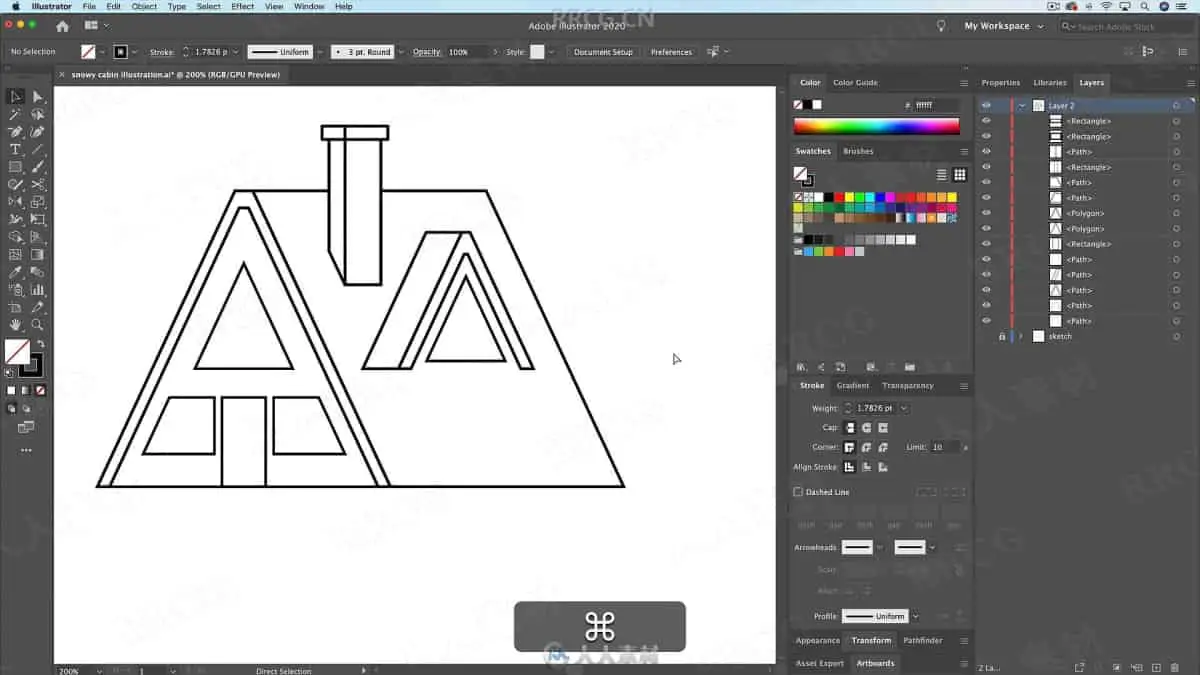
utilize basic shapes to create an outlined illustration
use the pen tool to create organic shapes
color your illustration and add details
prepare your illustration for animation
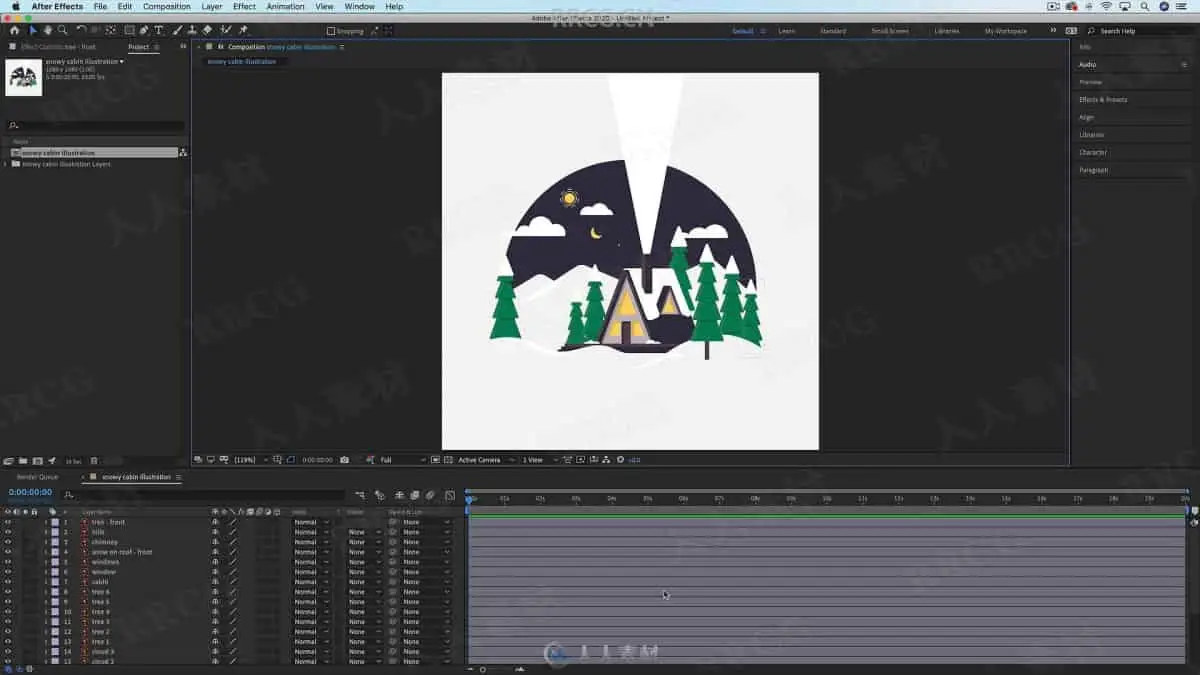
import your illustration into After Effects
animate an object’s position and adjust its motion path
create masks
animate colors changing
animate scale and opacity
use the wave warp effect to animate smoke
animate snow (and make it loop!)
render (export) your animation as a .mov, .mp4, or gif file
Plus loads of tips for working efficiently that will get you started on the right foot. This is the class I needed when I was first getting started in motion design!
I’ll show you every step to recreate my wintery scene, but in doing this, every step will teach you something useful that you’ll surely come across when creating your own illustrations and animations. Depending on how comfortable you’re feeling, you can follow along with me, or create your own version of a scene that looks a little like mine, or nothing like mine-it’s up to you!
This class is perfect for beginners to Adobe Illustrator and After Effects; no prior experience with either program is necessary. But, if you are already a seasoned artist, this class will help you understand how you can add motion to your work.
If you’re interested in getting into motion design this is a perfect first step!
After this class, check out my other classes to keep learning!
资源截图
评论0