
资源简介
本教程是关于Substance Painter袖珍微缩场景模型纹理制作视频教程,时长:3小时,大小:1.8 GB,MP4高清视频格式,教程使用软件:Substance Painter,附源文件,作者:Lukas Partaukas,共23个章节,语言:俄语。
Substance Painter是目前最优秀的次世代游戏贴图绘制软件,该软件提供了构建3D素材所需的所有工具,包括粒子笔刷,可以模拟自然粒子下落,粒子的轨迹形成纹理。当然还包括了Material Painting材质绘制,可以一次绘出所有的材质,同时几秒内便可加入精巧的细节。同时软件支持Linux,8K导出,色彩管理,UDIM管理和脚本API,使Substance Painter与VFX工作流程相结合比以往更容易。Substance Painter拥有一个独特而全面的工具和内容生态系统,围绕3个主要软件组件展开,包括3D绘画软件,可以用画笔,面具和粒子的纹理,呈现并轻松导出到游戏引擎。材料制作软件:用户可以使用非破坏性的,基于节点的,程序化和可编写脚本的工作流程来编写纹理和材质。图像材料生成工具:能够帮助设计人员提取花木PBR纹理并生成法线贴图。
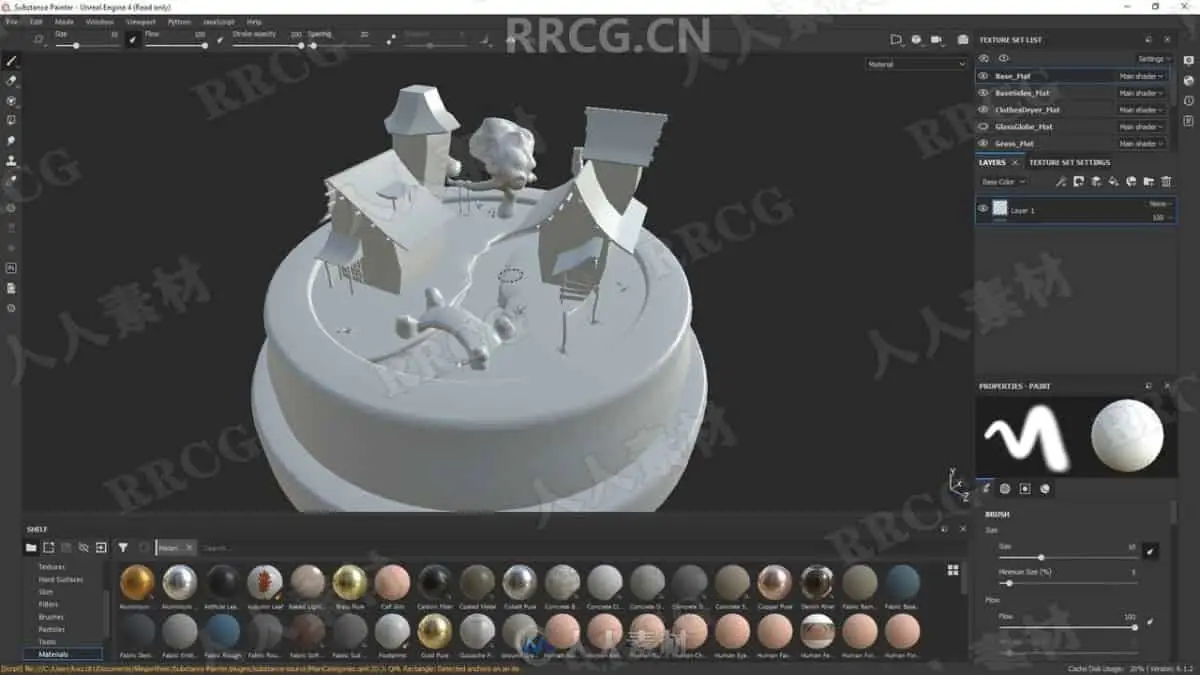
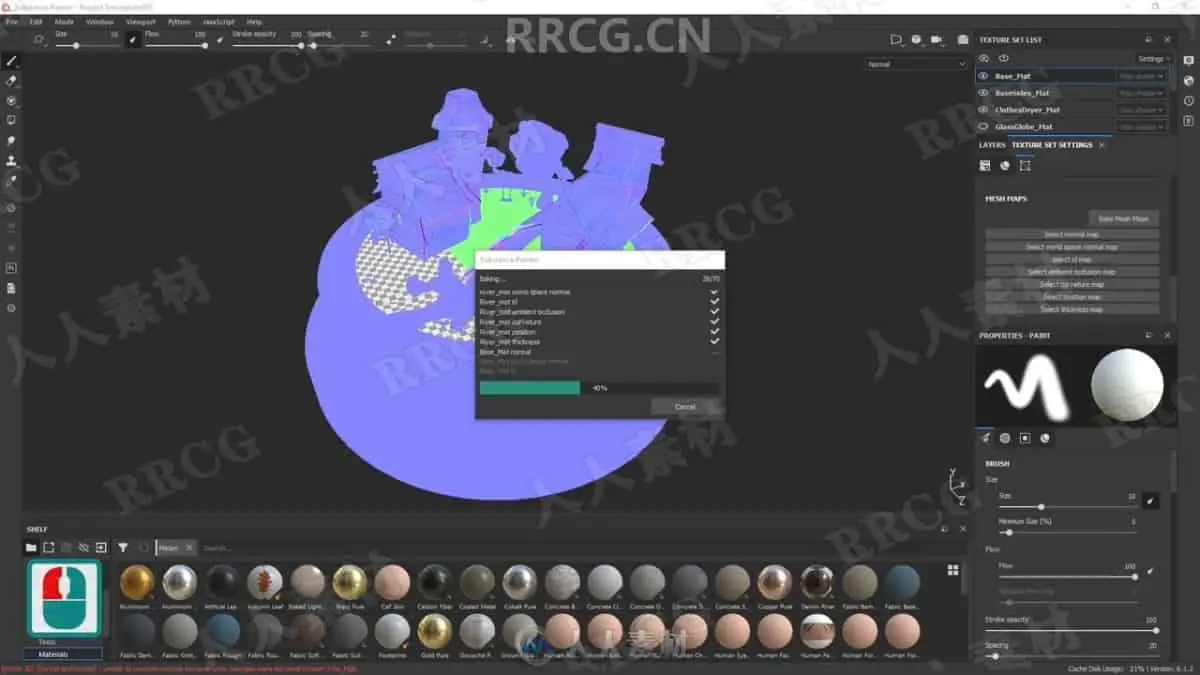
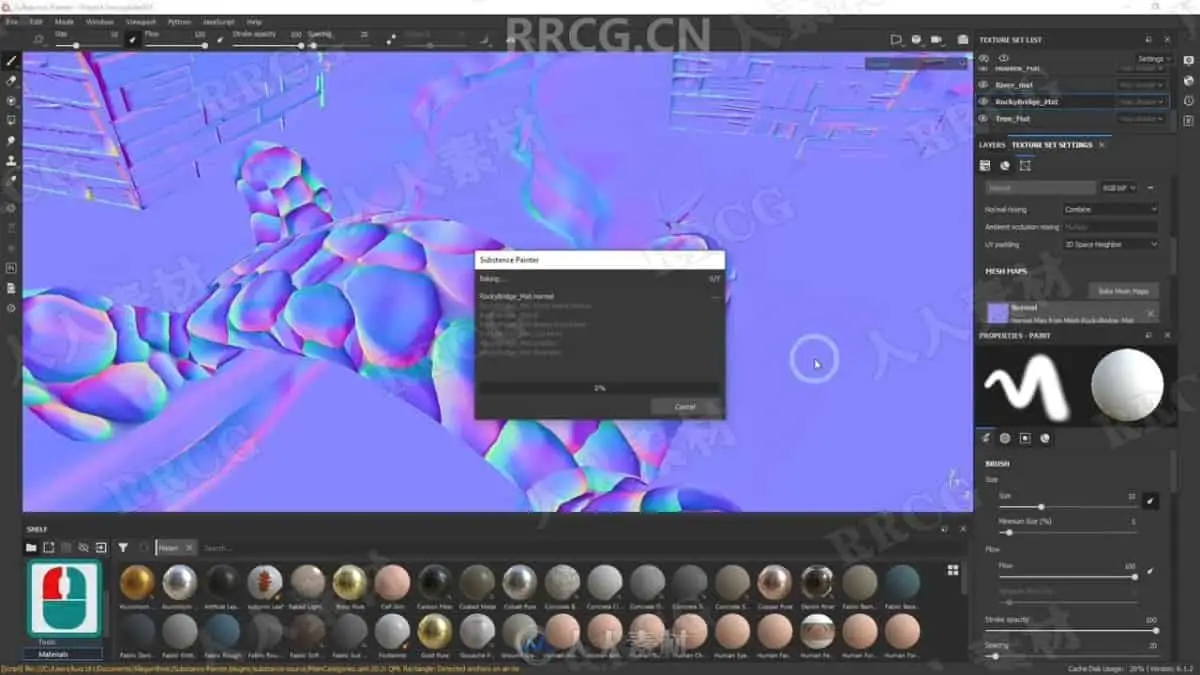
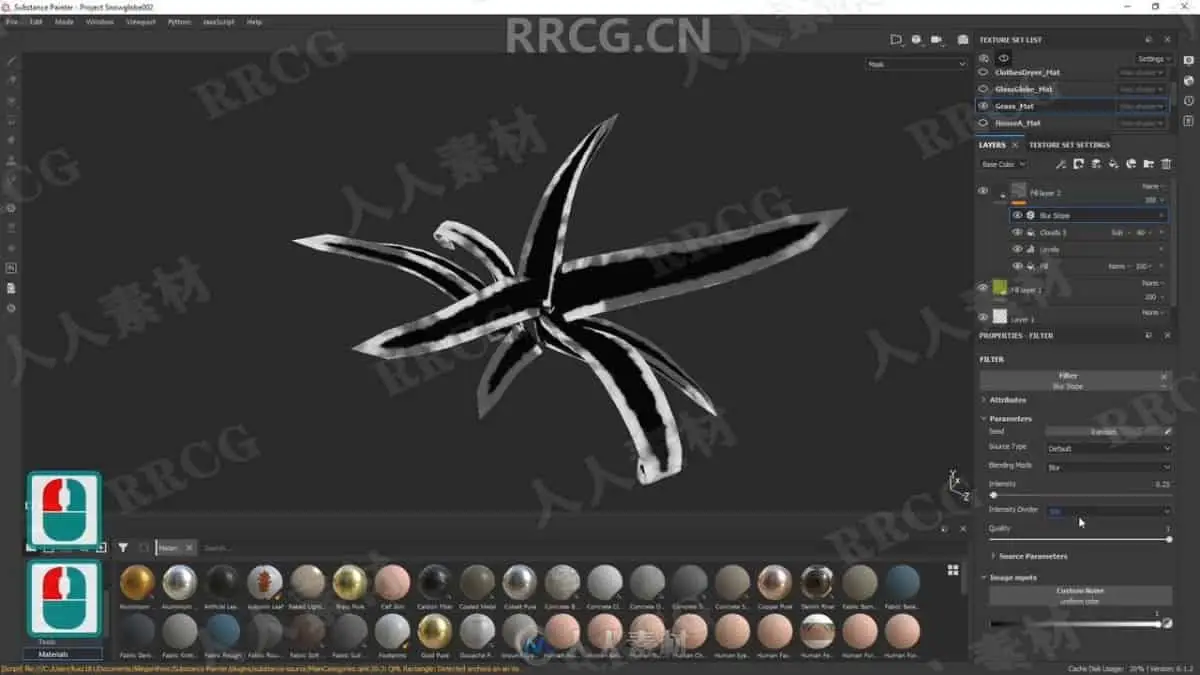
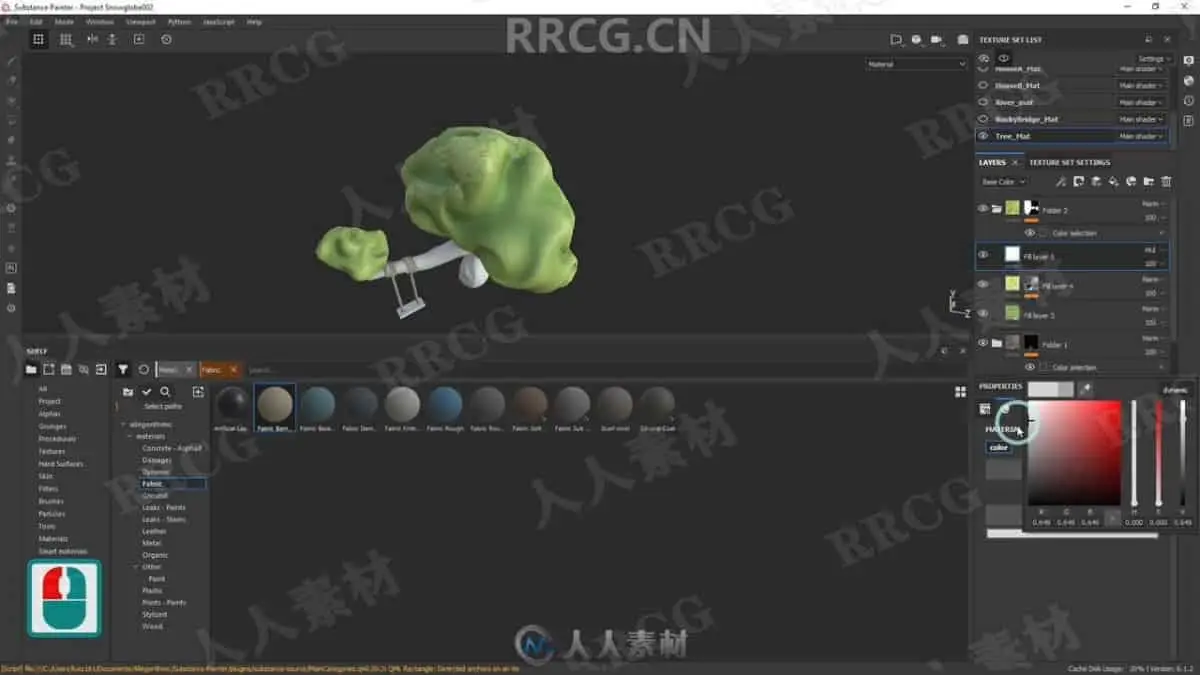
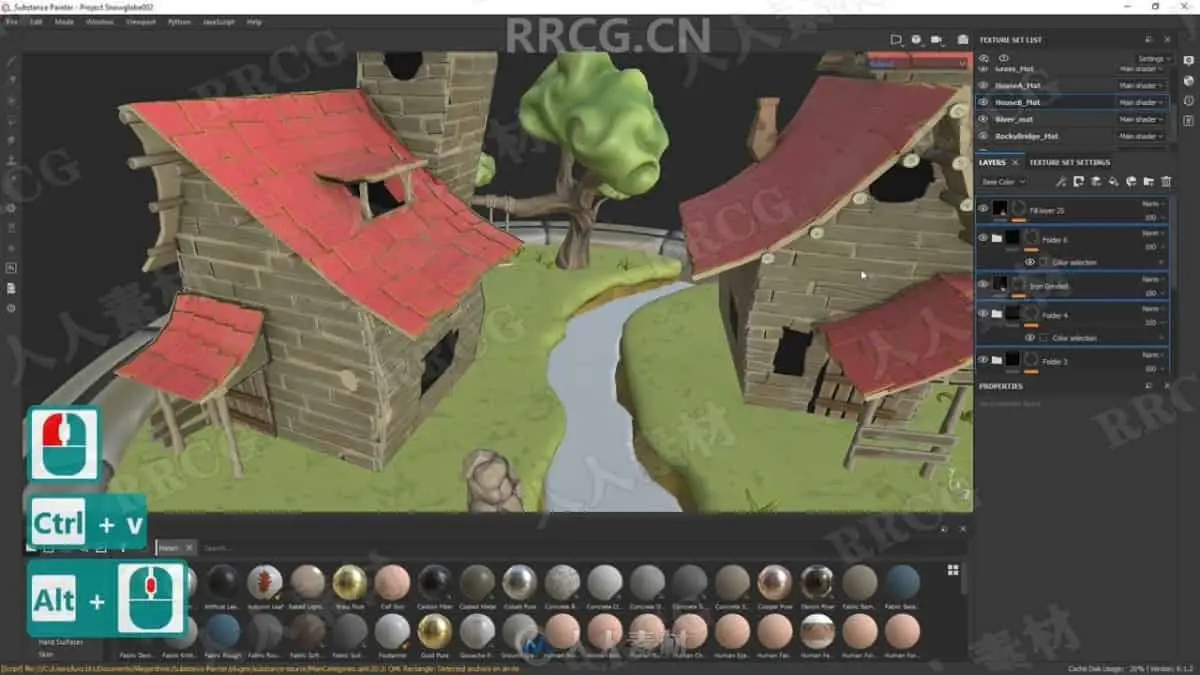
Within this ’Substance Painter – Texturing multiple stylized assets’ class, we are going to be painting a multi-asset scene and creating stylized textures for the snow globe. The course will teach you how to texture a variety of assets within a single Substance Painter Project file and how you can make the best use out of it. You will learn how to fix baked textures such as normal and ambient occlusion maps and avoid getting artefacts within this workflow.
Creating custom textures
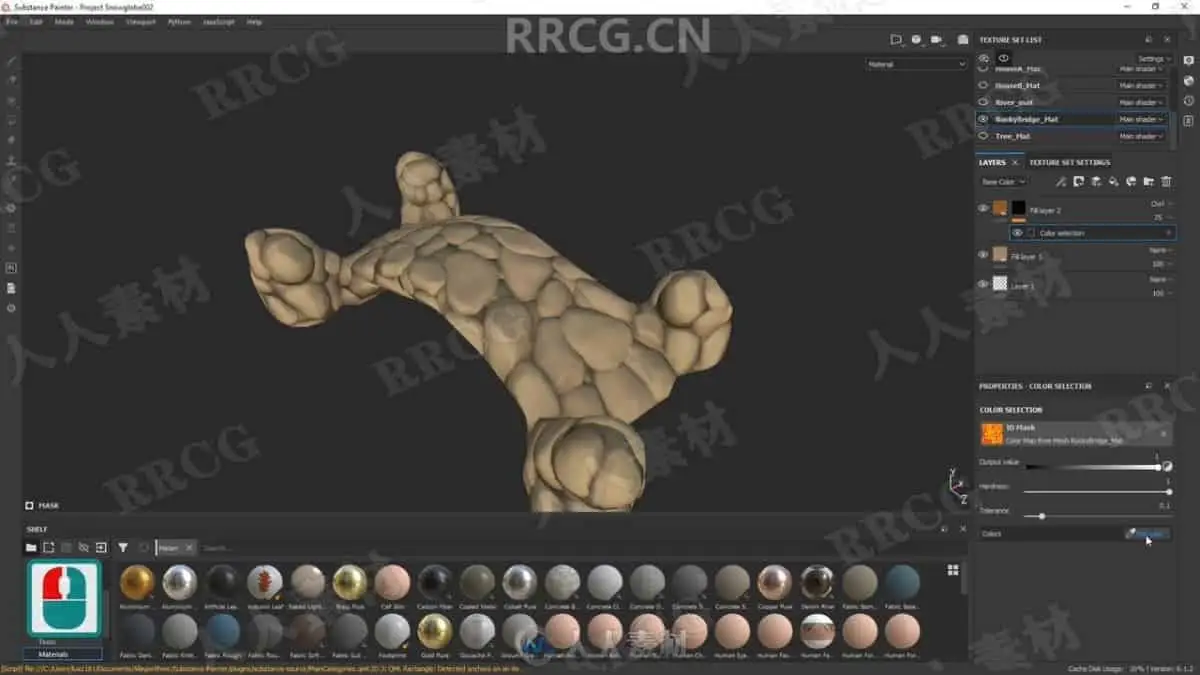
In this class, you will also learn how to create your own simple yet stylish materials within Substance Painter in order to texture a scene. By the end of it, you will know how to create stylized materials such as stone, wood, water, glass and foliage by making use out of smart masks in order to exaggerate specific parts of the detail to create a distinctive look. The videos will help you form a unique theme to your artwork.
Learn new workflow techniques
This Substance Painter class will teach you how you can speed up your progress by making use out of the software generated masks to create smart materials which can then be reused onto other assets
In this course I will also teach you of the ways which will help you to make use out of the created custom textures in order to help us reuse our created smart materials on other objects within the scene which will help you to keep the visual consistency throughout the artwork as well as helping you to cut down the time within your texturing process.
Make use out of Substance Painter shaders
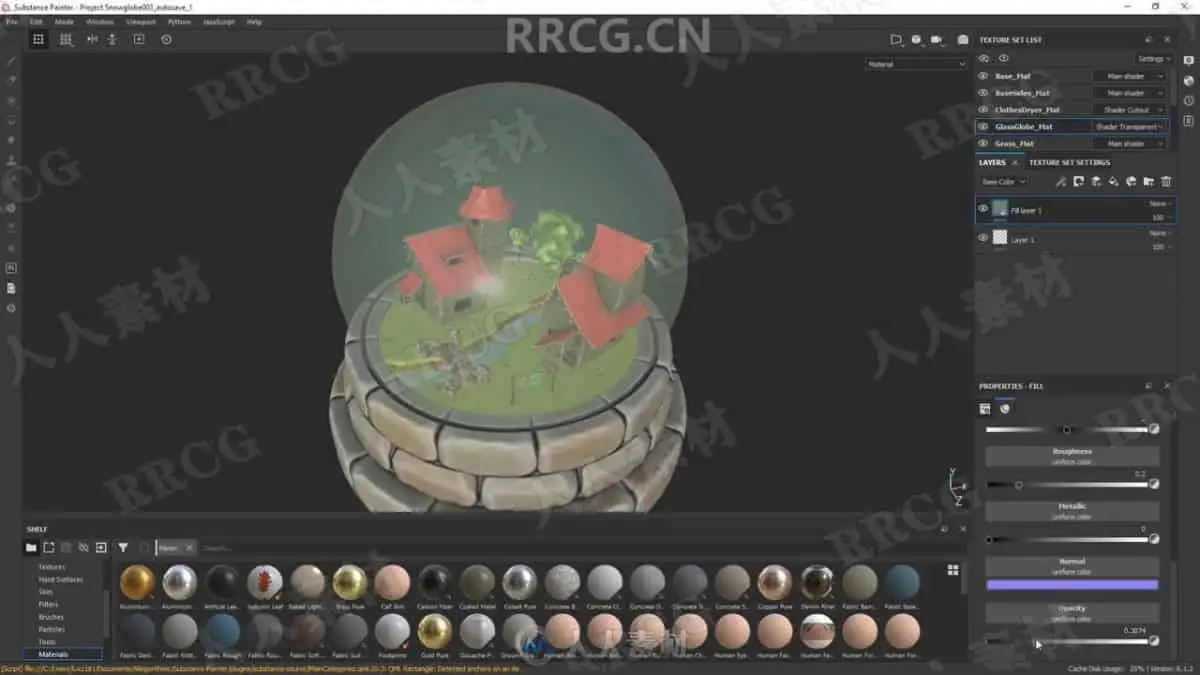
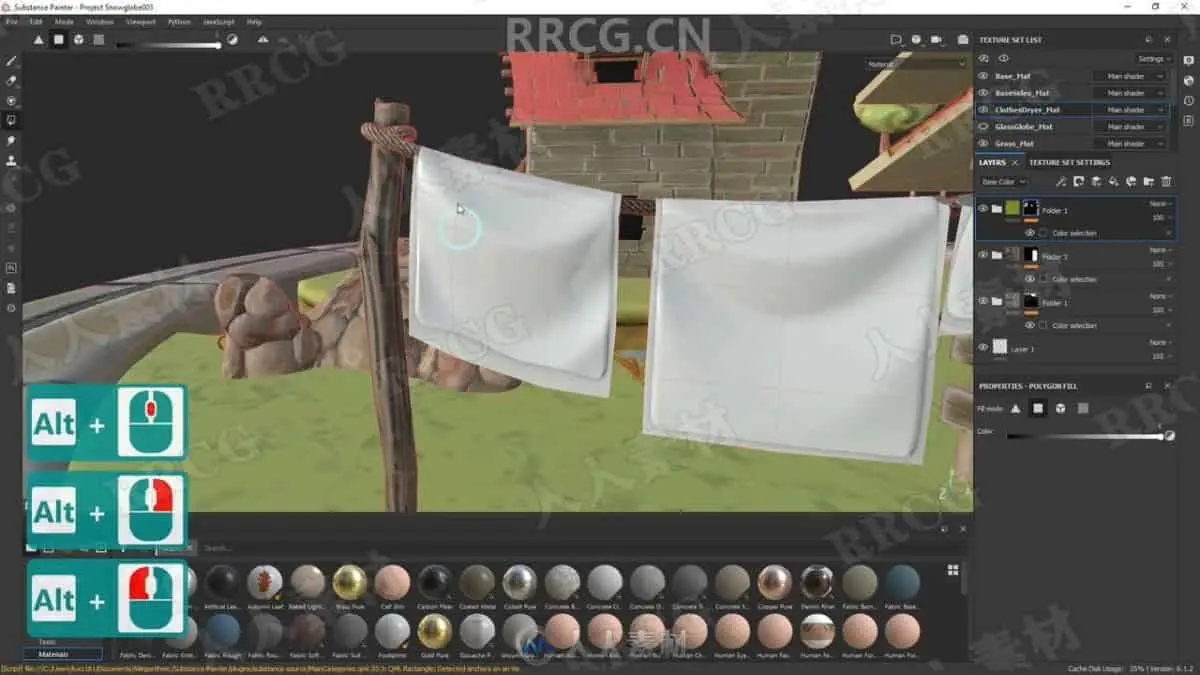
During the end of our lessons we are going to be covering how to use and edit multiple Substance Painter shaders within a 3d object. You will learn the differences within shaders in order to help us get the materials with altered visual properties. This will include making use out of the built shaders such as transparency shader in order to create a realistic glass. Substance Painter also includes two sided shader which we are going to make use out of in order to us help with the visualisation of 2 dimensional cloth planes.
Set up for any level 3D artists
The videos are set up for Substance Painter users of with any amount of experience to be able to follow the lessons with ease. This Substance Painter course will allow any beginner to follow it through with ease as it includes a briefing lesson showing the basics of camera manipulation within the software to help you get familiarised with its movements. The lessons will cover texturing techniques which I am sure that every level of Substance Painter user will benefit as it will help you build a stronger foundational understanding of the software.
Create a render
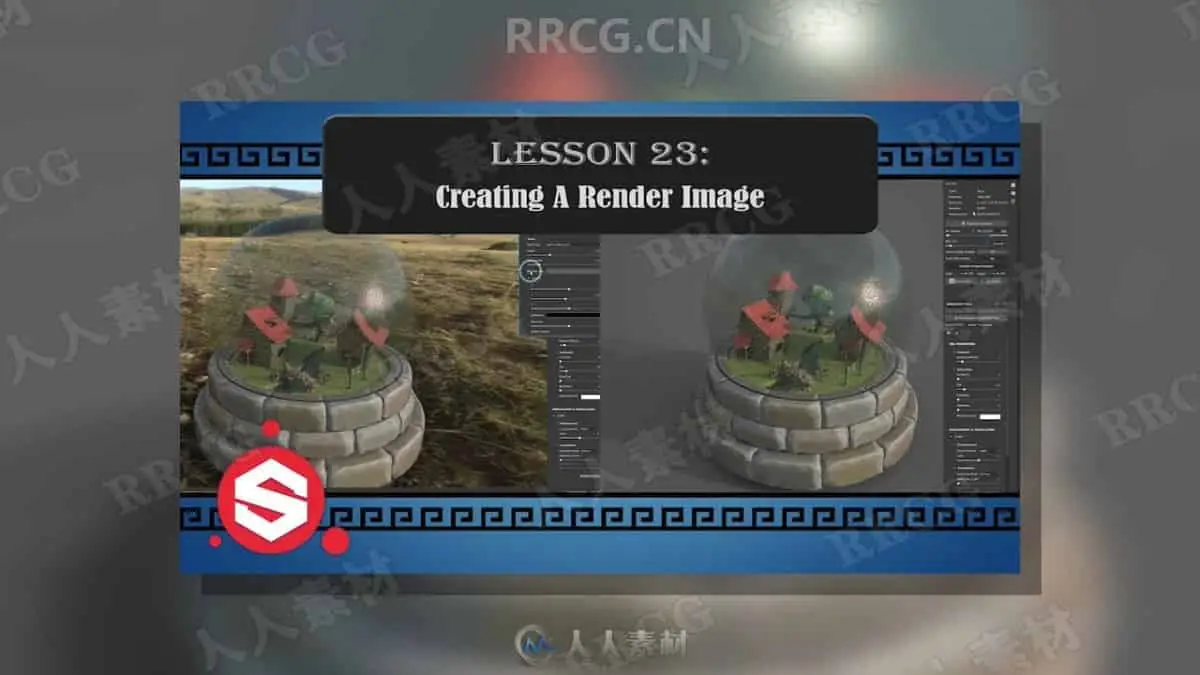
Finally, we are going to finish it off by creating a quick little render which we’ll do by covering the render basics in order to get a nice image of our textured asset. By the end of it, you will have a fully rendered image of your own textured asset which you will be able to share with others.
资源截图

评论0